Yes: scanning a QR code never needs internet. Your phone's camera reads the pattern on the phone itself, so a code scans fine in airplane mode, in a basement or on a mountain. What happens after the scan is another story. Some codes do their job with no connection at all, others open a web page that needs data.
Here's which is which, and how to plan for places with bad signal.
Scanning happens on the phone
A QR code is a pattern of dark and light squares that stores text. The camera app on iPhone and Android finds the pattern, reads it and turns it back into that text, all on the device. No server is involved in the reading. The same goes for scanning a code from a screenshot or a photo in your gallery: see how to scan a QR code from a picture.
So the real question is: what's inside the code, and does that need a connection?
What works offline, and what doesn't
| What the code holds | Works without internet? | Why |
|---|---|---|
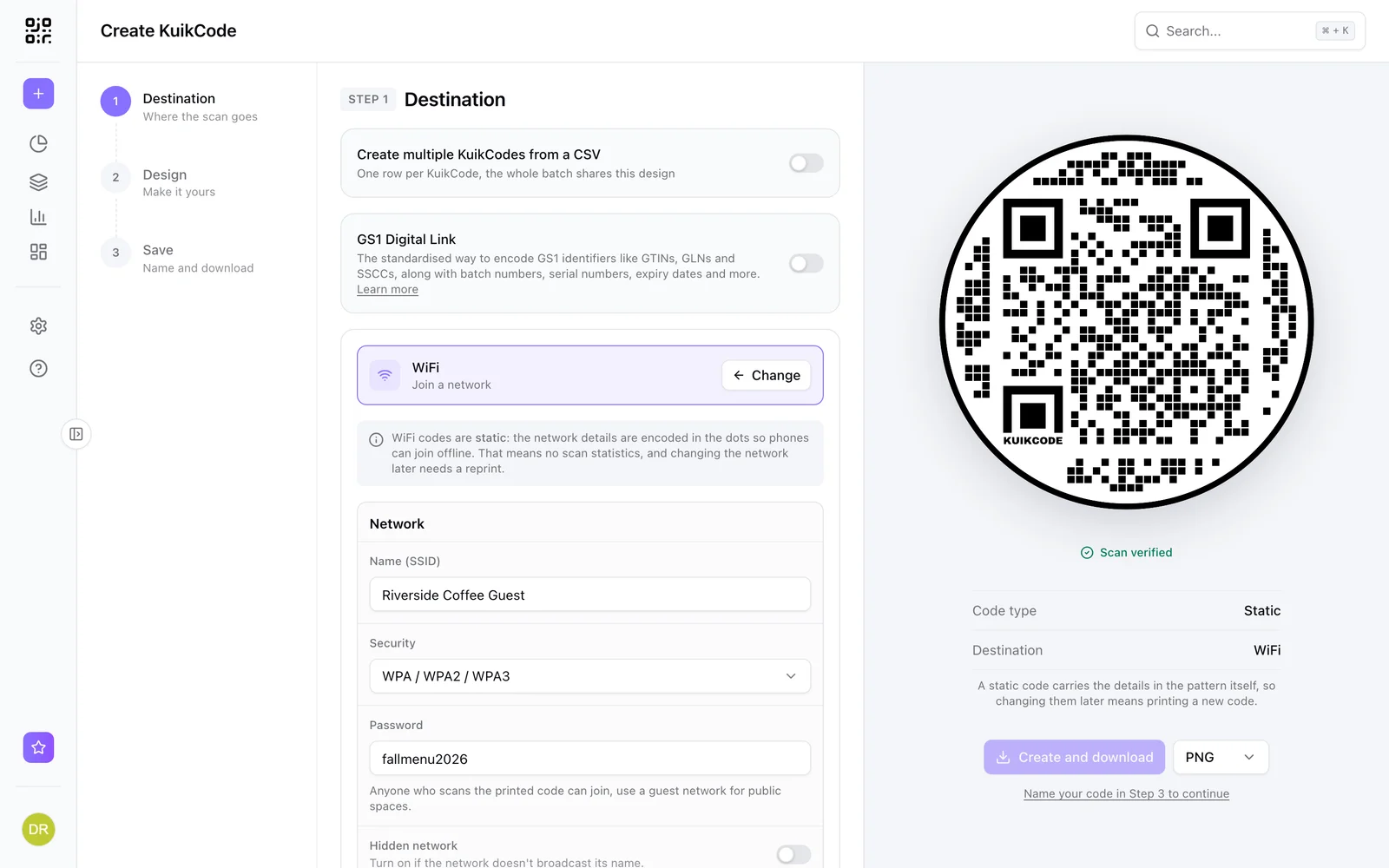
| WiFi network | Yes | The name and password are in the pattern; the phone joins the network |
| Text | Yes | The words are in the pattern and show on screen |
| Phone number | Yes, with cell signal | The call goes over the phone network, not data |
| SMS | Yes, with cell signal | The text message goes over the phone network |
| Partly | The draft opens; it sends once you're online | |
| Contact card (vCard in the code) | Yes | The contact saves straight to the phone |
| Website link | No | The browser has to load the page |
| Dynamic code | No | The phone has to reach the short link first |
The first rows are static codes that carry their content inside the pattern. You can make WiFi, text, email, phone and SMS codes in the free QR code generator, no account needed.
Why dynamic codes need a connection
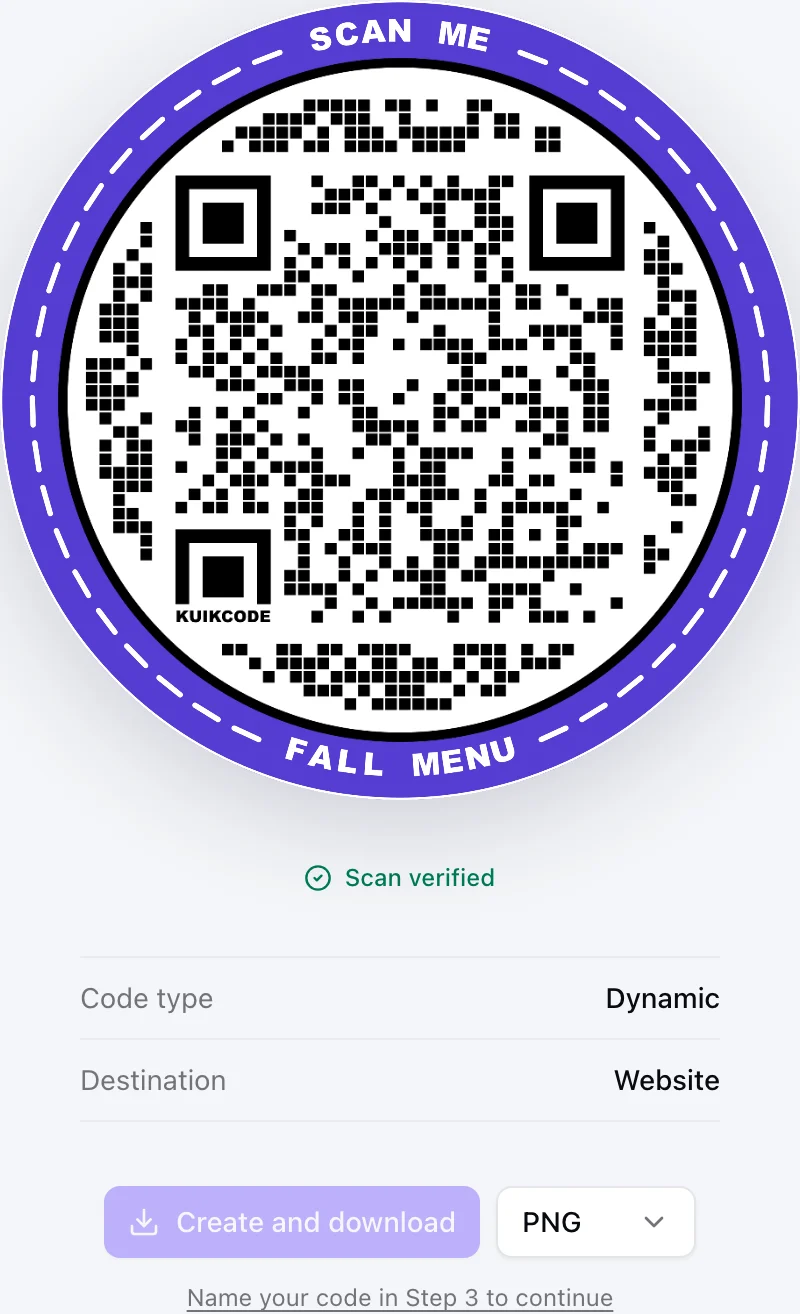
A dynamic code doesn't store your page. It stores a short link, and when someone scans it, the phone opens that link, which then sends it on to wherever you've pointed the code today. That hop is what lets you change the destination after printing, count scans and route by language, country or time. It's also why the phone has to be online: without a connection, it can't ask the short link where to go.
The same is true for any code that opens a website, static or dynamic: once the phone knows the address, it still has to load the page. More in static vs dynamic QR codes.
WiFi codes: the offline code that gets people online
A WiFi code is the one code that solves the problem it lives with. Guests at a hotel, a café or an event often arrive with no roaming data. They scan the WiFi code, the phone joins your network, and now every other code works. That's why it should be the first code people see: by the entrance, on the table card, on the badge. See how to make a WiFi QR code guests can scan.
On KuikCode, the WiFi destination is static on every plan, because the network details have to be readable without a connection.
Planning for places with bad signal
Festivals, stadiums, trade show halls, basements, rural trails and flights all have patchy data. A few habits help:
- Put the WiFi code first, if there's a network to share.
- Keep the essentials in a text code. An emergency number, the meeting point or tonight's schedule fit in a text code and show with no signal at all. Keep it short, a few hundred characters, so the code stays easy to scan.
- Keep linked pages light. A simple mobile page loads on one bar of signal far better than a heavy PDF.
- Print the key facts next to the code. If the page won't load, the address, time or phone number is still right there.
- Test in the actual spot. Scan the printed code where people will stand, on the network they'll have.
Does a QR code stop working over time?
Not because of the internet. A static code works as long as the content inside it still makes sense: a WiFi code until the password changes, a link until the website moves. A dynamic code works as long as the service behind its short link keeps running it. More in do QR codes expire?
Frequently asked questions
01Can you scan a QR code without internet?+
Yes. The camera app on iPhone and Android reads the code on the phone itself, with no connection. Whether the next step works offline depends on what the code holds.
02Which QR codes work offline?+
Codes that hold their content in the pattern: WiFi (it joins the network), text (it shows the words), a phone number (the call goes over the cell network) and SMS (the text goes over the cell network). A contact card stored in the code can be saved offline too.
03Do dynamic QR codes work without internet?+
No. A dynamic code holds a short link, and the phone has to reach it to find out where to go. That's also how scans get counted, so a dynamic code needs a data connection or WiFi.
04Does a WiFi QR code need internet?+
No. The network name and password are in the pattern, so the phone joins the network straight from the scan. That's why it's the code to put first where people arrive without data.
05Can I scan a QR code from a screenshot offline?+
Yes. Reading a code from a photo or a screenshot also happens on the phone. Opening the link inside it still needs a connection.
06Do I need internet to make a QR code?+
You need it to use an online generator. Once you download the image, the code is a picture: printing it or showing it on a screen works offline.