Copy an Amazon product address from your browser and you get something like this:
https://www.amazon.com/Brand-Product-Name-Size-Color/dp/B0XXXXXXXX/ref=sr_1_3?crid=...&keywords=...&qid=...&sprefix=...&sr=8-3
Most of that is not the product. It is your search, where you clicked and how Amazon tracks the visit. The product itself only needs its ID, the 10 characters after /dp/.
Three quick ways to a short Amazon link
1. Use the Share button. On the product page, the Share button offers to copy a short link to the product. It is the fastest way to send a product to a friend.
2. Trim it to the product ID. Keep only amazon.com/dp/ and the ID: https://www.amazon.com/dp/B0XXXXXXXX. It opens the same product, without your search attached, and it is easy to read.
3. For Amazon Associates: SiteStripe. If you are an Amazon affiliate, the SiteStripe bar at the top of Amazon pages offers a short link under Get Link, with your tracking ID already in it. Use that one for affiliate links, for the reason below.
The rule for affiliate links
If you earn commissions through Amazon Associates, read this before you run your links through any link shortener, ours included. Amazon's Associates Program Policies say, among other things:
- A link shortener must not make it unclear that the link goes to Amazon.
- A link that sends people to Amazon through another site, without them clicking there, is a "Redirecting Link", and purchases through it can be excluded from your commissions.
- Special Links are not allowed in printed material or other offline promotion, which rules out printing an affiliate link in a QR code.
So for affiliate links, the SiteStripe short link is the safe choice. Amazon updates these policies from time to time: check the current Operating Agreement and Program Policies on Amazon's Associates site before you rely on any of this.
When a tracked short link is the better fit
Plenty of Amazon links are not affiliate links. If you sell on Amazon, or you are a brand sending people to your own listing or storefront, a tracked short link gives you what Amazon's own links do not: which channel brought the click.
- One link per channel.
kuik.sh/blender-igin your Instagram bio,kuik.sh/blender-mailin your newsletter. Each counts its own clicks. - A readable ending people can type from a video or a podcast.
- A destination you can change. When a new version of the product launches, point the same link at the new listing, and every post that already has the link follows.
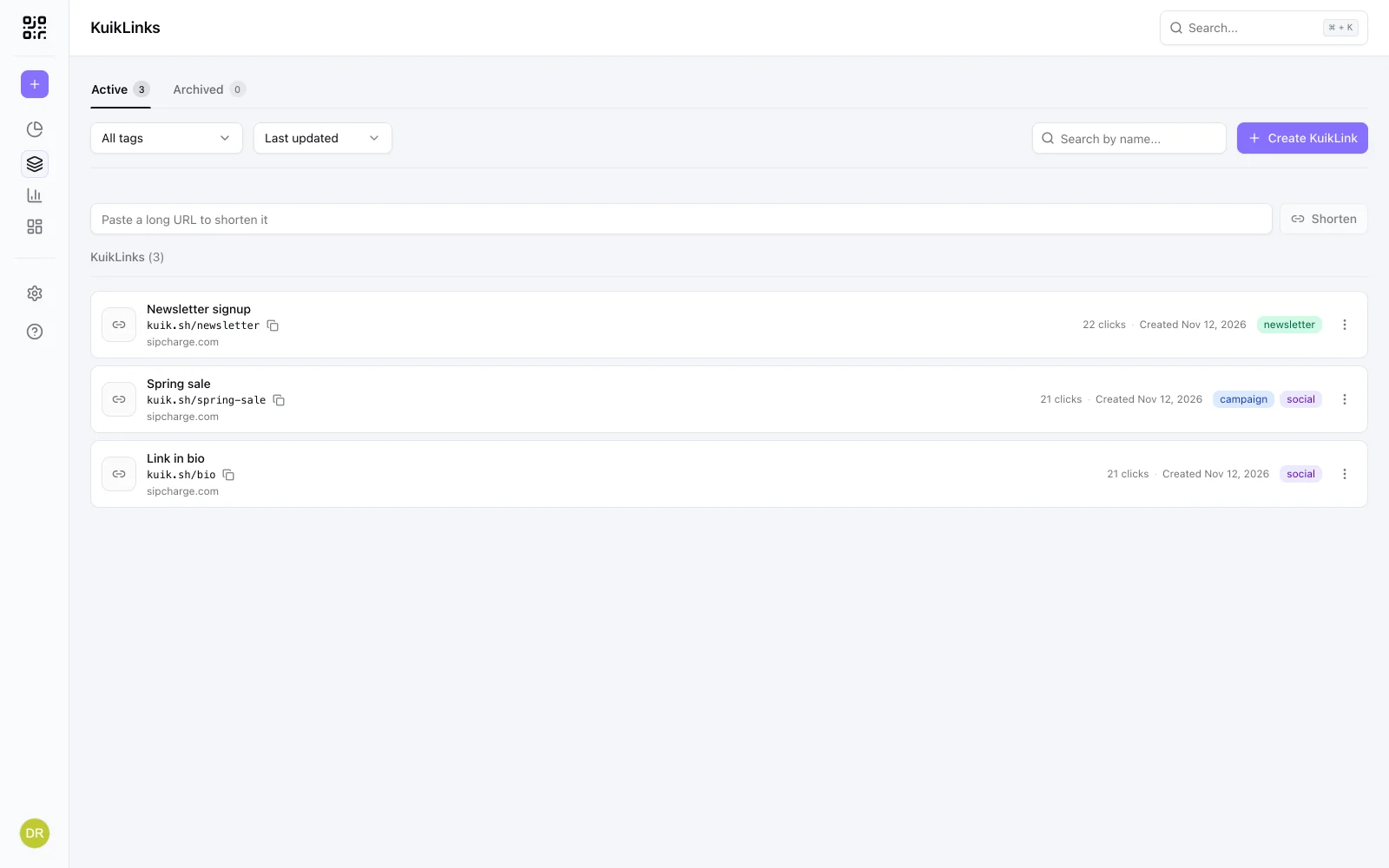
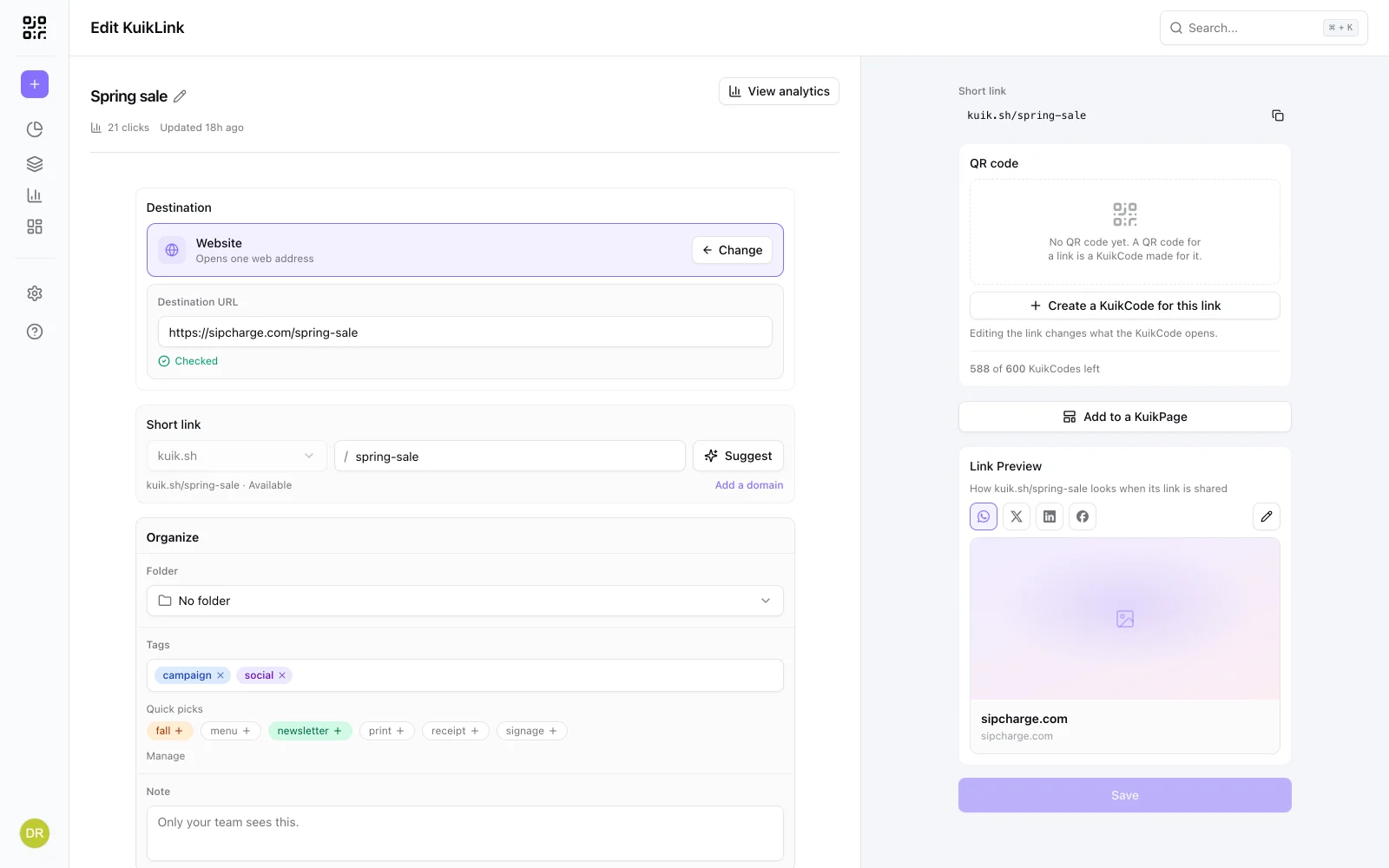
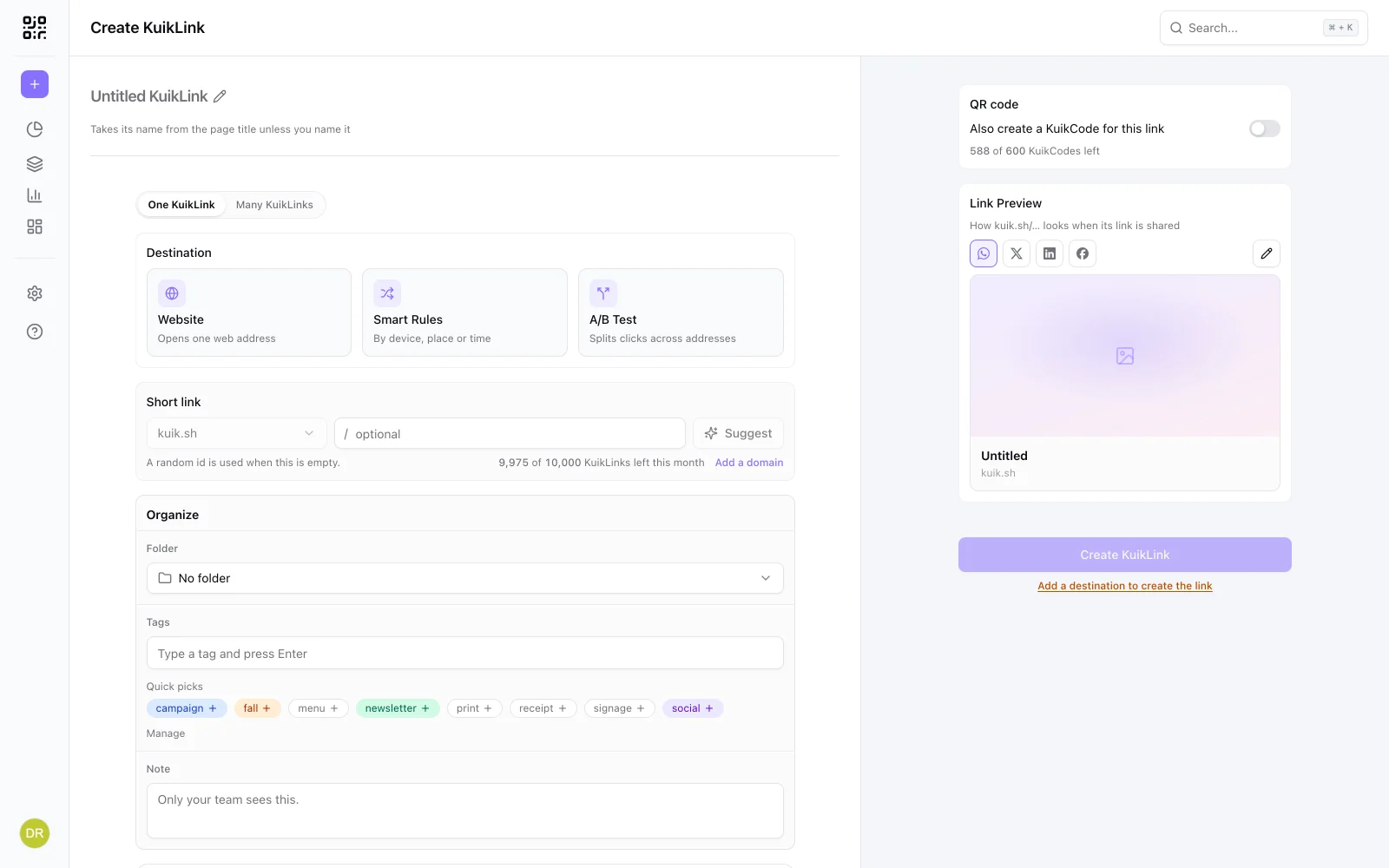
To make one, paste the product address (trimmed to /dp/ if you like) into KuikLinks and press Shorten. Our guide to shortening a link covers readable endings and UTM tags, and what a tracking link is explains what the numbers tell you.
Frequently asked questions
01How do I shorten an Amazon link?+
Use the Share button on the product page and copy the link it gives you, or trim the address to amazon.com/dp/ followed by the product's 10-character ID. Both open the same product.
02Can I use a link shortener for Amazon affiliate links?+
Amazon's Associates policies say a link shortener must not make it unclear that the link goes to Amazon, and purchases through a link that sends people to Amazon via another site without a click can be excluded from commissions. The safe choice for affiliate links is the short link Amazon gives you in SiteStripe.
03What is the short link in Amazon SiteStripe?+
SiteStripe is the bar Amazon Associates see at the top of Amazon pages. Its Get Link option offers a short link with your tracking ID already in it.
04Can I put my Amazon affiliate link in a QR code?+
Amazon's Associates policies do not allow Special Links in printed material or other offline promotion. Check the current Operating Agreement before printing anything with an affiliate link.
05When should I use a tracked short link for Amazon?+
When the link is not an affiliate link, such as a seller or brand sharing its own listing or storefront in posts and emails, and you want to know which channel brings the clicks.