A QR code and a short link do the same job: they get someone to a page without making them type a long address. The difference is how people use them. A QR code is a link you scan. A short link is a link you tap or type. Which one to use depends on where people meet it.
When a QR code is the better choice
Use a QR code when people see your message but are not already on their phone:
- Print: posters, flyers, packaging, receipts, menus, business cards.
- Places: shop windows, tables, event badges, signs.
- Screens at a distance: TV ads, presentations, digital signage.
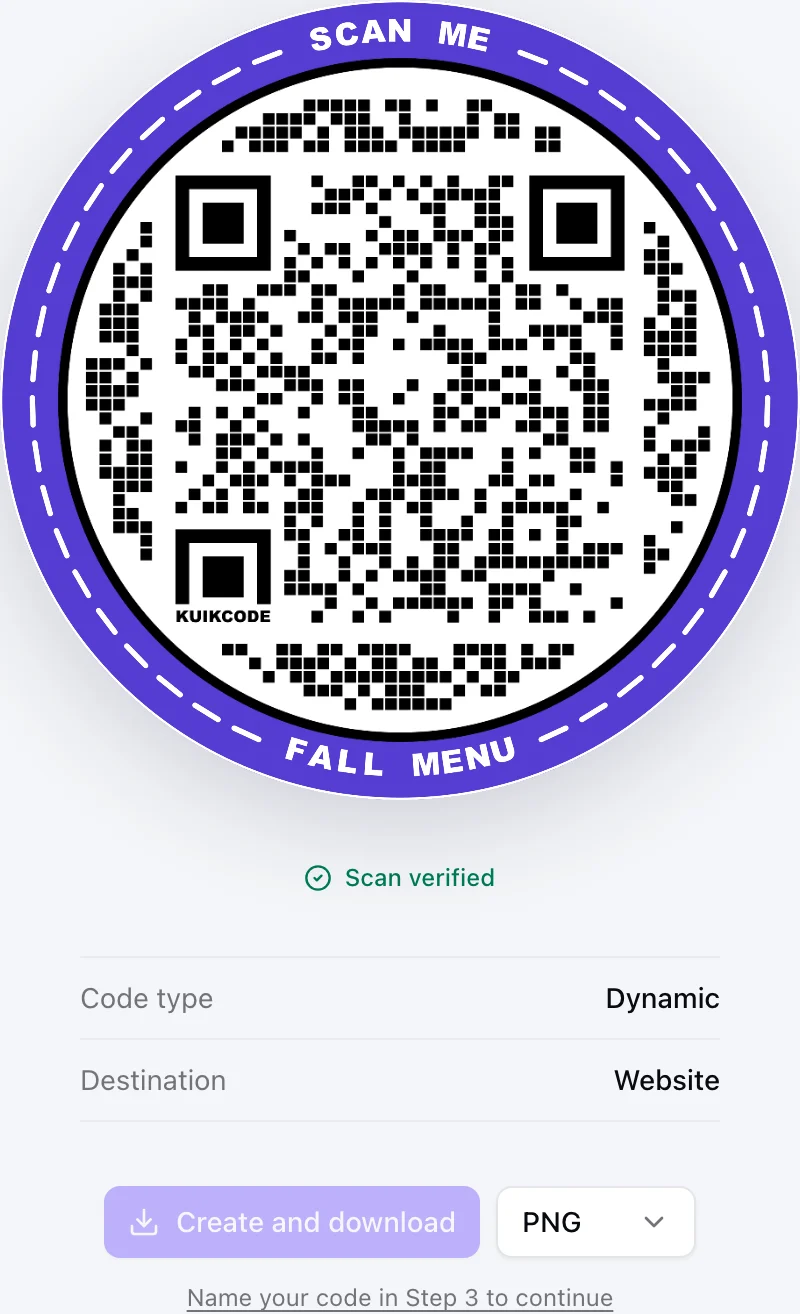
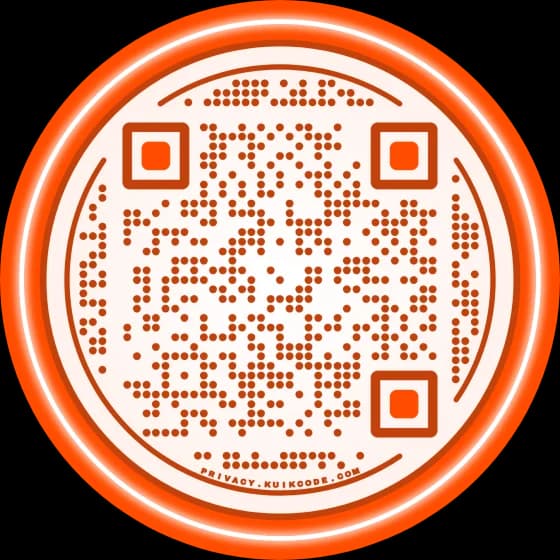
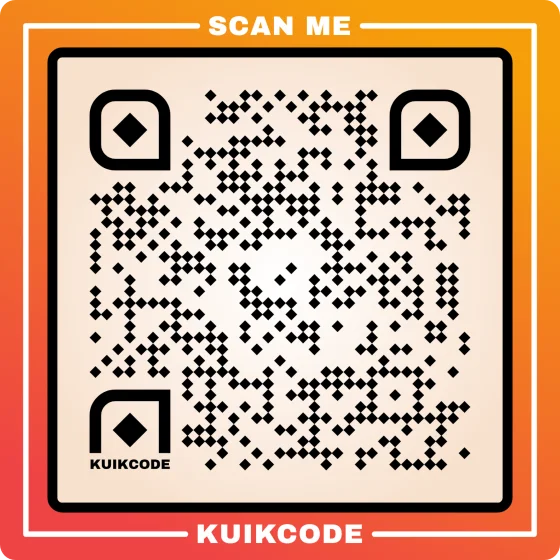
Pointing a camera is faster than typing anything. A code also leaves room for design: a frame with a clear call to action tells people what the scan will do before they lift the phone.
When a short link is the better choice
Use a short link when people are already reading on a screen, or listening:
- Chats and text messages, where a clean, readable link looks like it came from a person.
- Email and newsletters, where people tap rather than scan.
- Social posts and bios, where only one link may fit.
- Spoken out loud: podcasts, radio, talks. Nobody can scan a voice, but anyone can type
kuik.sh/talk. - Slides and documents that people read on the same device they would open the link on.
When to use both
Most campaigns live in both worlds. A sale is on the flyer and in the newsletter. An event is on the poster and in the invitation email. Using both is not double work if they come from the same place:
- One destination. Change the page once and every printed code and shared link follows.
- A link under the code. Print the short link in small type under the QR code. Some people would rather type, and some cameras struggle in poor light.
- One set of numbers. Scans of the code and clicks on the link are counted apart, in the same view, so you see which half of the campaign worked.
How to use both in KuikCode
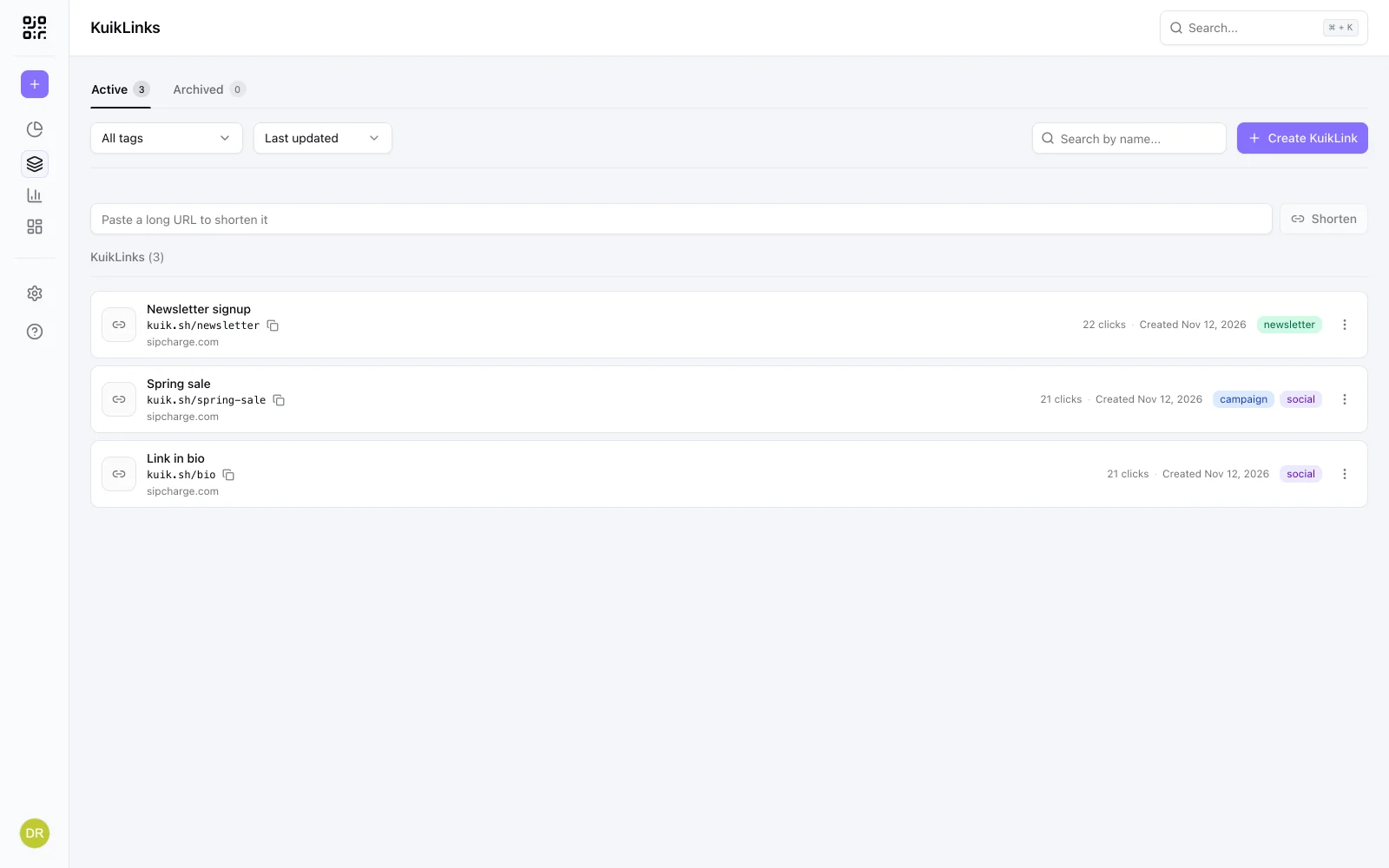
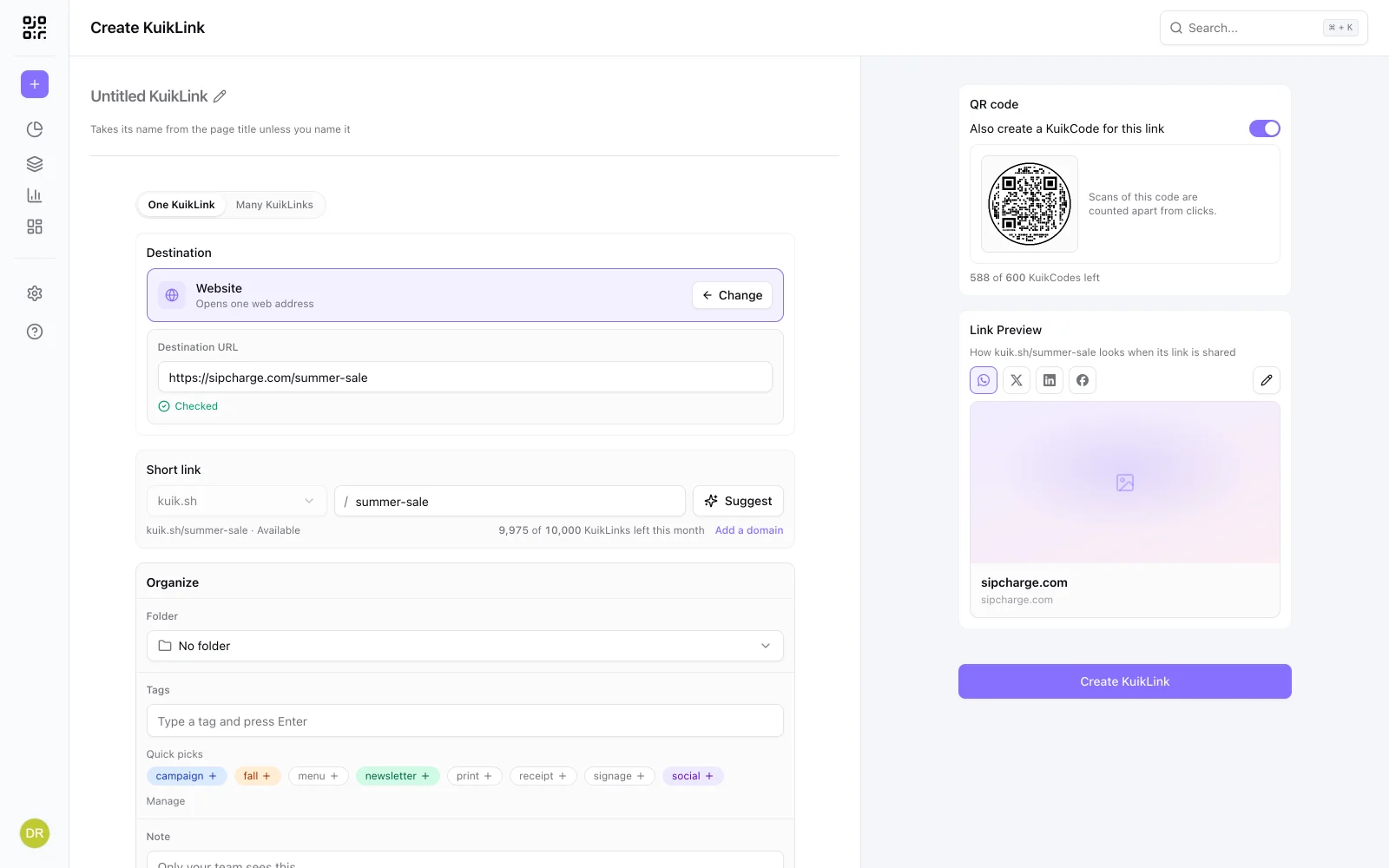
- Create the short link first, with a readable ending like
kuik.sh/summer-sale. - Turn on Also create a KuikCode for this link before you create it, or open the link later and choose Create a KuikCode for this link.
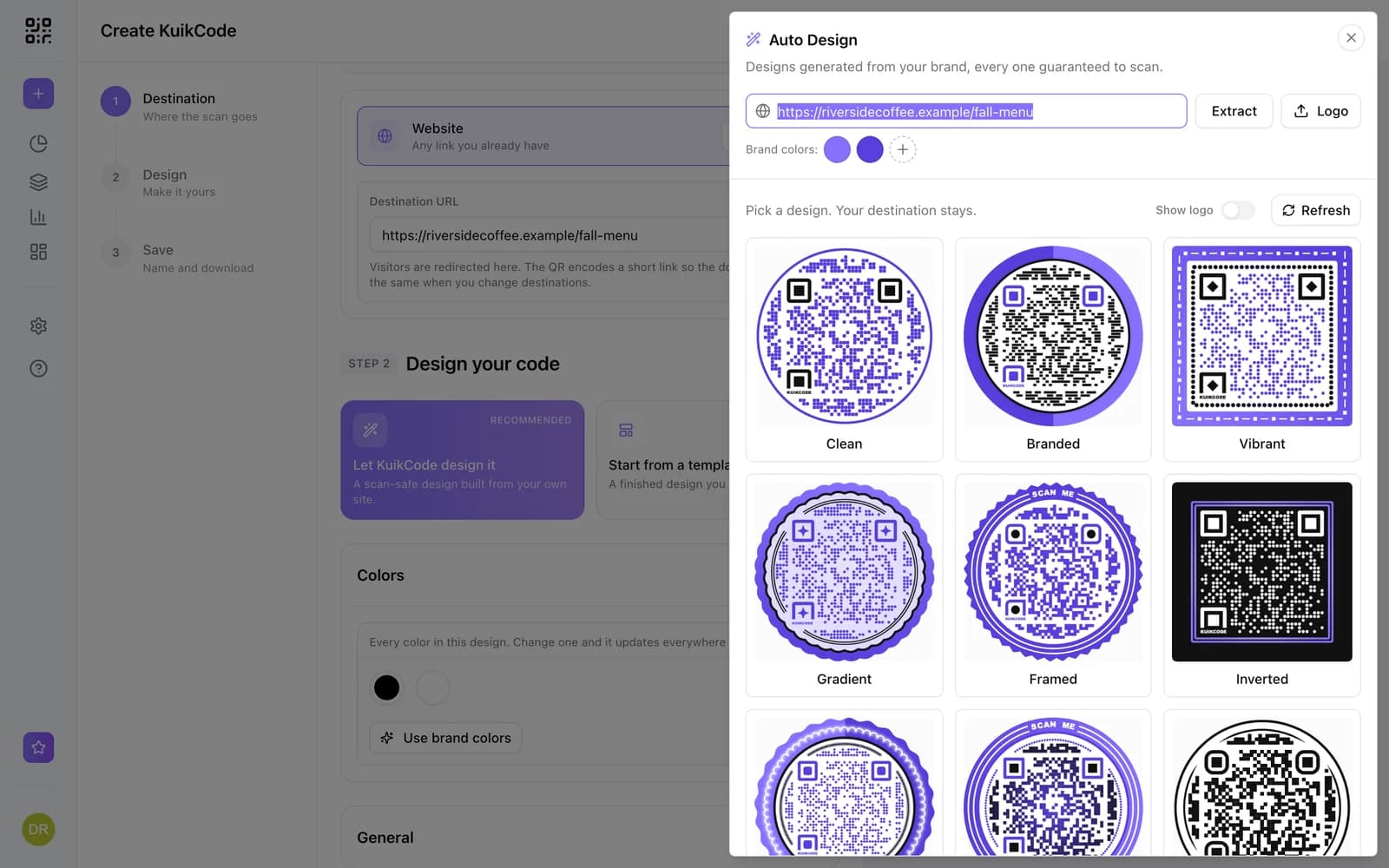
- Design the code in the KuikCode editor if you like. It starts in a clean default design you can download right away.
- Print the code, share the link. Both open the same destination.
The code opens the link by its own id, so renaming the link's ending never breaks what you printed. Each code counts as one of your plan's KuikCodes.
A quick way to decide
- Will people see it on paper or across a room? QR code.
- Will they read it on the screen they would open it on? Short link.
- Will they hear it? Short link, with a readable ending.
- All of the above? Both, from one link.
New to QR codes? Our guide to making a QR code for a link covers the basics, and static vs dynamic QR codes explains why a code you can edit after printing is worth it.
Frequently asked questions
01Is a QR code just a link?+
A QR code holds information, most often a web address. A dynamic QR code holds a short link of its own, which is why you can change its destination after printing and count its scans.
02Should I use a QR code or a short link?+
A QR code for things people see, like posters, packaging, menus and screens. A short link for things people read or hear, like messages, emails, social posts and podcasts. Many campaigns need both.
03Can a QR code and a short link open the same page?+
Yes. In KuikCode, create a KuikCode for a KuikLink. The code opens the link, so changing the link's destination changes where both go, and scans of the code are counted apart from clicks on the link.
04Do I need a short link inside my QR code?+
Not for it to work. A dynamic code already uses a short link of its own. Making the code from a KuikLink is useful when you also share the link as text, because both then follow one destination.
05Which gets more engagement, a QR code or a short link?+
It depends on where people meet it. Scanning is easiest when the phone is not in their hand already; tapping is easiest when it is. Tracking both, side by side, is the way to know for your audience.