A WhatsApp link opens a chat with you in one tap, without anyone having to save your number first. It is the fastest way for a customer to ask a question, place an order or book a time.
How to make a WhatsApp link
Write wa.me/ followed by your full phone number with the country code, without the plus sign, spaces, brackets or dashes:
https://wa.me/15551234567
That is all it takes. Whoever opens it gets a chat with that number. Or let the free WhatsApp link generator build it: pick the country, type the number and a message, and copy the link or download its QR code.
Add a ready message
You can open the chat with a message already typed, so the customer only has to press send. Add ?text= and the message, with spaces written as %20:
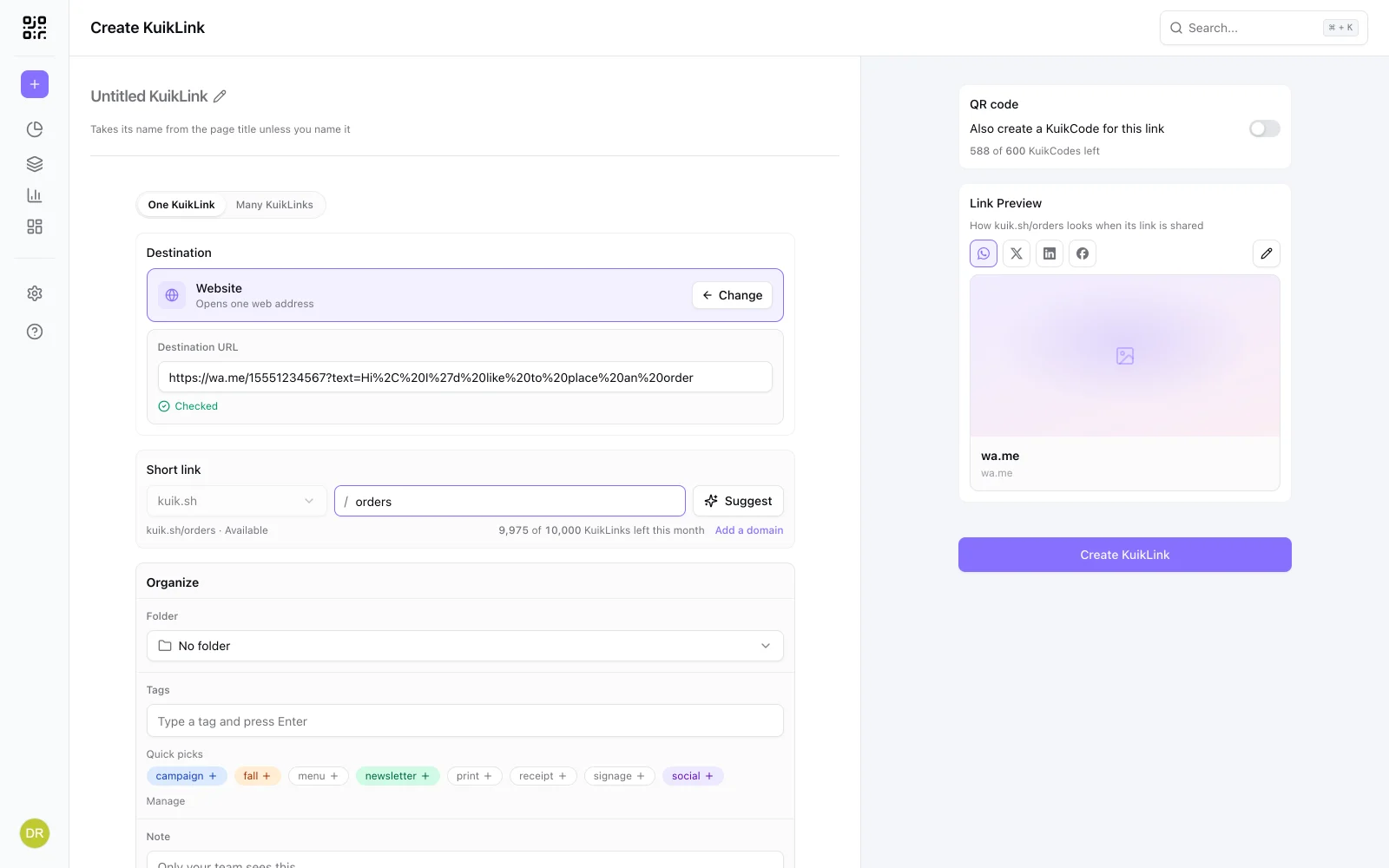
https://wa.me/15551234567?text=Hi%2C%20I%27d%20like%20to%20place%20an%20order
It works well, and it is also where the trouble starts: the link gets long, hard to read and impossible to type, and in a post or a bio it looks broken.
Shorten it, and see who taps
A short link turns that into something like kuik.sh/orders: short, readable, and counted.
- Build your wa.me link, with the message if you want one.
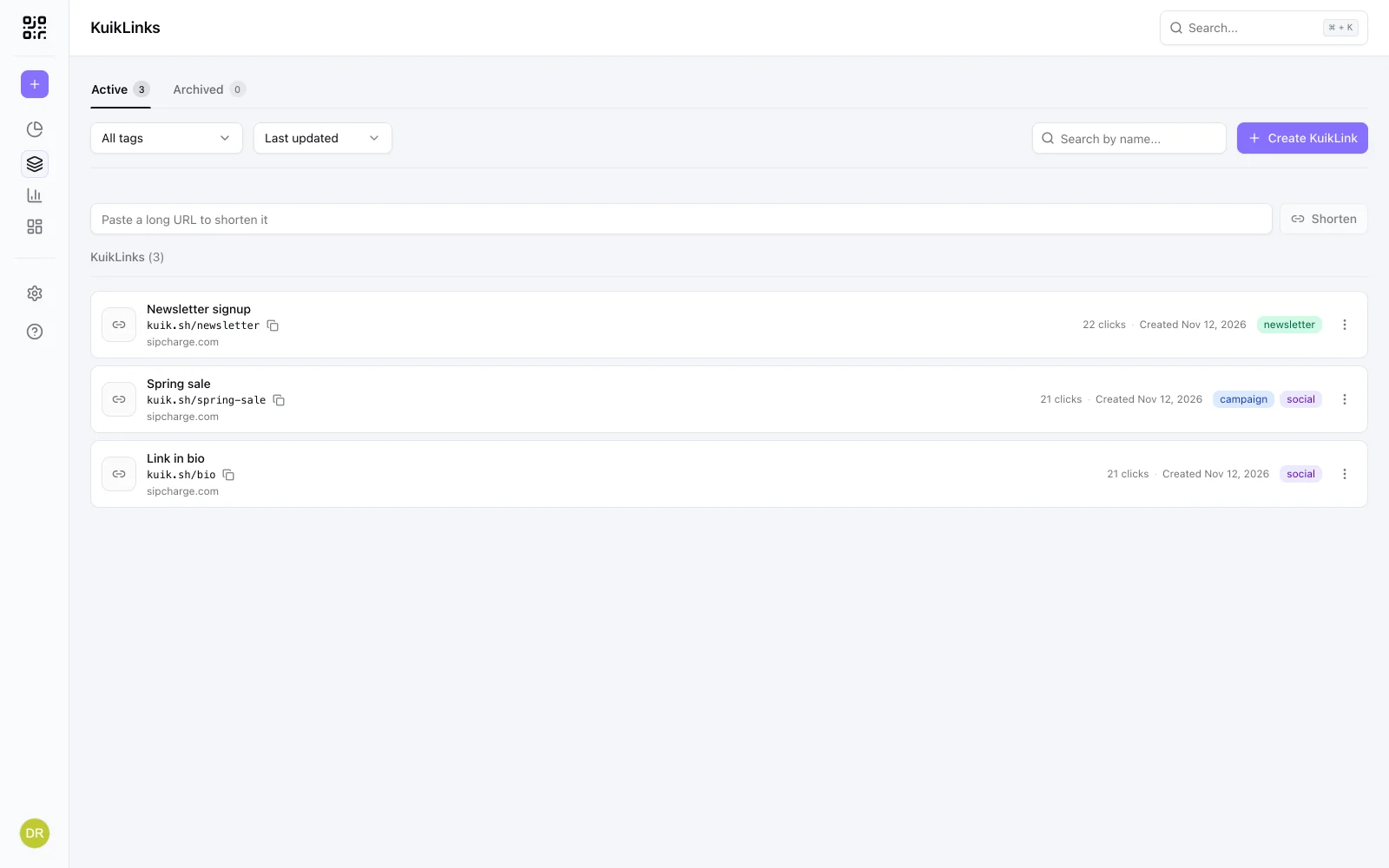
- Open KuikLinks, paste it into the box at the top of the list and press Shorten.
- Give it a readable ending, like
kuik.sh/ordersorkuik.sh/book. - Share it in your bio, posts, email signature or ads.
You will see how many times it is tapped, from which sites and devices, and when. Make one link per place, such as one for Instagram and one for your website, and you will know where your chats come from. Our guide to tracking links explains what the numbers mean.
One honest limit: the link counts taps, not messages. WhatsApp does not tell the link whether someone then wrote to you.
WhatsApp Business has a short link too
The WhatsApp Business app can give you a short link to your business, with an optional default message. It is a good start. Next to it, a KuikLink adds a readable ending, counts every tap, and lets you change the number or the message later without changing the link you already shared.
On a flyer or a counter? Use a QR code
People in front of a printed sign would rather scan than type. Make a KuikCode for the short link and both open the same chat, with scans counted apart from taps. For groups, see our guide to a WhatsApp group QR code, and for a code that opens a chat, the WhatsApp QR code page.
Frequently asked questions
01How do I make a WhatsApp link?+
Write wa.me/ followed by your full phone number with the country code, without the plus sign, spaces or dashes. Anyone who opens it gets a chat with you.
02How do I add a message to a WhatsApp link?+
Add ?text= and your message to the end of the wa.me link, with spaces and symbols encoded (a space becomes %20). The chat opens with that message typed in, ready to send.
03How do I shorten a WhatsApp link?+
Paste the wa.me link into a link shortener. In KuikCode, paste it into the box at the top of your KuikLinks list, press Shorten and give it a readable ending like kuik.sh/orders.
04Does WhatsApp Business have its own short link?+
Yes, WhatsApp Business offers a short link to your business with an optional default message. It is random rather than readable, and it does not show how many people opened it.
05Can I see how many people message me from the link?+
A short link counts the taps on it. WhatsApp does not tell the link whether a message was then sent, so compare taps with the chats you receive.