Every guest at your wedding takes photos. Most of them never reach you. The usual fix is a wedding photo app: ask everyone to install it, sign in and join your album. It works for some guests and quietly loses the rest.
There is a simpler way, and it doesn't involve an app at all.
Three ways guests share wedding photos
1. A photo sharing app
Guests install an app, create an account or sign in, then join your event with a code. The photos land in one album, which is the point.
The catch is the steps before that. Every install and every account is a reason to stop, and the guests most likely to stop are exactly the ones whose photos you want: grandparents, the friends who are busy dancing, and anyone on weak venue signal who can't download an app in the first place.
2. A hashtag
Print a hashtag on the cards and hope. Some guests post, most don't, and the photos that do appear sit on dozens of accounts at social media resolution. Private profiles never show up at all.
3. A QR code to an upload page
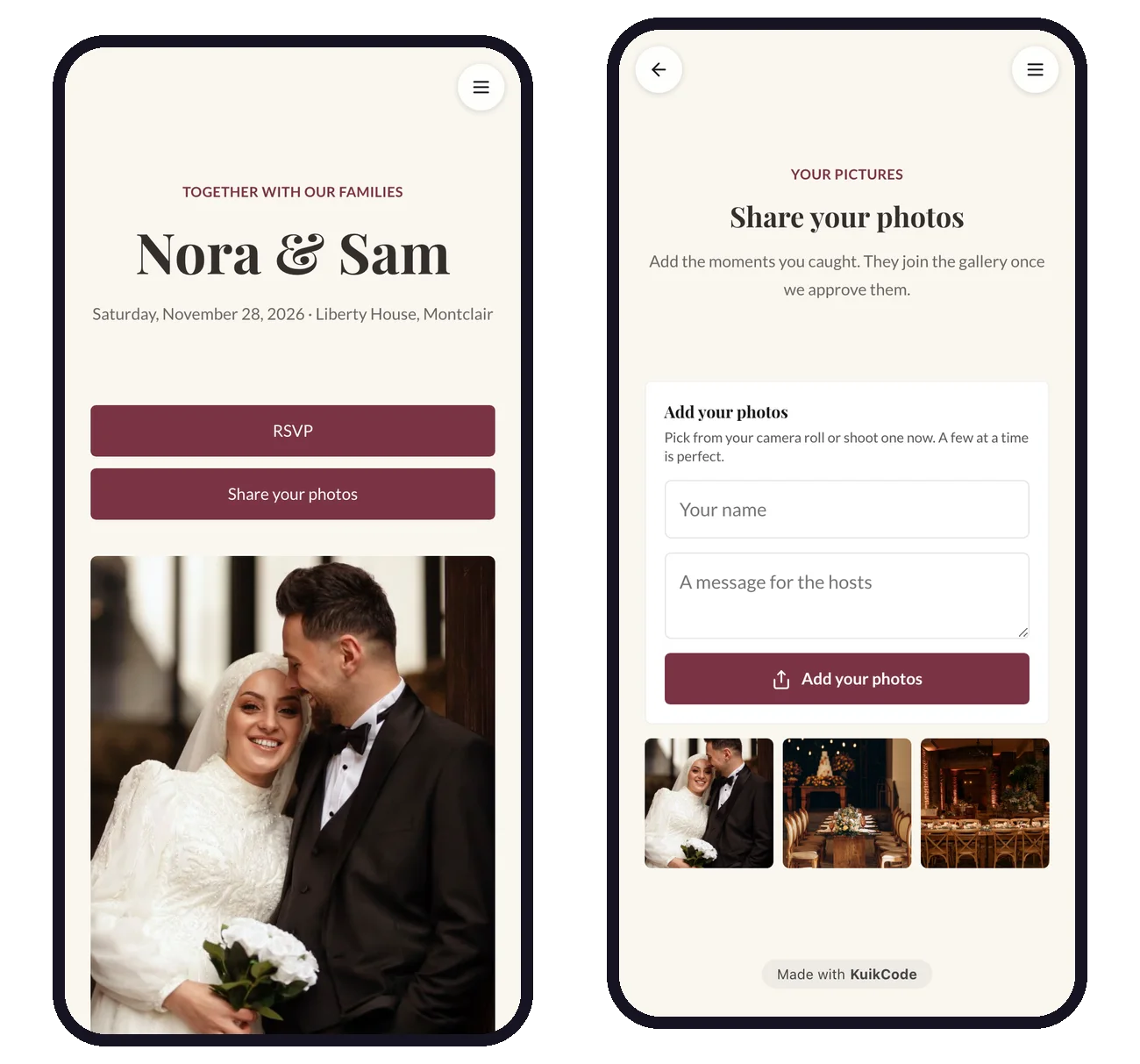
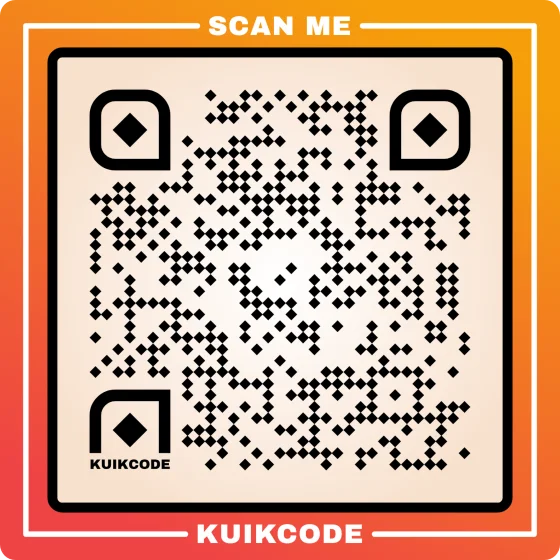
Put a QR code on every table. Guests point their camera at it, a page opens in their browser, they tap Add your photos and pick from their camera roll. No install, no account, done in under a minute, and the photos come straight to you.
That's the one we recommend, and it's how guest uploads work in KuikCode.
How it works in KuikCode
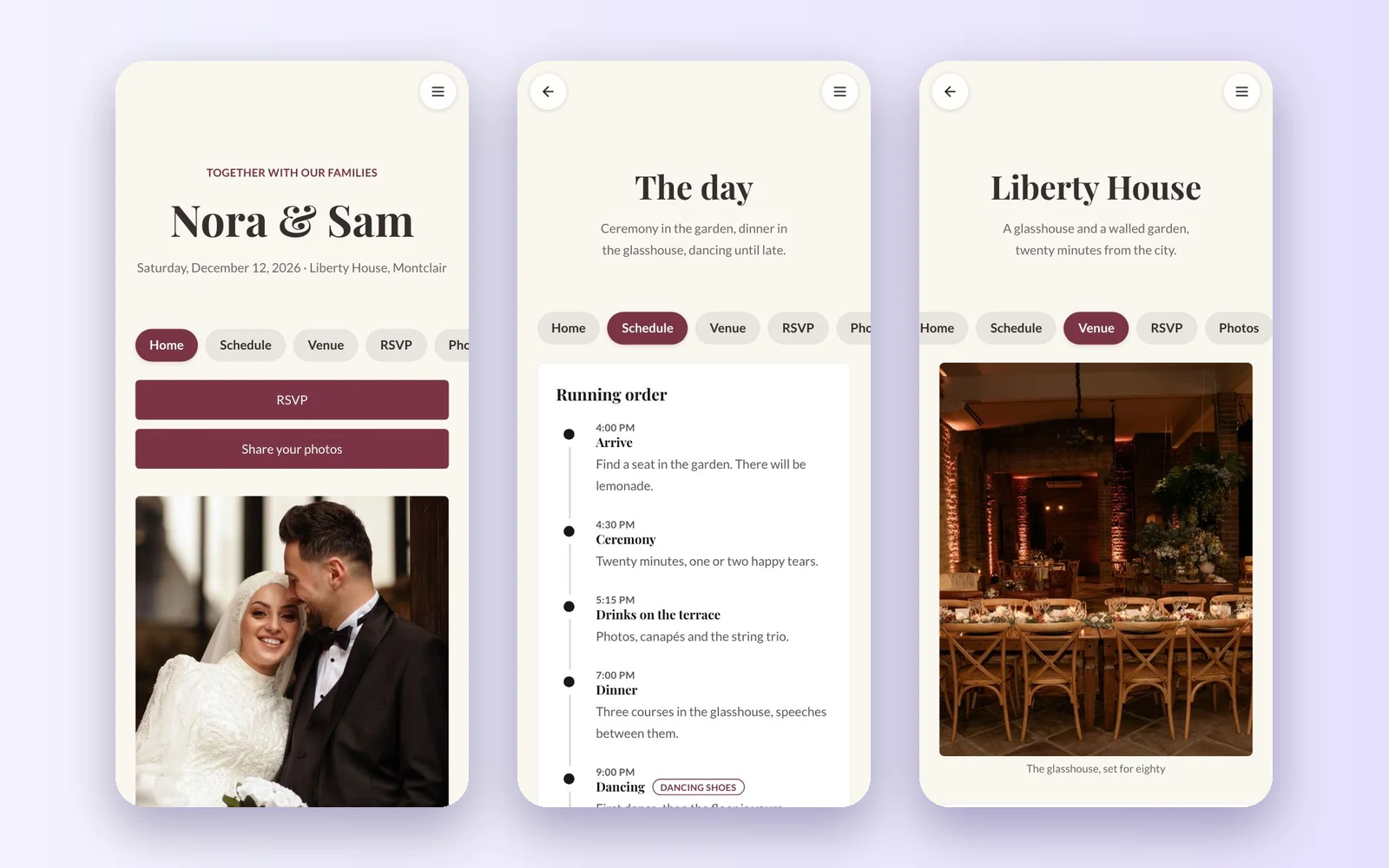
- Add a Guest uploads block to your wedding page, or start from the Wedding template, which already has a Photos page.
- Print the page's QR code on table cards, the welcome sign or the menus.
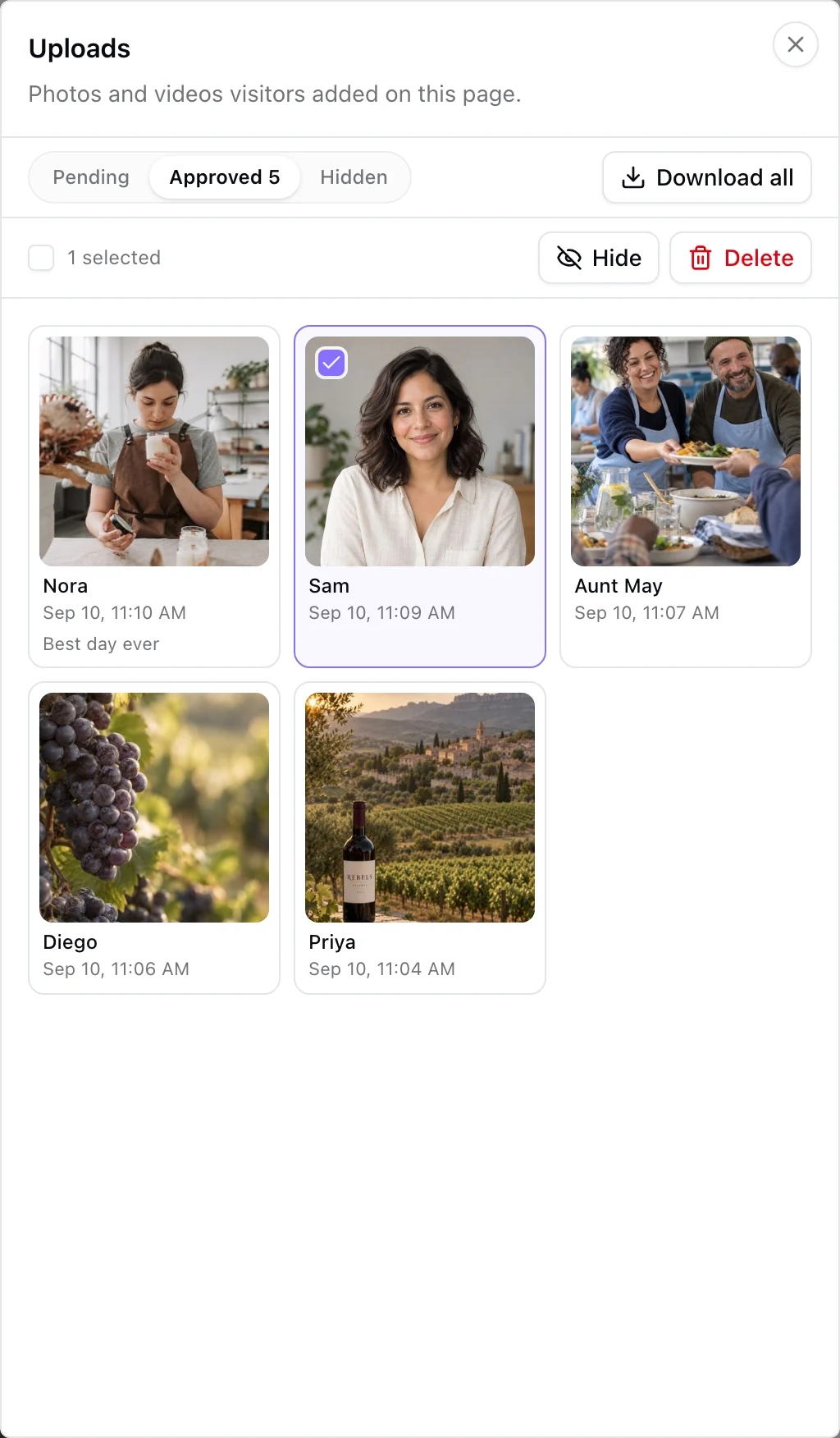
- Guests scan, add their photos, and optionally their name and a note for you.
- Each photo waits for your approval, then joins the gallery everyone can see.
- After the wedding, download every approved photo at once.
Photos are resized on the guest's phone before they upload, so they arrive quickly even on venue wifi. On PRO and up, guests can add videos of up to 60 seconds, and approved photos can copy to your Google Drive automatically.
Guest uploads are part of PRO and Business, with 10 GB of space on PRO and 50 GB on Business, separate from your other files. The full walkthrough is in our guide to the QR code for wedding photos.
Tips for getting more photos
- One code per table. People scan what's in front of them, not across the room.
- Say what it does. "Scan to add your photos of the day" beats a code with no words.
- Mention it in a speech. One line from the best man reminds the whole room.
- Keep it open for a week. Plenty of guests go through their camera roll the morning after.
- Close it when you're done. A date window stops the printed code from collecting forever.
The rest of the wedding website
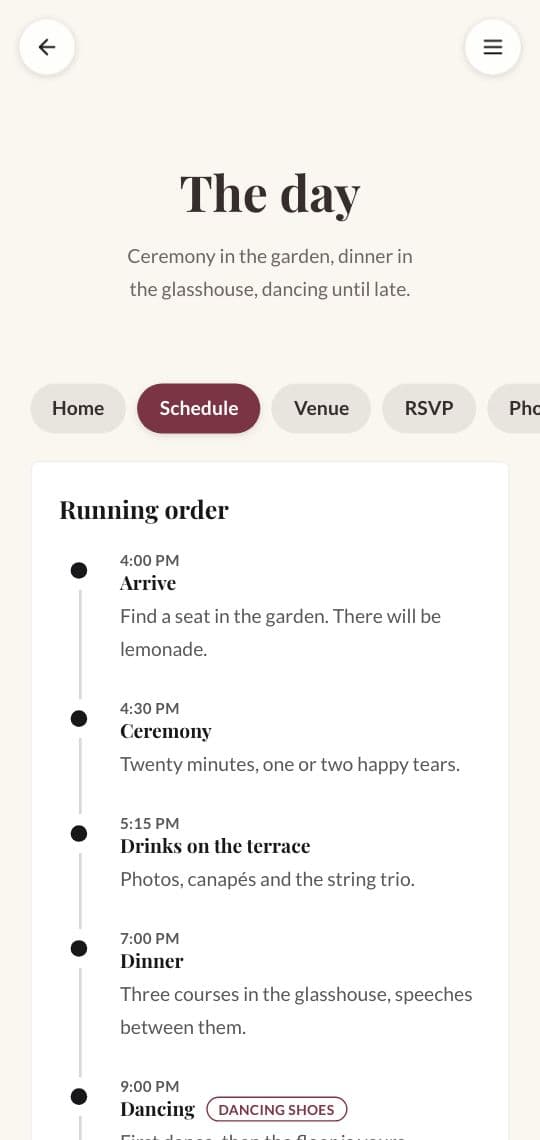
The photos page is the busiest page of a wedding website after the day, but it's one of five. See our wedding website examples for the home page, schedule, travel and RSVP, and everything a wedding website built in KuikCode can do.
Frequently asked questions
01Do I need an app for guests to share wedding photos?+
No. Guests can scan a QR code on the tables and upload from the page that opens in their phone's browser, with nothing to install and no account to create.
02What is the easiest way for wedding guests to share photos?+
A QR code on every table that opens an upload page. Guests point their camera, tap to add photos from their camera roll, and they're done in under a minute.
03Can guests share wedding videos too?+
With KuikCode, yes on PRO and up: switch the uploads block to photos and video, and guests can add clips of up to 60 seconds.
04How do I get every guest's photos after the wedding?+
Approve the ones you want, then download them all at once as a zip. On PRO and up, approved photos can also copy to your Google Drive automatically.
05Can I stop people from uploading after the wedding?+
Yes. Set a date window on the uploads block, and the printed code stops collecting once it closes.