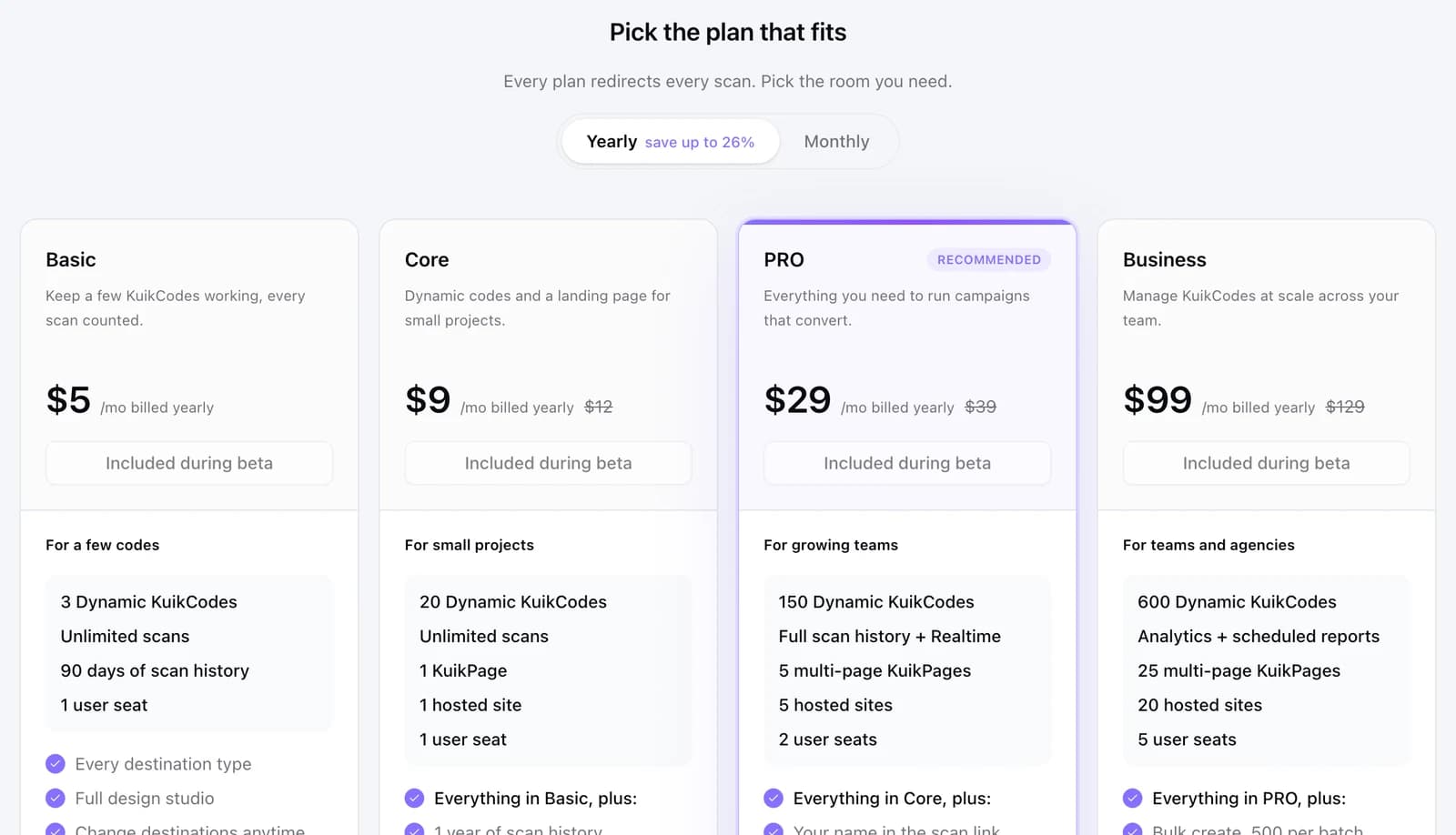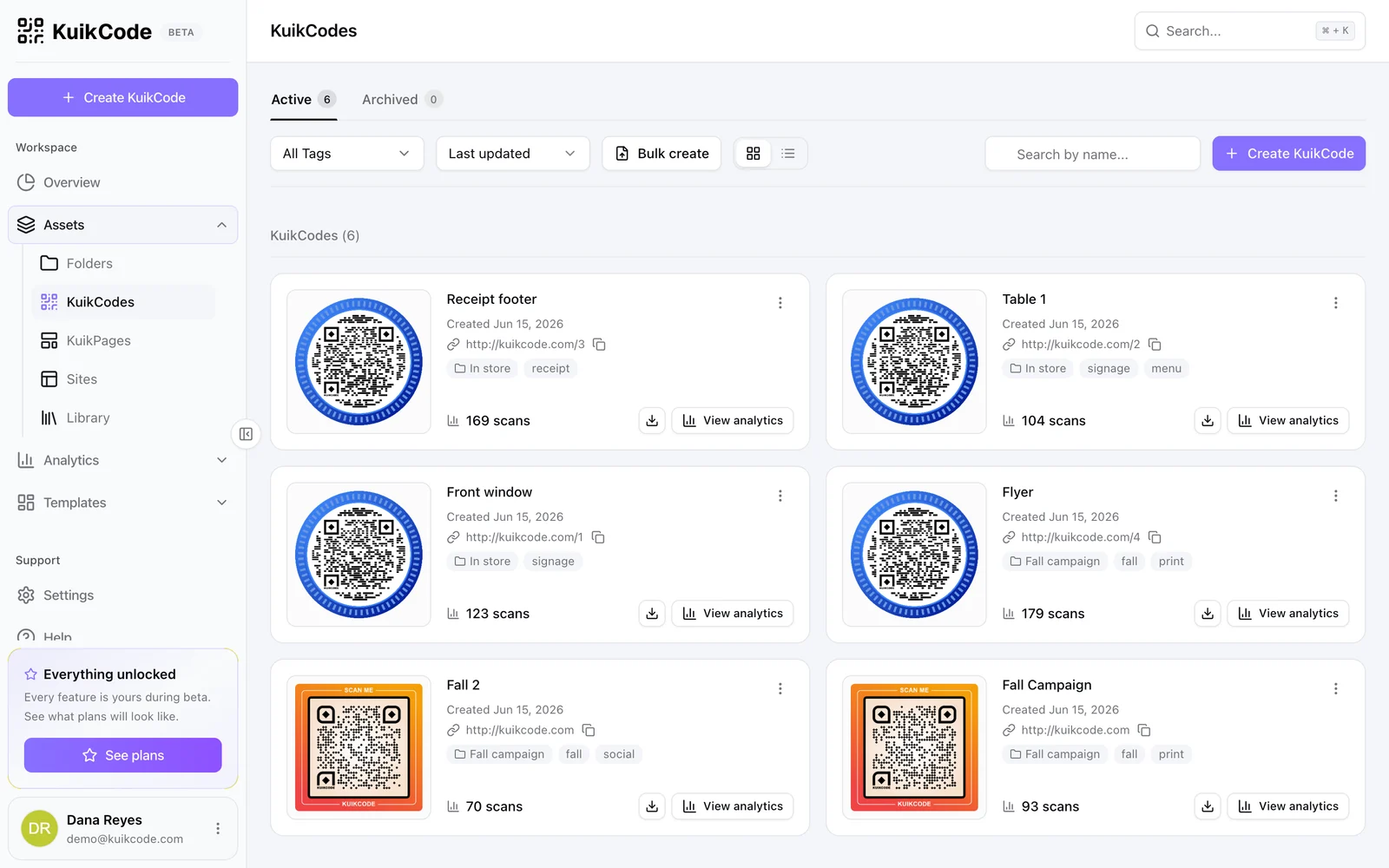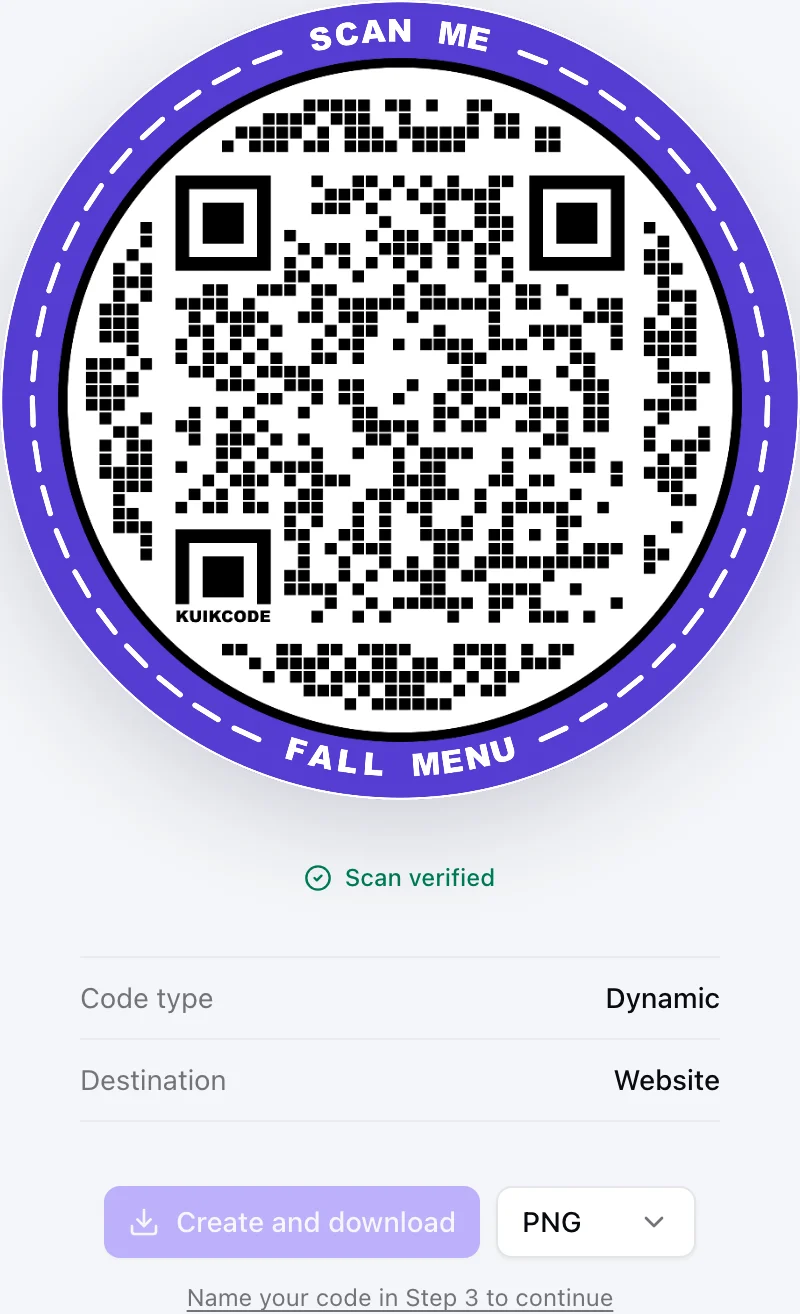
Applies after beta. During beta every feature is unlocked, nothing pauses and nothing is charged.
You made a QR code on a free trial, printed it, and a few weeks later it stopped working. It is the most common complaint about QR code services, and it is not a bug: a dynamic QR code only works while the service behind it keeps its short link running for you. When a trial ends without a plan, many services stop.
This guide explains why it happens, the ways services handle it, how KuikCode handles it (we pause too), and what to check before you print.
Why does a QR code stop working when a trial ends?
There are two kinds of QR codes:
- Static codes store their content, such as a web address, directly in the pattern. Nothing sits in the middle, so nothing can switch them off.
- Dynamic codes store a short link owned by the service that made them. Every scan goes through that service, which sends the scanner on to your destination. That is what lets you edit the code after printing and count scans.
The printed pattern never changes, but the short link inside it belongs to the service. When the trial ends, the service decides what that link does next. Most trial codes are dynamic, because editing and tracking are the features a trial is selling.
How do different services handle the end of a trial?
From reading the help pages of popular services, the approaches fall into a few groups:
- The code stops. The short link no longer redirects, or it sends scanners to a page about the service, until you pay.
- The code pauses. Scanners see a holding page, and your codes and data are kept for a while so you can switch them back on.
- The code keeps working on a free plan. Some services drop you to a free tier where codes keep scanning, but with limits such as a scan cap, fewer editable codes, or ads shown before your content.
- The code works until a scan cap. A free code redirects for a set number of scans and then stops, so the most successful print is the first to fail.
None of these are wrong in themselves. What hurts is finding out after printing. A code on a flyer looks the same whether it works or not.
What happens when a KuikCode trial ends?
We do not have a free plan, so here is exactly what happens.
Every workspace starts with a 14-day trial, no card needed. A banner in the dashboard counts down the days, and you get an email two days before the end. If the trial ends without a plan, or a paid plan ends unpaid, the workspace pauses:
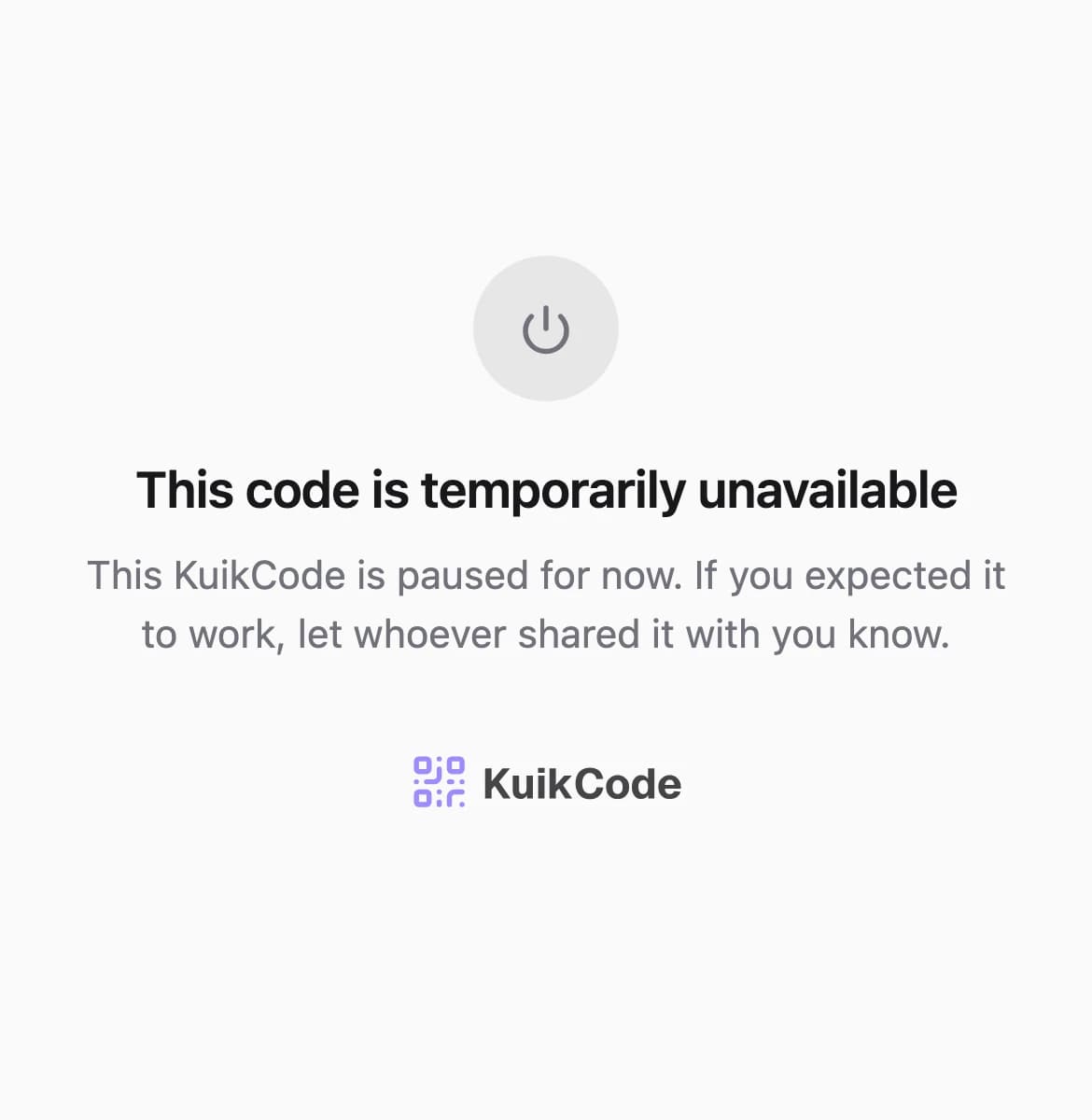
- Codes show a neutral page. Scanners see "This code is temporarily unavailable" with a line asking them to tell whoever shared it. No ads, no offers and no one else's content, only a small KuikCode mark at the bottom.
- KuikPages and hosted sites go offline.
- You hear about scans. When someone scans a paused code, the owner gets an email, at most once a day, so a printed code going unseen does not stay a secret.
- The dashboard stays open, so you can choose a plan or export your data.
- Everything is kept for 60 days, with reminder emails at 30 and 53 days. Choosing a plan in that time turns codes, KuikPages and sites back on within a minute, with the same print.
- After 60 days, it is deleted. The codes, pages, sites and files are removed for good, and a printed code can no longer be brought back. Your account itself stays.
While a payment is being retried, codes keep working and the dashboard asks you to update the payment method. A pause only starts when there is no plan at all.
We are not unlike everyone else here: a KuikCode made on a trial stops redirecting if you never choose a plan. What we can promise is that the pause is plain, you are told about it, and nothing is lost for 60 days. The plans start at $5 a month billed yearly, and what a QR code costs compares them with other tools.
What should I check before printing a trial code?
A short checklist for any service, ours included:
- Read what happens on lapse. Find the help page that says what scanners see when a trial or plan ends. If you cannot find it, assume the code stops.
- Do not print a big run on a trial code. Use the trial to test the design and the scan on a small print. Choose a plan before the code goes on packaging, signs or ten thousand flyers.
- Check scan caps. A plan that stops a code after a number of scans punishes your best placement. Look for "unlimited scans" in writing.
- Check how long data is kept. Know how many days you have to come back before codes and scan history are deleted.
- Export your data. Download your codes and scan history while you have access, so you have a record whatever happens.
- Use your own domain if it is offered. A code that points to a short link on your own domain is easier to move to another service later, because you control the domain.
- Use static codes for things that never change. A WiFi password or a permanent homepage does not need a subscription at all.
My code already stopped. What can I do?
- Sign in to the service that made it. If your codes are still held, choosing a plan usually brings them back with the same print.
- Check the destination. Sometimes the code is fine and the page behind it moved. Open the destination yourself.
- Plan the replacement. If the account is gone, the old short link cannot be recovered. Make a new code, and replace prints as they come up, starting with the most scanned places.
Our guide to whether QR codes expire covers the other reasons a code stops working, and static vs dynamic QR codes helps you decide which kind each print needs.
Frequently asked questions
01Why did my QR code stop working after the free trial?+
Dynamic QR codes point to a short link run by the service that made them. When the trial ends without a paid plan, many services stop redirecting that link, so the printed code no longer reaches your content.
02Can I get a QR code working again after the trial ended?+
Usually, yes, by choosing a paid plan with the same service while it still holds your codes. The printed code stays the same. Once the service deletes the account or the codes, there is no way back, because the short link belongs to that service.
03Do static QR codes stop working after a free trial?+
No. A static code stores its content directly in the pattern, so no trial or subscription can switch it off. It keeps working as long as its content is still true.
04Does KuikCode have a free plan?+
No. Every workspace starts with a 14-day trial with no card. If the trial ends without a plan, the workspace pauses until you choose one.
05What do people see when they scan a paused KuikCode?+
A plain "temporarily unavailable" page that asks them to tell whoever shared the code. No ads and no one else's content. The owner gets an email when a paused code is scanned, at most once a day.
06How long does KuikCode keep a paused workspace?+
60 days, with reminder emails along the way. Choosing a plan in that time turns codes, KuikPages and sites back on within a minute, with the same print. After 60 days the codes, pages, sites and files are deleted for good.