Free tool

Circular QR code generator

Make a round QR code for a link, WiFi, email or phone number. Free, with no sign-up and no watermark, in PNG and SVG.

1What should it open?

Type a website address to start
PNG size

Free, no sign-up, no watermark. Made in your browser.

2Make it yours

Shape

Dots

Eyes

Colors

Dots
Eyes
Background

Frame

Logo

PNG, JPG, WebP or SVG up to 5 MB. It stays in your browser, and the code switches to its strongest error correction.

More looks in the KuikCode editor
How it works

How a round QR code works

Every QR code is a square. A round QR code keeps that square in the middle and fills the rest of the circle with dots in the same style, so the whole thing reads as one round design.

A phone camera looks for the three corner squares, reads the code between them and ignores everything outside it. That is why a round code scans like any other, as long as the square inside is big enough and dark enough against the background.

What people see

What a phone reads

The dots outside the dashed square are decoration. The phone reads only the square code in the middle.
Step by step

How to make a circular QR code

Three steps, all in your browser.

  1. 1
    Enter what it opens

    A link, text, WiFi, email, phone number or SMS. A short link leaves more room in a round code.

  2. 2
    Style the circle

    Circle is already picked. Choose the dots, the eyes and the colors, put a ring around the code with your words under it, or add your logo in the middle.

  3. 3
    Download and test it

    Download a PNG or an SVG and scan it with your phone before you print. Keep the square code inside at least 2 cm (about 0.8 in) wide.

In the KuikCode editor

Round QR codes, designed further

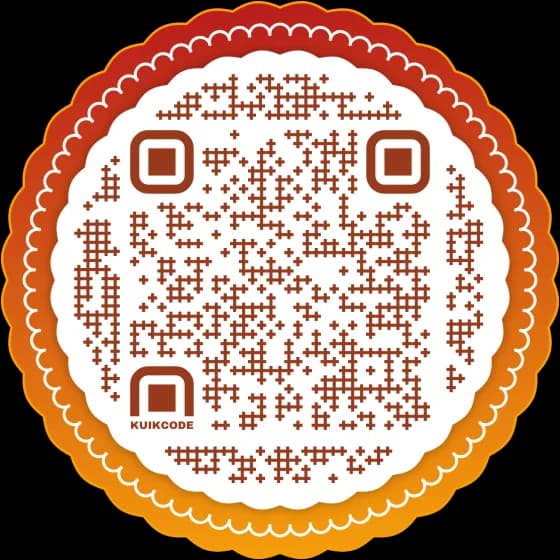
Made in the KuikCode editor, where a round code can take shapes and edges this free tool does not have.

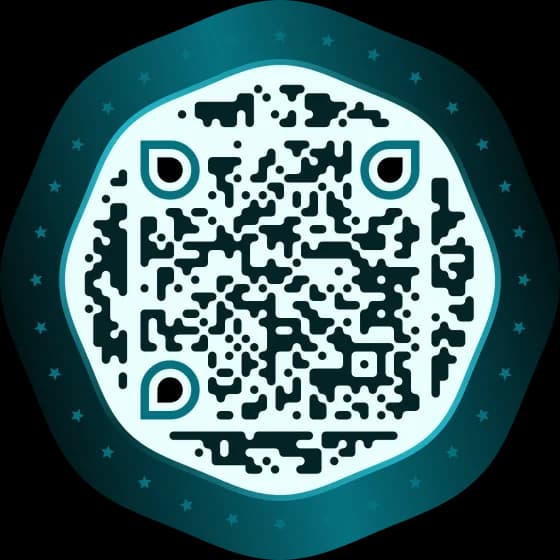
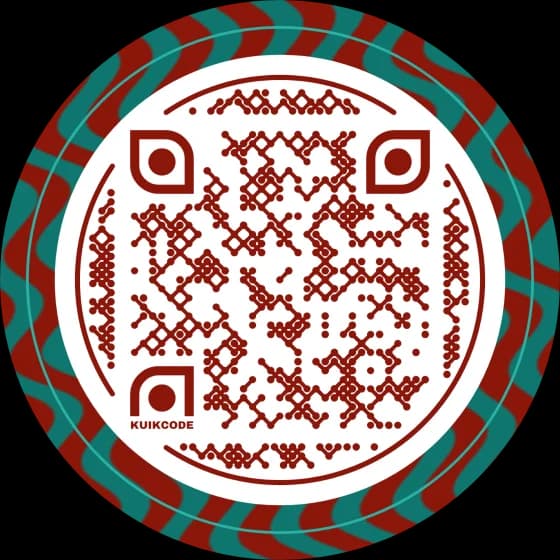
Round KuikCode Wavy
Round KuikCode Swell
Round KuikCode Umaga
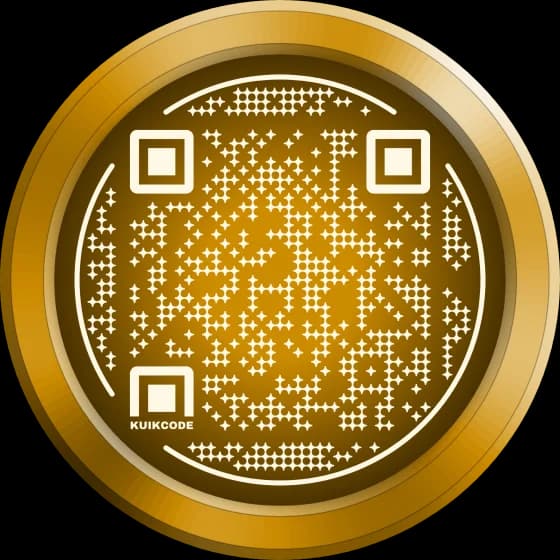
Round KuikCode Gold
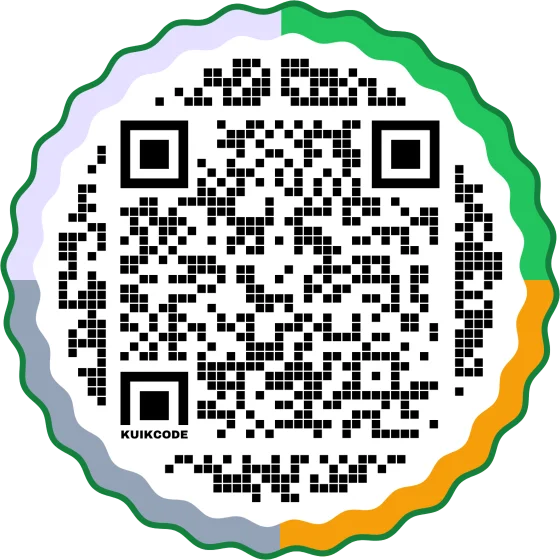
Round KuikCode Four
Round KuikCode Artist Tour
Round KuikCode Run Club
Round KuikCode Course Creator
FAQ

Questions about circular QR codes

01Do circular QR codes work?+

Yes. A round QR code is a standard square code with a circle of dots around it. Phones find the three corner squares, read the code between them and skip the dots outside it, so it scans with any phone camera. Every shape, dot and eye style in this tool is tested with the scanner iPhones use.

02Is this circular QR code generator free?+

Yes. Round codes made here are free to download as PNG or SVG, with no sign-up, no watermark and no limit on how many you make. They are static: the link is part of the code.

03Why doesn't a long link fit a round code?+

The square code inside a circle is smaller than a square code on the same image, so each dot is smaller. A long link needs more dots, and past a point they get too small to scan well, so the tool asks you to shorten it or switch to a square. A KuikCode stays short whatever the link.

04How big should I print a round QR code?+

Measure the square code inside, not the circle: it should be at least 2 cm (about 0.8 in) wide, which makes the circle about 3 cm (1.25 in) across. The QR code size guide has a calculator for it.

05Can I put a logo in a circular QR code?+

Yes. Add a PNG, JPG, WebP or SVG image and it sits in the middle. The tool switches the code to its strongest error correction so it still scans. Keep the link short: a round code with a logo has the least room.

06Can I add words to a round QR code?+

Yes. Turn on the frame: a ring goes around the code and your words, SCAN ME to start with, sit on it under the code, up to 24 characters.

07Can I change a round QR code after printing?+

Not a static one made here. A KuikCode is dynamic: the printed code stays the same while you change where it opens, and it counts every scan.

14-day free trial

Your next printed code, ready in minutes.

Design it, point it anywhere, change it after printing and watch the scans come in. Try every feature free for 14 days, no credit card.

No credit card Change links anytime Live scan proof
Scan from Miami now

Start your 14-day free trial

Every feature, no credit card. Plans from $5 a month after.

Start free trial