

Custom QR code maker: designs that look like you and still scan
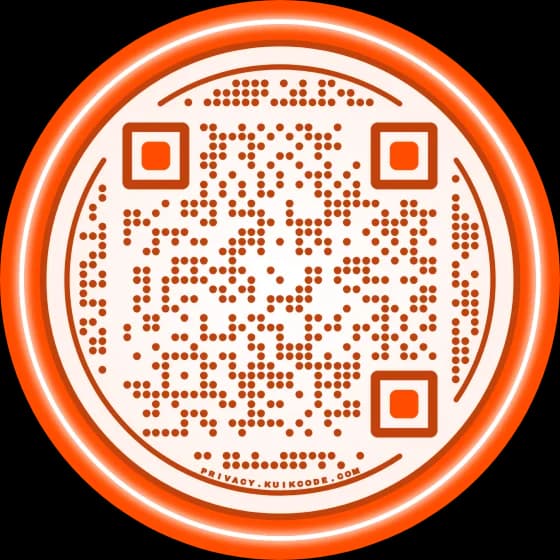
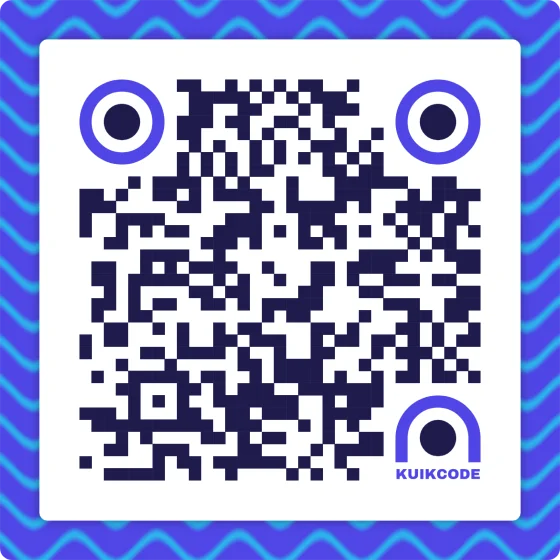
Design a custom QR code with your colors, logo, frames, 55 textures and stickers, or let Auto Design build options from your website. Every design is checked to scan.
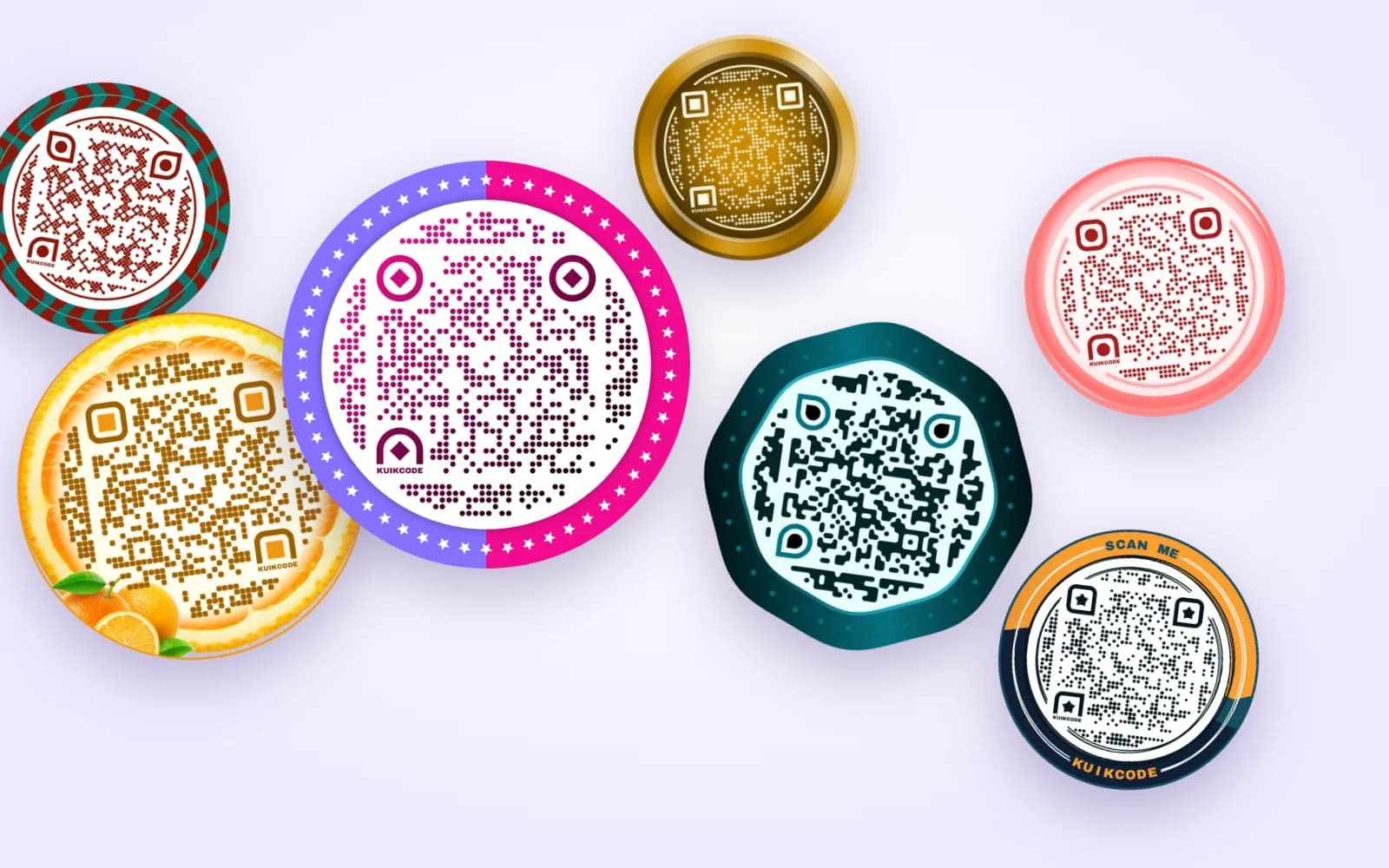
What you can change
Colors and gradients
Your brand colors on the dots, the corner squares and the background, solid or in a gradient.
Patterns and eyes
Dots, rounded squares, hearts, stars, lines and more, with matching shapes for the three corner squares.
Shape
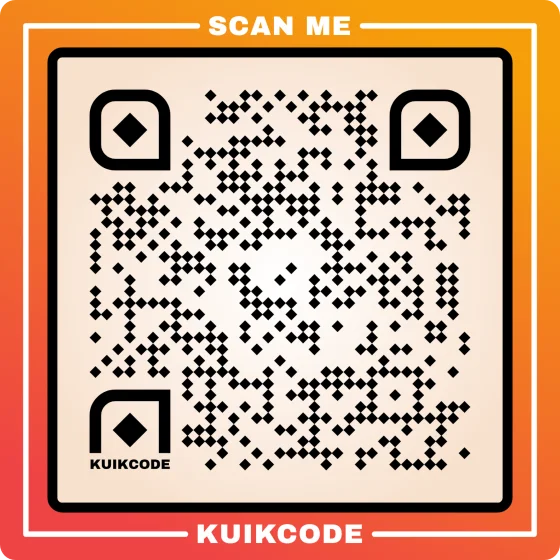
Square, circle and other code shapes, with borders and a frame that carries your words.
Textures
55 patterns on the frame, from topography lines to polka dots, blended into your colors.
Logo and stickers
Your logo in the middle, and stickers or your own cutouts on the frame.
Templates
Start from a designed template, or save your look so the whole team reuses it.
Every part of the code, your way
Change one part at a time: the dot pattern, the eyes, the shape, the borders, the frame with its words, your logo and the stickers. The preview updates as you go, and Undo steps back through every change.
- Six code shapes, borders and frames with a call to action
- Logo in the center, with background removal
- Ready color pairs that always pass the contrast check
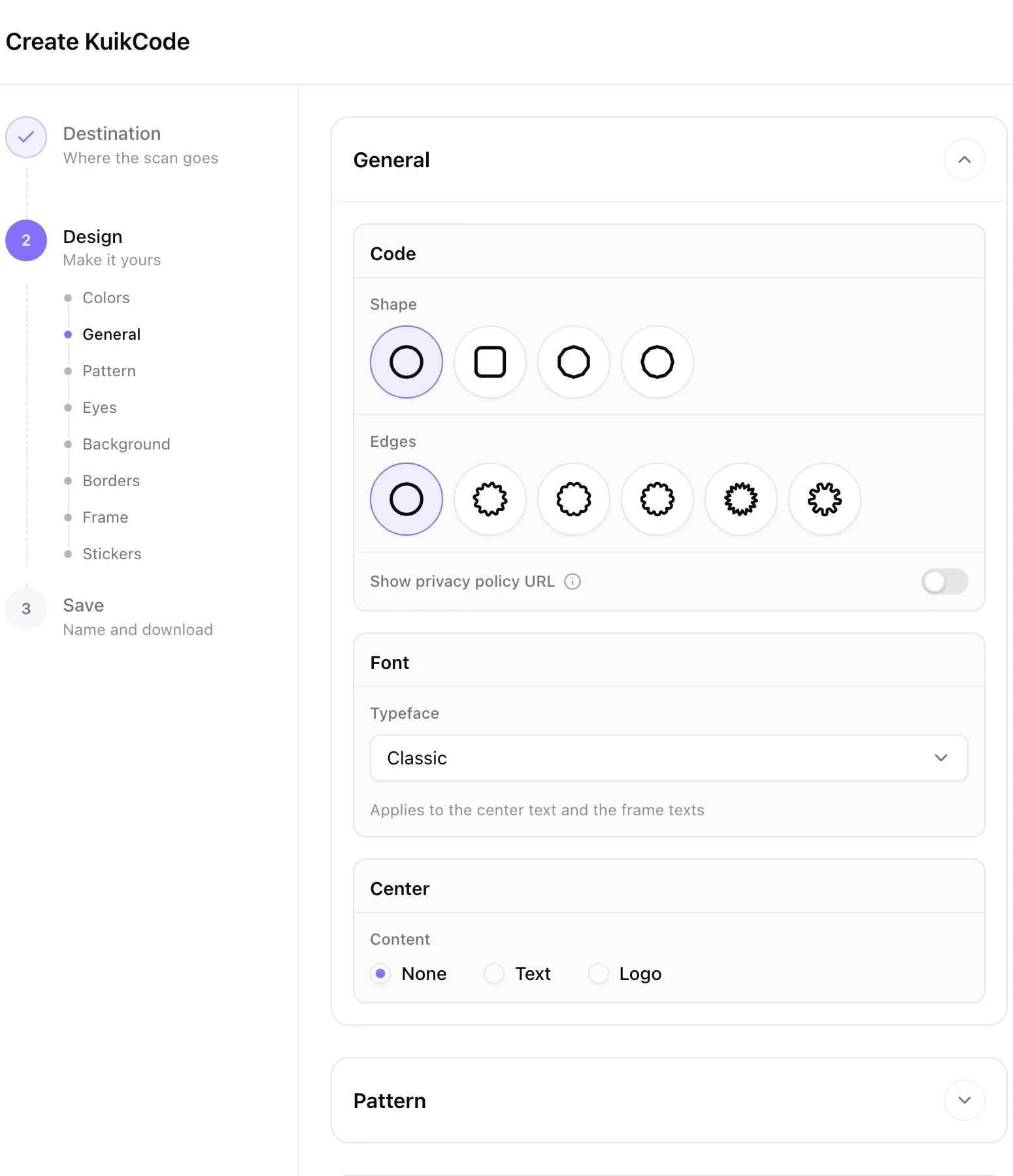
A pattern on the frame, in your colors
Lay one of 55 textures over the frame: topography, hexagons, bamboo, Moroccan tiles, polka dots and more. Multiply presses it into the frame's own color, Screen makes it glow on dark frames, and you set the color, opacity and size. The texture stays on the frame and never goes under the code.
- 55 patterns, on every plan
- Five blend modes
- The same textures on KuikPage headers and backgrounds
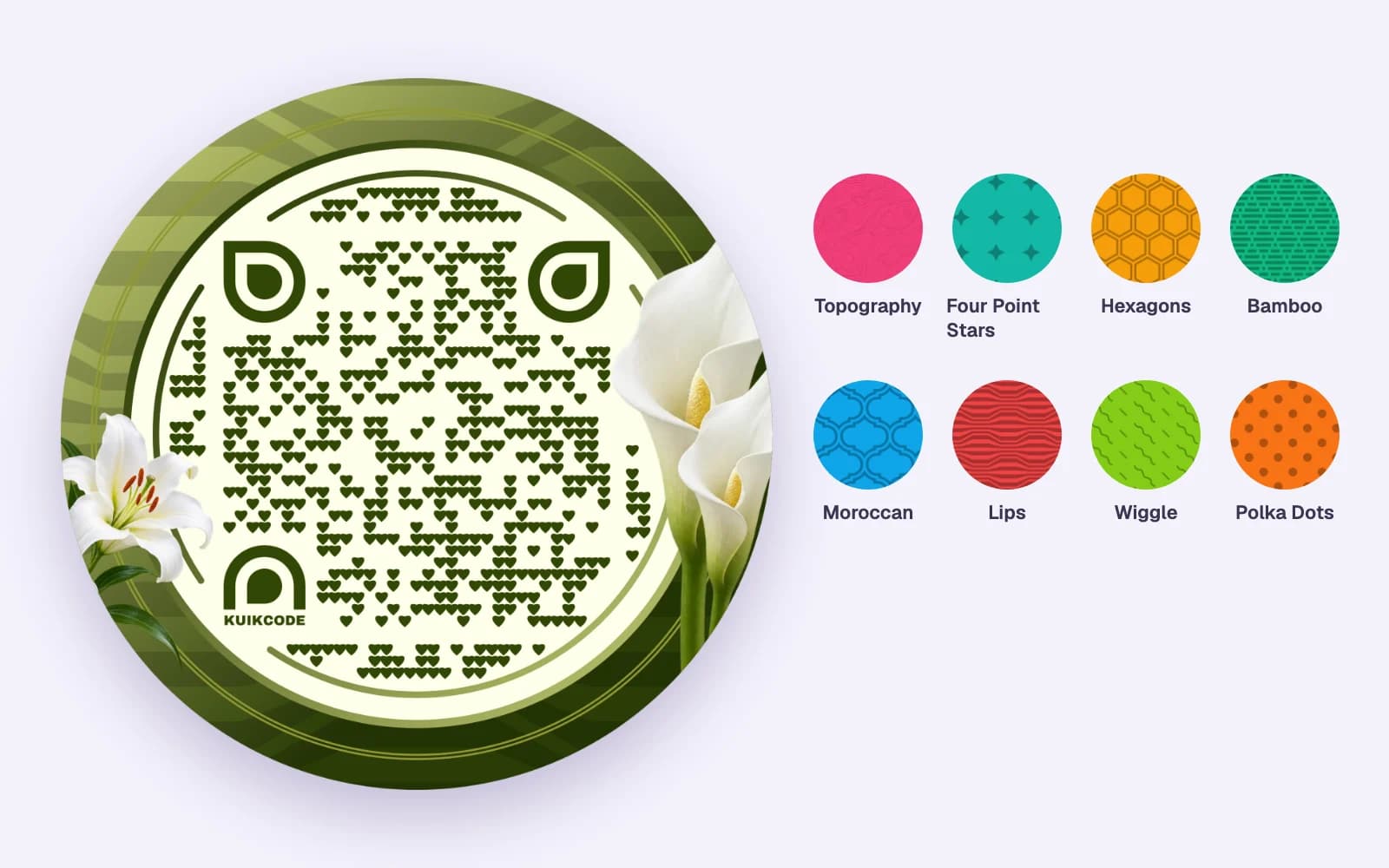
Designed options from your website
Paste your website or upload your logo and KuikCode reads your brand colors, then proposes finished designs: Clean, Branded, Vibrant, Gradient, Framed and more. Each one is checked to scan before you see it, and applying one keeps your destination.
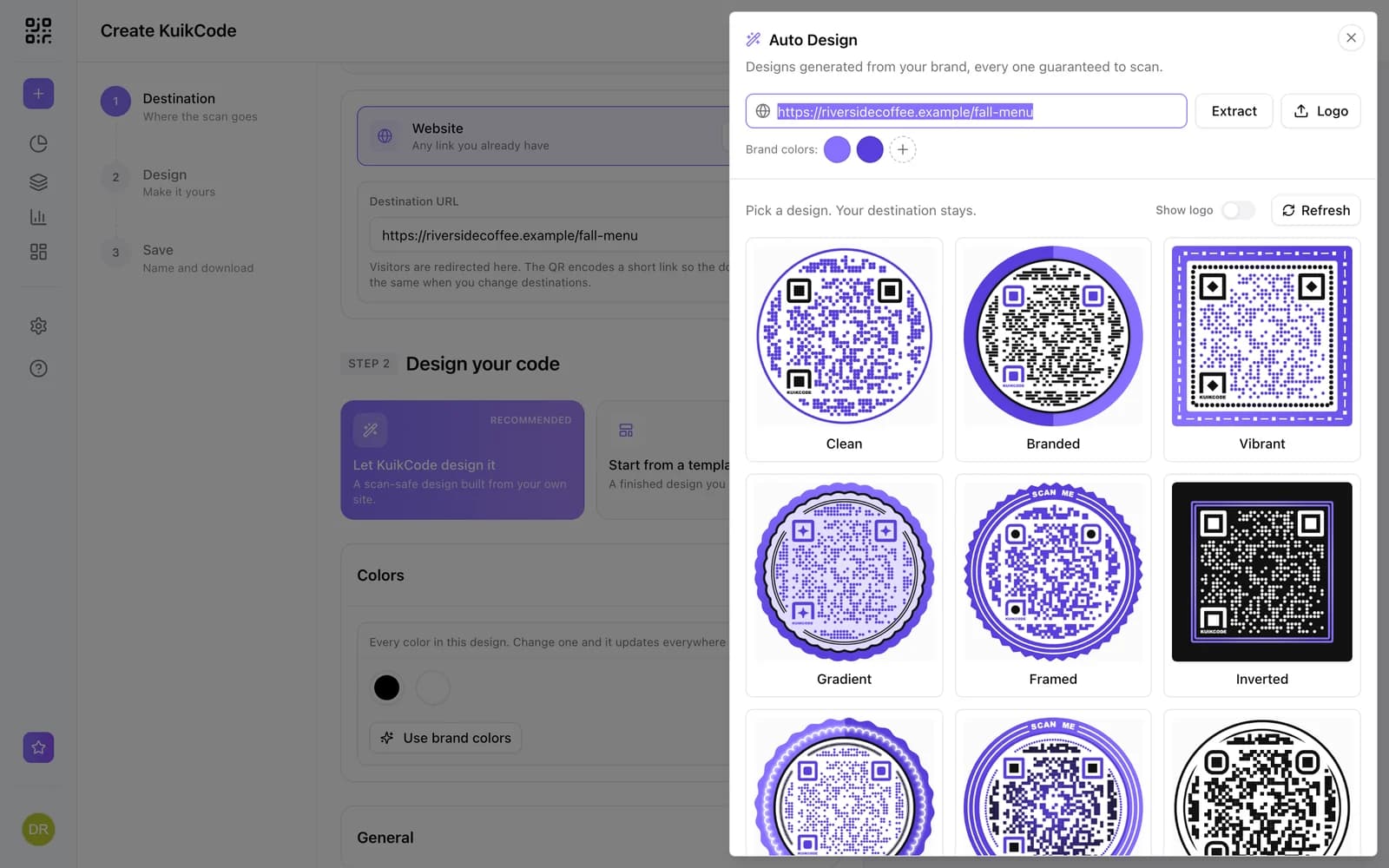
Custom, and still scannable
A badge under the preview reports how well the design reads, from the contrast between the dots, the eyes and the background. It turns amber or red and names the part to fix when the colors get too close, and reads Scan verified when the editor decodes the code itself.
- Checks every element as you design
- Warns about light dots on a dark background
- PNG, JPG, SVG and PDF downloads
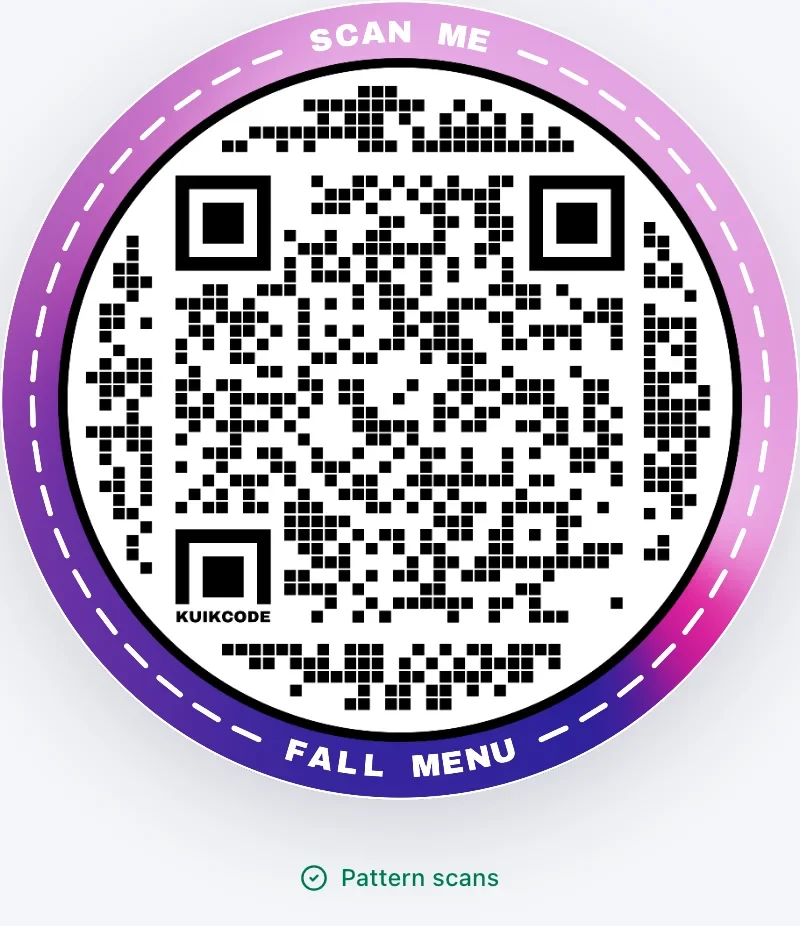
A QR code people want to scan
A plain black square says "scan me" to nobody. A code in your colors, with your logo in the middle and a frame that says what happens next, looks like part of the design and gets scanned more. KuikCode gives you every part of it to change, and checks the result still reads before you print.
New to designing codes? Start with which colors still scan and how to add a photo or an image. Want your logo front and center? See the QR code with logo page, or browse finished designs in the templates.
Learn more
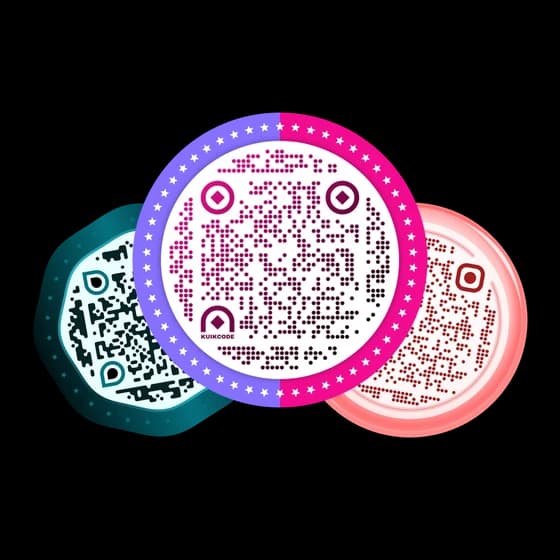
Can a QR code be any color? Colors and backgrounds that still scan
Yes, if the dots stay clearly darker than the background. We tested eight color pairs: what scans every time, what fails, and why transparent backgrounds need care.
October 22, 2026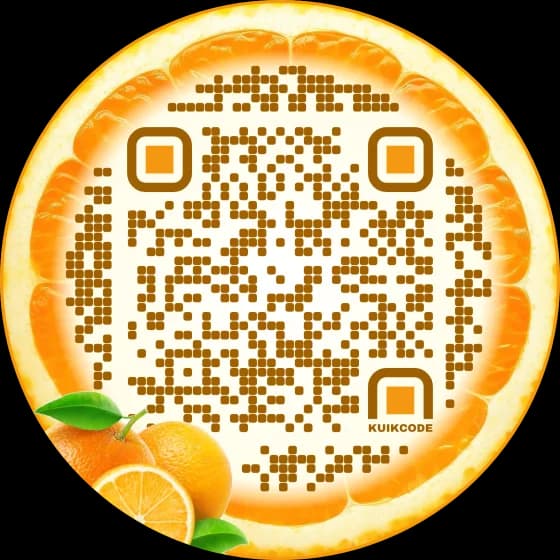
Can you put a photo or an image inside a QR code?
Yes, as long as the photo sits where scanners don't need to read: the middle, the frame, the background or a sticker. Four ways to add an image that still scans.
October 20, 2026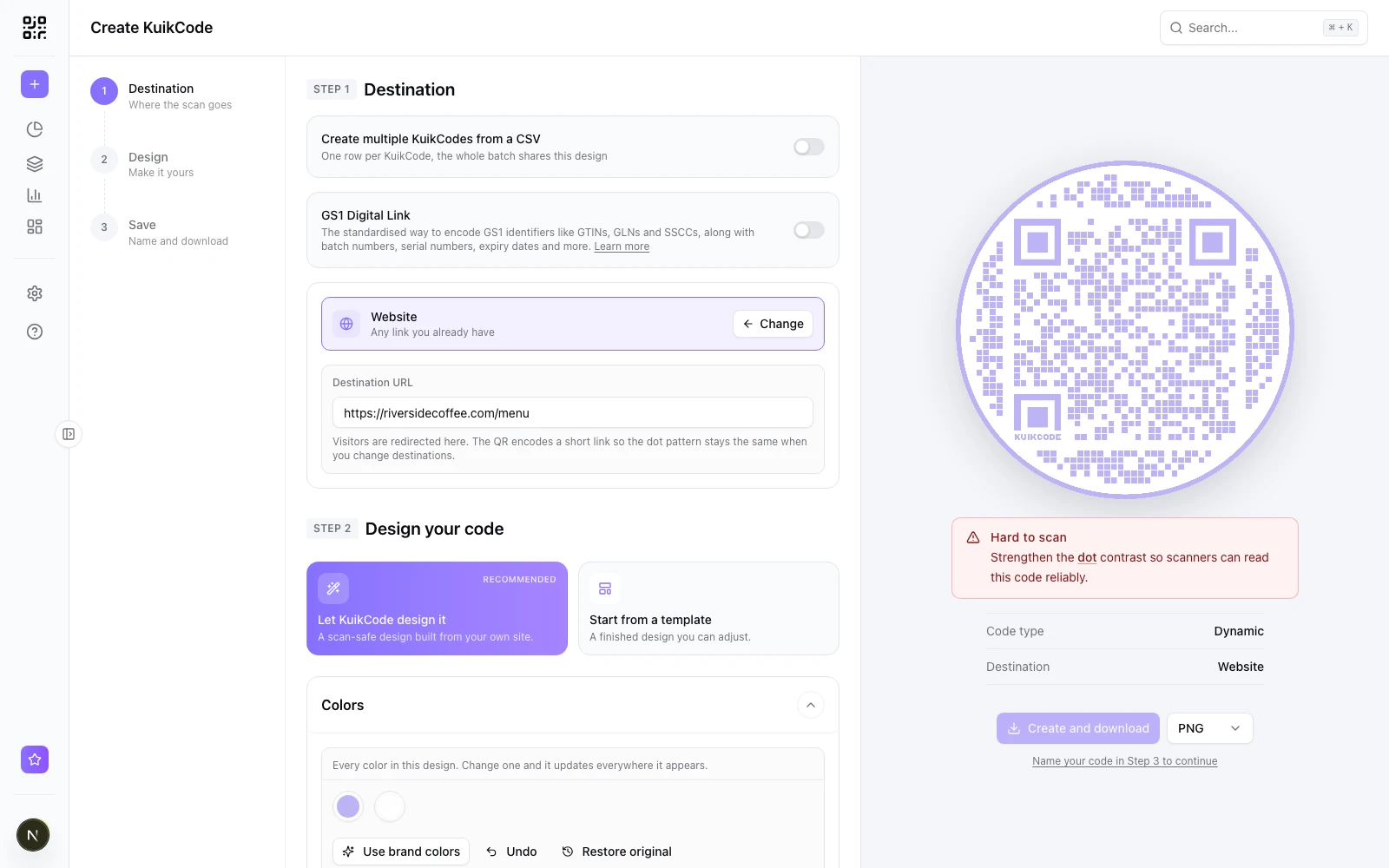
Why is my QR code not scanning? Causes and fixes
A QR code that will not scan usually has one of a few problems, in the code, the phone or the link behind it. Here is a checklist with a fix for each.
October 2, 2026Frequently asked questions
01How do I make a custom QR code?+
Create a KuikCode, choose what it opens, then design it: pick colors, a dot pattern and eye shapes, add a frame with your words, a texture, your logo or stickers. Check the scan badge and download it as PNG, JPG, SVG or PDF.
02Will a custom design stop my QR code from scanning?+
Not when the dots stay darker than the background and the corner squares stay clear. The editor checks the contrast of every element as you design and flags anything that could fail, and the ready color pairs always pass.
03Can I make a custom QR code from my brand?+
Yes. Auto Design reads your website or logo, finds your brand colors and proposes finished designs in them. On PRO, your Brand Kit colors and logo are one click away in every code.
04Can I change the design after I print the code?+
The printed design stays as it was printed, but a KuikCode is dynamic: you can change where it points at any time without reprinting. For a new look, save a new design and download it again.
05Is the design editor included in every plan?+
Yes. Colors, patterns, eyes, shapes, frames, textures, stickers, your logo and Auto Design are on every plan, starting with Basic. Every workspace starts with a 14-day free trial.
06Can I save a design as a template?+
Yes. Save any design as a template and reuse it for new codes, so a whole team keeps the same look.
Your next printed code, ready in minutes.
Design it, point it anywhere, change it after printing and watch the scans come in. Try every feature free for 14 days, no credit card.
Start your 14-day free trial
Every feature, no credit card. Plans from $5 a month after.