

QR code with logo: designed codes that still scan
Add your logo, colors, frames and stickers to a QR code, or let Auto Design build options from your website. Every design is checked for scanning.
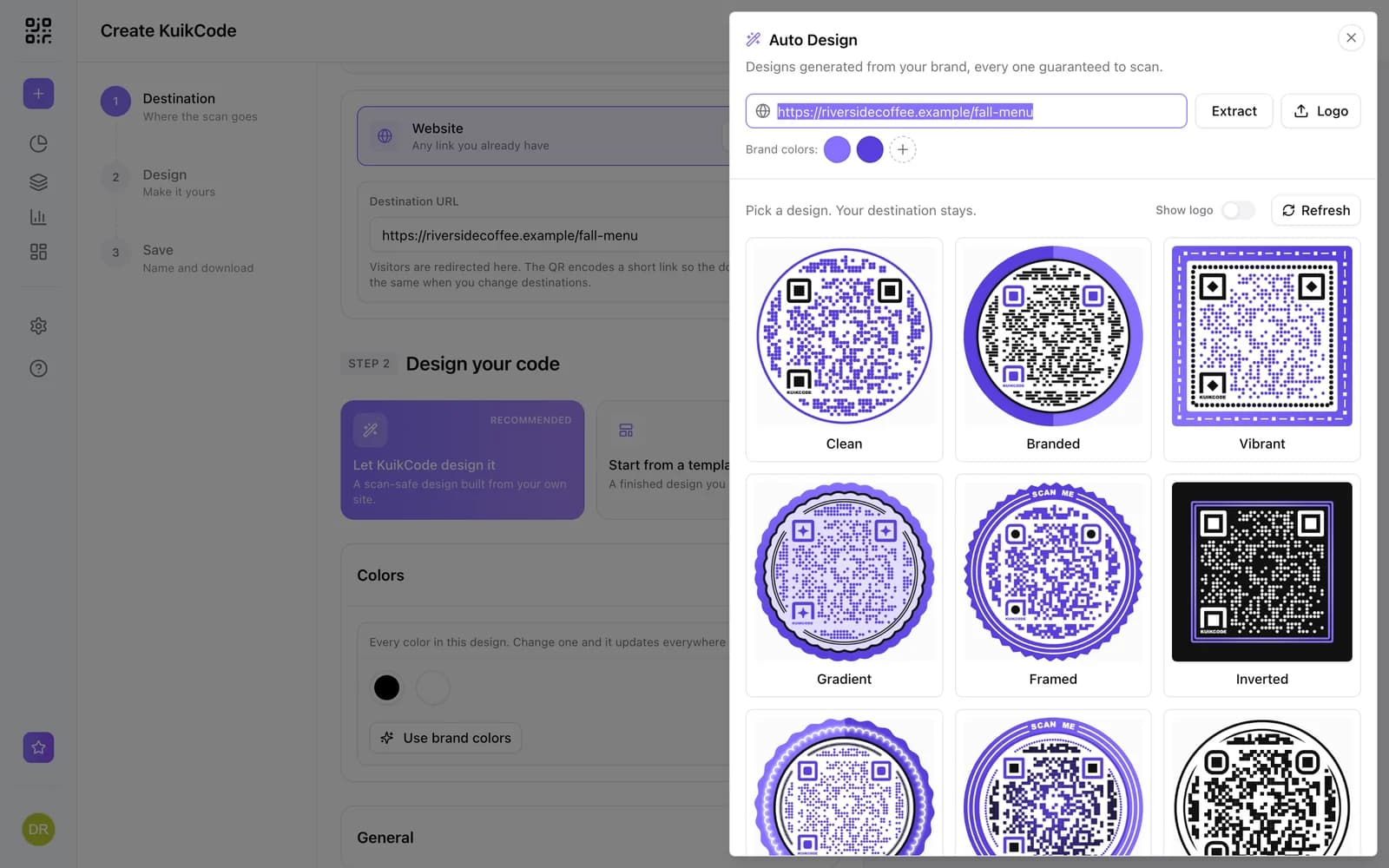
Where people use it
Brand packaging
Codes that look like part of the design.
Merch and flyers
Codes people want to scan.
Signage
Your logo in the middle, your colors around it.
Teams
Save the look as a template for everyone.
Every part of the code, your way
Choose from 17 dot styles, eye shapes, 4 code shapes, frames with words and repeating motifs, gradient or animated shader fills, stickers and your logo, with background removal.
- Logo in the center, with background removal
- Frames with a call to action
- Scan check on every design
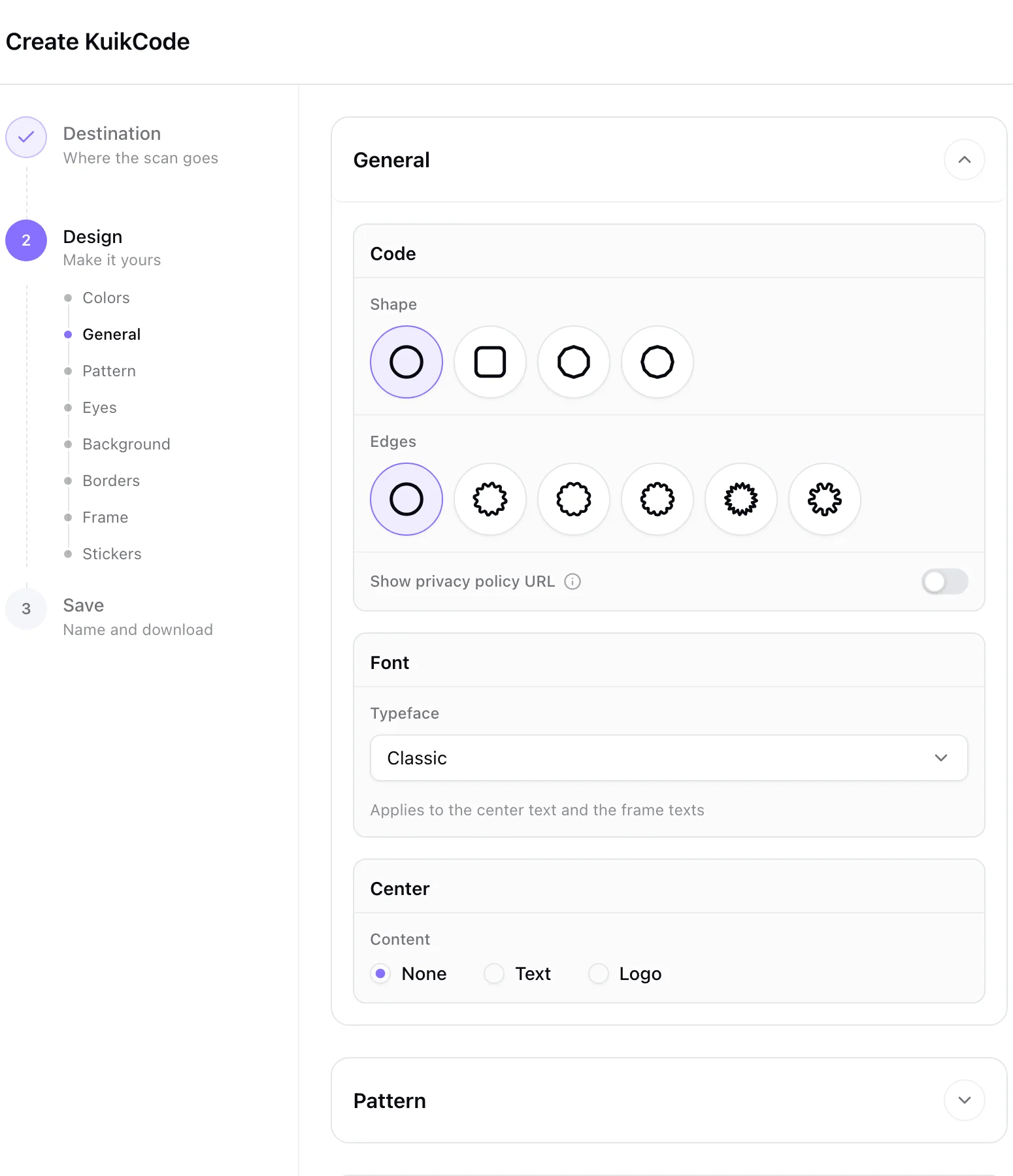
Designed options from your website
Paste your website and KuikCode builds designed, scannable options in your brand colors, on PRO.
Learn more
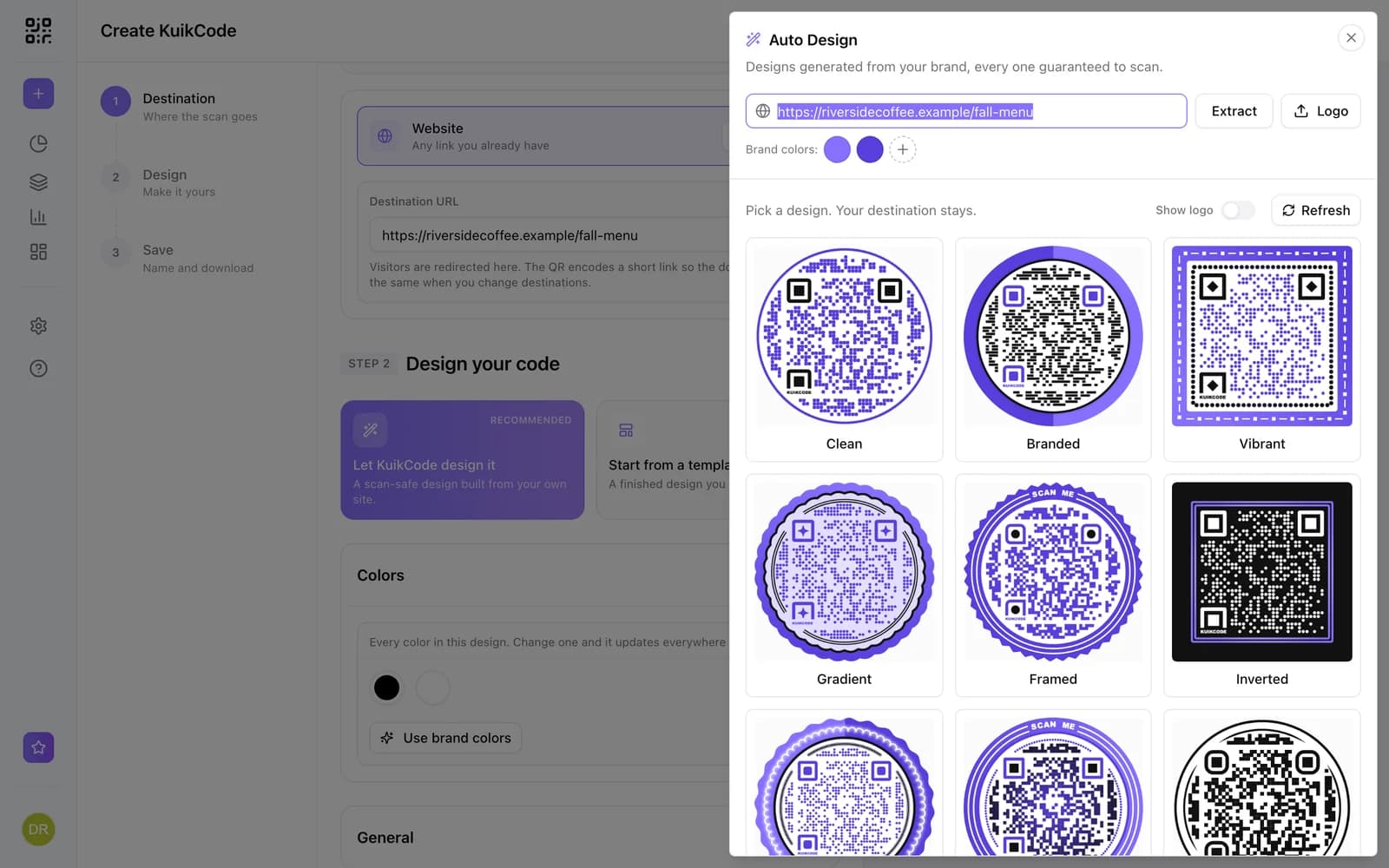
How to make a QR code for a link
Turn any web address into a QR code people actually scan. Five steps, plus the size, contrast and placement rules that keep it readable.
September 23, 2026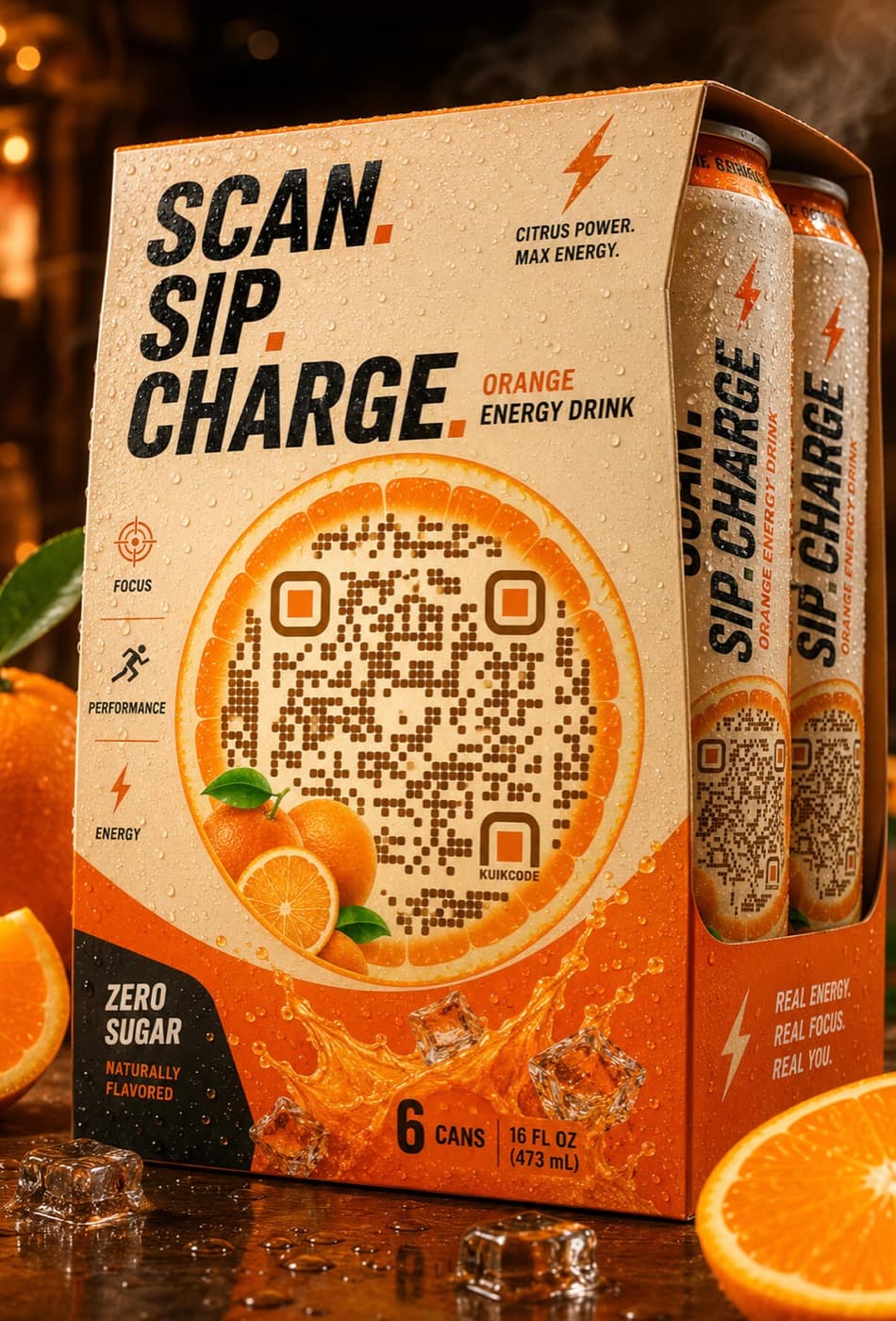
What does QR code stand for? A short history of the Quick Response code
QR stands for Quick Response. Here is where the code came from, how it stores data, and why it became the code on every table, poster and package.
September 23, 2026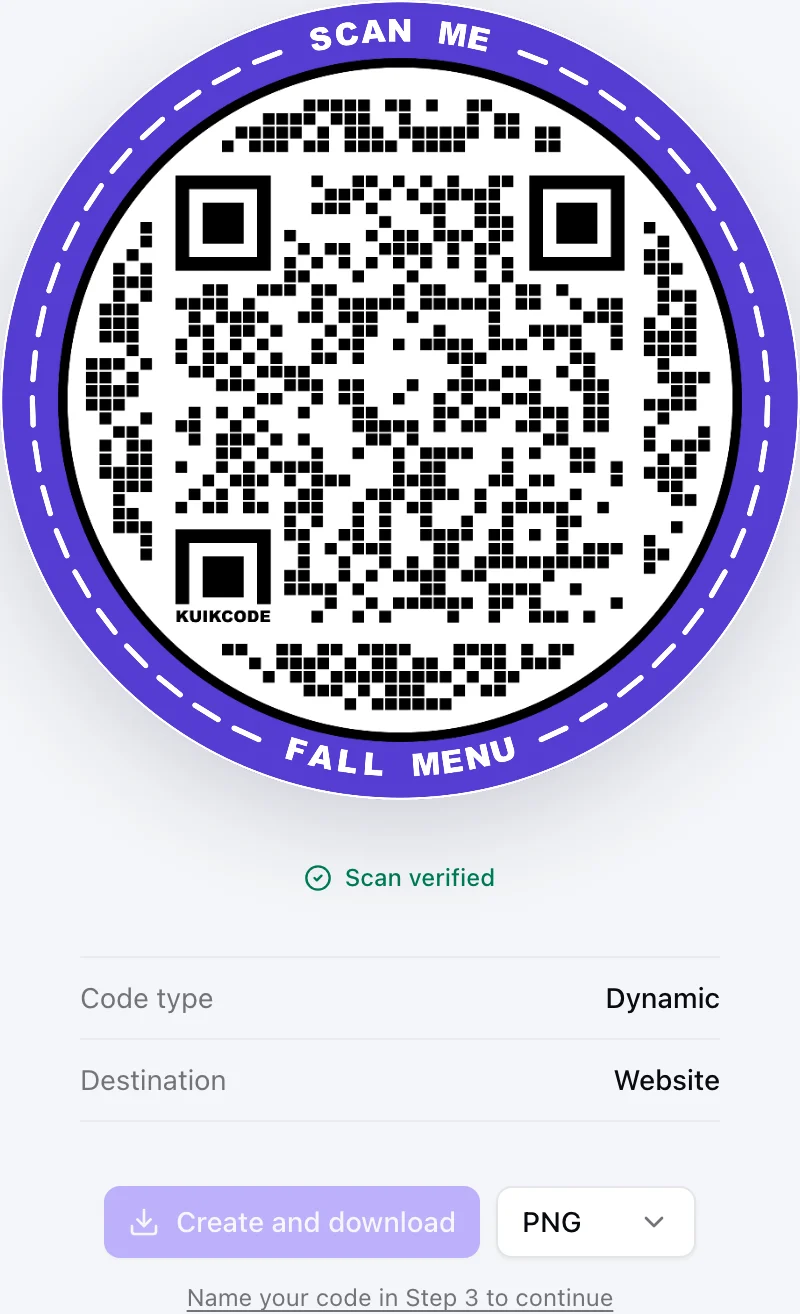
Static vs dynamic QR codes: which one should you print?
Static codes store their content forever, dynamic codes store a link you can change. Here is how to choose for menus, packaging, cards and events.
September 23, 2026Frequently asked questions
01Does a logo stop a QR code from scanning?+
Not when it is sized right. QR codes include error correction, and KuikCode checks each design scans before you download it.
02Can I use my brand colors?+
Yes, as long as the dots stay darker than the background. Your Brand Kit colors are one click away on PRO.
03What file formats can I download?+
PNG, JPG, SVG and PDF.

Start with the QR codes you will never need to reprint.
Join the beta for branded design, editable destinations, hosted sites, bulk CSV creation, and live scan analytics.
Request beta access
One email when your workspace is ready. No spam.