

Wedding QR code for photos: guests scan and share, no app
Put a QR code on the tables and guests add their wedding photos and videos from their phone, with no app. You approve them, and download every one at once.
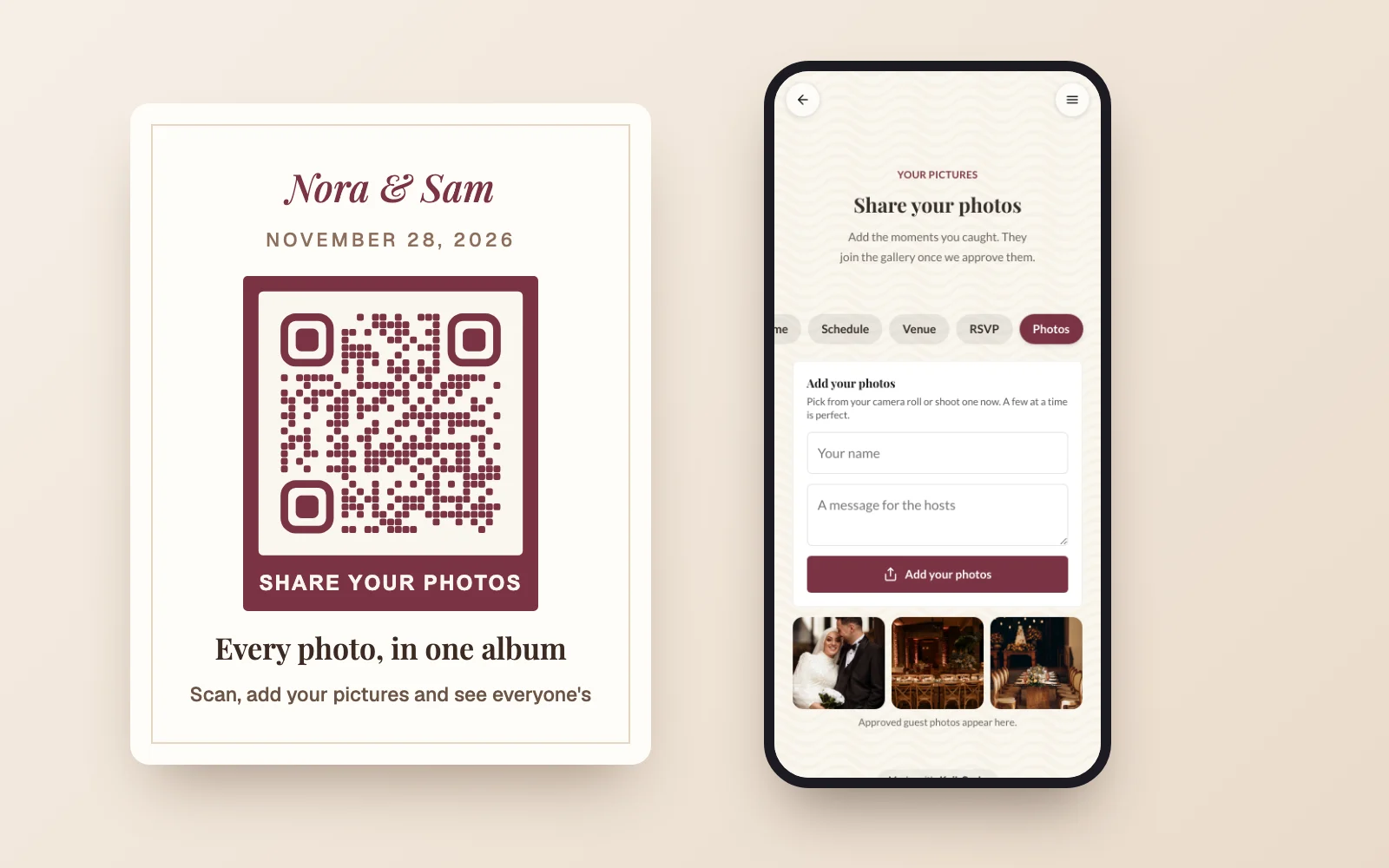
Where the code goes
Table cards
A small card on every table, so guests can add photos between courses.
The photo booth
A sign next to the booth for the shots people take on their own phones.
The welcome sign
Guests see it on the way in and know where the photos go before the first toast.
Invitations and programs
The same code on the program or the back of the invitation opens your wedding site too.
The thank you card
Send guests back to the gallery to see everyone's photos after the day.
Scan, pick photos, done
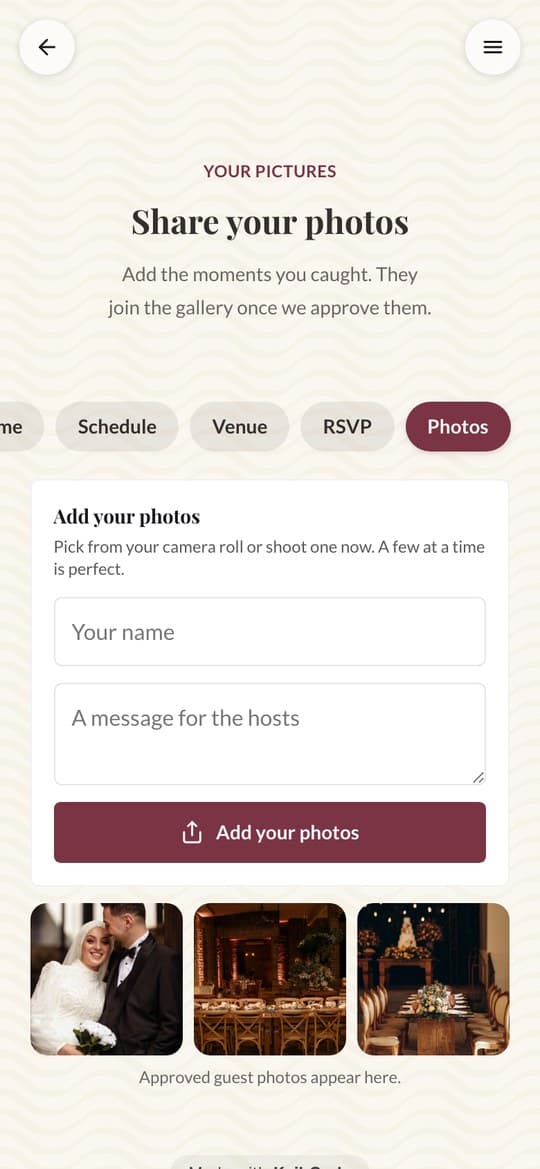
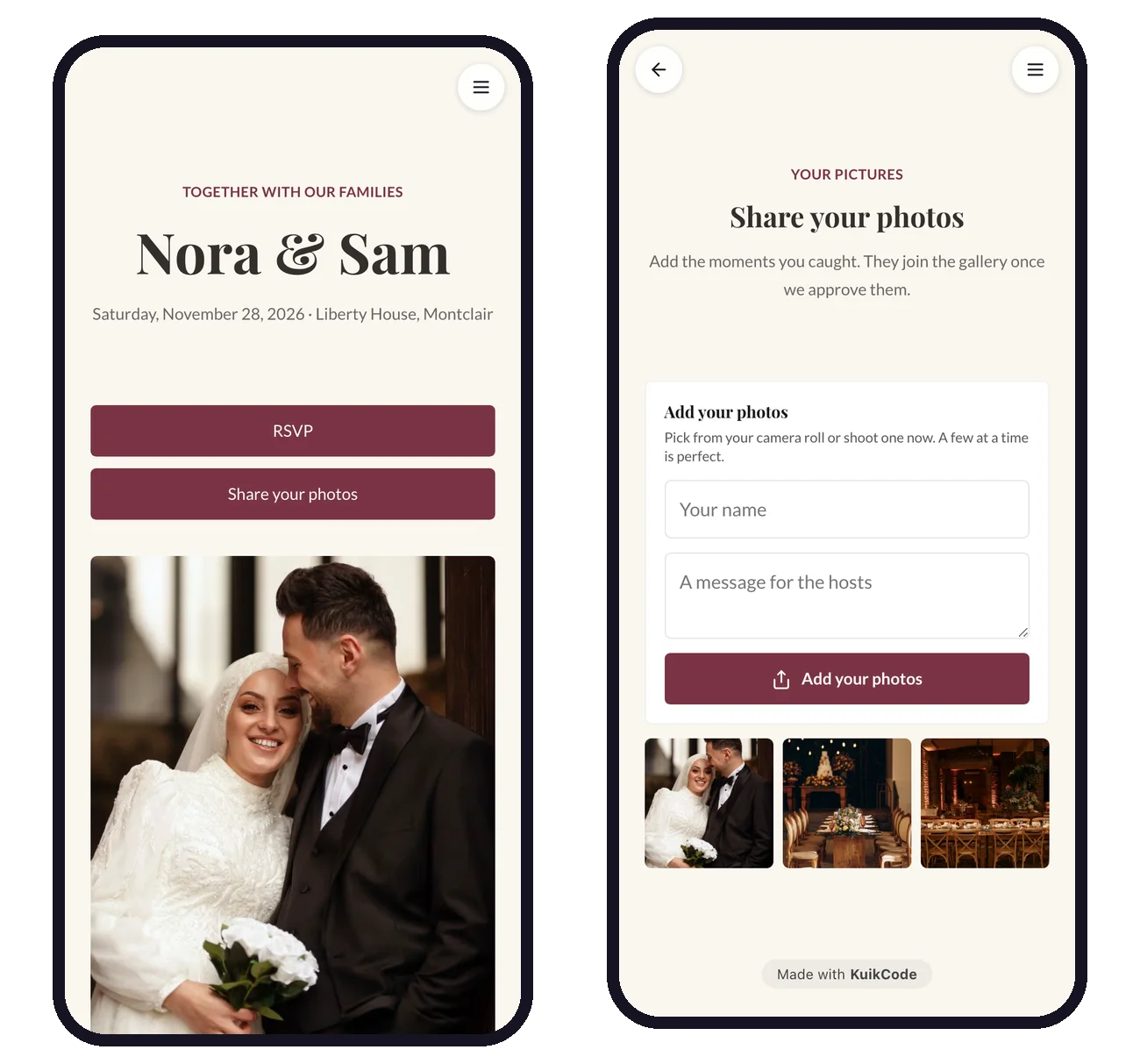
Guests scan the code with the phone camera and land on your page. They tap Add your photos, pick from the camera roll or take one on the spot, and can add their name and a short message. No app, no account and no sign up, so even your grandmother can do it.
- Photos, and on PRO short videos up to 60 seconds
- Photos are shrunk on the phone, so they upload fast on venue wifi
- Open and close dates, so the code stops collecting when you want
Review first, then share the gallery
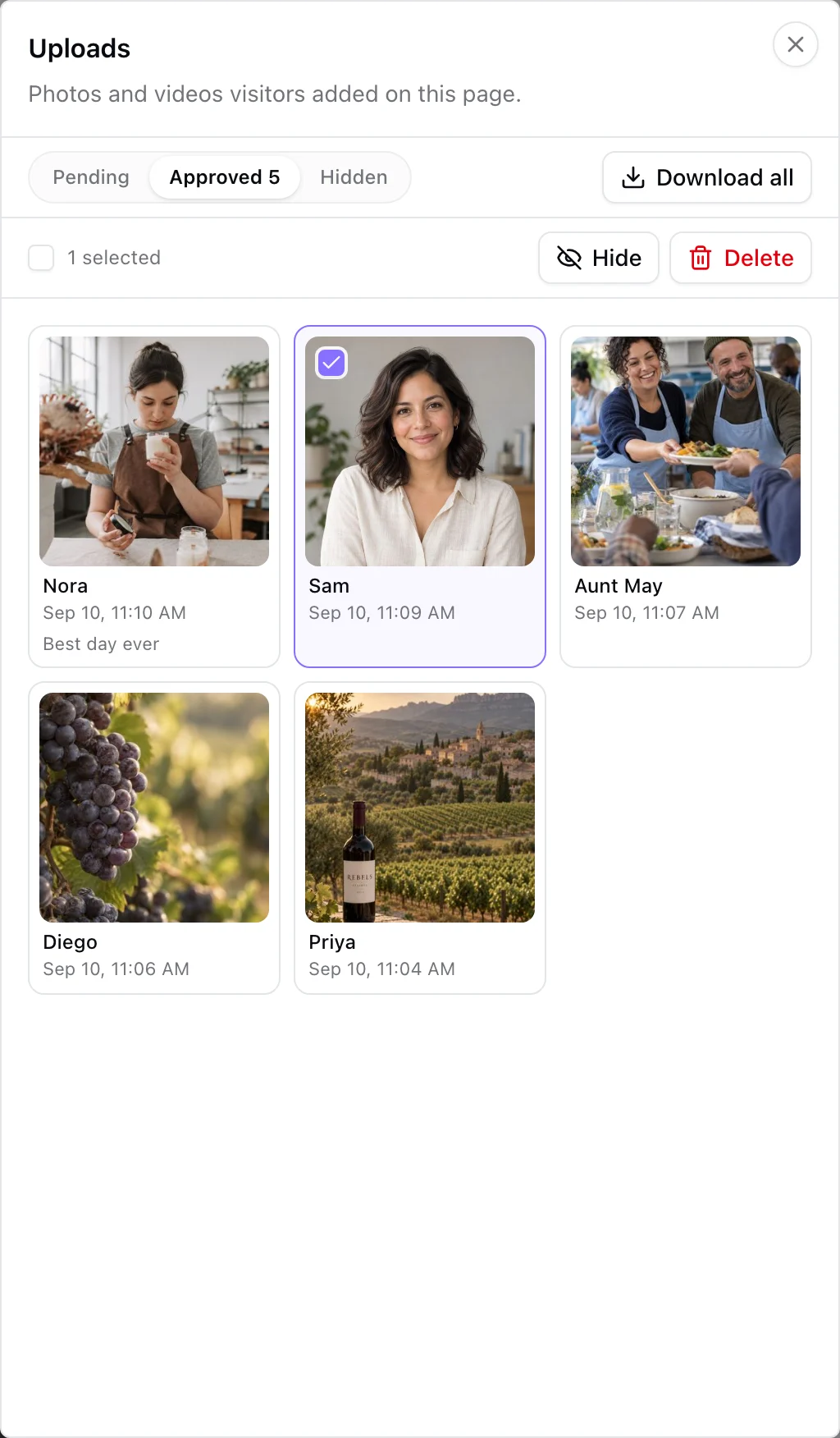
Every upload waits privately until you approve it, so nothing shows that you did not choose. Approved photos appear in the gallery on your page, where guests can open them full screen and save their favorites. You can also let photos show right away.
- Approve, hide or delete, one by one or in bulk
- One email an hour at most when photos are waiting
- Download every approved photo in one ZIP file
Straight to your Google Drive
Connect Google Drive and every approved photo is copied into a folder named after your page, so the album lives in your own account. Files stay on KuikCode for ninety days after the close date, with a reminder a week before, and anything already in Drive is yours to keep.
- 10 GB of guest photos on PRO, 50 GB on Business
- Drive sync on PRO and up
- Nothing is public until you approve it
Every guest's photos, in one place
Your photographer gets the posed shots. Your guests get everything else: the speeches from the back of the room, the dance floor at midnight, your grandparents laughing at table six. Without a plan those photos stay in forty different camera rolls. A QR code on the tables brings them to one page, and from there into your own Drive.
Building the whole wedding site? The wedding website page shows the schedule, venue and RSVP pages that come with the same template. For ideas, see how to collect wedding photos from guests and photo sharing without an app, and for the codes at the event itself, QR codes for events and weddings.
Learn more
QR code for wedding photos: how to collect them from every guest
Put one QR code on the tables and let guests add their photos from their phones. No app, no account, and you approve every photo before it shows.
September 25, 2026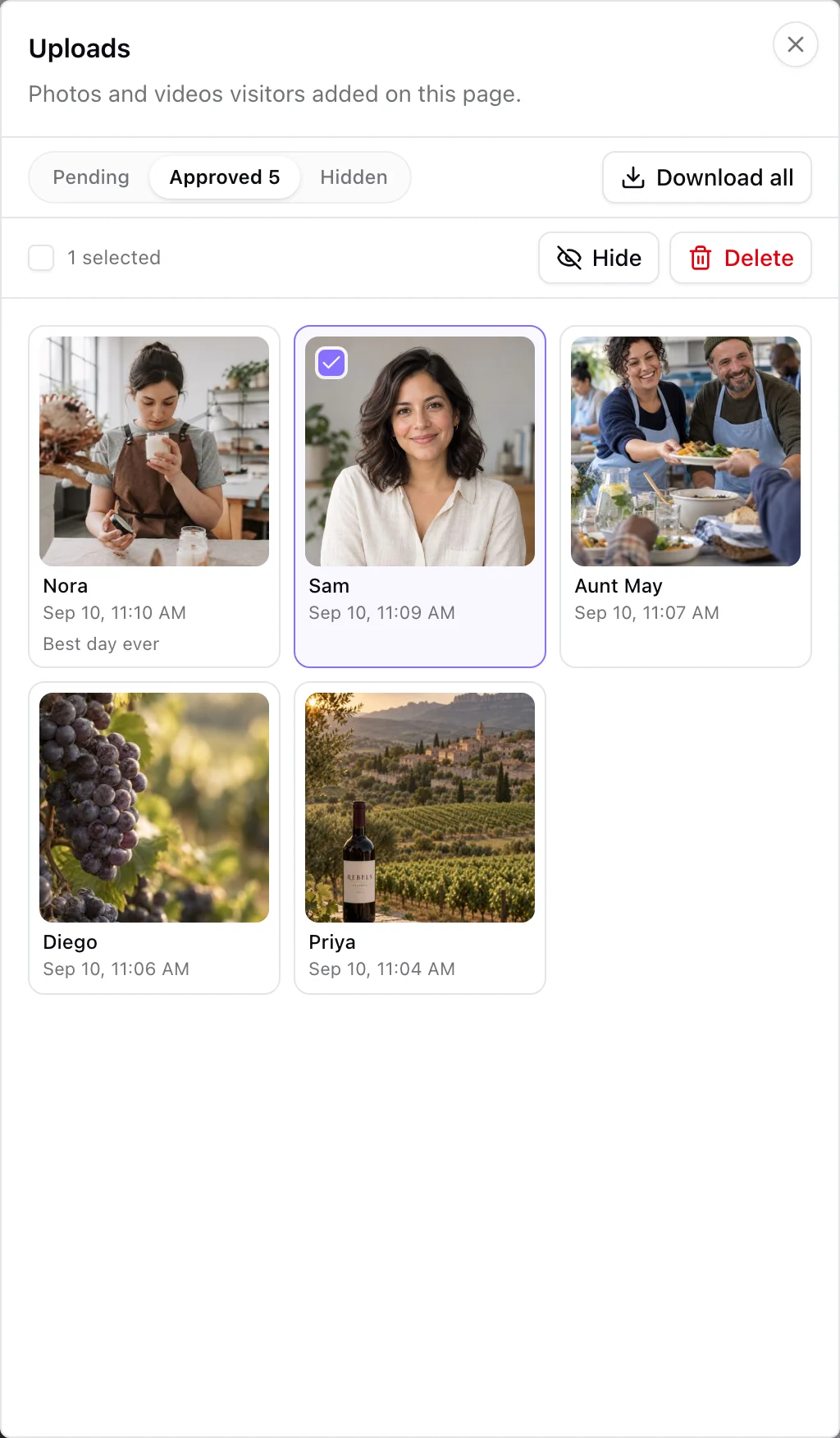
Do you need a wedding photo app? How guests can share photos without one
Three ways guests can share wedding photos, and why a QR code to a browser upload page beats asking everyone to install an app.
October 19, 2026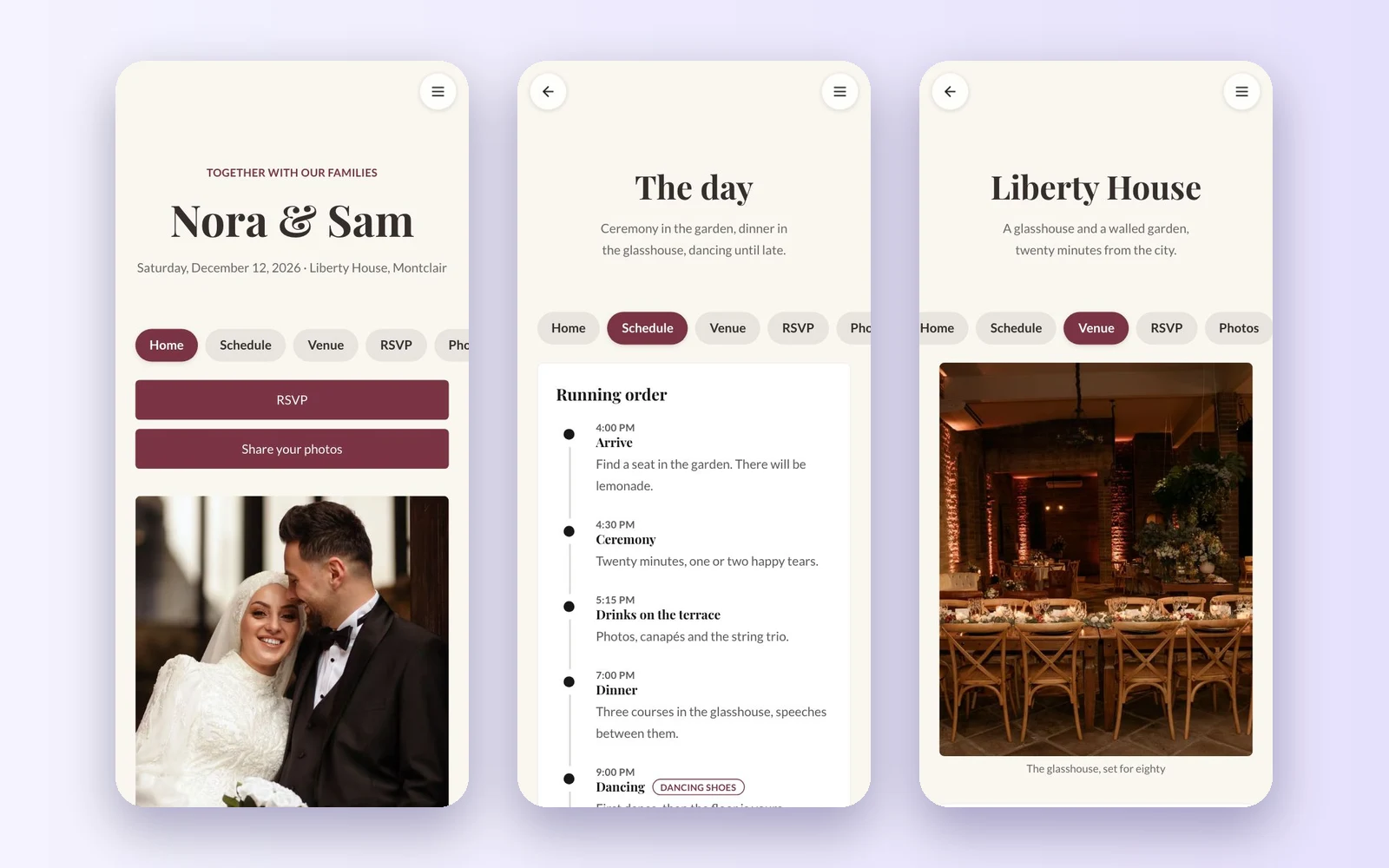
Wedding website examples: what to put on every page
Wedding website examples page by page: the home page, your story, the schedule, travel, RSVP, FAQ and photos, with sample wording you can adapt.
October 19, 2026Frequently asked questions
01How do I make a QR code for wedding photos?+
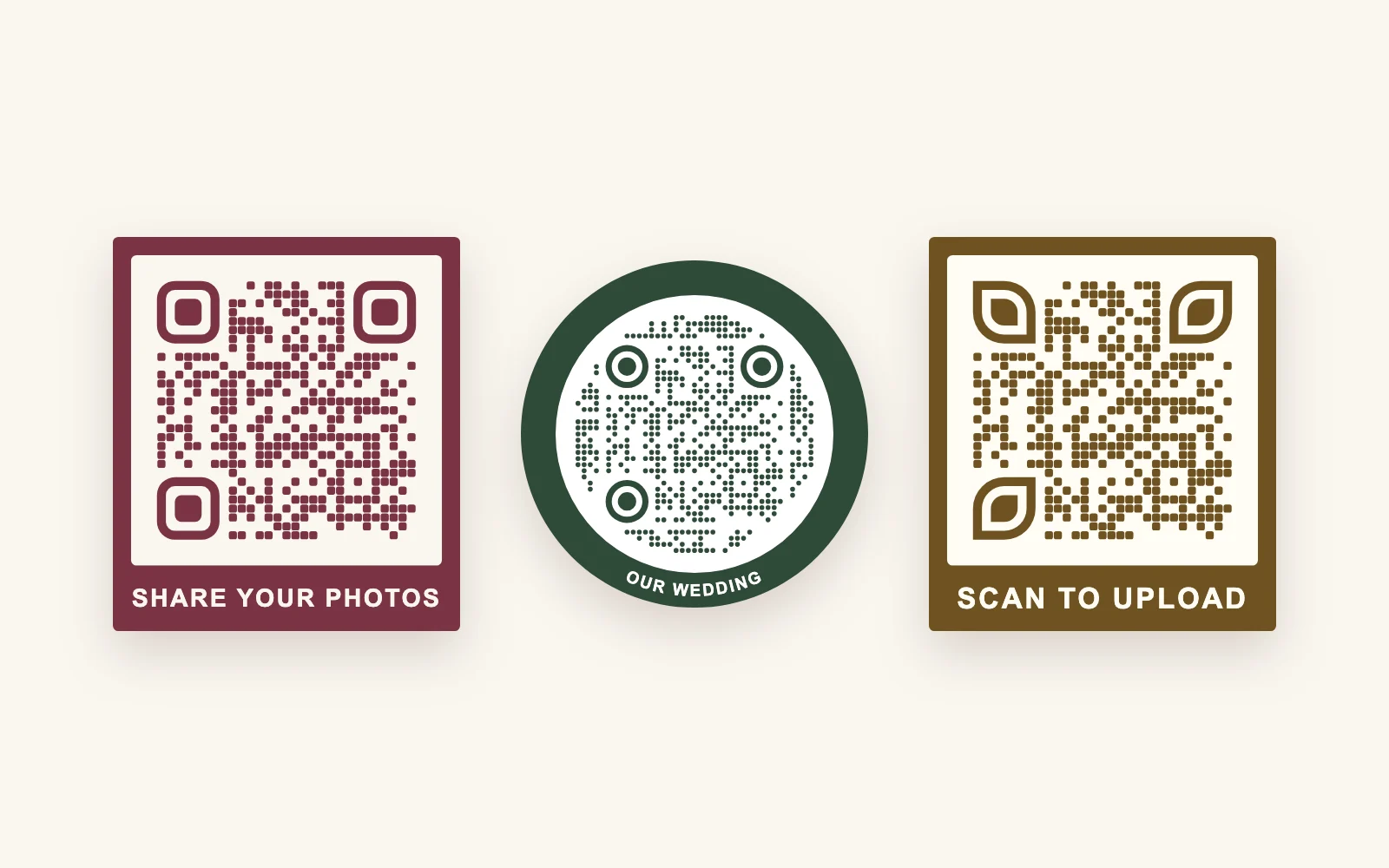
Start from the Wedding template in KuikPages, or add a Guest uploads block to any page, and publish it. KuikCode gives the page a designed QR code: download it and print it on table cards, a sign by the photo booth or the welcome sign. Guests scan it and upload from their phone.
02Do guests need an app to upload wedding photos?+
No. The code opens a page in the phone's browser, and guests add photos from their camera roll or take a new one. There is no app to install and no account to create.
03Can I approve the photos before they appear?+
Yes. By default every upload is held privately until you approve it, and you can hide or delete anything. If you prefer, switch the block to show photos right away.
04Can guests upload videos?+
On PRO and Business, yes: videos up to 60 seconds, next to the photos. On other plans the page accepts photos only.
05How do I get all the wedding photos afterwards?+
Download every approved photo in one ZIP file, or connect Google Drive on PRO and up and each approved photo is copied into a folder in your Drive automatically.
06How much does a wedding photo QR code cost?+
Guest uploads are part of the PRO plan, with 10 GB of guest photos and video, and the Business plan has 50 GB. Every workspace starts with a 14-day free trial, so you can set it up and test it before you pay.
07Can I stop uploads after the wedding?+
Yes. Set a close date and the page shows Uploads are closed in place of the button, so the printed code stops collecting. The gallery stays up for guests to look through.
Your next printed code, ready in minutes.
Design it, point it anywhere, change it after printing and watch the scans come in. Try every feature free for 14 days, no credit card.
Start your 14-day free trial
Every feature, no credit card. Plans from $5 a month after.