Shared file links are built for computers, not people. A Google Drive link looks like drive.google.com/file/d/1aB2cD3...xYz/view?usp=sharing, and a Dropbox one is no better. Nobody can type that from a slide, and in a message it looks like spam.
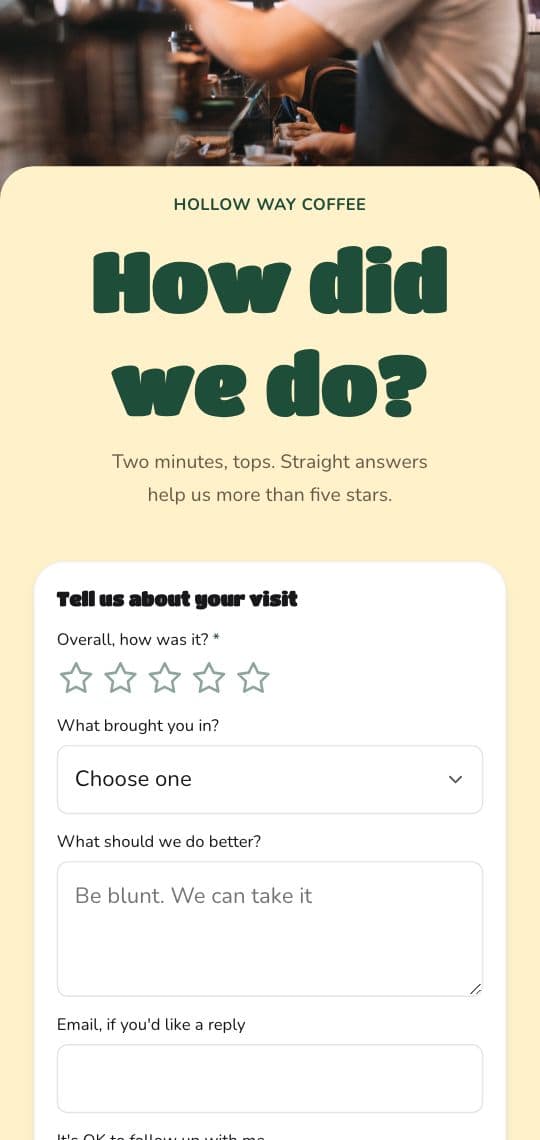
A short link fixes the look. A short link with a readable ending, like kuik.sh/feedback-form, also makes it easy to type, counts who opens it, and lets you swap the file later.
First: share the file so people can open it
The most common problem with shared file links is not length, it is permissions. Before you shorten anything:
- Google Drive, Docs, Sheets and Slides: open Share, set General access to Anyone with the link, choose Viewer (or Commenter or Editor if you mean it), then Copy link.
- Google Forms: a form is open to anyone with the link by default. If it asks people to sign in, check the form's settings for collecting emails or limiting responses.
- Dropbox: create a link that anyone with the link can view, then copy it.
Open the link in a private window to check it works for someone who is not you.
Google Forms has its own short link
In a Google Form, click Send, choose the link option, and tick Shorten URL. You get a forms.gle link. It is shorter, but random, it does not count clicks, and it always opens that one form.
If you want people to type it, or to know where responses come from, use the form's full address in a KuikLink instead.
How to shorten a file link in KuikCode
- Copy the file's link with the sharing set as above.
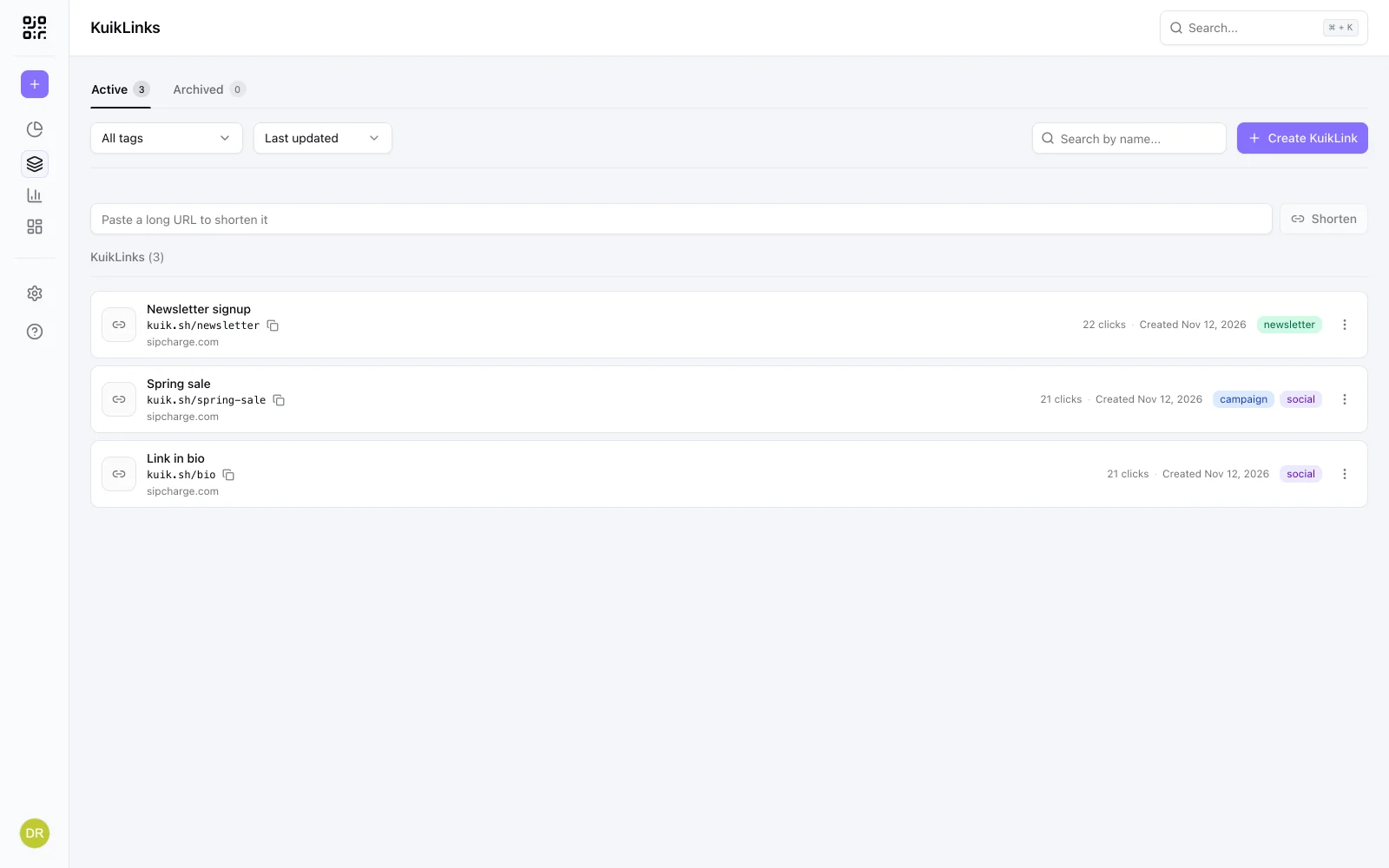
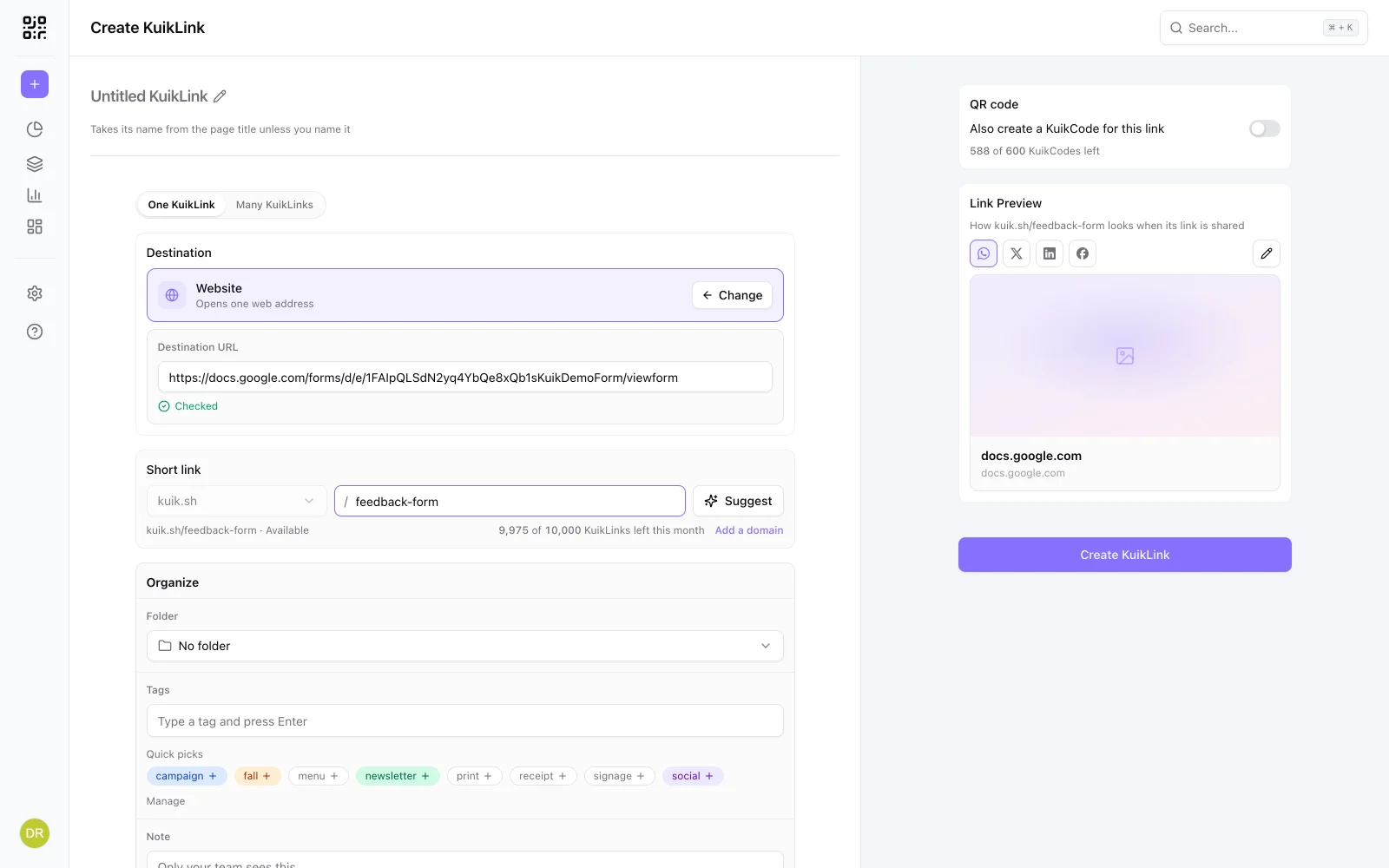
- Open KuikLinks, paste it into the box at the top of the list and press Shorten.
- Give it a readable ending, like
kuik.sh/feedback-formorkuik.sh/menu-pdf. - Share it in a message, on a slide or in print.
The destination is checked for safety like any other link, and every click is counted.
Swap the file without changing the link
Files get replaced: a new version of the menu, this month's price list, next term's sign-up form. A new file usually means a new link, and every place you shared the old one is out of date.
With a short link, you only change the destination. Open the KuikLink, paste the new file's link and save. The short link stays the same, so every message, slide and printed page that has it opens the new file.
Printing it? Use a QR code
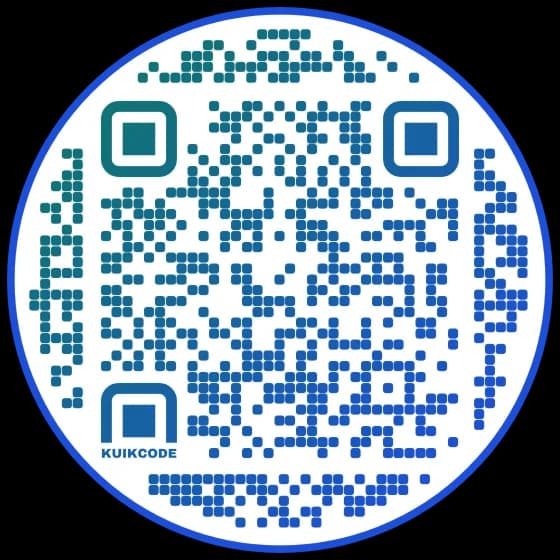
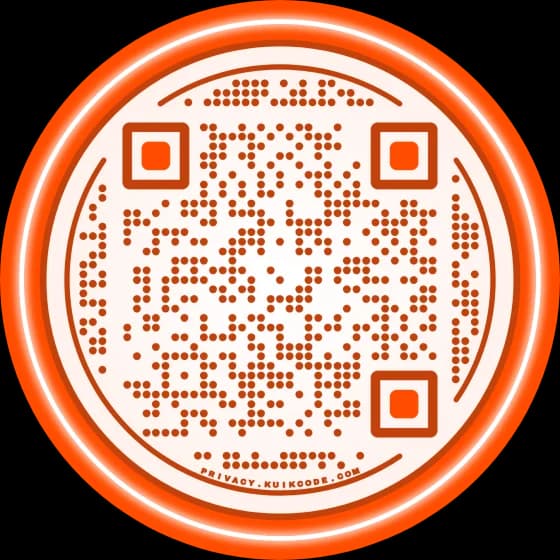
On paper, a QR code is easier than any link. Make a KuikCode for the short link and both open the same file, with scans counted apart from clicks. For forms and documents, our guides to a QR code for a Google Form and a QR code for a Google Doc cover the printed side, and QR code or short link helps you pick.
Frequently asked questions
01How do I shorten a Google Drive link?+
Set the file's sharing to Anyone with the link, copy the link, then paste it into a link shortener. In KuikCode, paste it into the box at the top of your KuikLinks list and press Shorten, then give it a readable ending.
02How do I shorten a Google Form link?+
In the form, click Send, choose the link option and tick Shorten URL to get a forms.gle link. For a readable ending and click counts, put the form's full address in a KuikLink instead.
03Why does my shared Google Drive link ask people to request access?+
The file is shared only with specific people. Open Share, change General access to Anyone with the link, and choose Viewer.
04How do I shorten a Dropbox link?+
Create a share link for the file or folder that anyone with the link can view, copy it, and shorten it like any other address.
05Can I change the file behind a short link?+
Yes. Edit the KuikLink's destination and paste the new file's link. The short link stays the same, so anything you already shared or printed opens the new file.