

Digital business card with a QR code: save your contact in one tap
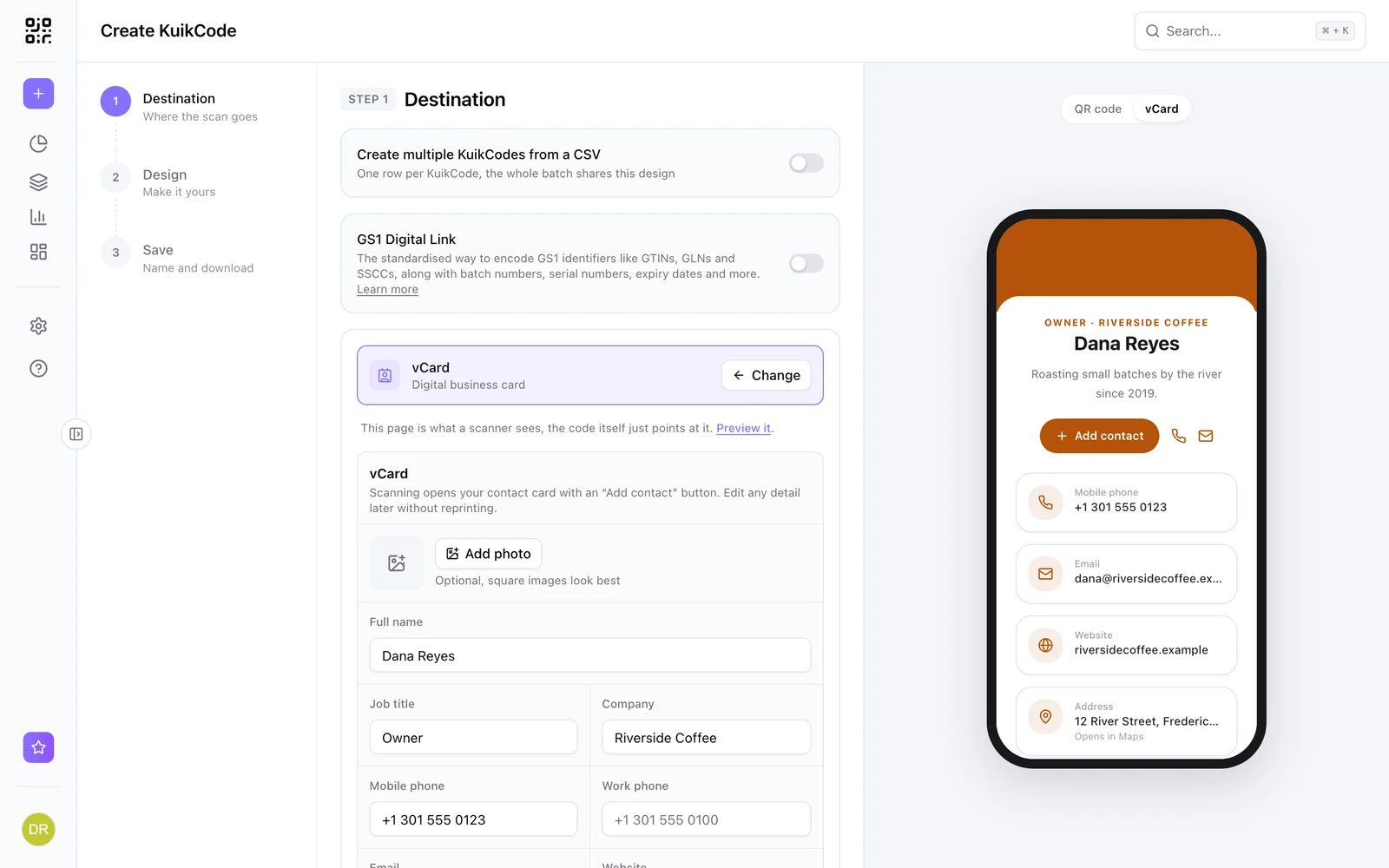
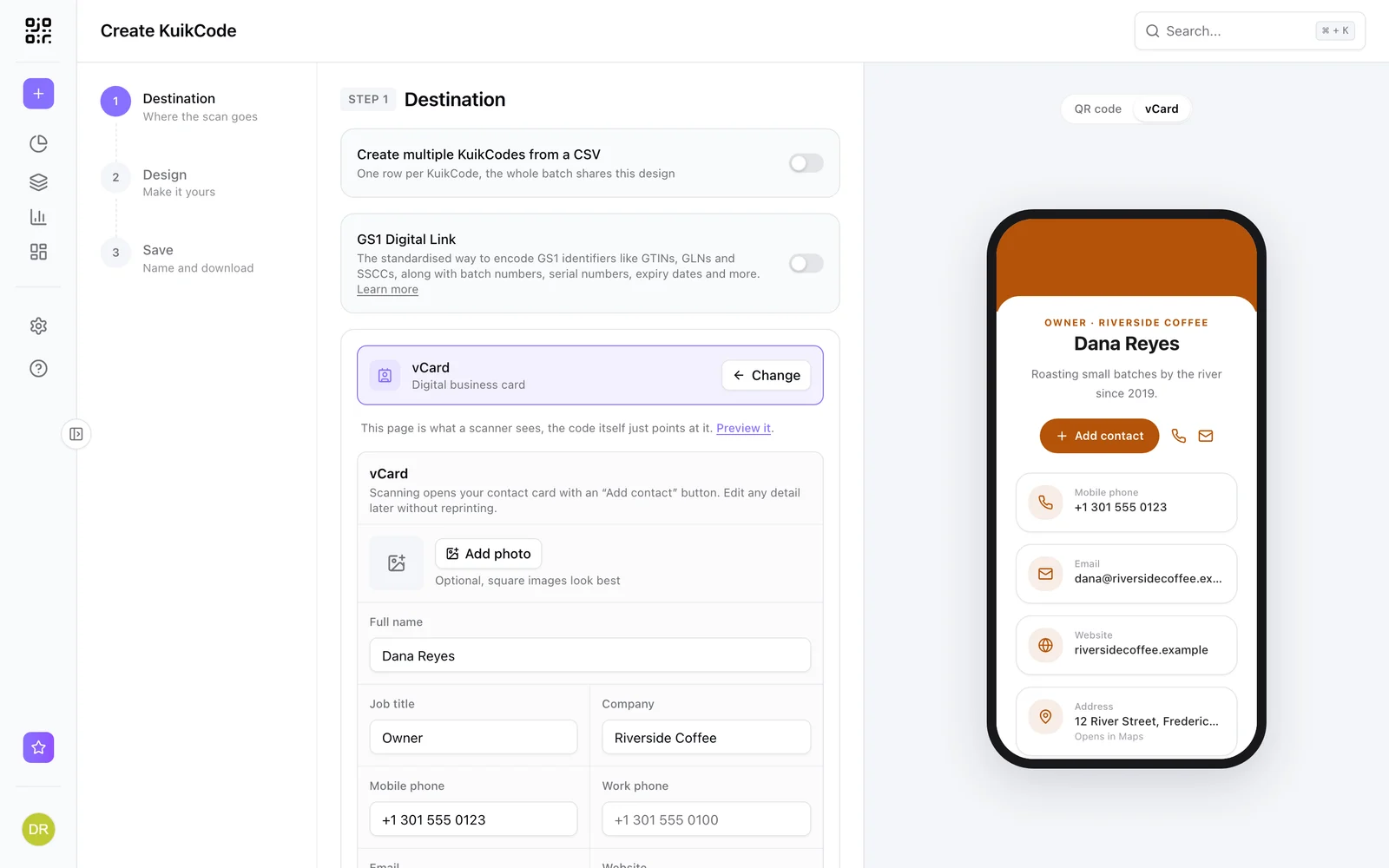
A digital business card that opens on any phone and saves your details to contacts in one tap, with a designed QR code for your printed cards. Update it anytime.
Who uses one
Sales teams
At meetings and trade shows, so contacts save you correctly.
Real estate agents
On signs, brochures and open house sheets.
Freelancers and consultants
A card that links to your work and your calendar.
Conference speakers
On the last slide and the badge.
One tap to save
Name, title, company, phones, email, website, address, an About line, a photo and buttons for your socials. A scan shows the card with a save to contacts button, and the contact file is made from your current details every time.
- Accent color and corners to match your brand
- Social buttons for Instagram, LinkedIn, Facebook, TikTok, YouTube and WhatsApp
- Available on every plan
New number, same cards
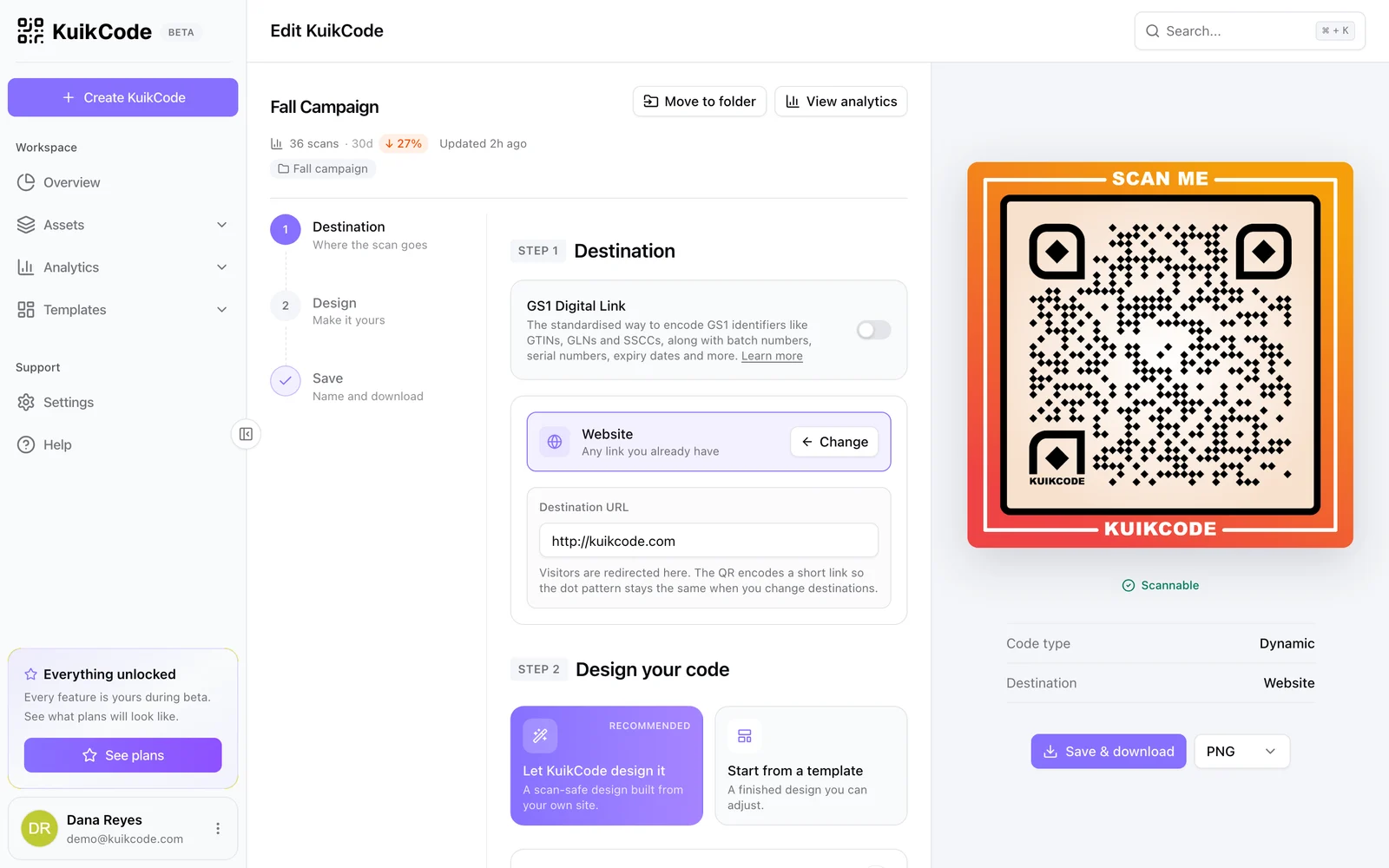
Change jobs, titles or numbers and update the card in KuikCode. Every card already printed shows the new details, because the code never changes.
A page when you need one
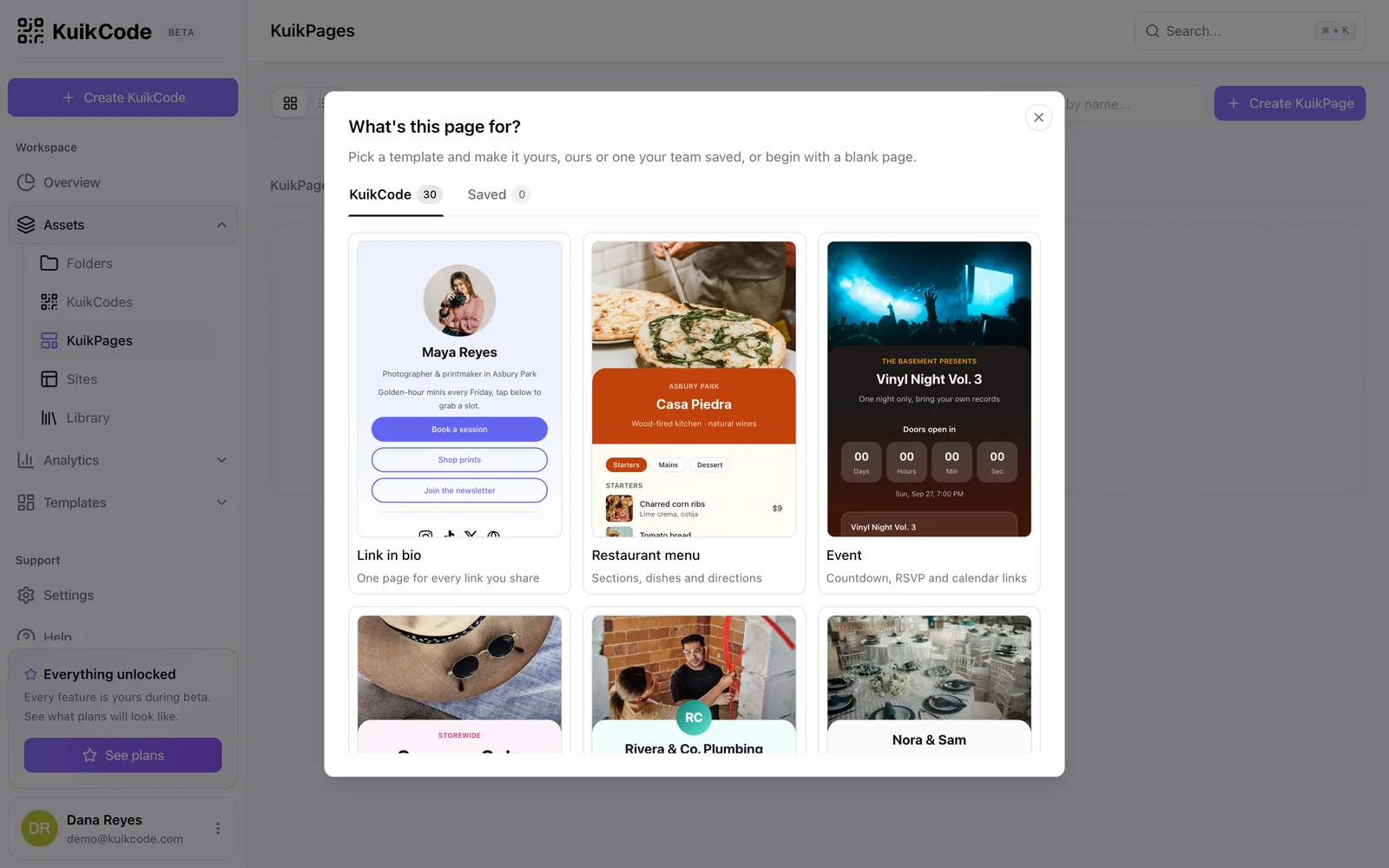
Want your portfolio, a booking button and your contact on one page? Start from the Business Card template in KuikPages and point the same printed code at it.
Learn more
How to put a QR code on your business card
Add a QR code to your business card that saves your details to a phone in one tap, and keep it up to date after the cards are printed.
September 25, 2026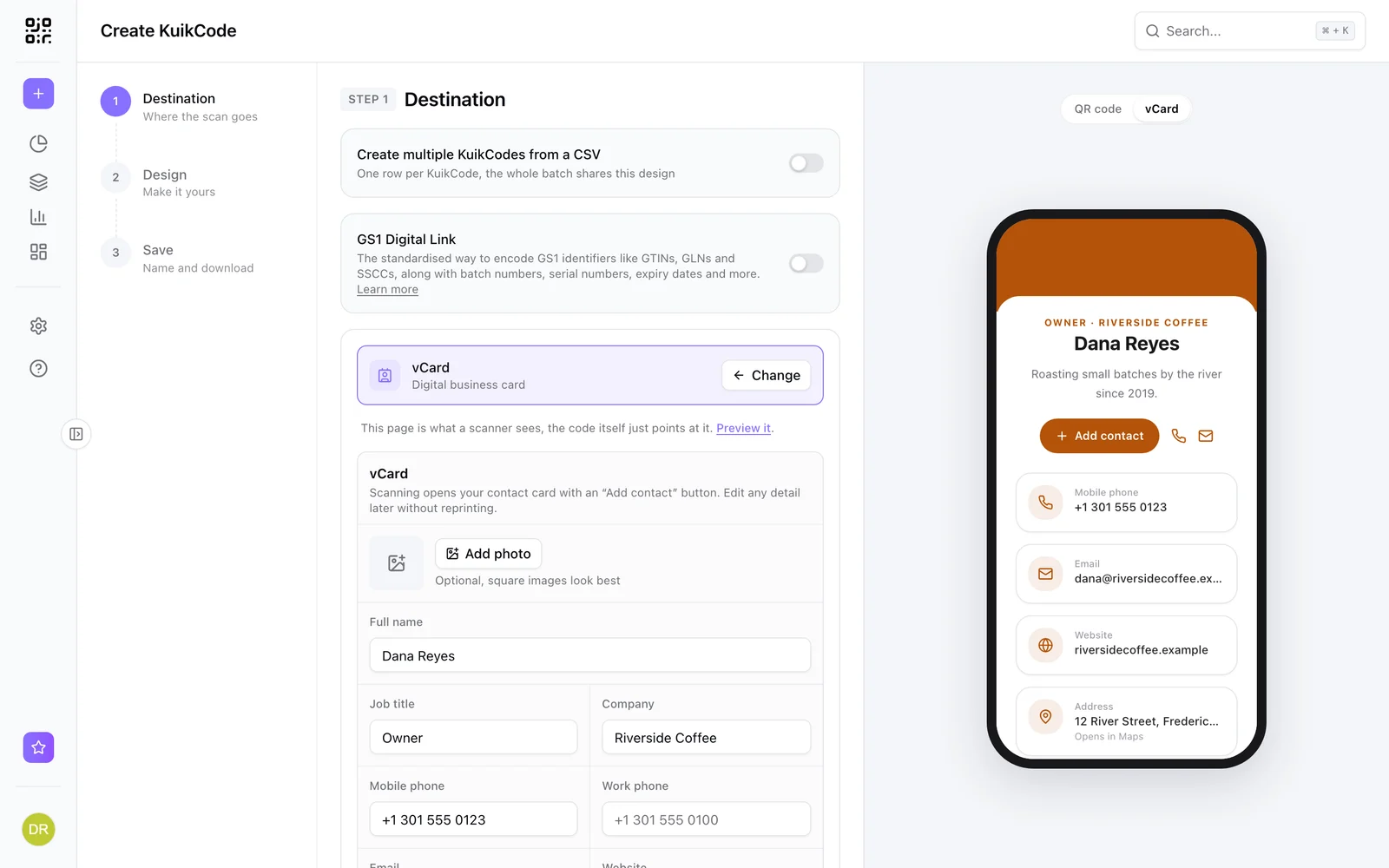
QR codes on real estate signs: a guide for agents
Put a QR code on your for sale sign that opens the listing, saves your contact and follows you to the next property. Placement, tracking and what to link.
September 25, 2026
What is a dynamic QR code?
A dynamic QR code points to a short link you control, so you can change where it goes after printing and see every scan. Here is how it works.
September 23, 2026Frequently asked questions
01What is a digital business card?+
A contact card that opens on a phone, usually from a QR code or a link, with a button that saves your details to the phone's contacts.
02Do people need an app to save my card?+
No. The card opens in the phone's browser and the save button hands the contact to the phone's own address book.
03Can I update my details after printing?+
Yes. The card is made from your current details on every scan, so updates show up on every printed card.
04Is it free?+
The contact card destination is available on every KuikCode plan, including Free.

Start with the QR codes you will never need to reprint.
Join the beta for branded design, editable destinations, hosted sites, bulk CSV creation, and live scan analytics.
Request beta access
One email when your workspace is ready. No spam.