

Feedback QR code: ask customers how it went, right there
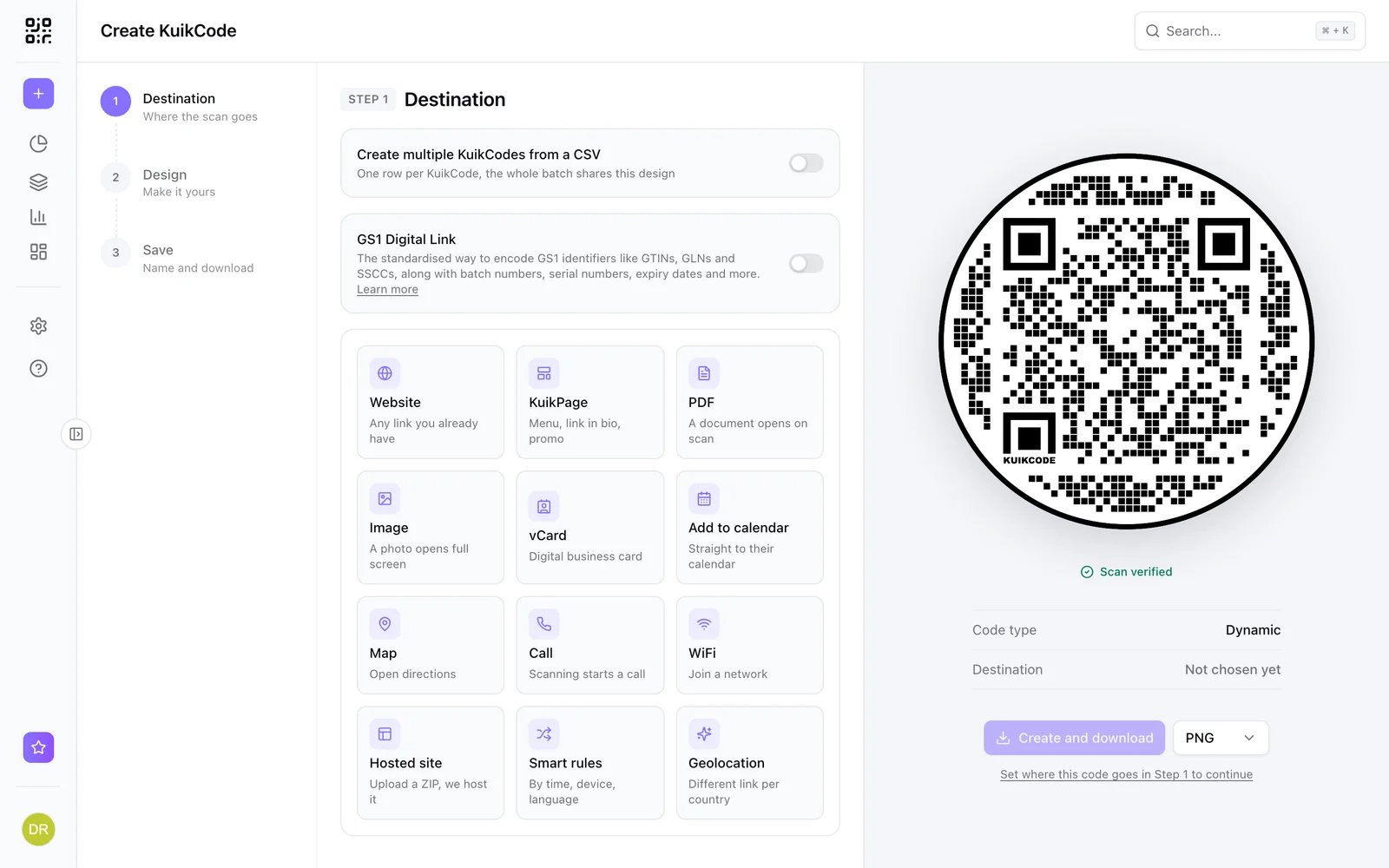
A QR code that opens a short feedback form on the customer's phone. Use a ready made survey page, your own form, or Google Forms, and change it anytime.
Where people use it
Restaurants and cafes
On the table or the receipt, while the visit is fresh.
Hotels and rentals
In the room or the welcome book, before checkout.
Products
On the package or the insert, for product feedback.
Events and training
On the last slide or the exit sign.
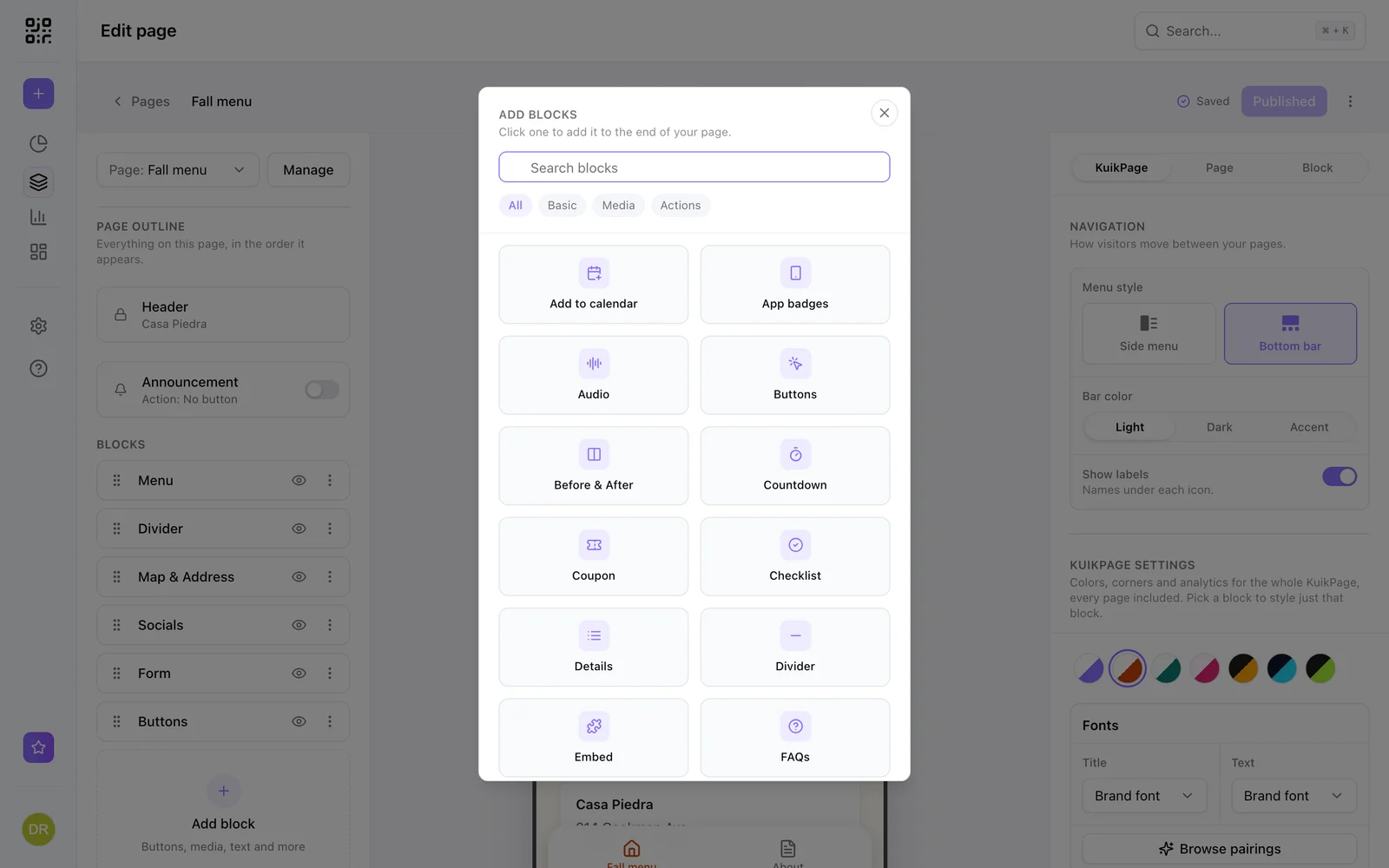
A feedback page ready to go
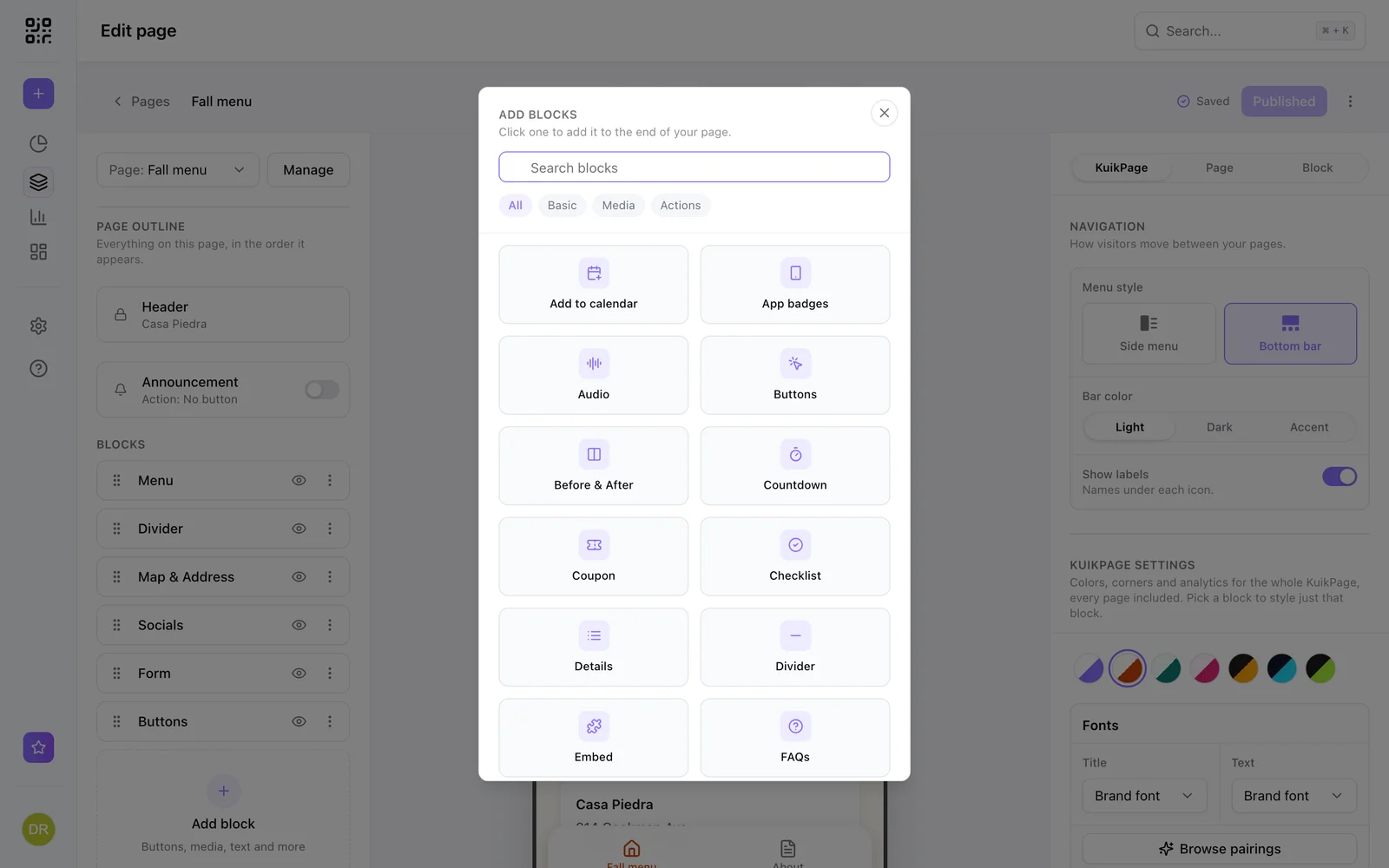
Start from the Feedback Survey template: a short page with your logo and a form that asks what you need to know. Submissions arrive in your workspace and your inbox. The Form block comes with PRO.
- Feedback Survey template
- Submissions in your workspace and by email
- Form webhooks to your tools on Business
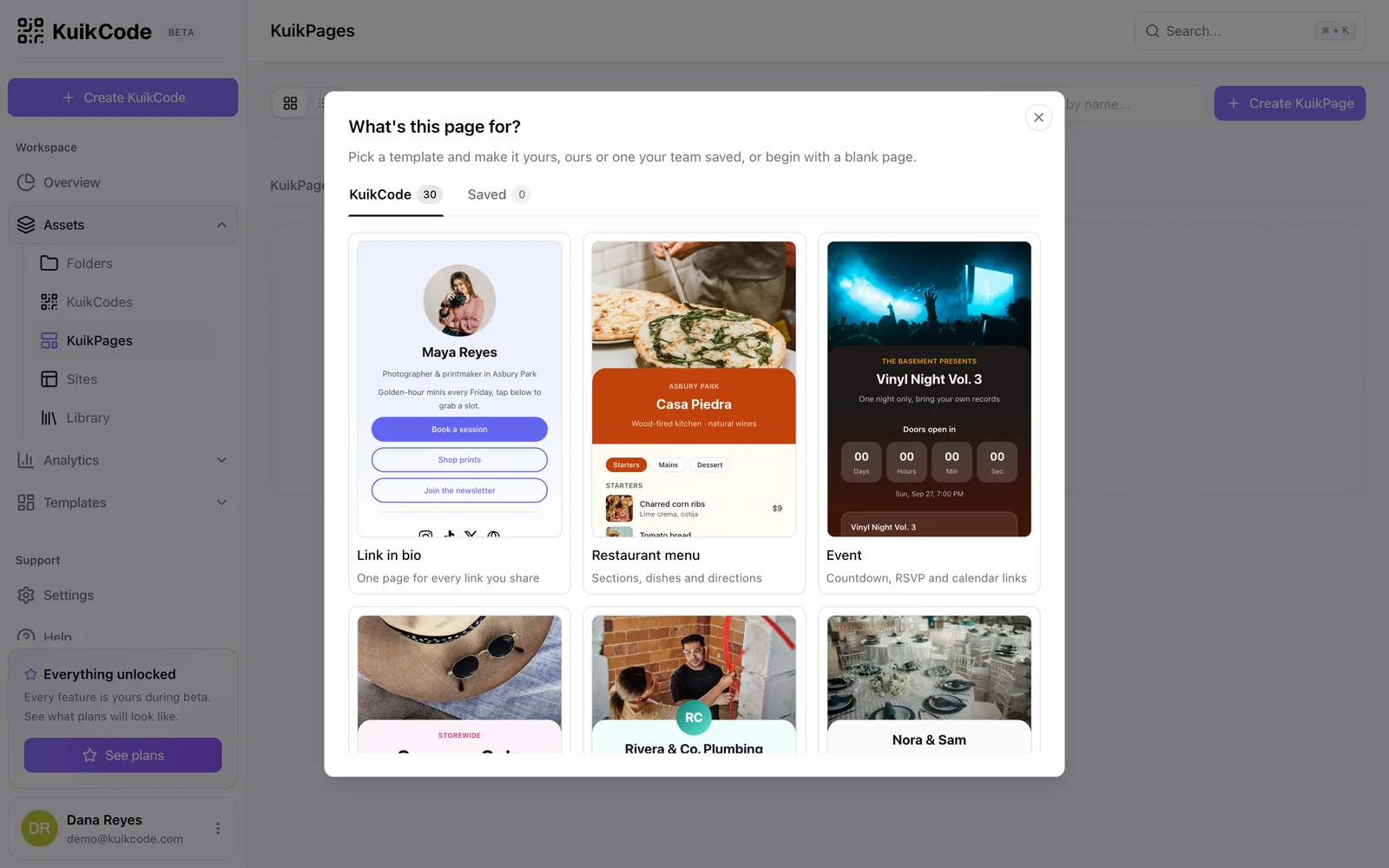
Or use the form you already have
Point the code at Google Forms, Typeform, Tally or Jotform, or embed it on a KuikPage. Every KuikCode is dynamic, so you can change where it goes after printing and see every scan.
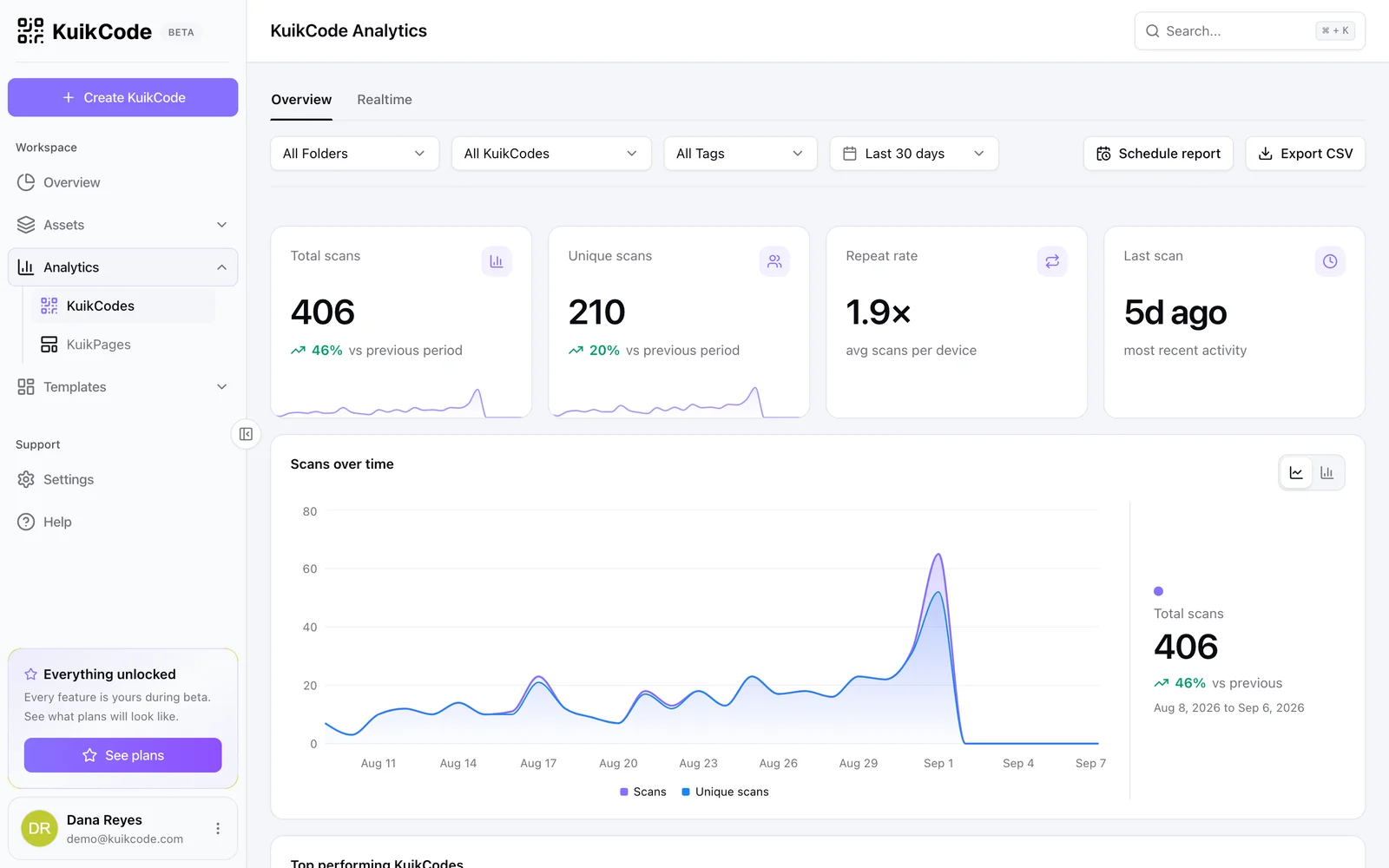
See how many people answered the call
Scan analytics show how many people opened the feedback page from each location and when. Compare tables, rooms or stores with a code for each.
Learn more
How to make a QR code for Google reviews
Get more Google reviews with a QR code that opens your review form in one scan. Where to find your review link, where to put the code and what to say.
September 25, 2026
How to track QR code scans (and what the numbers mean)
Dynamic QR codes record every scan. Learn which numbers matter, how to read total and unique scans, and how to connect scans to your web analytics.
September 23, 2026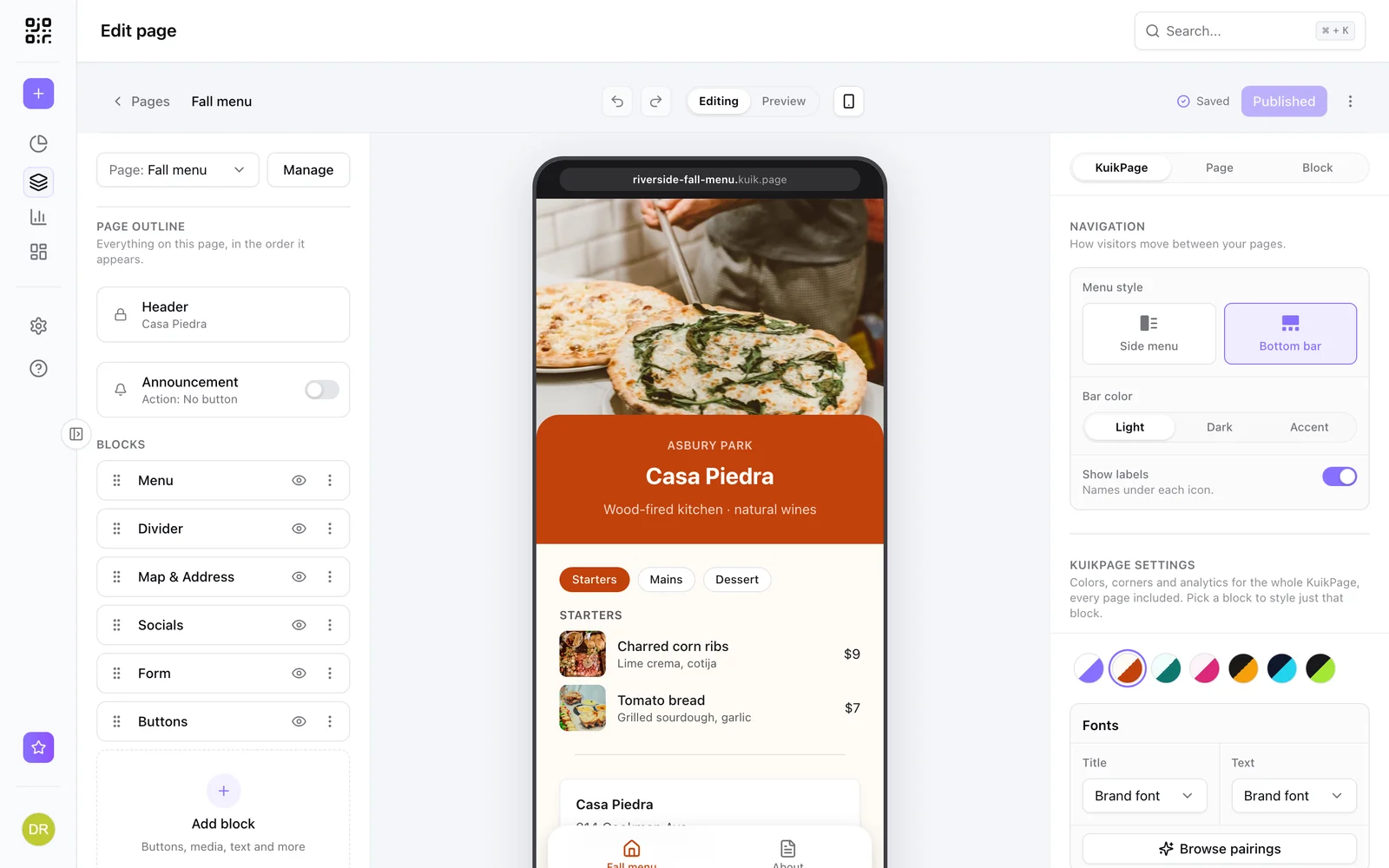
What is a mobile landing page, and when does your QR code need one?
A mobile landing page is a short page built for phones. Learn when a QR code should open one instead of your website, and what to put on it.
September 23, 2026Frequently asked questions
01How do I make a feedback QR code?+
Create a feedback page from the Feedback Survey template, or copy the link of a form you already use, then point a KuikCode at it and print it where customers finish their visit.
02Where do the answers go?+
With the Form block on PRO, answers arrive in your workspace and your inbox, and on Business a webhook can send them to your other tools. With Google Forms or Typeform, they stay in that tool.
03Can I use one code per location?+
Yes. Create one code per table, room or store, all pointing at the same form, and compare scans by location.
04Is a feedback code the same as a review code?+
No. A feedback code collects private answers for you. A review code sends customers to a public review page. Ask every customer the same way for public reviews.
Google Forms, Typeform, Tally, Jotform are trademarks of their owners. KuikCode is not affiliated with or endorsed by them.

Start with the QR codes you will never need to reprint.
Join the beta for branded design, editable destinations, hosted sites, bulk CSV creation, and live scan analytics.
Request beta access
One email when your workspace is ready. No spam.