

Google Drive QR code: open any Doc, Sheet, deck or file in one scan
A designed QR code for a Google Drive file or folder. Swap the file after printing, skip Drive's permission screens with a PDF upload, and see every scan.
Where people use it
Schools and training
Syllabi, reading lists, handouts and slides on the board or the last page of a deck.
Manuals and price lists
The current version of a document on a product, a shelf or a counter.
Events and talks
The schedule, the speaker's slides or a folder of photos after the day.
Teams and offices
Policies, onboarding guides and shared sheets on the wall or the desk.
Docs, Sheets, Slides, PDFs and folders
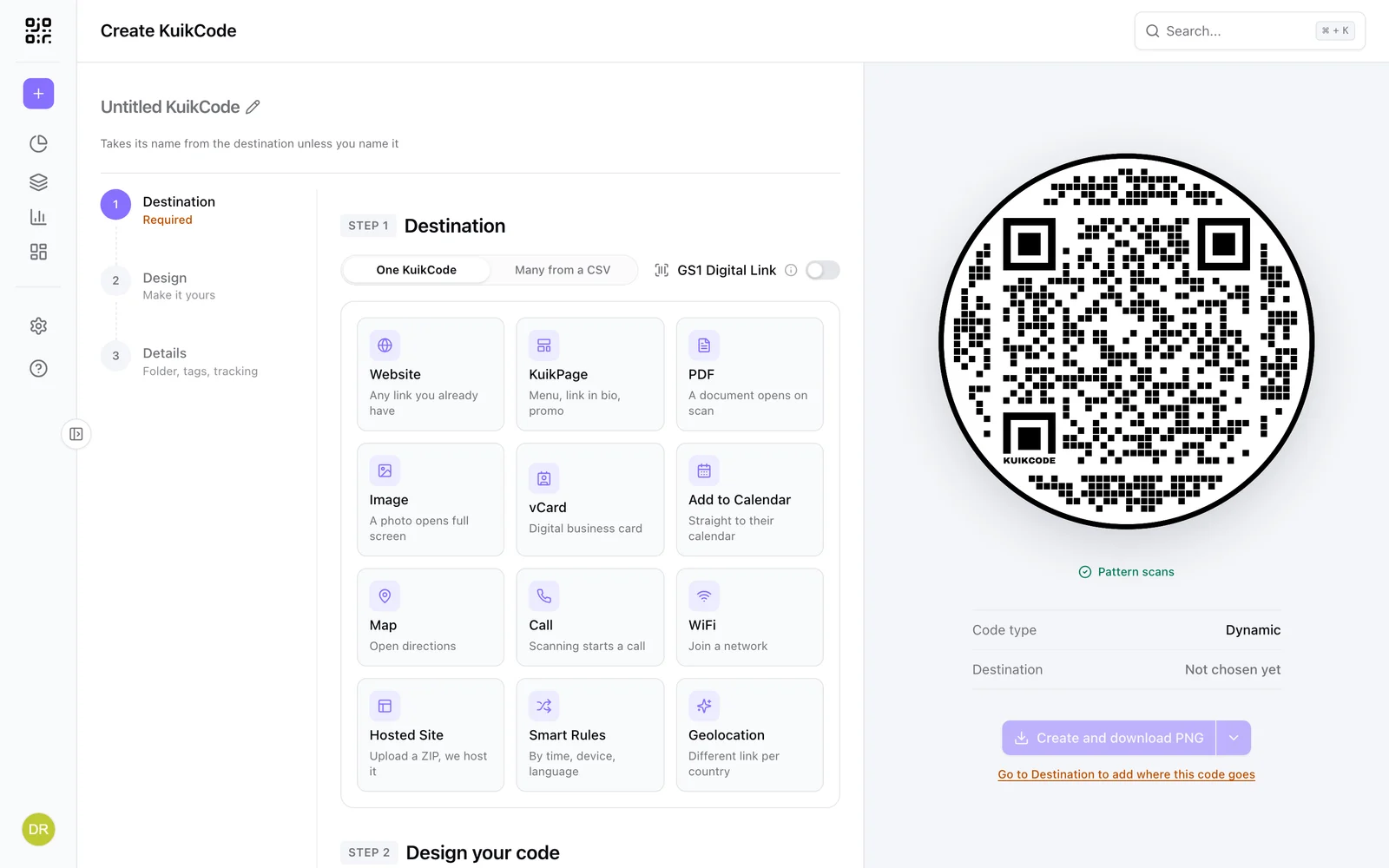
In Drive, click Share, set General access to Anyone with the link with the Viewer role, and copy the link. Create a KuikCode with the Website destination and paste it. Scanning opens the file in the browser or the Google app, with no sign in.
- Works for Docs, Sheets, Slides, uploaded files and whole folders
- Frames with words like Read the guide or See the slides
- Website codes are available on every plan
Next term's file, same printed code
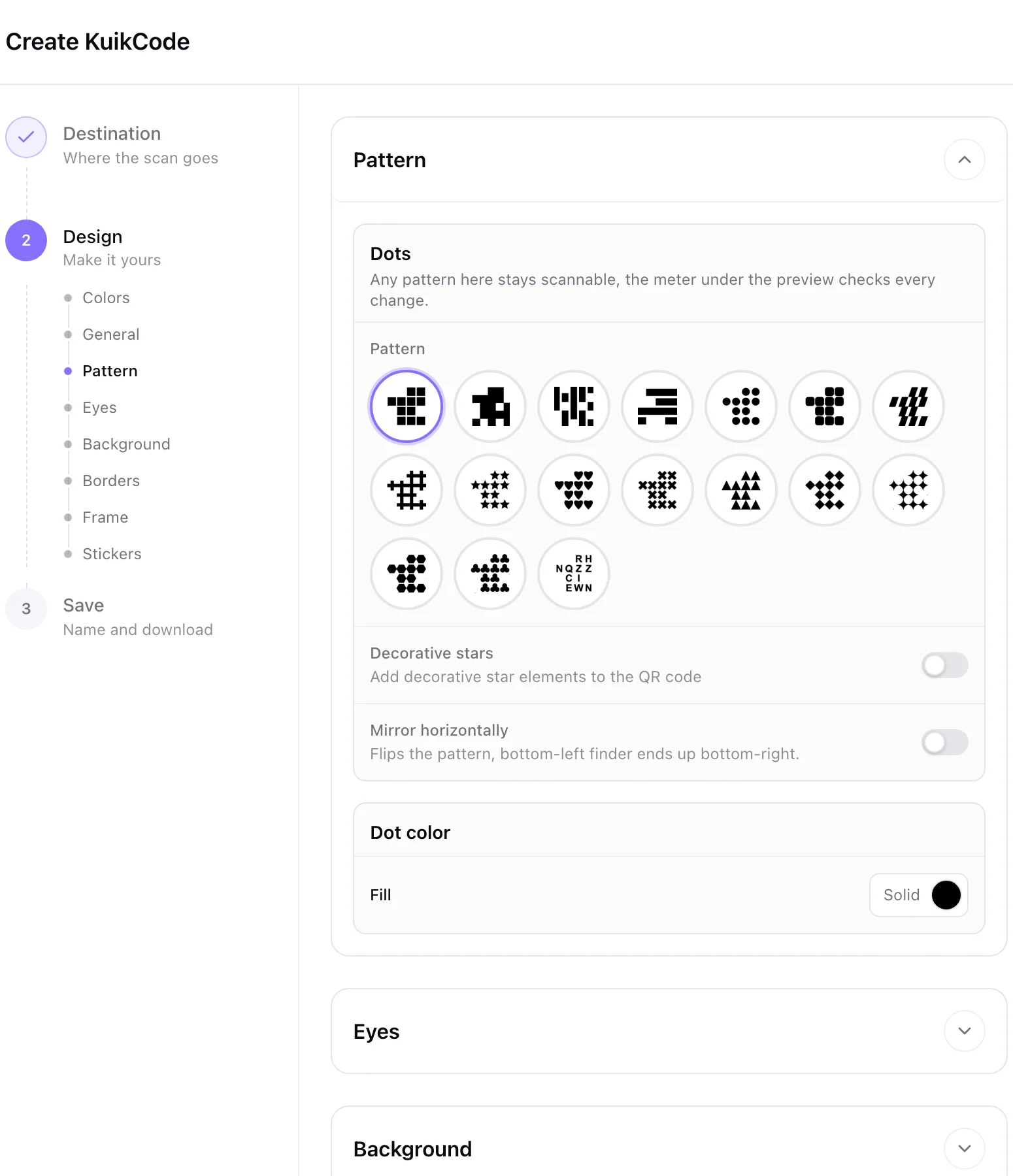
A new file in Drive has a new link. Every KuikCode is dynamic, so you paste the new link into the same code and every printed copy opens the new file from the next scan. No reprint, no second code.
Skip the permission screens
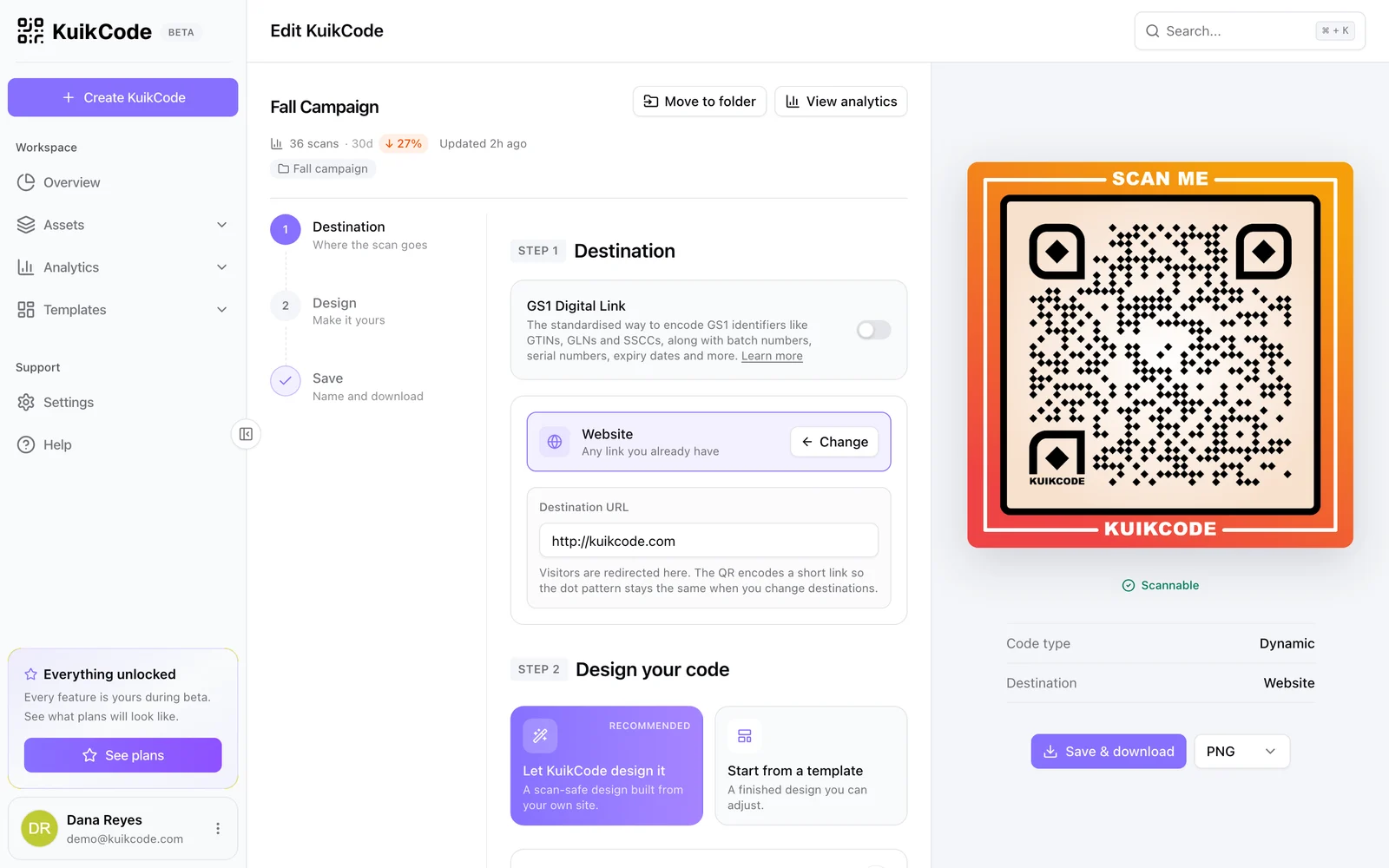
For a PDF, upload it straight to the code with the Show a PDF destination. Scanning opens a page with your title, a preview of the first page and a button to read or download it. Nobody hits Request access, and you replace the file whenever you like.
- Branded page with your colors and logo
- From 2 MB on Basic up to 20 MB on Business, per file
See how many people opened it
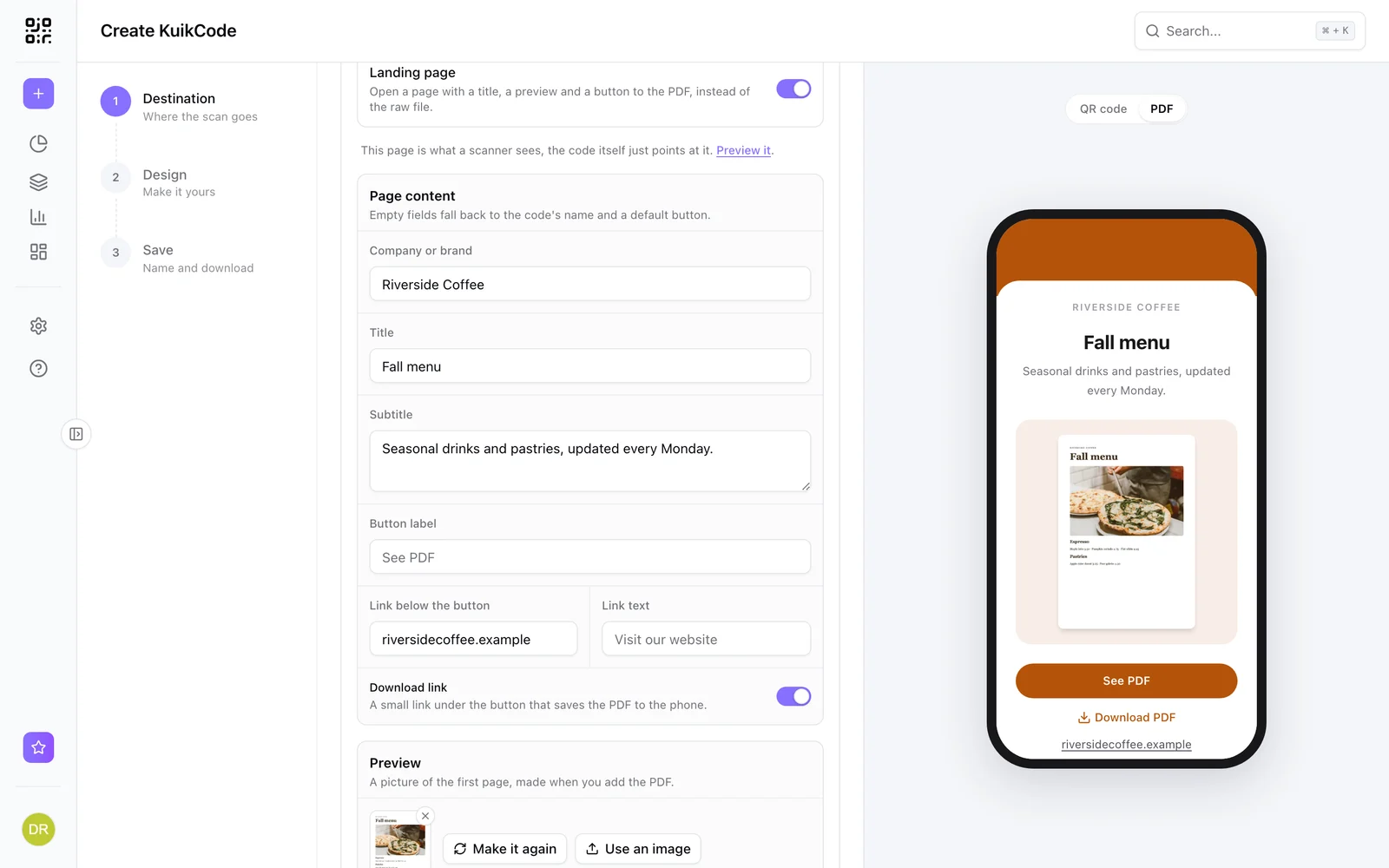
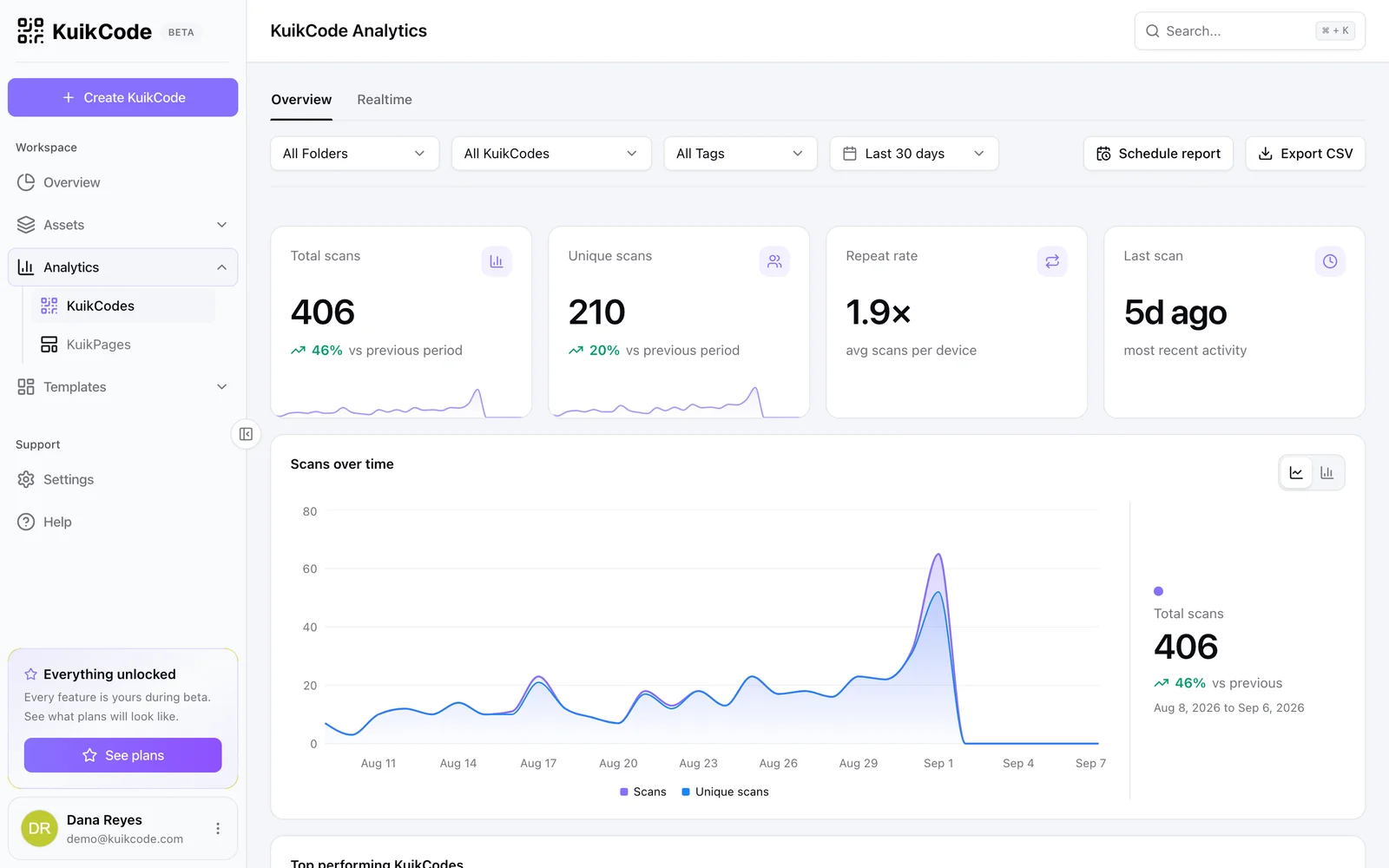
Drive doesn't tell you who opened a shared file from paper. Every scan of a KuikCode is counted with its time, city and device, so you can see whether the handout, the poster or the slide brought people in.
Learn more
How do you make a QR code for a Google Doc or a Drive file?
Share the file with anyone who has the link, copy it and turn it into a QR code. The steps for Docs, Sheets, Slides and Drive, and how to swap the file after printing.
October 24, 2026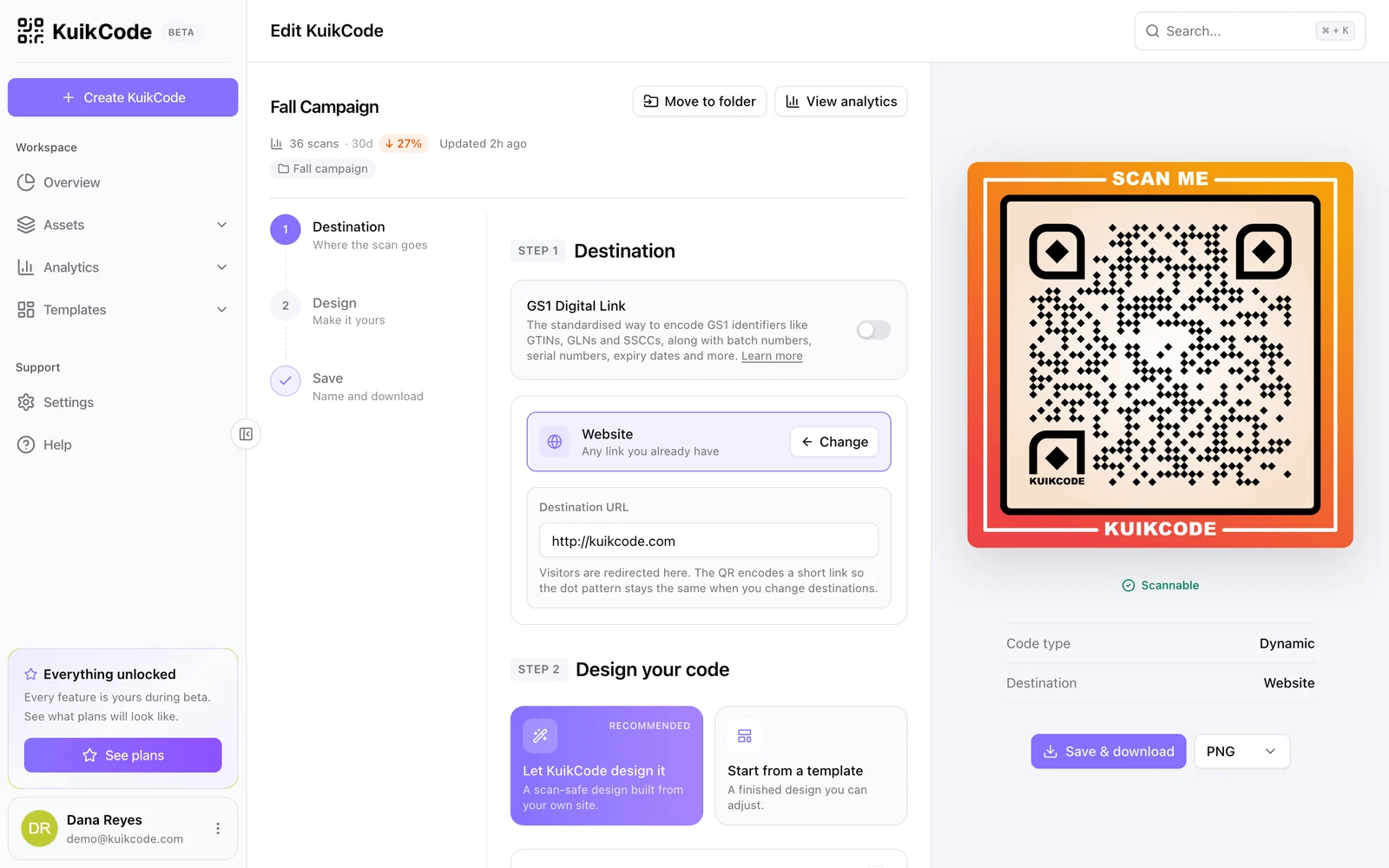
How to change where a QR code goes after it is printed
If your code is dynamic, you can send it to a new page, file or menu without reprinting. Here is how it works and what to do if your code is static.
September 23, 2026
How do you make a QR code for a Google Form?
Copy the form's responder link, turn it into a QR code and test it signed out. The steps, the sharing setting that blocks most scans, and when a dynamic code pays off.
October 24, 2026Frequently asked questions
01How do I make a QR code for a Google Drive file?+
In Drive, click Share, set General access to Anyone with the link with the Viewer role and click Copy link. In KuikCode, create a code with the Website destination, paste the link, design the code and download it.
02Why do people see Request access when they scan?+
The file is still restricted to the people you added. Change General access to Anyone with the link. In a work or school account, an administrator may block sharing outside the organization; for a PDF, upload it to the code instead.
03Can I change the file after printing the code?+
Yes. The code is dynamic, so you paste the new file's link into it and every printed copy opens the new file.
04Can the code open a whole folder?+
Yes. Share the folder with Anyone with the link and paste the folder's link. Scanning shows the files inside.
05Do people need a Google account to open it?+
No. With Anyone with the link, the file opens without signing in. Viewers can read it but can't change it.
06Can I see how many people scanned it?+
Yes. Every scan is counted with its time, city and device, and you can give each poster or handout its own code to compare them.
Google Drive, Google Docs, Google Sheets, Google Slides are trademarks of their owners. KuikCode is not affiliated with or endorsed by them.
Your next printed code, ready in minutes.
Design it, point it anywhere, change it after printing and watch the scans come in. Try every feature free for 14 days, no credit card.
Start your 14-day free trial
Every feature, no credit card. Plans from $5 a month after.