

Google Form QR code: open your form in one scan
A designed QR code that opens your Google Form, or a page with the form embedded next to your brand. Swap the form anytime without reprinting and see every scan.
Where people use it
Schools and classes
Sign ups, quizzes and permission slips on a handout or the board.
Events
Registration and feedback at the door and on the last slide.
HR and teams
Onboarding checklists, surveys and requests on the office wall.
Customer feedback
A short survey on the table, the receipt or the package.
Straight to the form
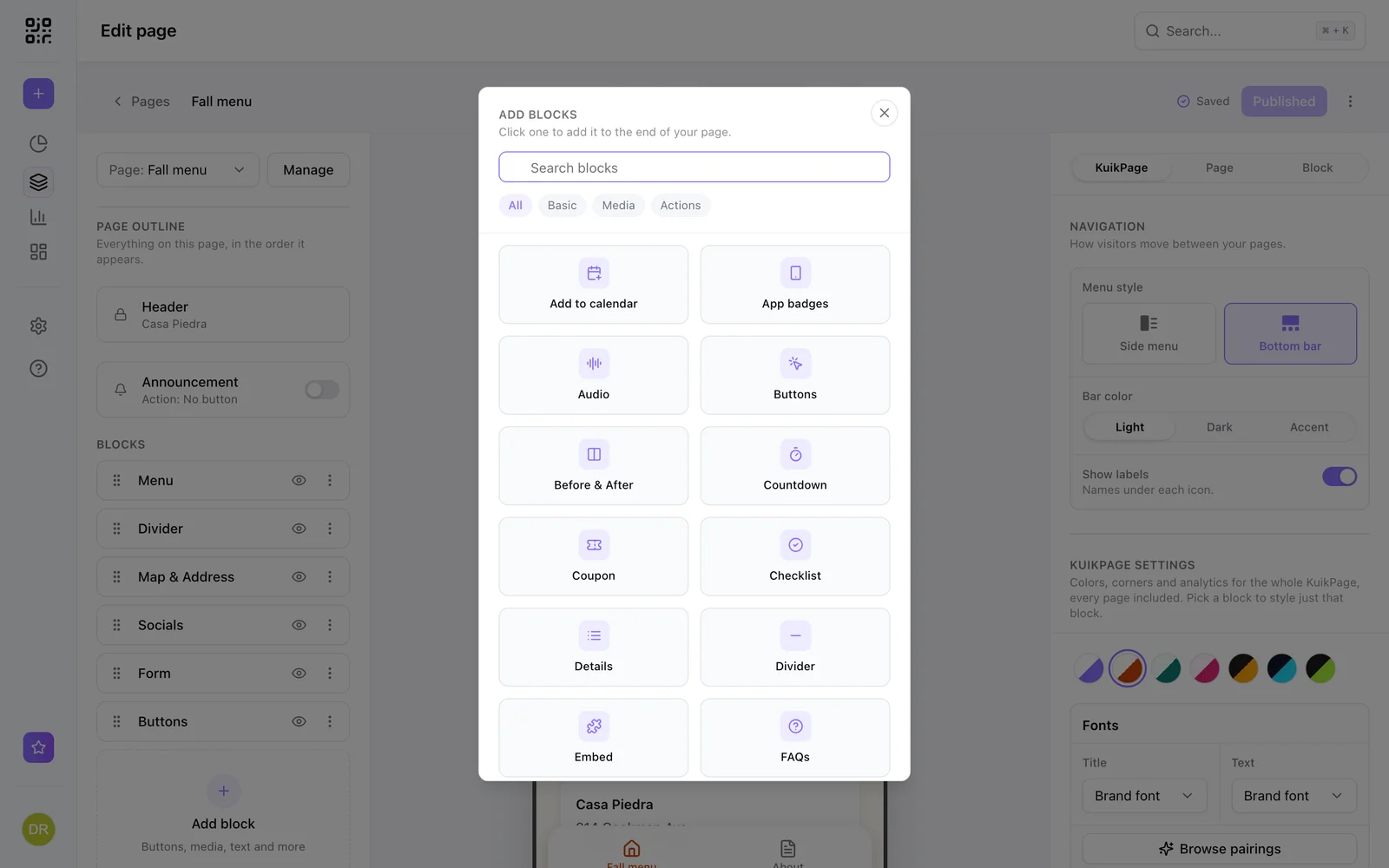
Copy your form's share link, create a KuikCode with the Website destination, and paste it. Every KuikCode is dynamic, so you can change where it goes after printing and see every scan. Next term's form, same printed code.
- Works with Google Forms, Typeform, Tally and Jotform links
- Change the form without reprinting
- Website codes are available on every plan
The form inside your own page
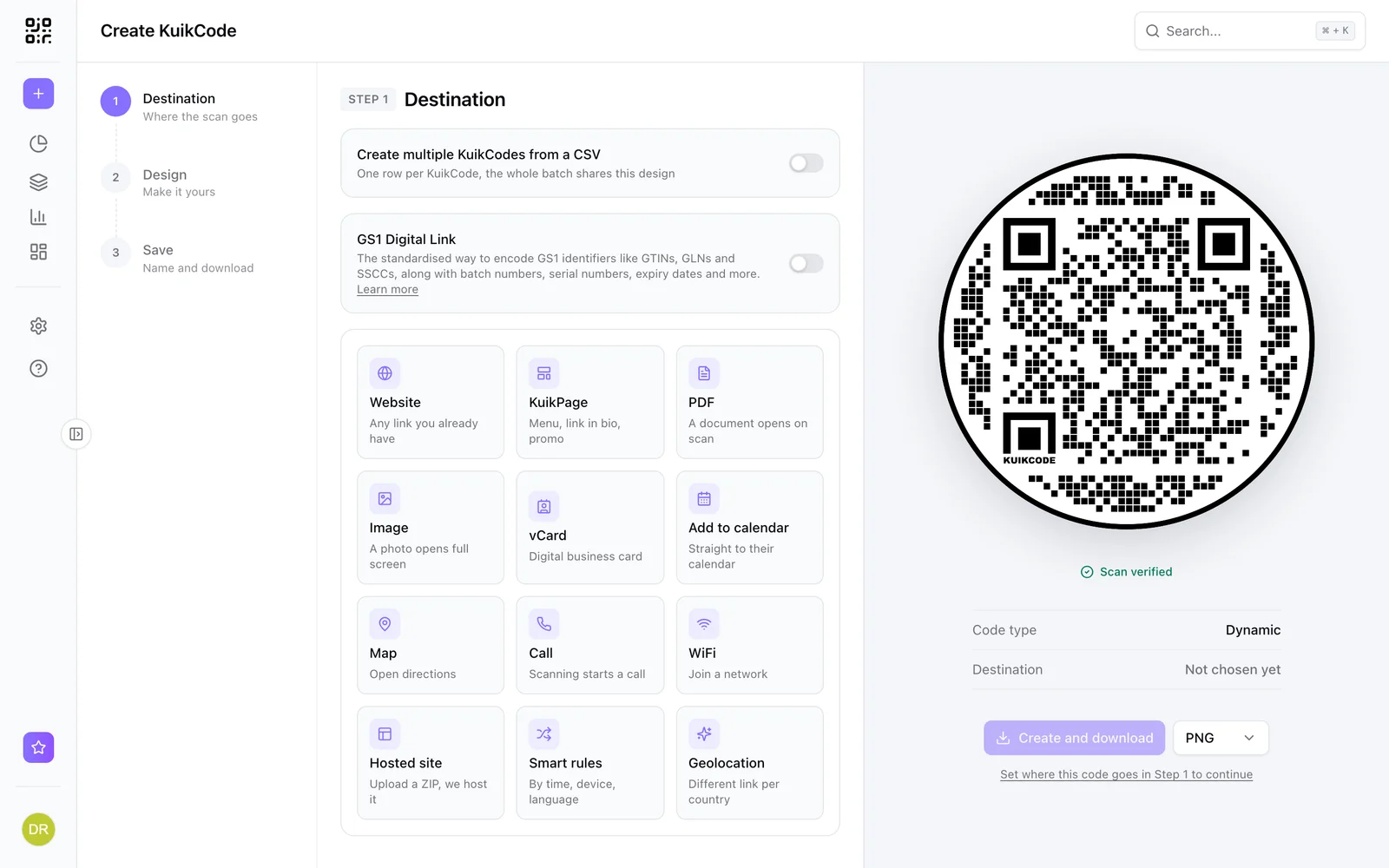
Put the form on a KuikPage with the Embed block, next to your logo, a short intro and anything else people need. Embeds work with Google Forms, Typeform, Tally, Jotform, Calendly and Cal.com.
Know how many people opened it
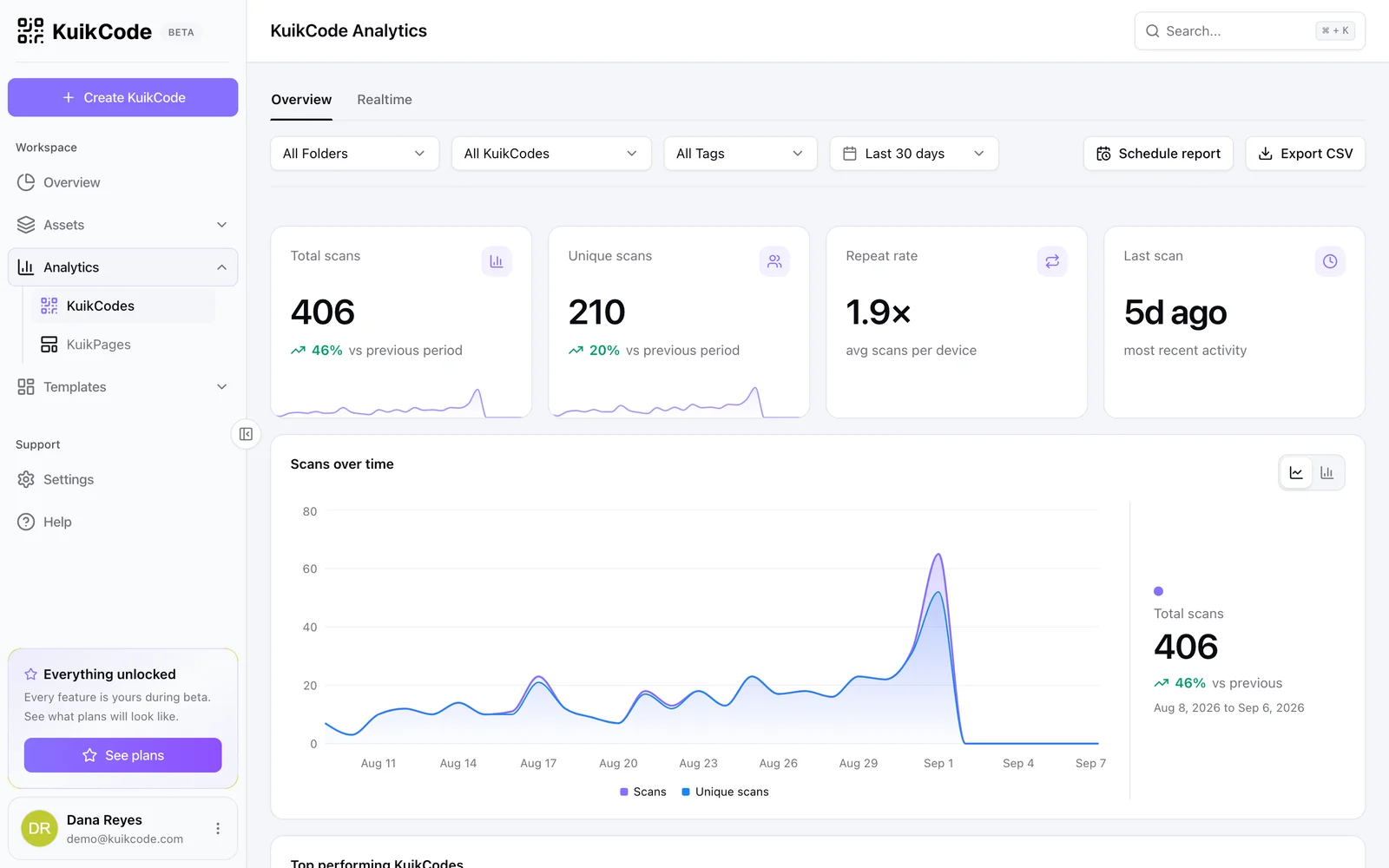
Scan analytics show how many people opened the form from each printed code, and when, so you can compare the poster with the handout.
Learn more
How to make a QR code for a link
Turn any web address into a QR code people actually scan. Five steps, plus the size, contrast and placement rules that keep it readable.
September 23, 2026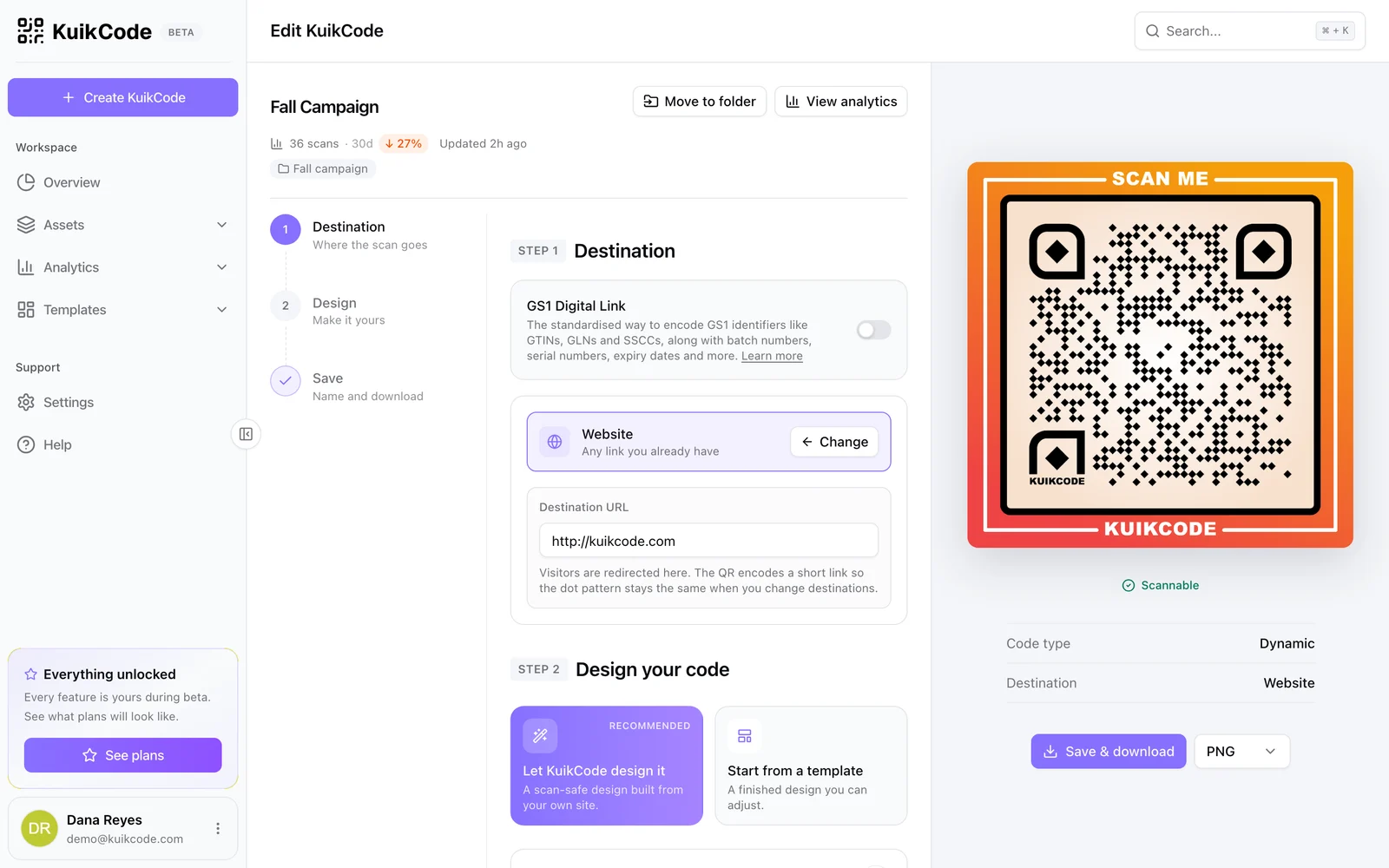
How to change where a QR code goes after it is printed
If your code is dynamic, you can send it to a new page, file or menu without reprinting. Here is how it works and what to do if your code is static.
September 23, 2026
How to track QR code scans (and what the numbers mean)
Dynamic QR codes record every scan. Learn which numbers matter, how to read total and unique scans, and how to connect scans to your web analytics.
September 23, 2026Frequently asked questions
01How do I make a QR code for a Google Form?+
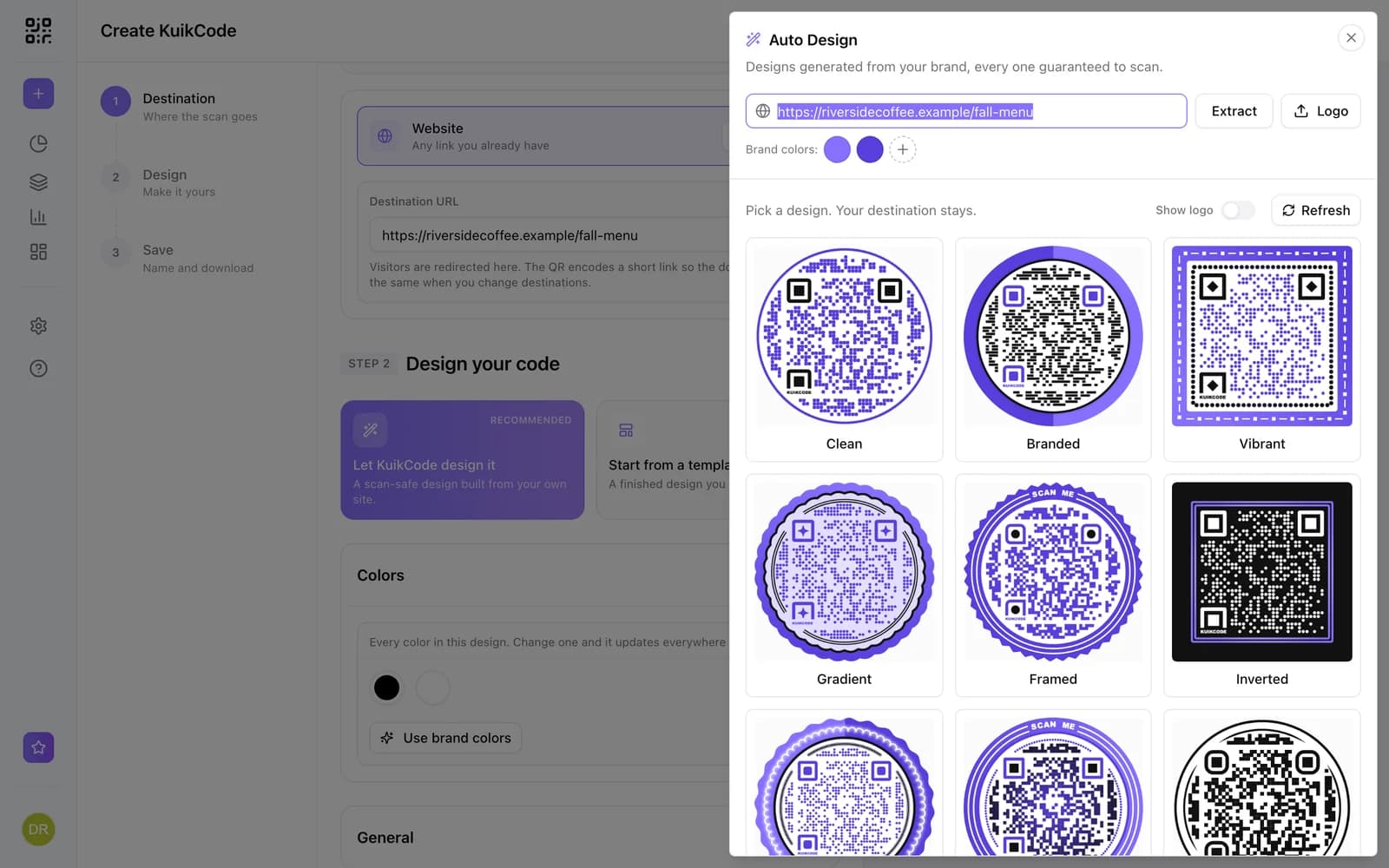
In Google Forms, click Send and copy the link. In KuikCode, create a code with the Website destination, paste the link, design the code and download it.
02Can I change the form after printing the code?+
Yes. The code is dynamic, so you can point it at a new form or a new version anytime.
03Can I see how many people scanned it?+
Yes. Every scan is counted with its time, city and device. Form responses stay in Google Forms.
04Can I put the form on a branded page?+
Yes. Use a KuikPage with the Embed block, available from the Starter plan, to show the form under your logo and a short intro.
Google Forms, Typeform, Tally, Jotform, Calendly, Cal.com are trademarks of their owners. KuikCode is not affiliated with or endorsed by them.

Start with the QR codes you will never need to reprint.
Join the beta for branded design, editable destinations, hosted sites, bulk CSV creation, and live scan analytics.
Request beta access
One email when your workspace is ready. No spam.