

LinkedIn QR code: send people to your LinkedIn in one scan
A designed, trackable QR code that opens your LinkedIn profile. Change it to a link in bio page anytime without reprinting, and see every scan live.
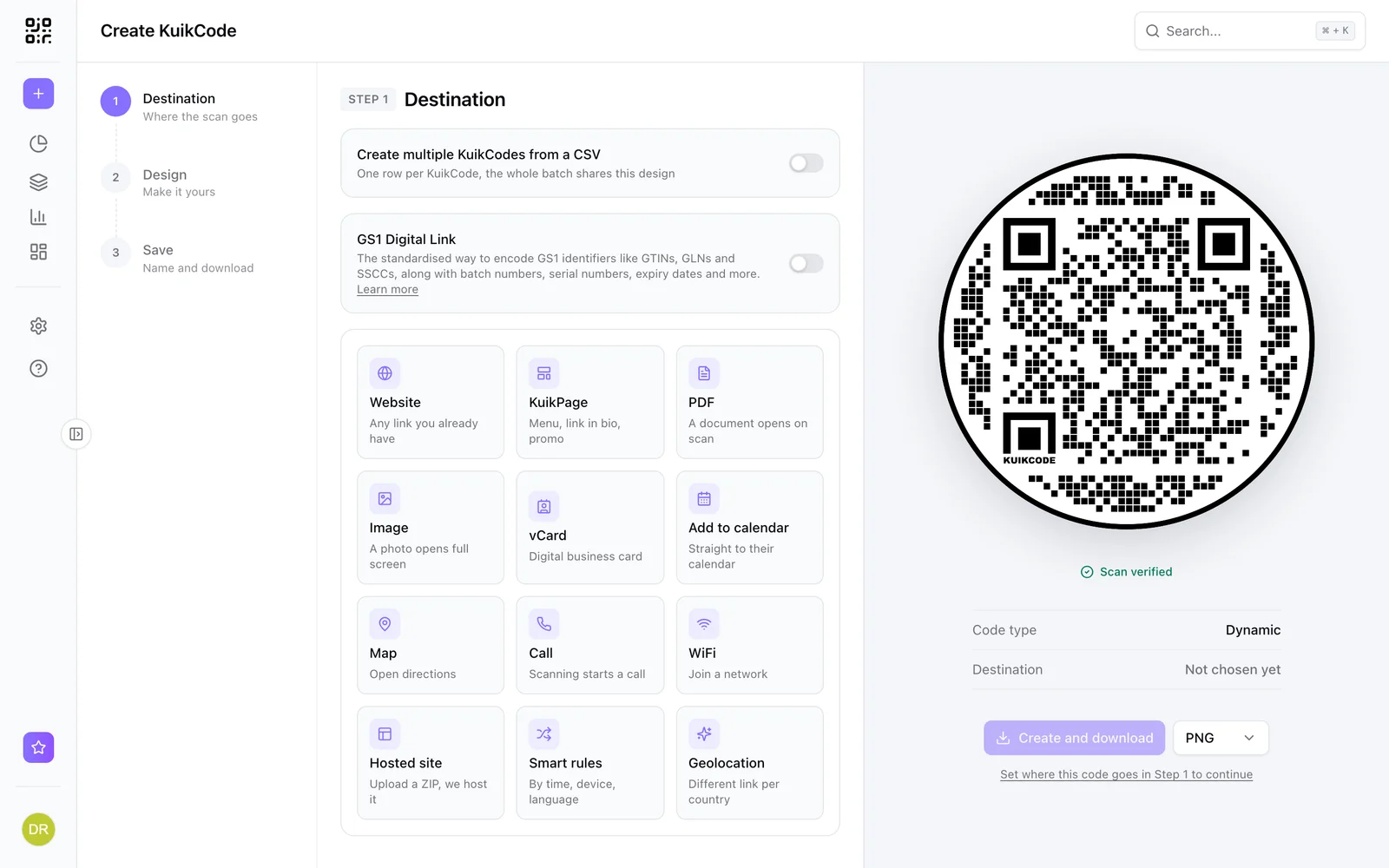
Where people use it
Professionals
On business cards, name badges and slides, so people connect in one scan.
Recruiters and sales
On cards and booth signs, pointing at a profile or a company page.
Conferences
On the last slide of a talk and on speaker badges.
A code that looks like your brand, not a default
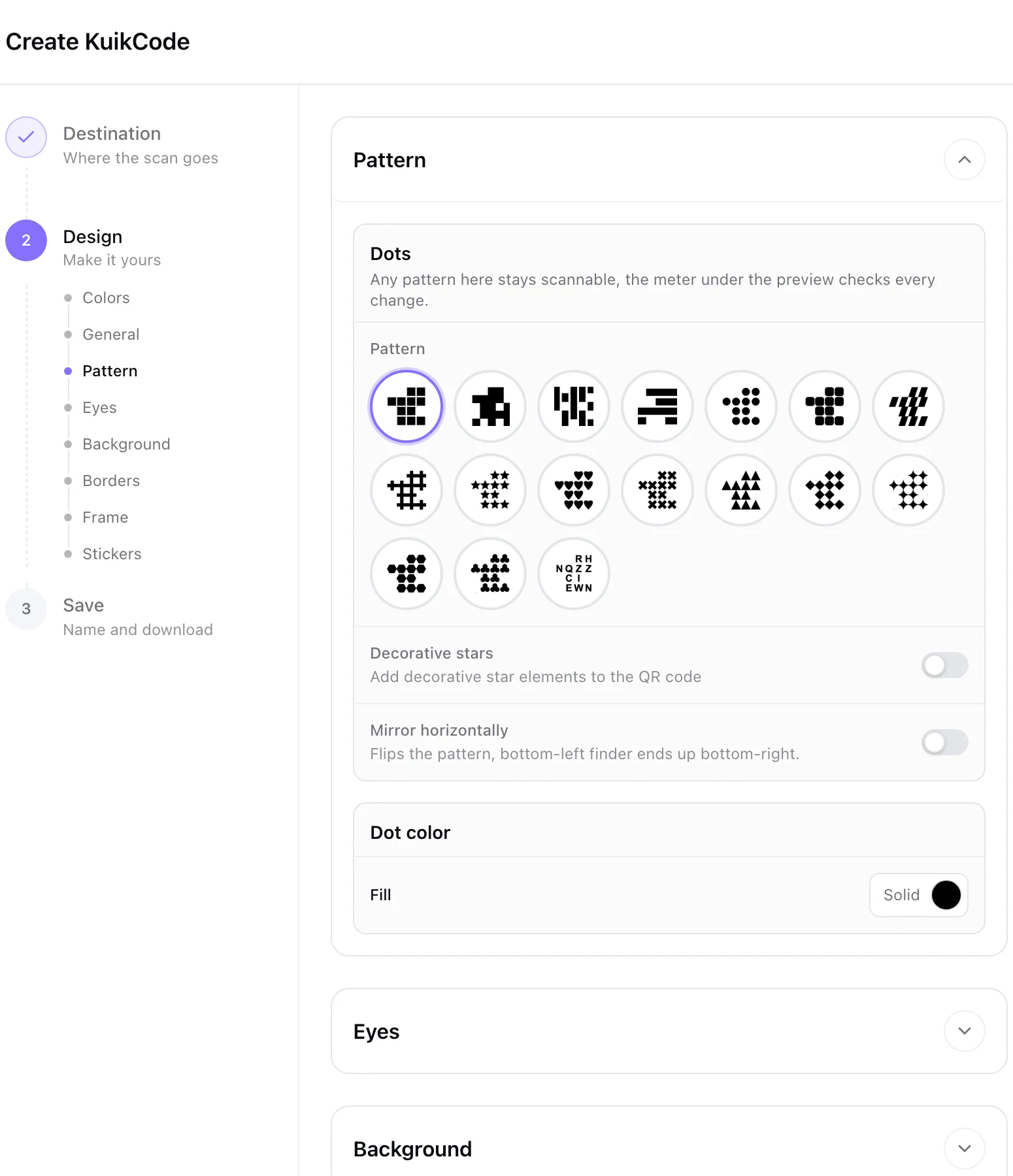
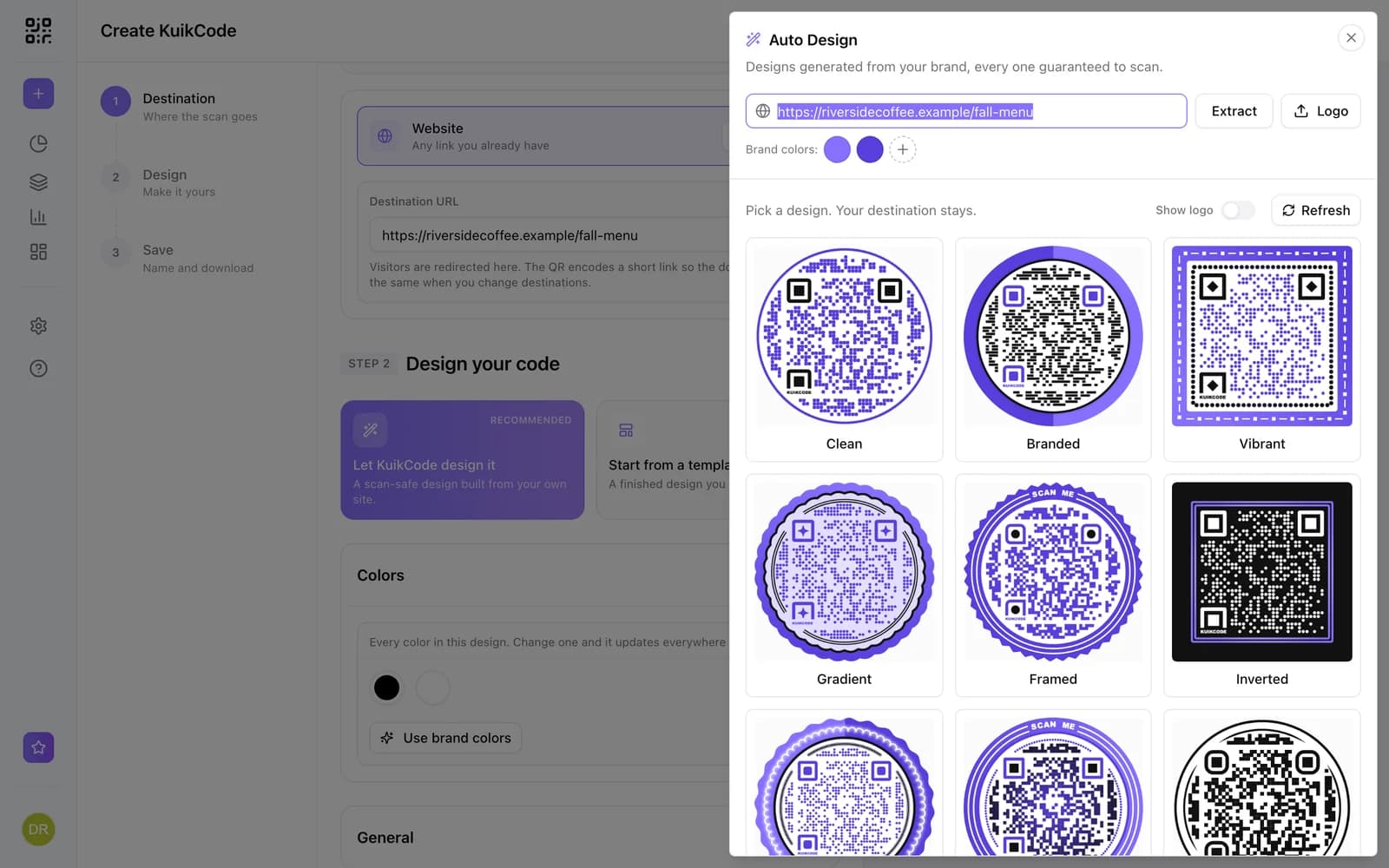
Paste your LinkedIn link, then design the code with your colors, a frame with a call to action like Follow us on LinkedIn, stickers and your logo. Every KuikCode is dynamic, so you can change where it goes after printing and see every scan.
- Frames with words, stickers and your logo
- Every design checked so it still scans
- PNG, SVG and PDF downloads for print
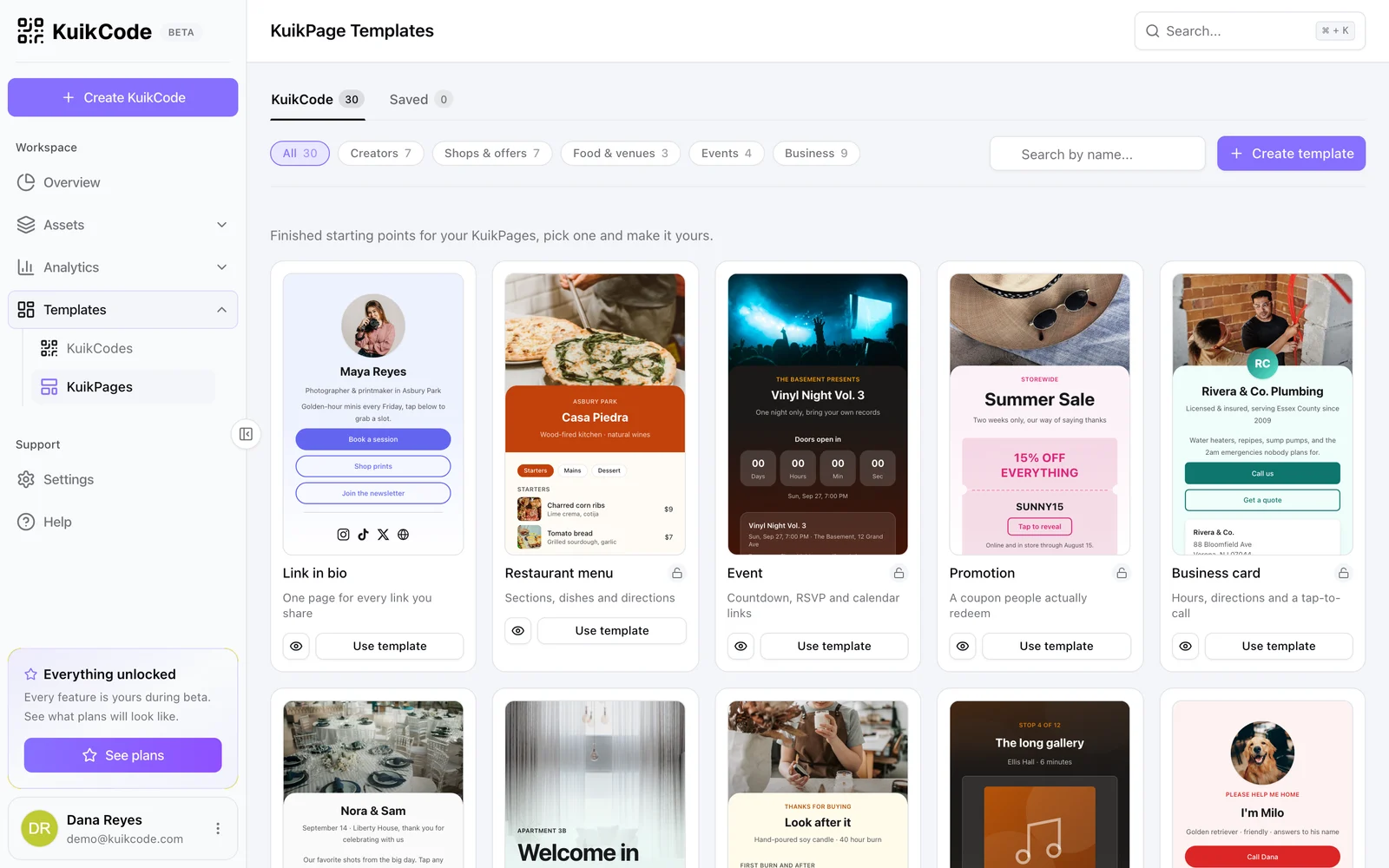
Grow past one link
When one profile is not enough, point the same printed code at a KuikPage with your LinkedIn, your other socials, your shop and your latest links. The Socials block adds icons for Instagram, TikTok, X, YouTube, Facebook, LinkedIn and WhatsApp.
- Link in Bio template to start from
- Repoint the code without reprinting
- KuikPages on Starter and up
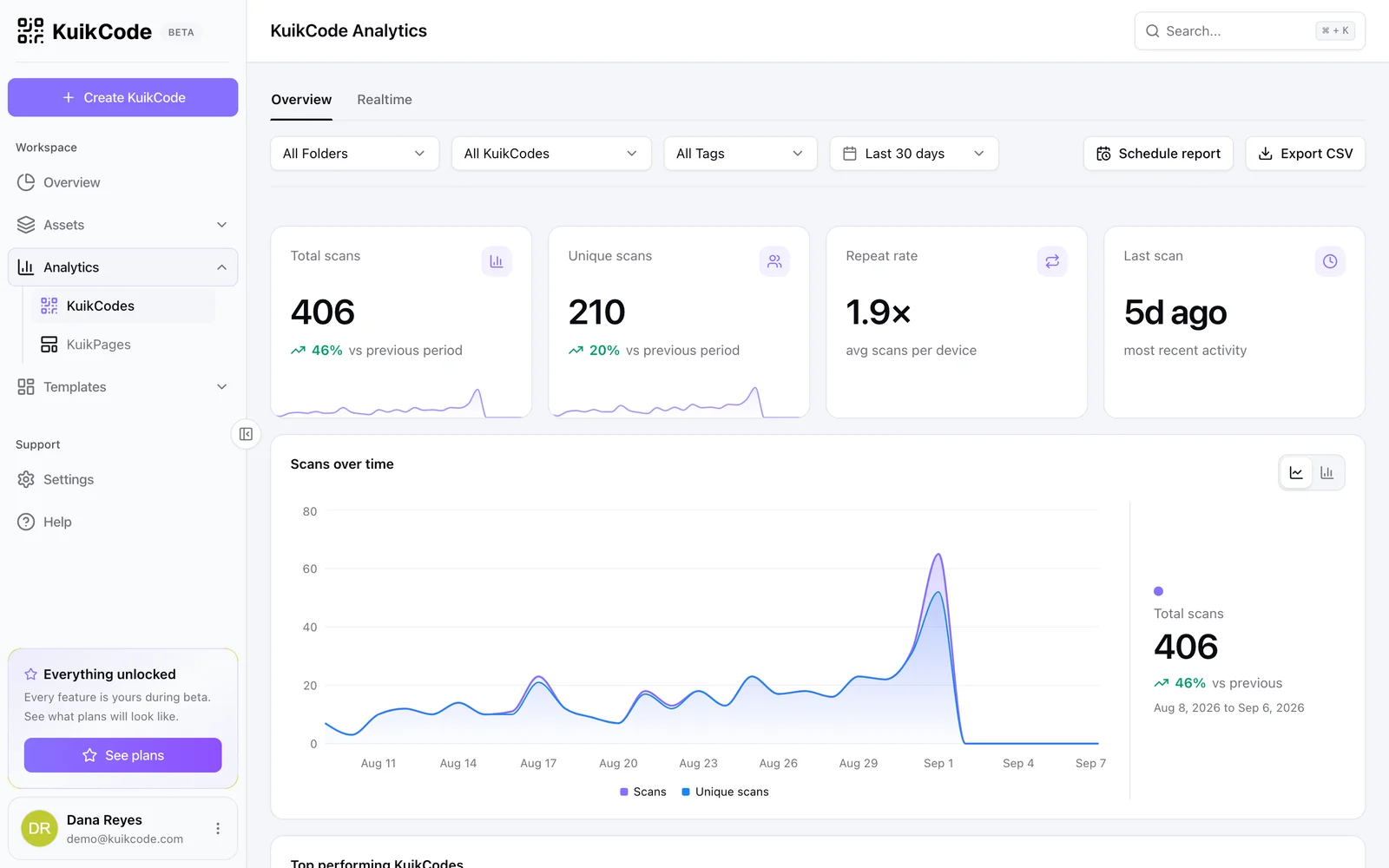
See which print brings followers
Every scan is counted in realtime with the time, city, device and language. Give each flyer, poster or table card its own code and compare them.
Learn more
How to make a QR code for a link
Turn any web address into a QR code people actually scan. Five steps, plus the size, contrast and placement rules that keep it readable.
September 23, 2026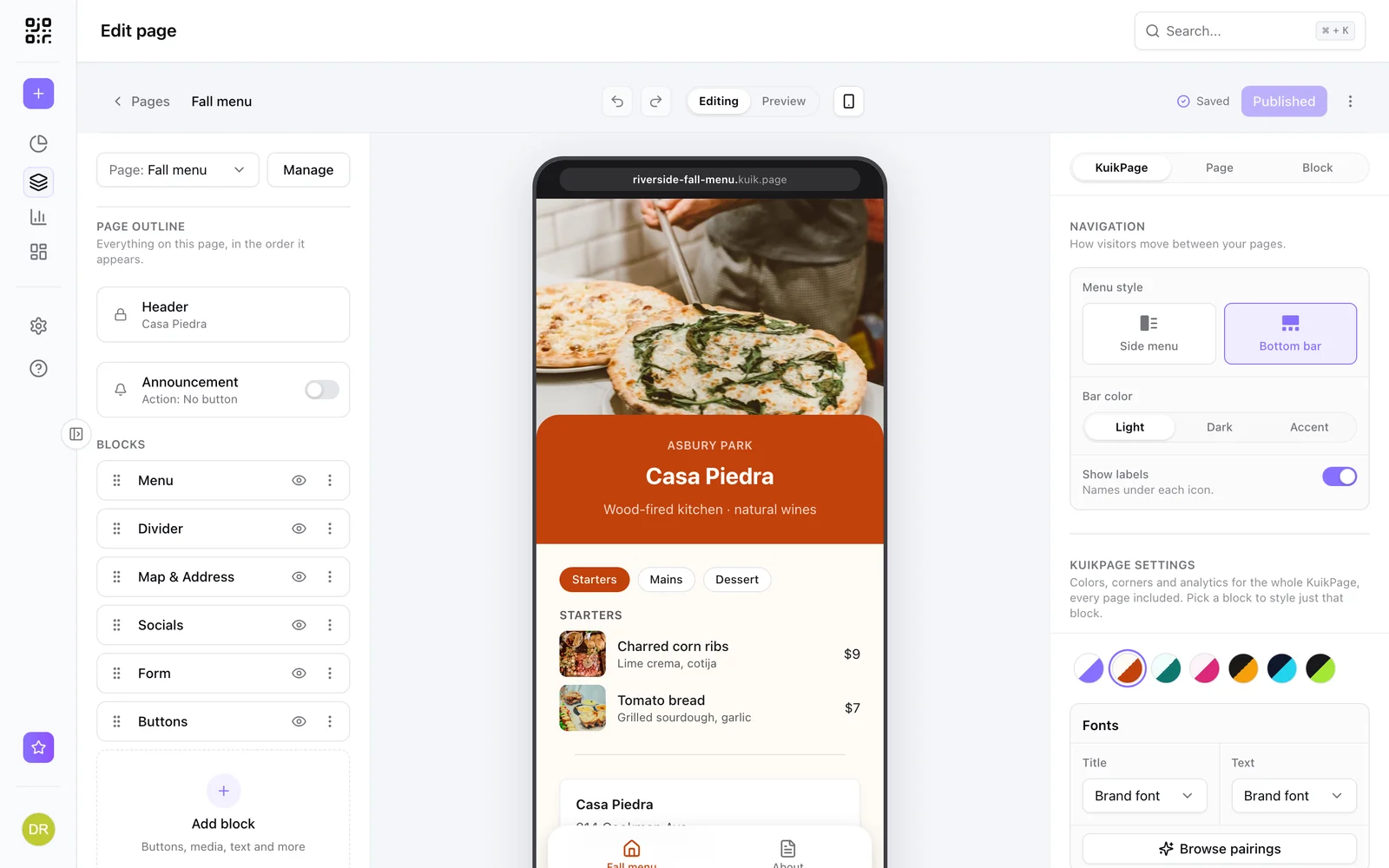
What is a mobile landing page, and when does your QR code need one?
A mobile landing page is a short page built for phones. Learn when a QR code should open one instead of your website, and what to put on it.
September 23, 2026
How to track QR code scans (and what the numbers mean)
Dynamic QR codes record every scan. Learn which numbers matter, how to read total and unique scans, and how to connect scans to your web analytics.
September 23, 2026Frequently asked questions
01How do I make a QR code for LinkedIn?+
Copy the link to your LinkedIn profile, create a KuikCode with the Website destination, paste the link, design the code and download it.
02Doesn't LinkedIn have its own QR code?+
It does, and it opens your profile. A KuikCode adds your own design, scan analytics and a destination you can change later, for example to a link in bio page with all your channels.
03Can I change the code to point somewhere else later?+
Yes. The code is dynamic, so you can switch it from your profile to a link in bio page, a new account or a campaign, and every printed copy follows.
04Can I track how many people scanned it?+
Yes. Every scan is counted with its time, city, device and language, and you can compare codes placed in different spots.
05Should I use a LinkedIn QR code or a contact card?+
Use both where it fits. A contact card saves your details to the phone in one tap, and a LinkedIn code connects you. A dynamic code can switch between them later.
LinkedIn is a trademark of its owner. KuikCode is not affiliated with or endorsed by them.

Start with the QR codes you will never need to reprint.
Join the beta for branded design, editable destinations, hosted sites, bulk CSV creation, and live scan analytics.
Request beta access
One email when your workspace is ready. No spam.