

Password protected QR codes
Scanners type an access code before the page opens, so staff manuals, member perks and private files stay private. Change or remove the code after printing.
What people keep behind a password
Staff content
Training videos, safety manuals and procedures behind a code in the back room.
Members and customers
A perk, a discount or a download only for people who joined or bought.
Private events
The wedding album or the guest schedule, not the whole internet.
Early access
A product preview for press and partners before launch.
A short screen before the page
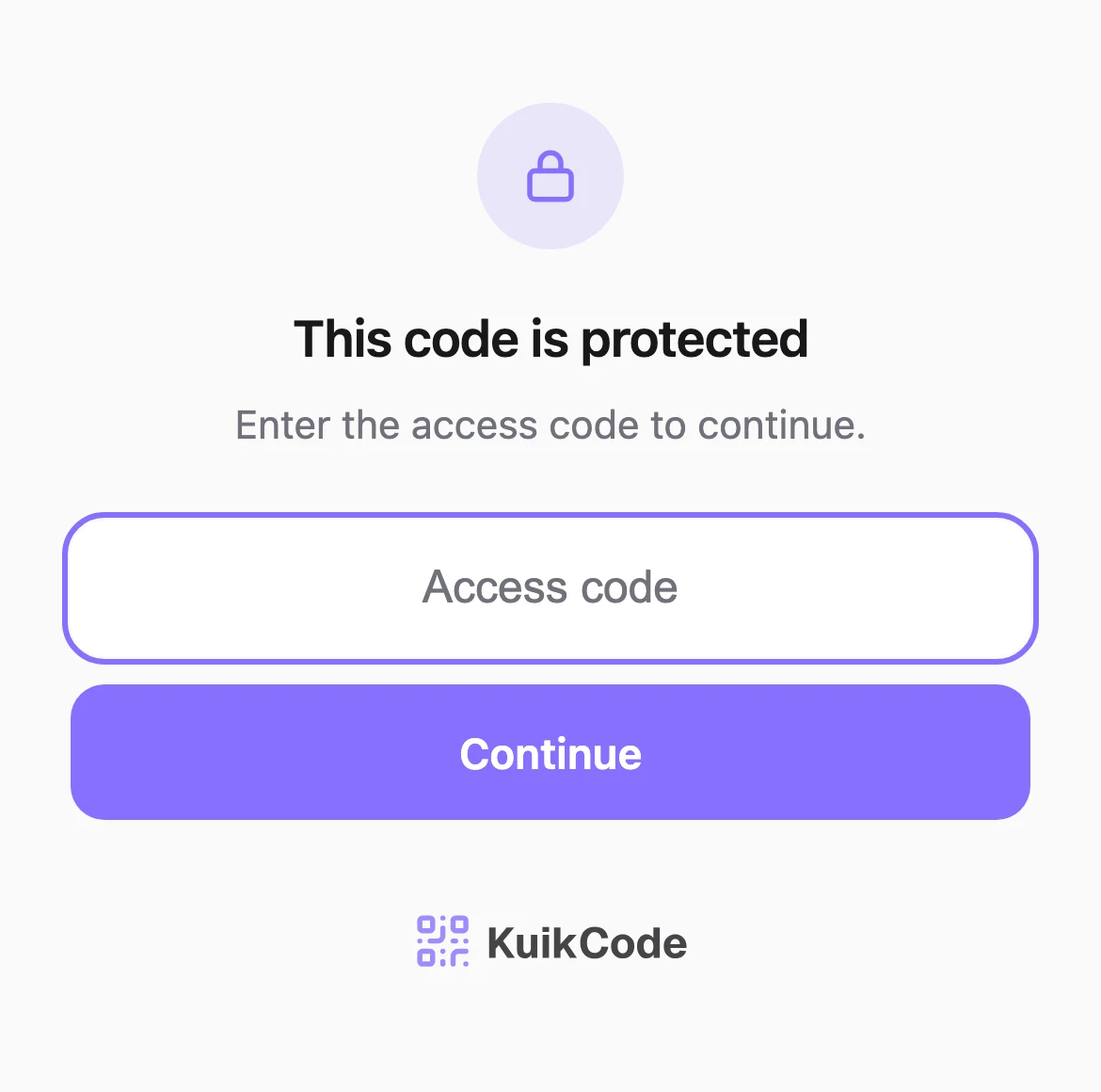
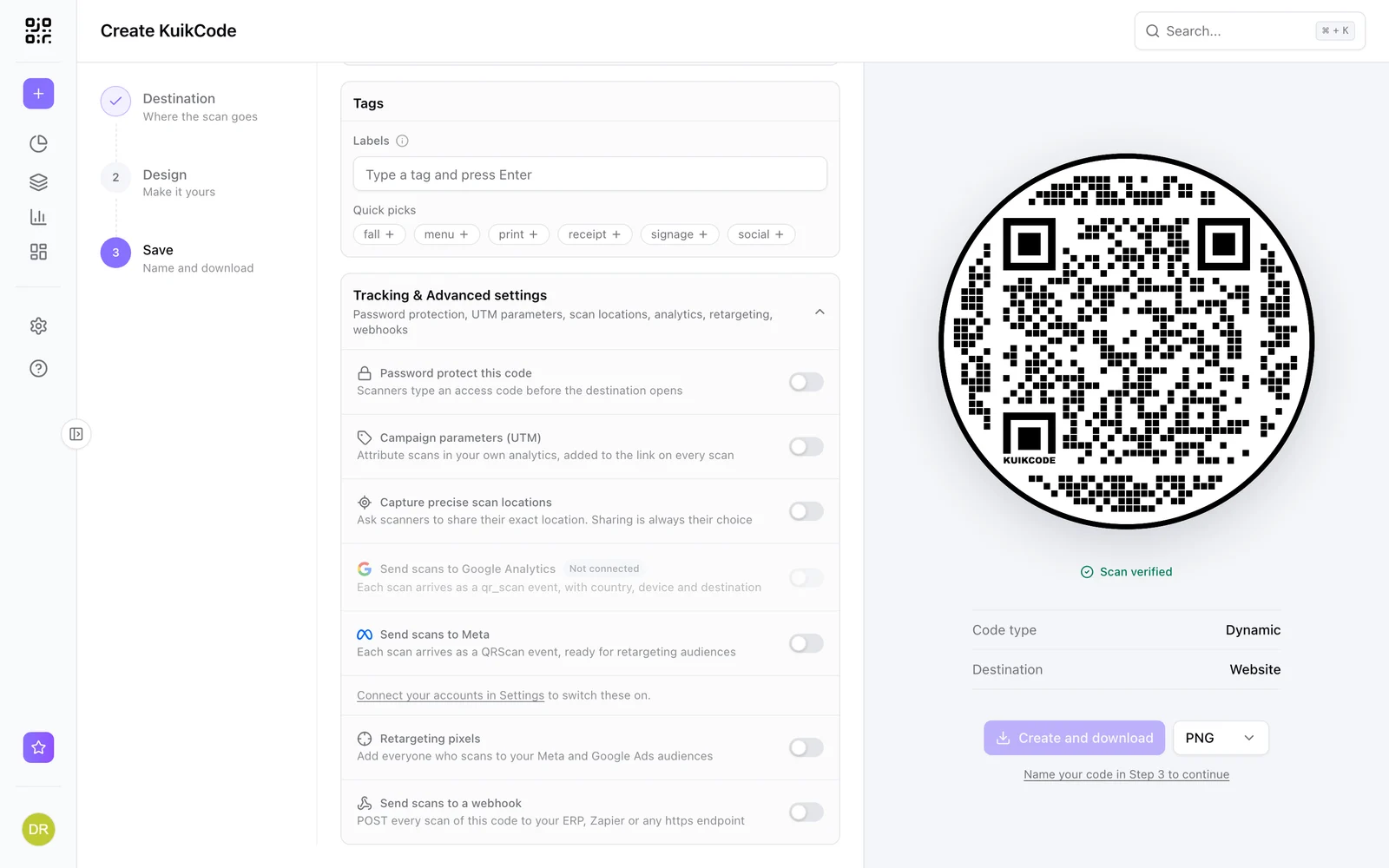
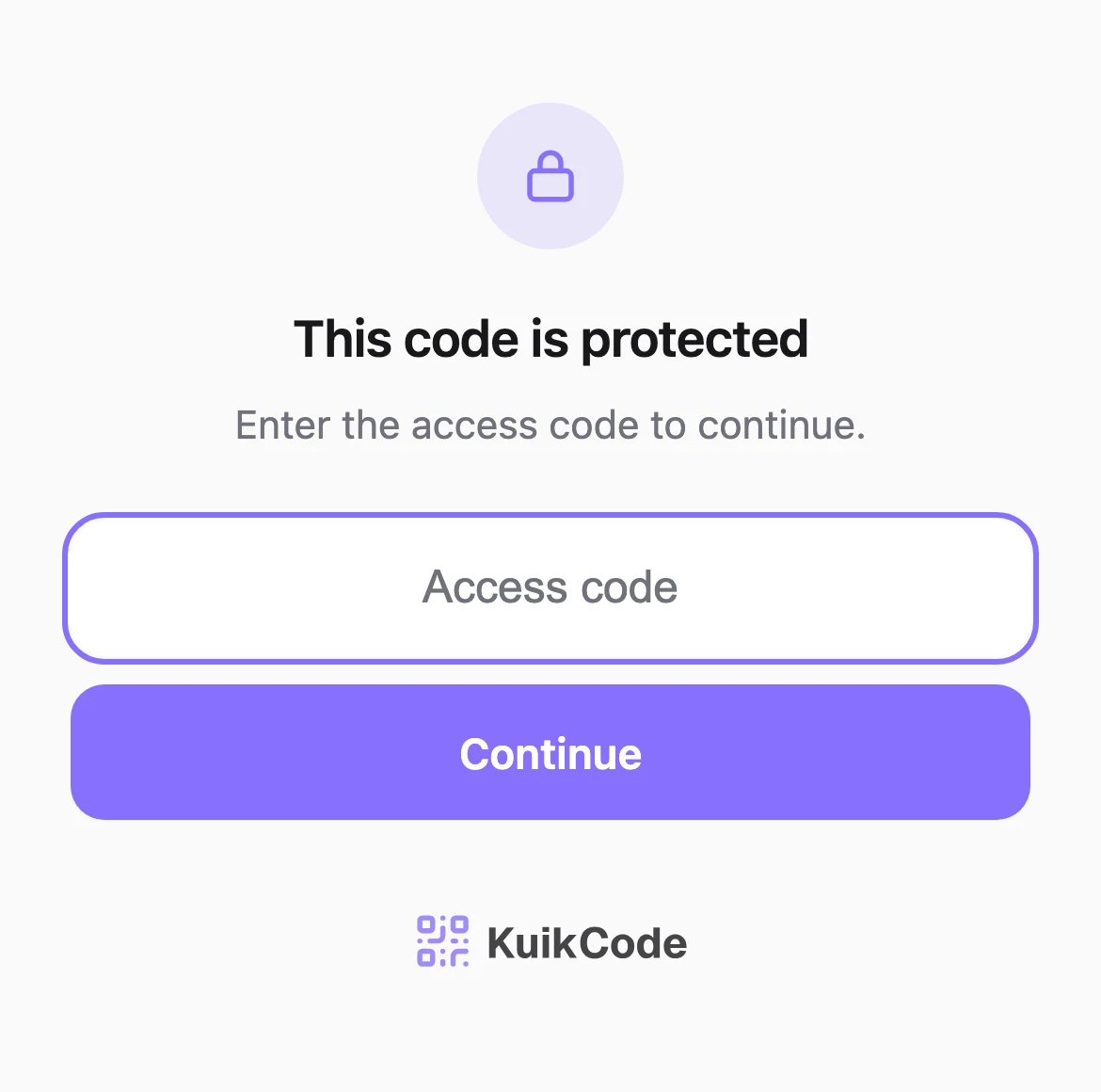
Turn on Password protect this code and type an access code. Scanners see a clean screen that asks for it, and only the right code opens the destination. The check happens on our servers at scan time, so the printed code never contains the password or the link.
- Change or remove the access code any time
- Stored so it can never be read back
- 10 wrong tries lock the code for 10 minutes for that visitor
Protect any destination
Websites, KuikPages, PDFs, images and hosted sites can all sit behind an access code. The code stays dynamic, so you can repoint it and read its scan analytics like any other.
Learn more
How to password protect a QR code
A password protected QR code asks for an access code before the page opens. Here is when to use one, how it works and how to share the code safely.
September 29, 2026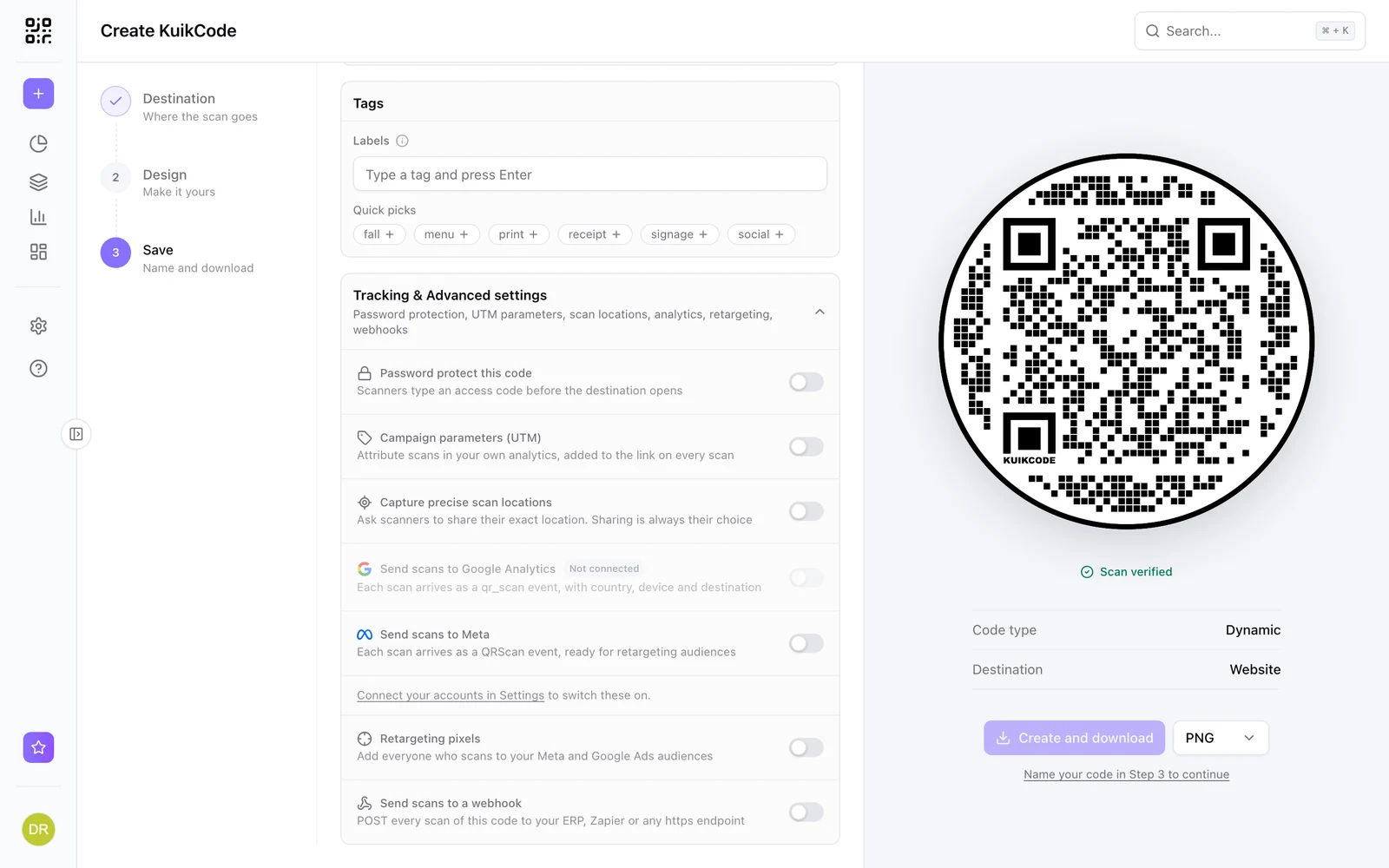
Are QR codes safe? How to spot a QR code scam
A QR code is only a link, as safe as where it sends you. How QR code scams work, how to check a code before you open it, and how businesses protect theirs.
September 29, 2026
What is a dynamic QR code?
A dynamic QR code points to a short link you control, so you can change where it goes after printing and see every scan. Here is how it works.
September 23, 2026Frequently asked questions
01Can you put a password on a QR code?+
Yes, on a dynamic code. Scanners type the access code on a short screen before the destination opens.
02Is it fully secure?+
It keeps out anyone who simply scans or photographs the code. Anyone who knows the shared code can open the page and pass it on, so do not put truly confidential data behind a shared password.
03What if someone guesses?+
After 10 wrong tries, the code locks for that visitor for 10 minutes.
04Can I change the password after printing?+
Yes. The access code lives with the code in your account, so you can change or remove it any time.
05Which plan includes password protection?+
Password protection is included from the PRO plan.
Your next printed code, ready in minutes.
Design it, point it anywhere, change it after printing and watch the scans come in. Free while we're in beta.
Request beta access
One email when your workspace is ready. No spam.