

URL QR code: send any scan to any website
Turn any link into a designed, dynamic QR code. Change the destination after printing, route by device or country, and see every scan.
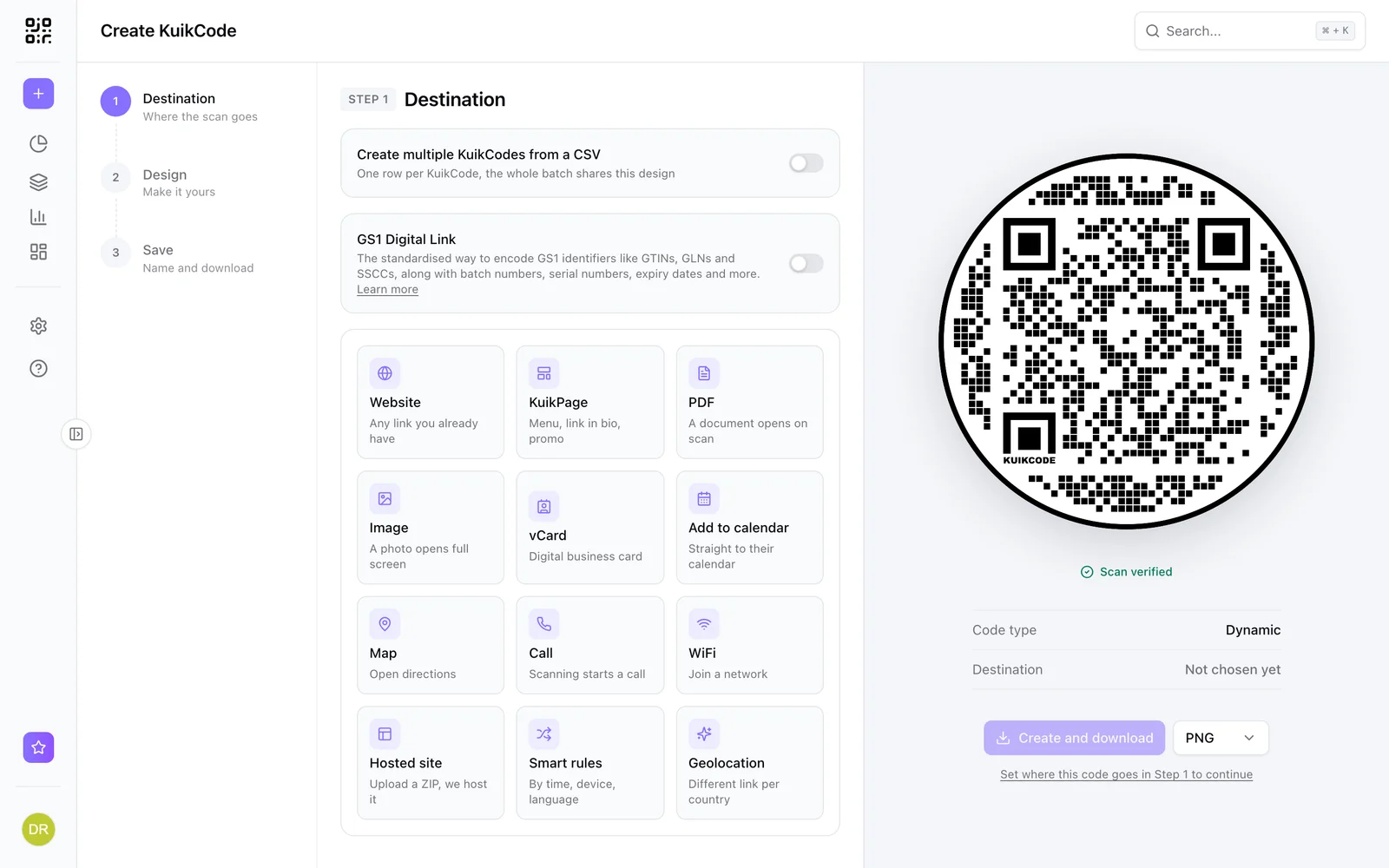
Where people use it
Websites and landing pages
Send people to any page you already have.
Campaigns and offers
Point print ads at the current offer and change it when it ends.
Signup and booking links
Forms, booking tools and checkout pages, one scan away.
Tracked placements
Give each flyer or poster its own code and compare scans.
Change the link, keep the print
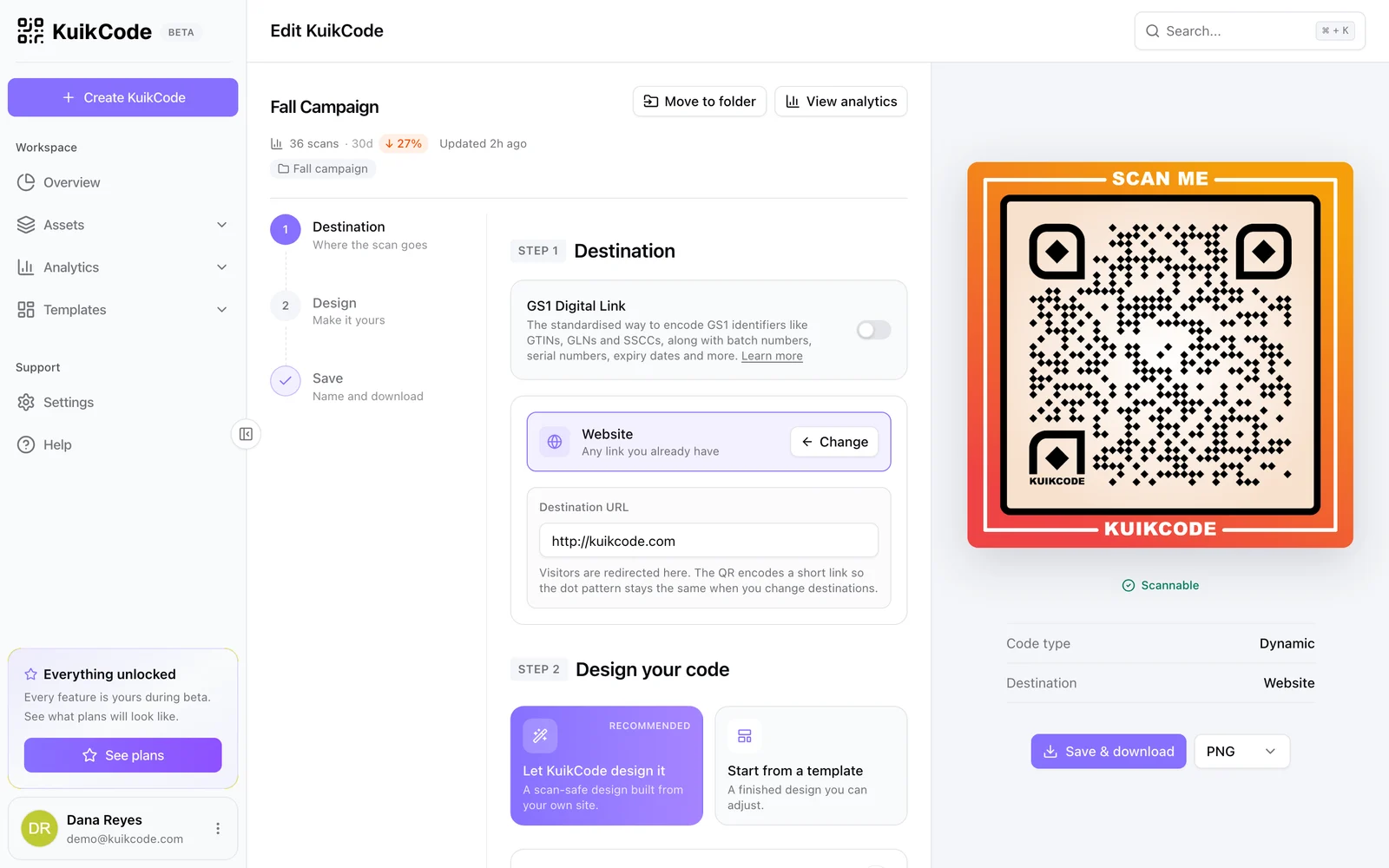
Every KuikCode is dynamic, so you can change what it opens after printing and see every scan.
- Printed copies follow within about a minute
- UTM parameters from Starter
- Smart rules by device, country, language or time on PRO
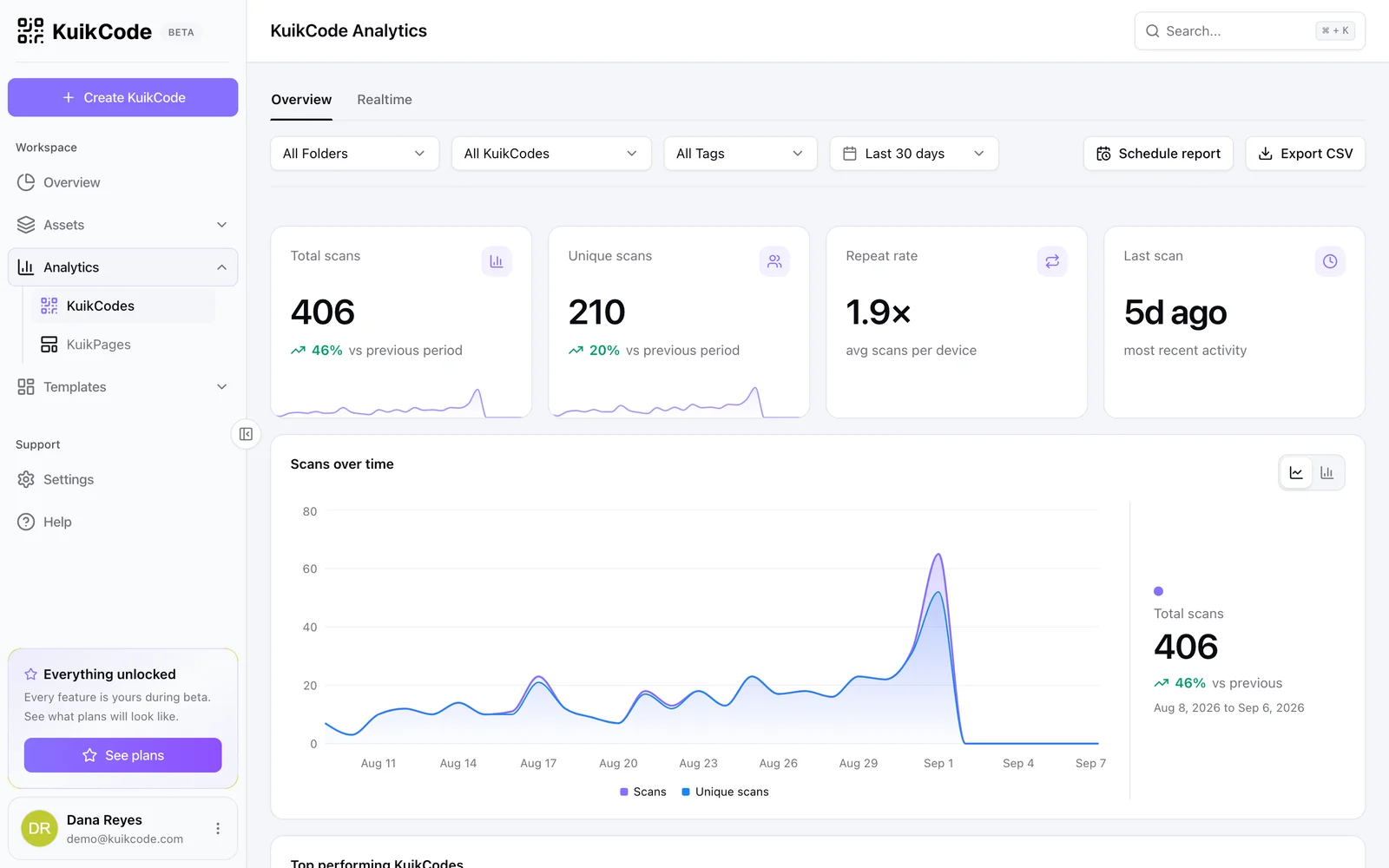
See who scans, and where
Scans by time, city, device and language, updated live, with no cookies on the scanner's phone.
Learn more
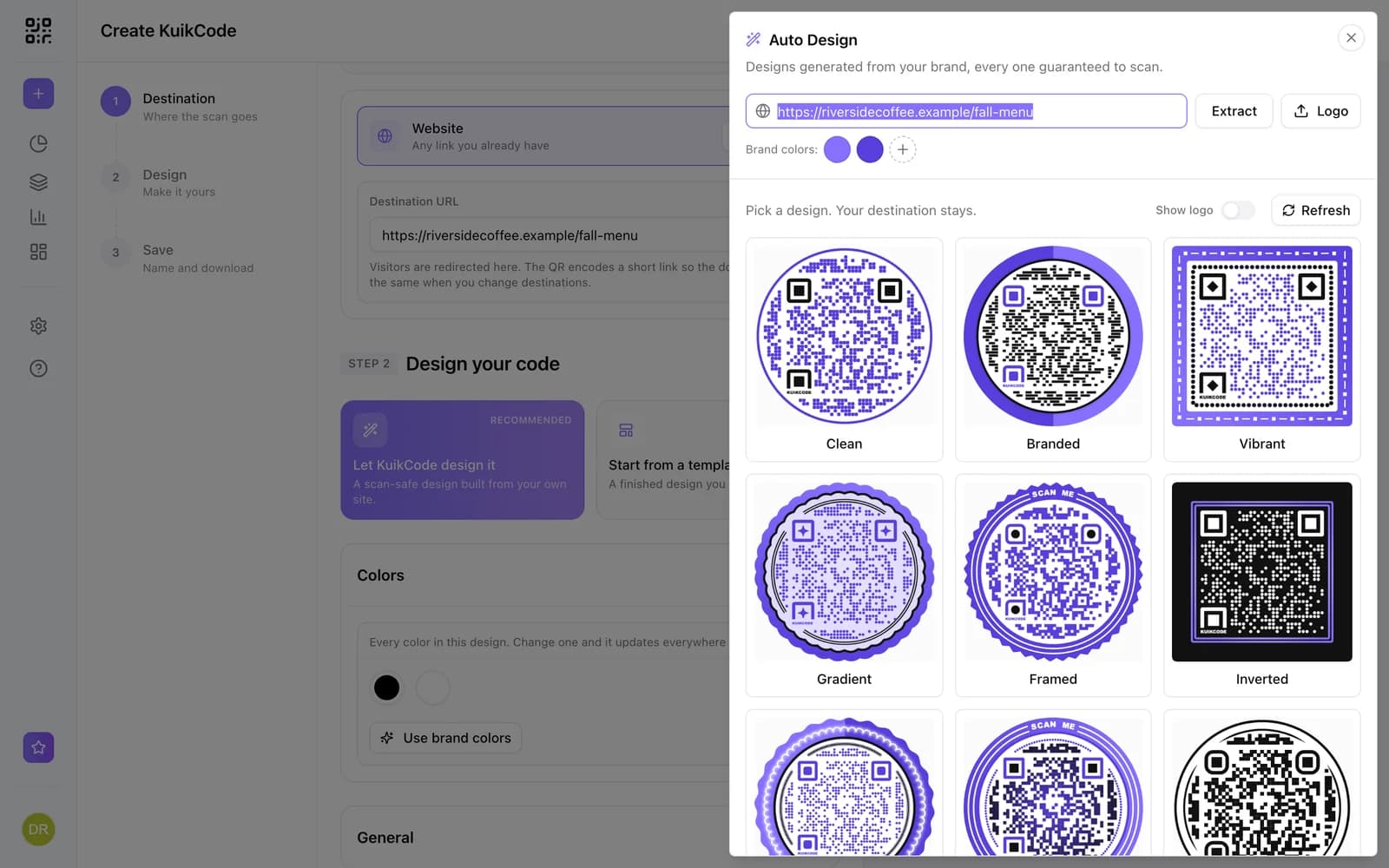
How to make a QR code for a link
Turn any web address into a QR code people actually scan. Five steps, plus the size, contrast and placement rules that keep it readable.
September 23, 2026
What is a dynamic QR code?
A dynamic QR code points to a short link you control, so you can change where it goes after printing and see every scan. Here is how it works.
September 23, 2026
How to track QR code scans (and what the numbers mean)
Dynamic QR codes record every scan. Learn which numbers matter, how to read total and unique scans, and how to connect scans to your web analytics.
September 23, 2026Frequently asked questions
01How do I make a QR code for a link?+
Create a KuikCode, choose Website, paste the link, design the code and download it. The code stays editable after printing.
02Can I change the link after printing?+
Yes. KuikCodes are dynamic, so you can point the printed code at a new link any time.
03Will the QR code expire?+
A KuikCode keeps working as long as it is active in your workspace. On paid plans scans are unlimited.

Start with the QR codes you will never need to reprint.
Join the beta for branded design, editable destinations, hosted sites, bulk CSV creation, and live scan analytics.
Request beta access
One email when your workspace is ready. No spam.