

UTM QR codes and a free UTM builder
Tag every QR code with UTM parameters so Google Analytics credits your flyers, menus and packaging. Build a tagged link free, or let KuikCode add tags on every scan.
What UTM tags tell you
Which campaign
The spring sale flyer, not just direct traffic.
Which placement
The front window against the counter card.
Which channel
Print, packaging and signage, side by side in one report.
Tags added at scan time, not printed in the code
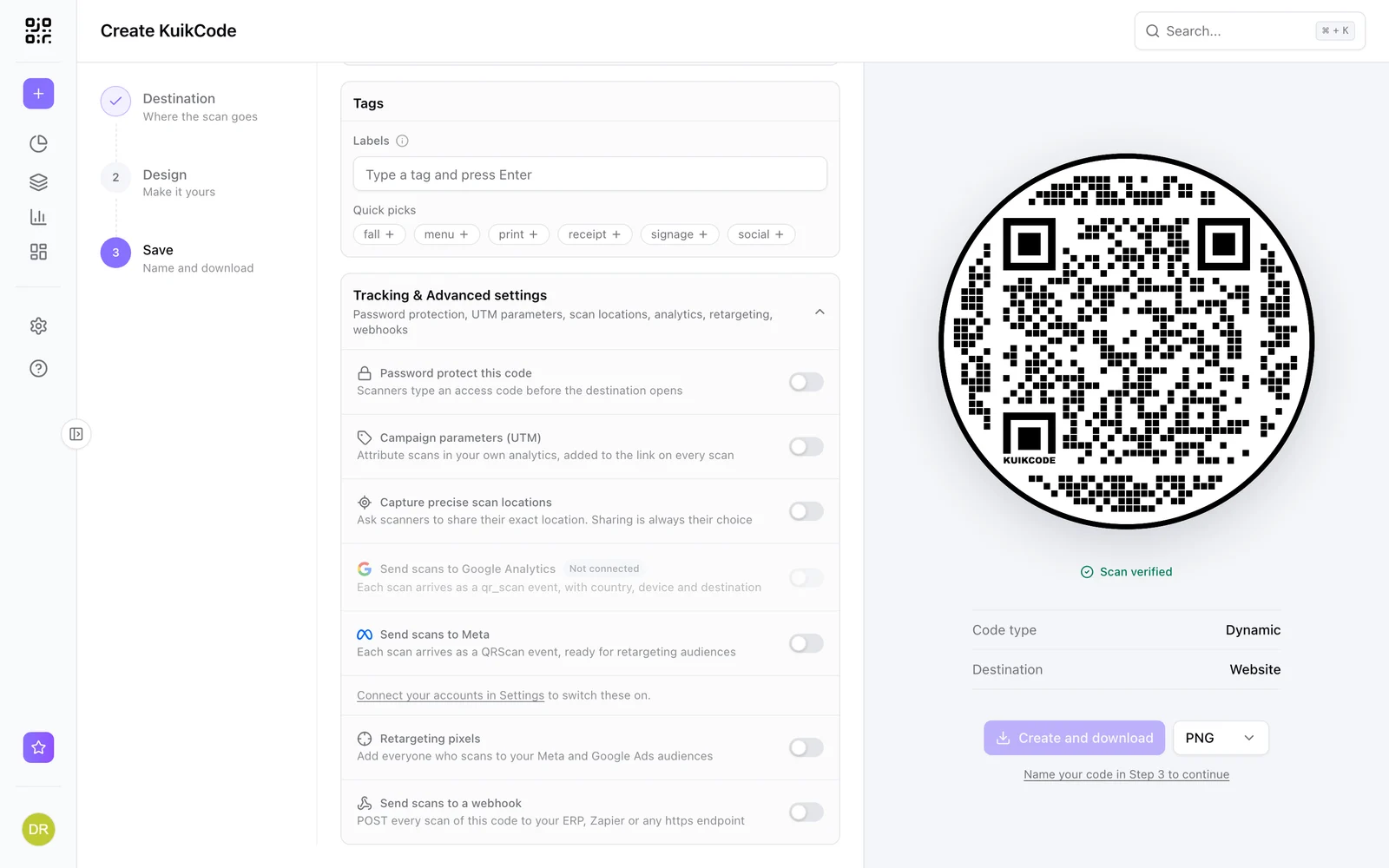
Turn on Campaign parameters (UTM), fill in source, medium and campaign, and KuikCode adds them to the destination on every scan. The printed code only holds its short link, so it stays easy to scan, and you can fix or change the tags after printing.
- Source, medium, campaign, content and term
- Change the tags without reprinting
- Set per code, or per row in a bulk upload
Count scans your analytics never sees
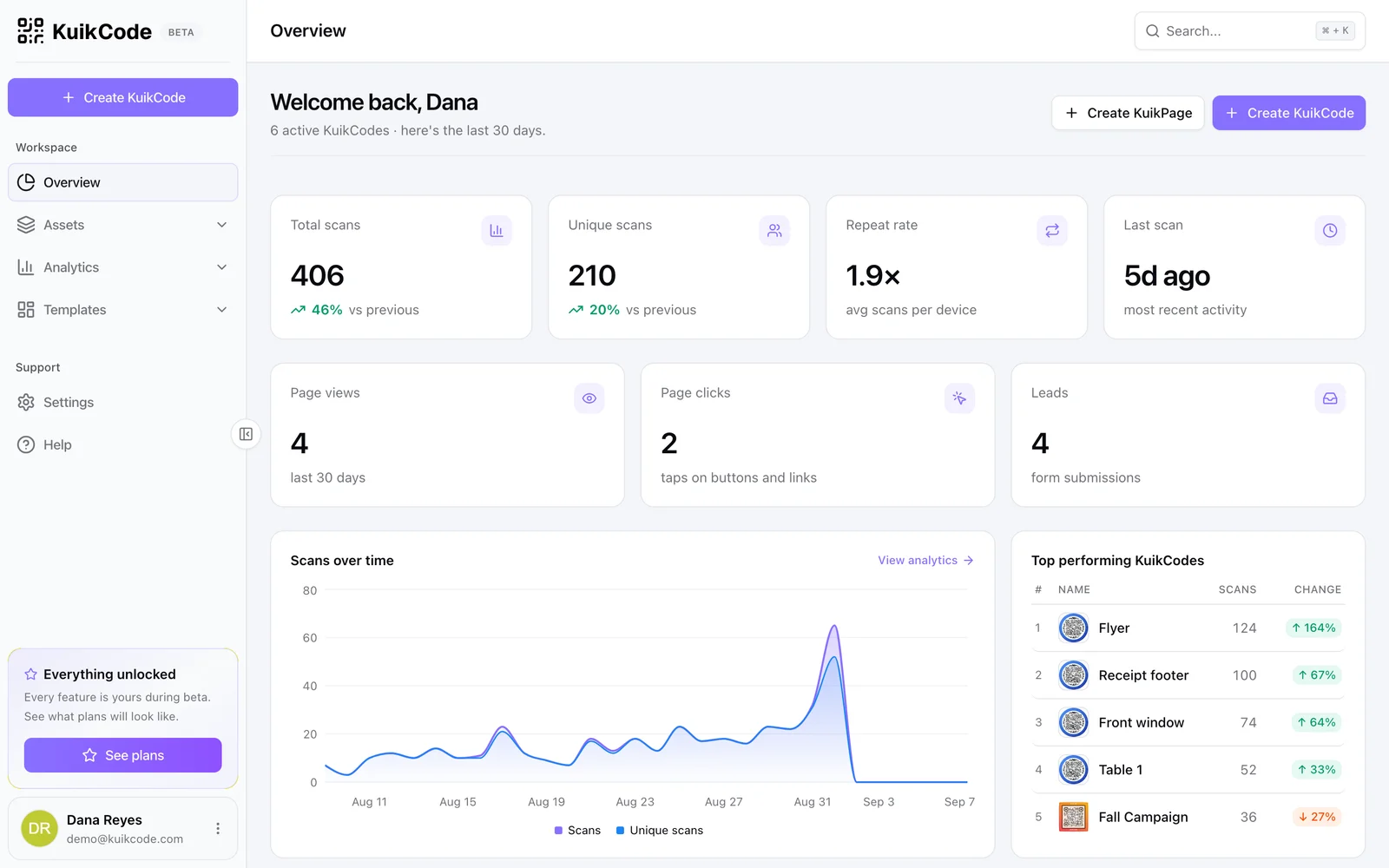
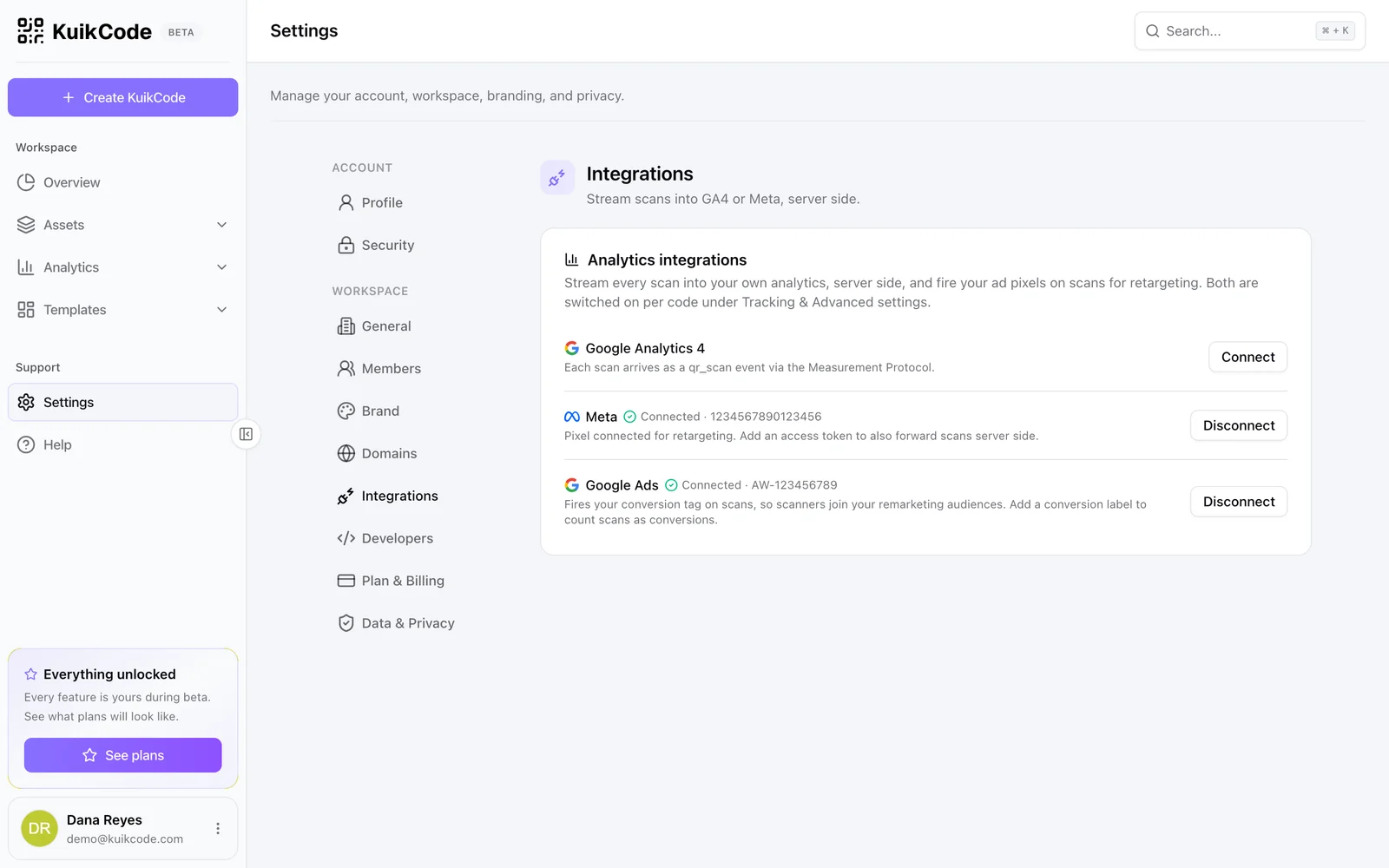
UTM tags only count visitors whose page loads your analytics. KuikCode counts every scan itself, and on PRO it can send each scan to Google Analytics as its own event, so you can see the gap.
Build a tagged link
Fill in your link and the tags, then copy the result. Use a consistent scheme: lowercase, hyphens instead of spaces, a broad medium like print, and the detail in source and content.
Free UTM builder
Tags are made lowercase and spaces become hyphens, so your reports stay clean. Nothing leaves your browser.
Your tagged link
Type a link above to start.
Learn more
How to add UTM parameters to a QR code and see scans in Google Analytics
UTM tags tell Google Analytics that a visit came from your flyer, not from search. Here is how to tag a QR code, name campaigns well and count every scan.
September 29, 2026
How to track QR code scans (and what the numbers mean)
Dynamic QR codes record every scan. Learn which numbers matter, how to read total and unique scans, and how to connect scans to your web analytics.
September 23, 2026
How to put a QR code on a flyer that people actually scan
Size, placement, a clear reason to scan and a page that loads fast on a phone. Here is how to design a flyer QR code that gets scanned, and how to measure it.
September 29, 2026Frequently asked questions
01What is a UTM QR code?+
A QR code whose link carries UTM parameters, tags like utm_source=flyer, so your analytics credits the visit to the right campaign instead of direct traffic.
02Do UTM tags make a QR code harder to scan?+
On a static code, yes, because the longer link makes the pattern denser. On a KuikCode, no, because the tags are added at scan time and the printed code keeps its short link.
03Is the UTM builder free?+
Yes. It runs in your browser and nothing is sent anywhere. Paste the tagged link into any QR code, or let KuikCode add the tags for you.
04Which plan includes UTM parameters?+
UTM parameters on KuikCodes are included from the Starter plan.
Your next printed code, ready in minutes.
Design it, point it anywhere, change it after printing and watch the scans come in. Free while we're in beta.
Request beta access
One email when your workspace is ready. No spam.