

Video QR code: play a video with one scan
Link a QR code to a video on YouTube or Vimeo, or put it on a KuikPage with a video block, a title and a button. Swap the video any time.
Where people use it
Product demos
A how to video from the packaging.
Training and onboarding
Short videos behind posters and manuals.
Launches
A trailer from the print ad.
Personal messages
A video message behind a card or a gift.
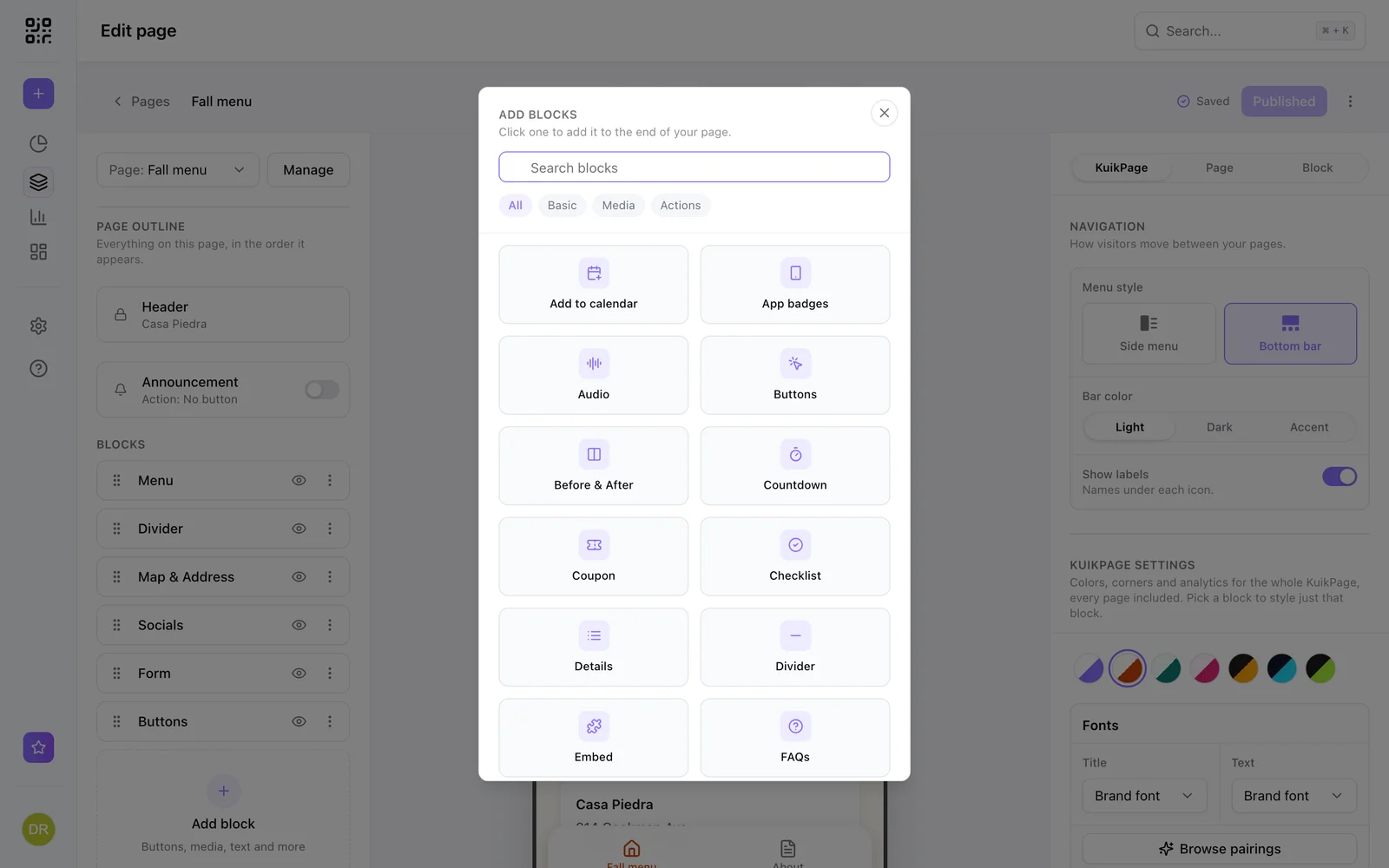
A page around your video
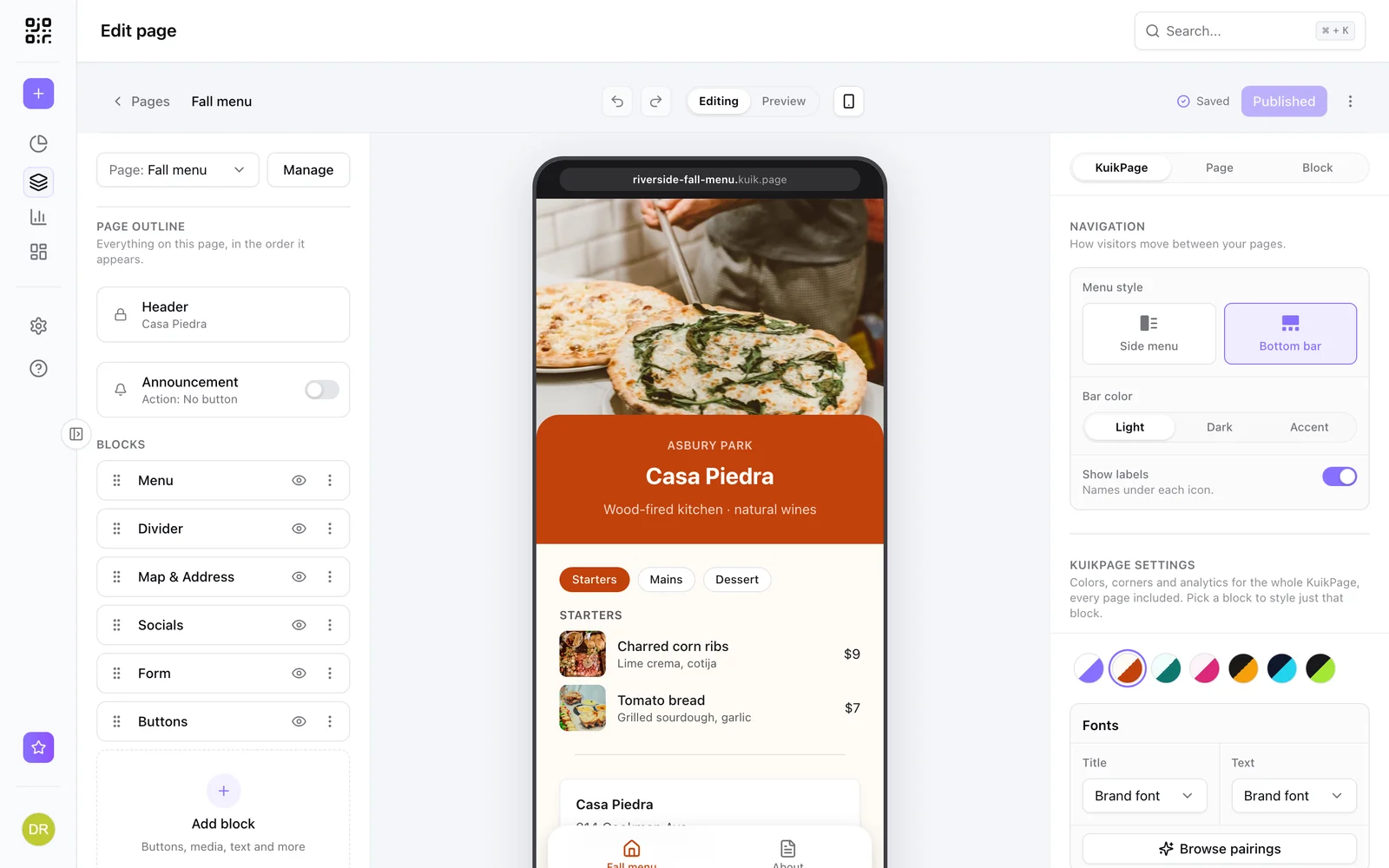
Add a Video block to a KuikPage, upload a video or paste a YouTube or Vimeo link, and add text and buttons around it.
- Privacy friendly YouTube and Vimeo embeds
- Title, text and buttons around the video
- Change the video after printing
Learn more
What is a mobile landing page, and when does your QR code need one?
A mobile landing page is a short page built for phones. Learn when a QR code should open one instead of your website, and what to put on it.
September 23, 2026
What is a dynamic QR code?
A dynamic QR code points to a short link you control, so you can change where it goes after printing and see every scan. Here is how it works.
September 23, 2026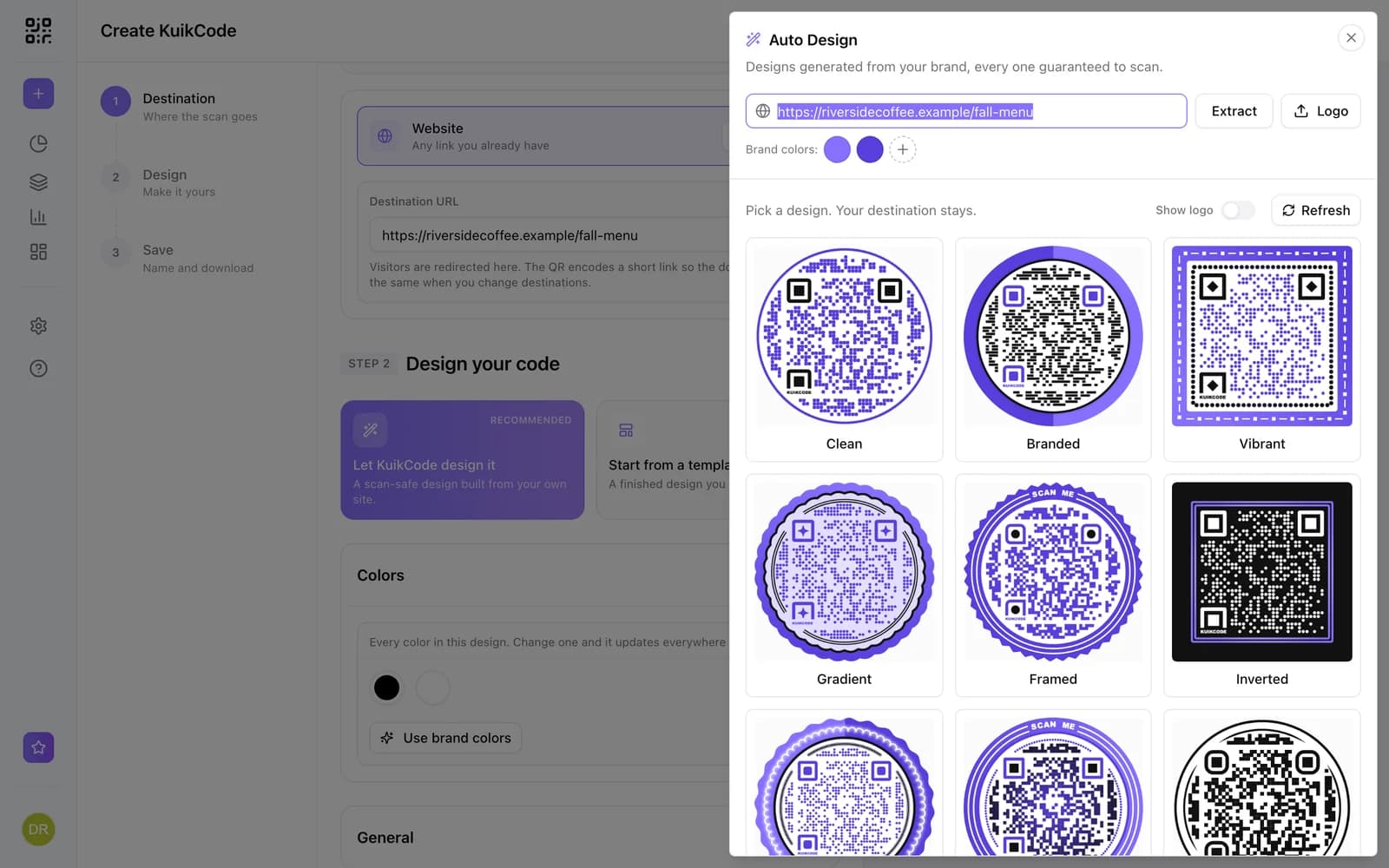
How to make a QR code for a link
Turn any web address into a QR code people actually scan. Five steps, plus the size, contrast and placement rules that keep it readable.
September 23, 2026Frequently asked questions
01How do I make a QR code for a video?+
Point a KuikCode at the video link, or build a KuikPage with a Video block and point the code at the page.
02Can I change the video later?+
Yes. Change the link or the video on the page and every printed code plays the new one.
03Which video platforms work?+
YouTube and Vimeo links, or a video you upload to your page.

Start with the QR codes you will never need to reprint.
Join the beta for branded design, editable destinations, hosted sites, bulk CSV creation, and live scan analytics.
Request beta access
One email when your workspace is ready. No spam.