

WiFi QR code: join the network with one scan
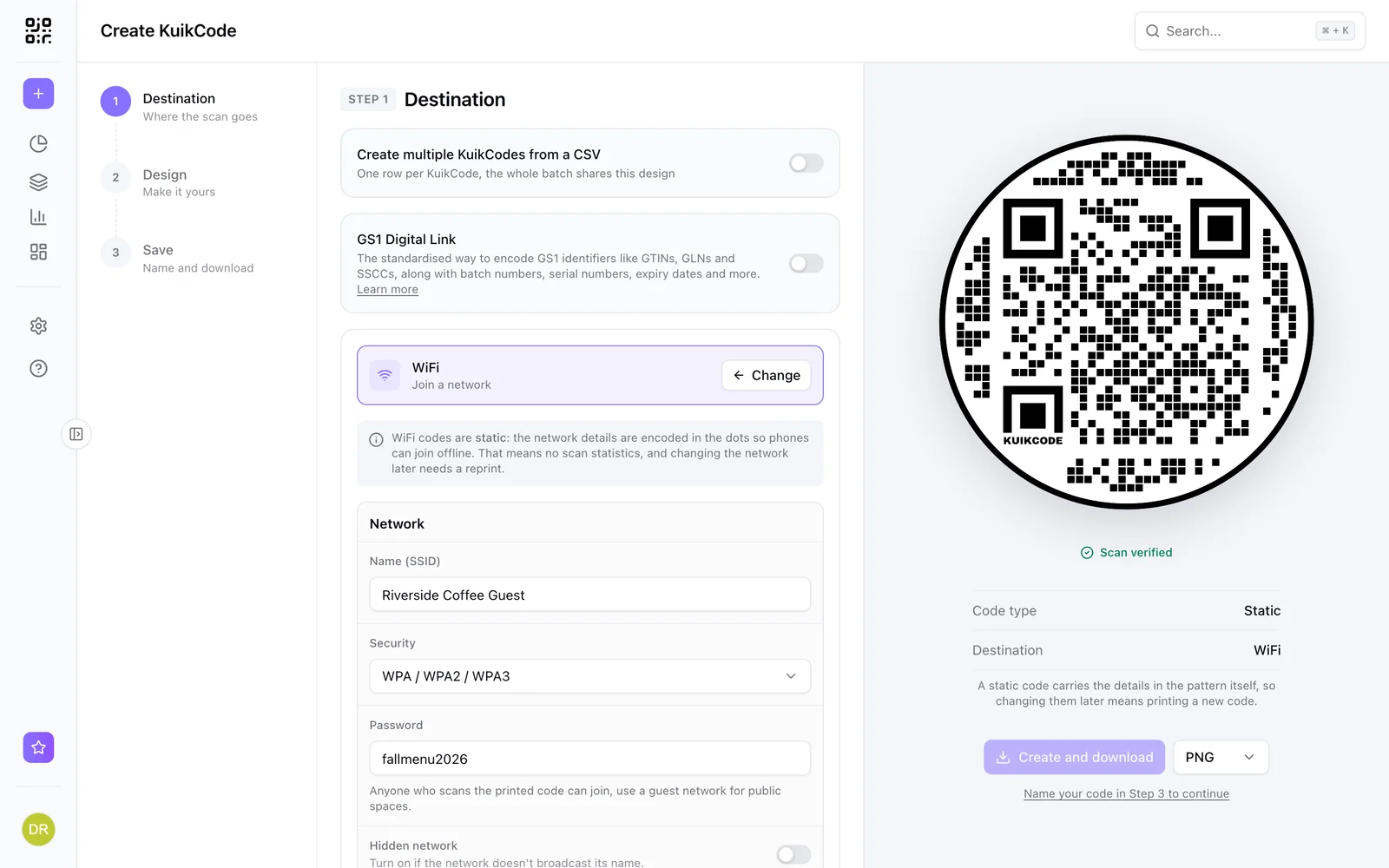
Guests scan and join your WiFi without typing a password. WiFi codes are static, so the network details live in the code itself.
Where people use it
Cafes and restaurants
Guests join without asking for the password.
Rentals and hotels
Welcome books and doors with one scan to connect.
Offices and clinics
Visitors join the guest network at reception.
Events
Attendees connect from the badge or the table card.
No typing, no spelling out passwords
Enter the network name, security type and password, design the code and print it. Phones join the network straight from the code.
- WPA, WPA2, WPA3 and open networks
- Hidden networks supported
- Designed like any other KuikCode
Learn more
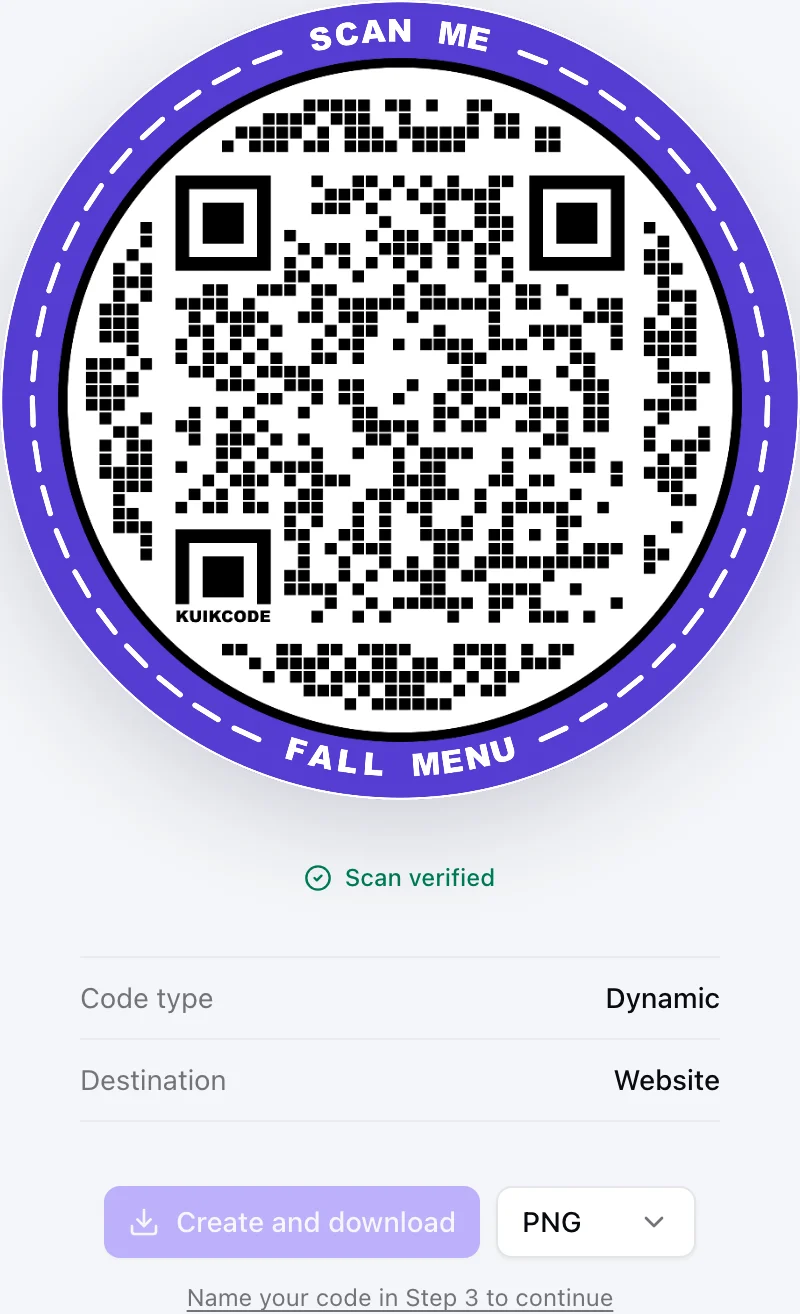
Static vs dynamic QR codes: which one should you print?
Static codes store their content forever, dynamic codes store a link you can change. Here is how to choose for menus, packaging, cards and events.
September 23, 2026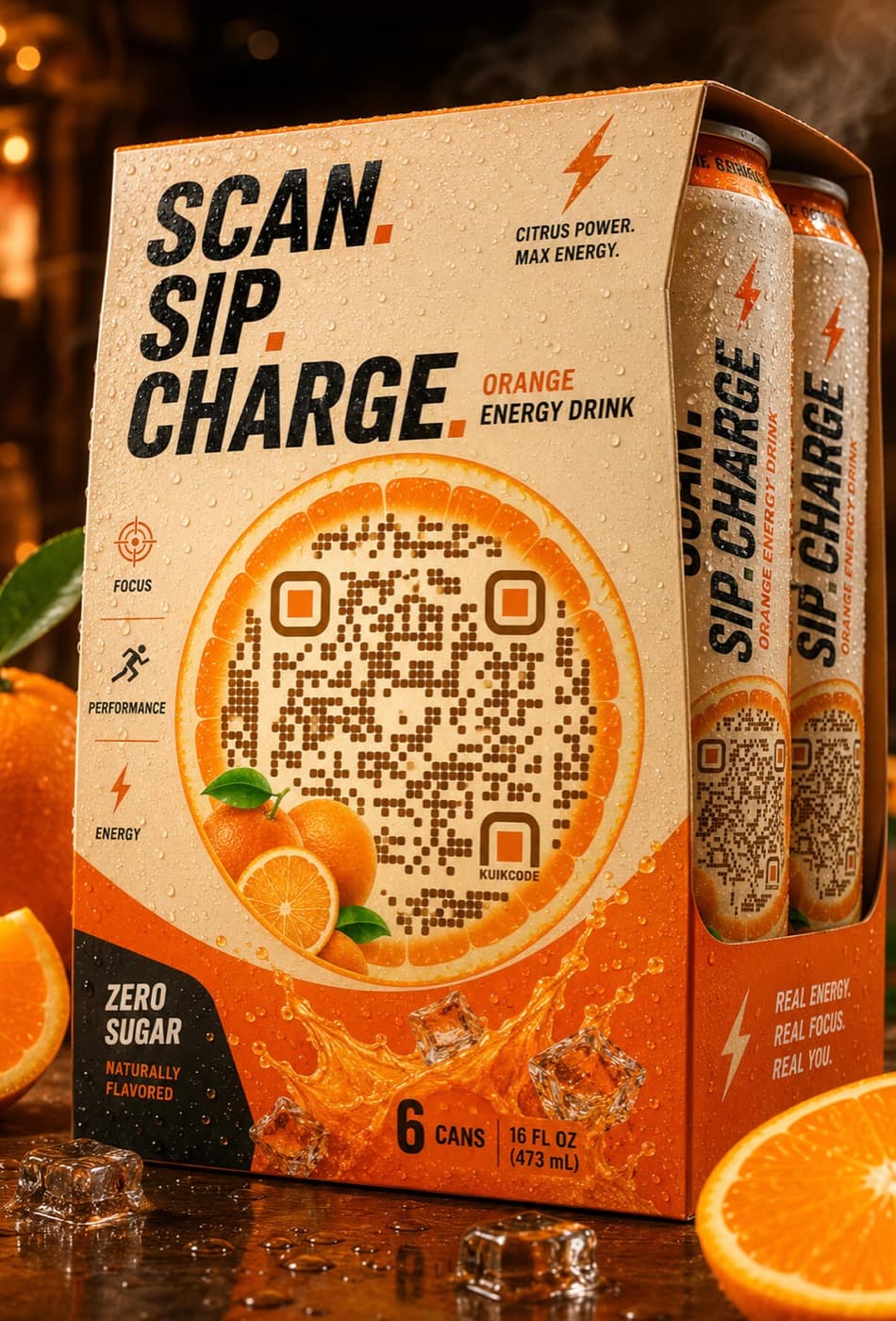
What does QR code stand for? A short history of the Quick Response code
QR stands for Quick Response. Here is where the code came from, how it stores data, and why it became the code on every table, poster and package.
September 23, 2026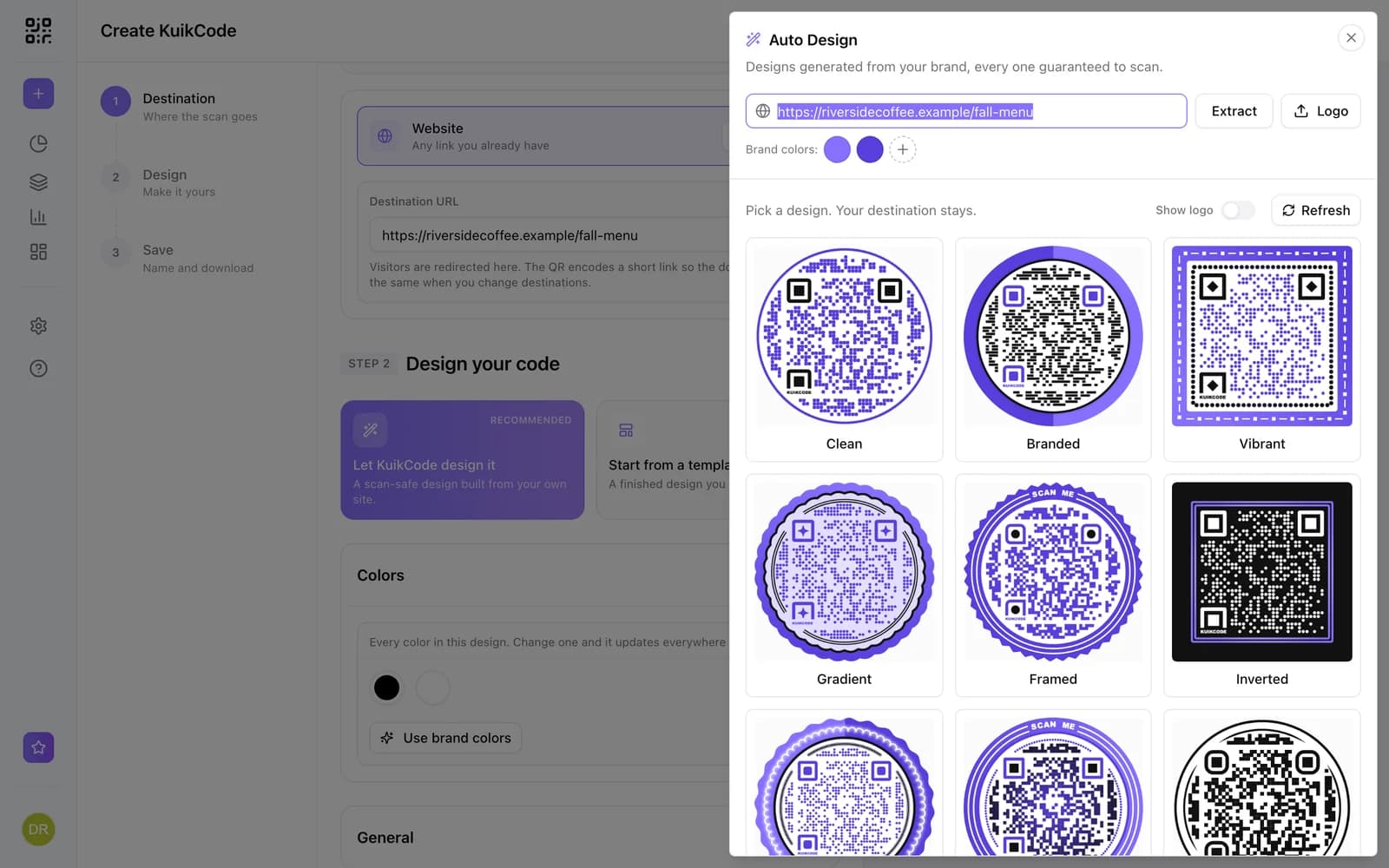
How to make a QR code for a link
Turn any web address into a QR code people actually scan. Five steps, plus the size, contrast and placement rules that keep it readable.
September 23, 2026Frequently asked questions
01Is a WiFi QR code dynamic?+
No. WiFi codes are static: phones read the network details straight from the code and can join offline. That means no scan statistics, and changing the network later needs a new code.
02Is it safe to put my WiFi password in a QR code?+
Anyone who scans the printed code can join, so use a guest network for public spaces.
03Do all phones support WiFi QR codes?+
Yes. Current iPhone and Android cameras can join a network from a WiFi QR code.

Start with the QR codes you will never need to reprint.
Join the beta for branded design, editable destinations, hosted sites, bulk CSV creation, and live scan analytics.
Request beta access
One email when your workspace is ready. No spam.