

X (Twitter) QR code: send people to your X profile in one scan
A designed, trackable QR code for X, formerly Twitter, that opens your profile or a post. Change where it goes anytime without reprinting, and see every scan.
Where people use it
Talks and live events
On the last slide, the badge and the screen, so the room follows you while you are on stage.
Writers and creators
On business cards, merch and book covers, so readers find your account.
Brands and support
On packaging and at the counter, where people can follow the news or ask a question.
A code that looks like your brand, not a default
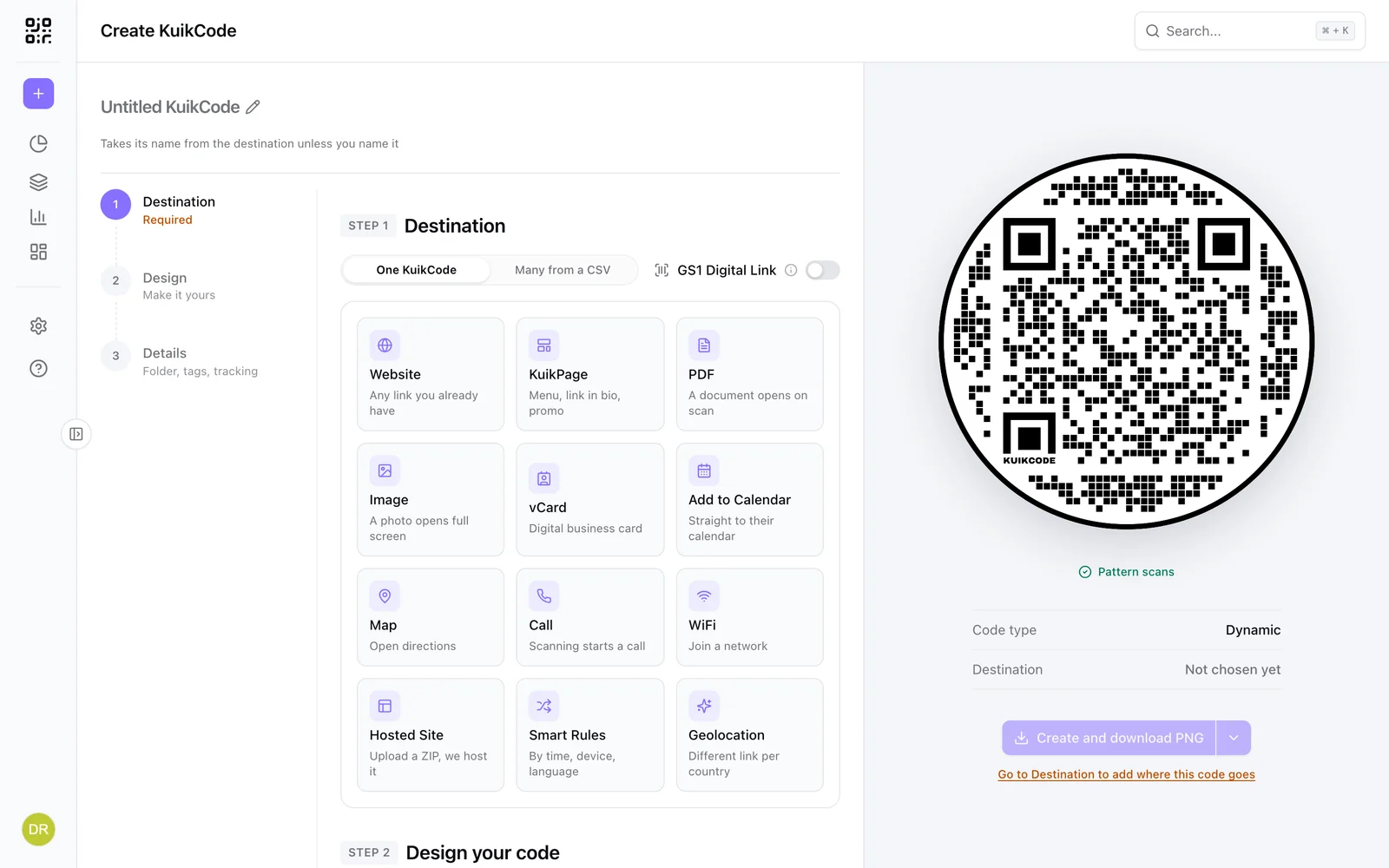
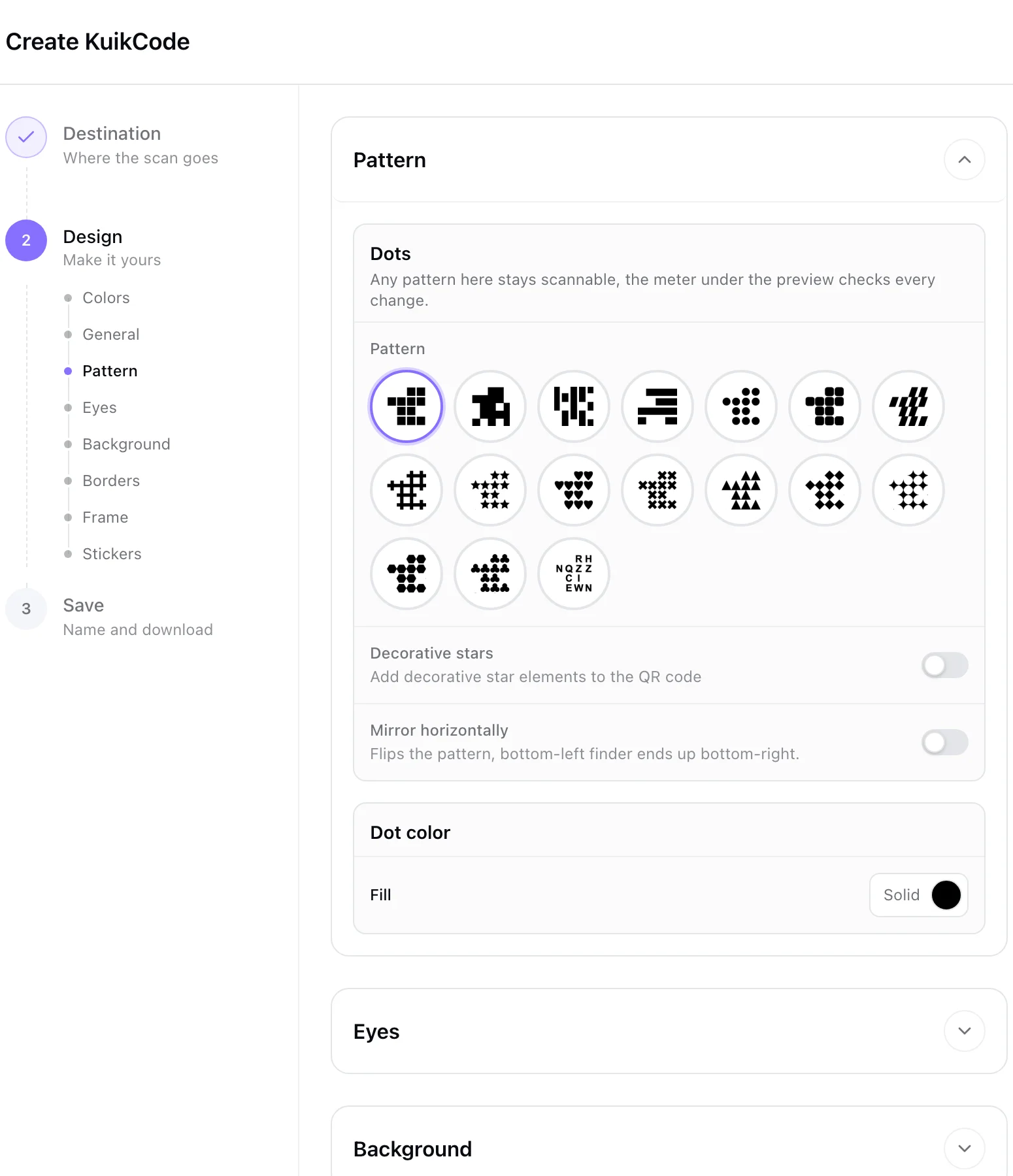
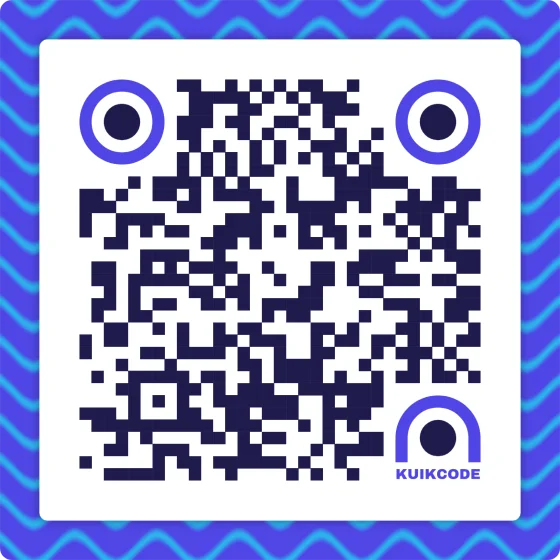
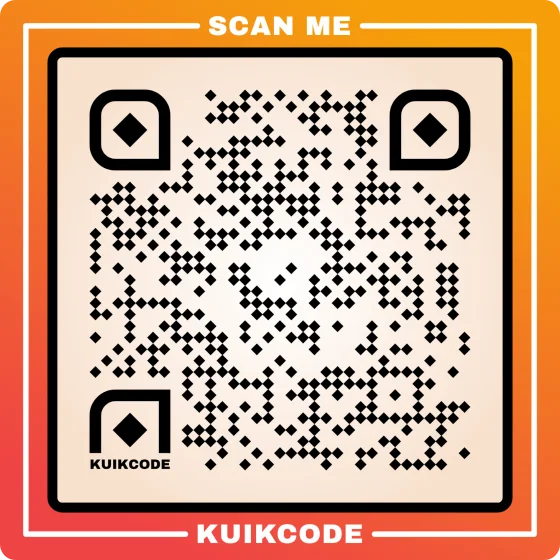
Paste your X link, then design the code with your colors, a frame with a call to action like Follow us on X, stickers and your logo. Every KuikCode is dynamic, so you can change where it goes after printing and see every scan.
- Frames with words, stickers and your logo
- Every design checked so it still scans
- PNG, SVG and PDF downloads for print
Grow past one link
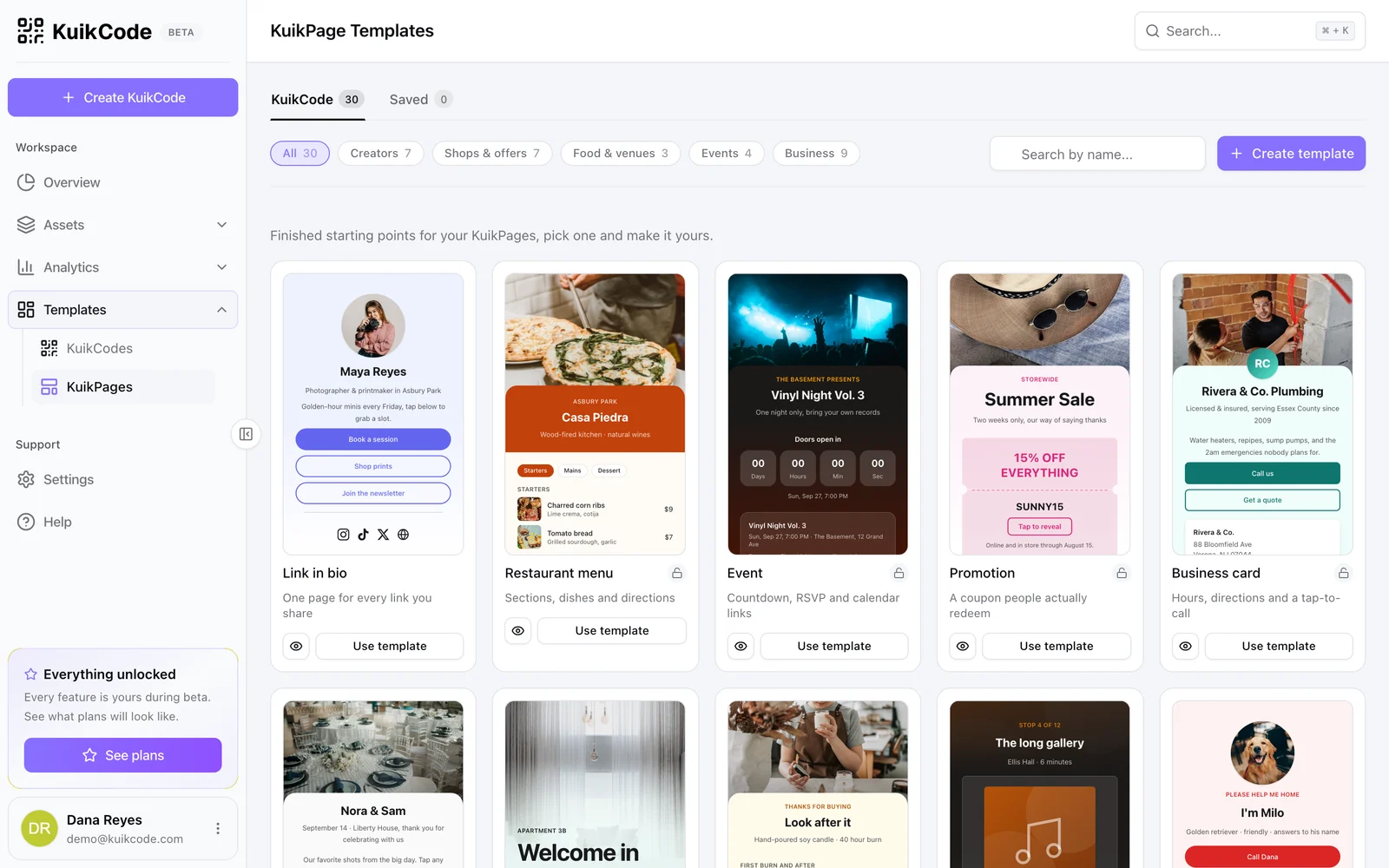
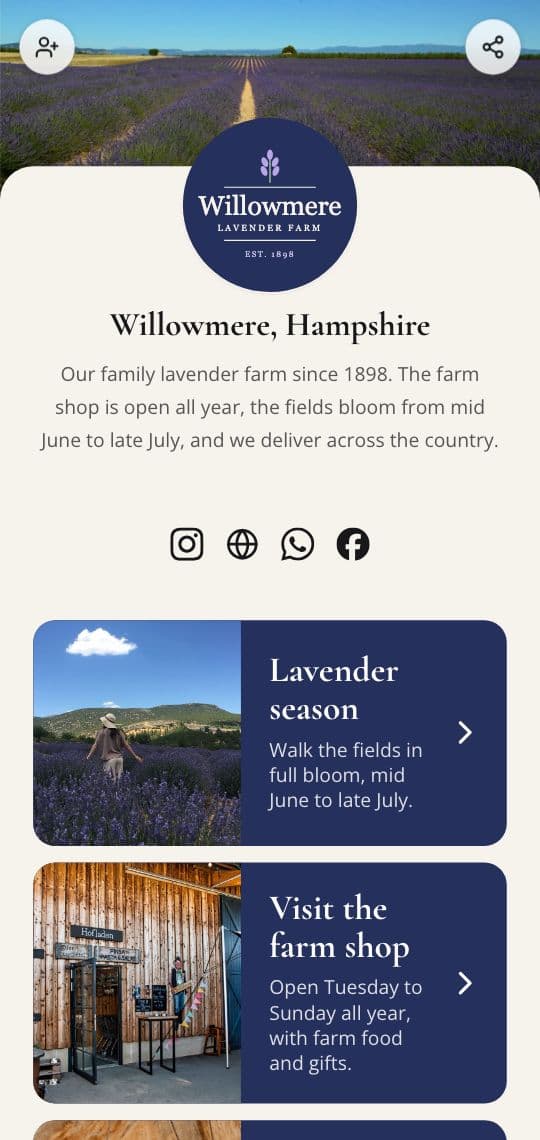
When one profile is not enough, point the same printed code at a KuikPage with your X account, your other socials, your newsletter and your latest links. The Socials block adds icons for Instagram, TikTok, X, YouTube, Facebook, LinkedIn and WhatsApp.
- Link in Bio template to start from
- Repoint the code without reprinting
- A link in bio page from Basic
See which print brings followers
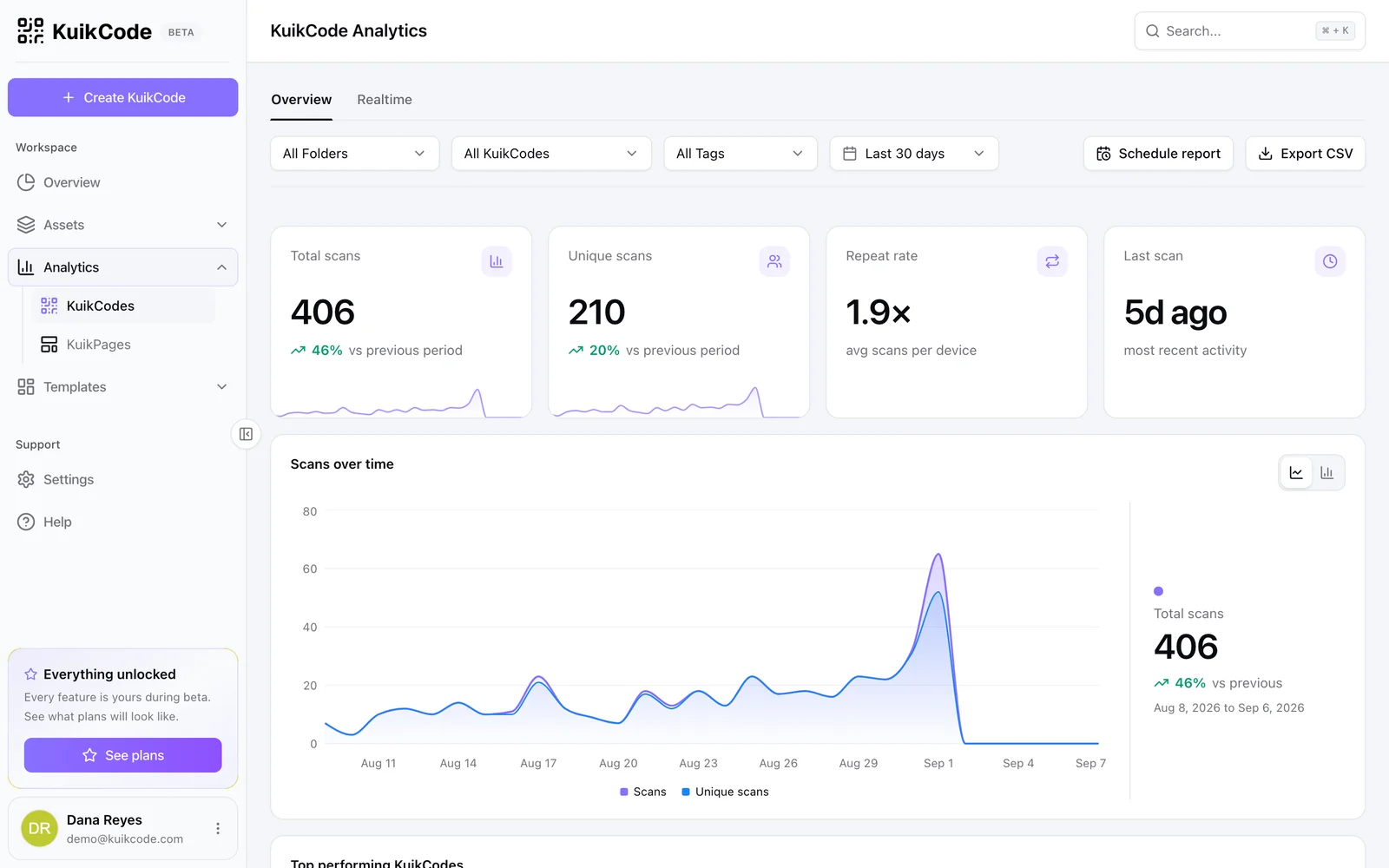
Every scan is counted in realtime with the time, city, device and language. Give each slide, badge or poster its own code and compare them.
Learn more
Where do you find the QR code for your Facebook page, Instagram or LinkedIn?
Instagram, LinkedIn and TikTok have a QR code built in, and Facebook pages work best from their link. Where each one is, and when a designed code fits print better.
October 24, 2026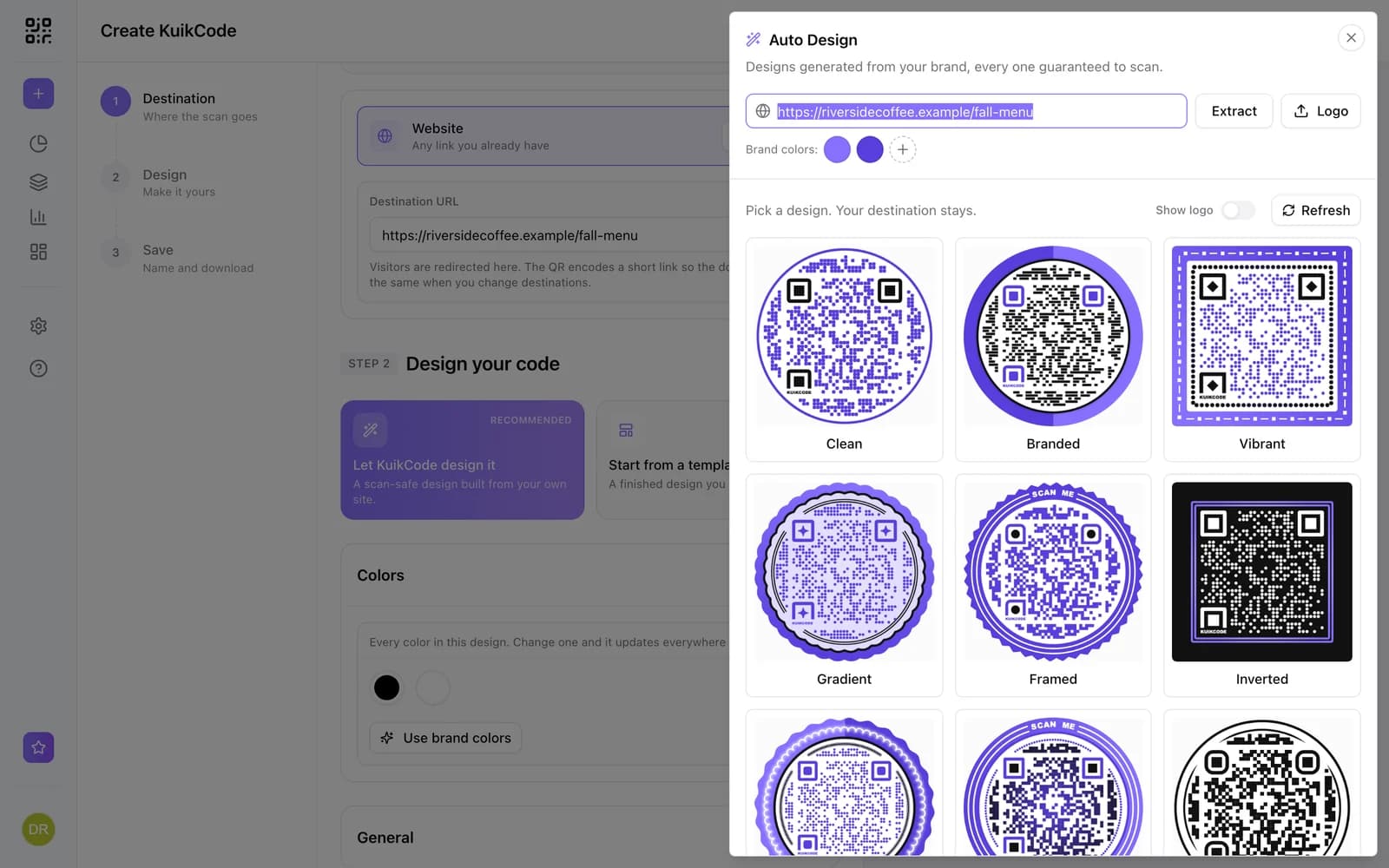
How to make a QR code for a link
Turn any web address into a QR code people actually scan. Five steps, plus the size, contrast and placement rules that keep it readable.
September 23, 2026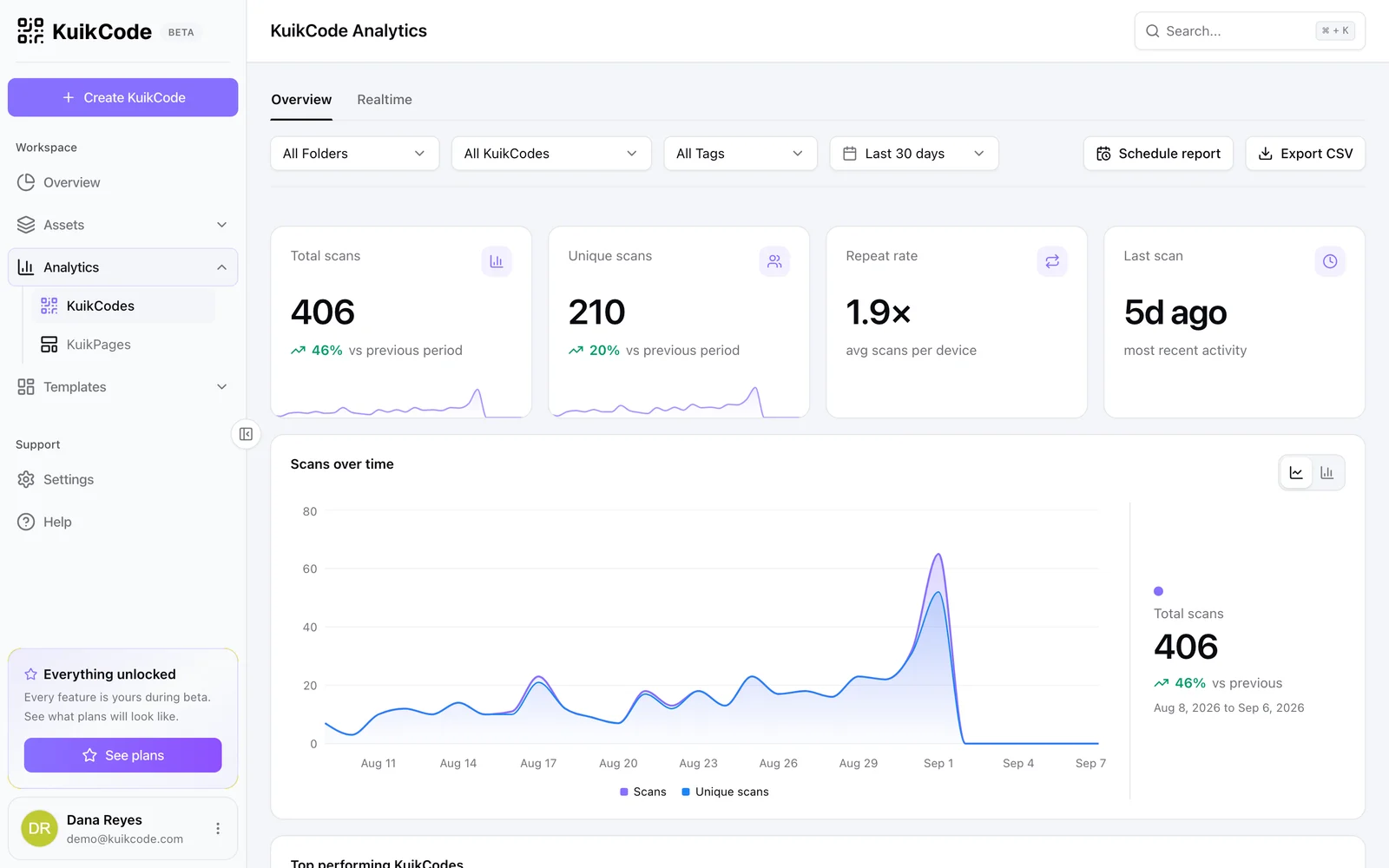
How to track QR code scans (and what the numbers mean)
Dynamic QR codes record every scan. Learn which numbers matter, how to read total and unique scans, and how to connect scans to your web analytics.
September 23, 2026Frequently asked questions
01How do I make a QR code for Twitter or X?+
Copy the link to your X profile, which looks like x.com/yourname, create a KuikCode with the Website destination, paste the link, design the code and download it.
02Doesn't X have its own QR code?+
It does. In the X app, tap your profile icon, then the QR code icon, and it opens your profile. A KuikCode adds your own design, scan analytics and a destination you can change later, for example to a link in bio page with all your channels.
03Should the code use twitter.com or x.com?+
Use the x.com link. Old twitter.com links still open on X, but a code made from x.com doesn't depend on that redirect, and on a KuikCode you can change the link anytime.
04Can the code open a single post?+
Yes. Paste the link to any post or to your profile, and change it later without reprinting.
05Can I change the code to point somewhere else later?+
Yes. The code is dynamic, so you can switch it from your profile to a link in bio page, a new account or a campaign, and every printed copy follows.
06Can I track how many people scanned it?+
Yes. Every scan is counted with its time, city, device and language, and you can compare codes placed in different spots.
X, Twitter are trademarks of their owners. KuikCode is not affiliated with or endorsed by them.
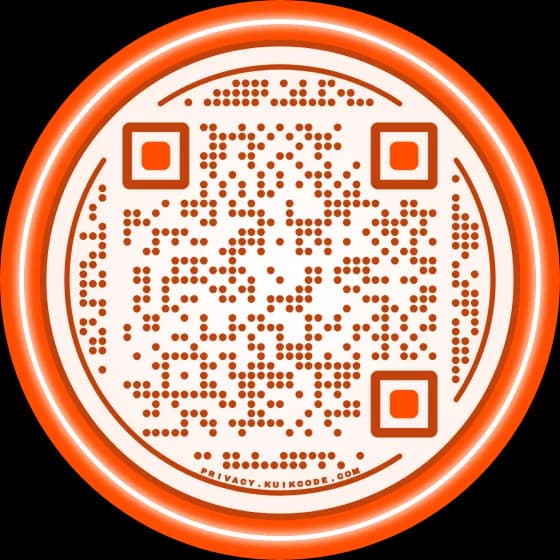
Your next printed code, ready in minutes.
Design it, point it anywhere, change it after printing and watch the scans come in. Try every feature free for 14 days, no credit card.
Start your 14-day free trial
Every feature, no credit card. Plans from $5 a month after.