Instagram, LinkedIn and TikTok each have a QR code for your profile built into their apps, and a Facebook page works best from its link. Below: where to find each one, how to make a code for a Facebook page, and when a code you design yourself is the better choice for print.
Instagram: Share profile
- Open the Instagram app and go to your profile.
- Tap Share profile. Instagram shows a QR code for your username.
- Change its colors if you like, then save it to your photos or share it.
The code opens your profile in the Instagram app, or on instagram.com for people without the app. Any phone camera can read it. More on what it can't do below, and on the Instagram QR code page.
LinkedIn: the QR icon in the search bar
- Open the LinkedIn app.
- Tap the QR icon in the search bar and switch to My code.
- Share it or save it to your photos.
The LinkedIn code is for your personal profile and lives in the mobile app. For a company page, copy the page's link (it looks like linkedin.com/company/yourcompany) and make a code from it, the same way as the Facebook steps below. The LinkedIn QR code page has ideas for business cards and booths.
Facebook pages: use the page's link
Facebook has moved its QR codes around over the years, and many pages don't see one at all today. You don't need it. A QR code is a link, and your page already has one:
- Copy the link. Open your page, tap Share and Copy link, or copy the address from your browser. It looks like
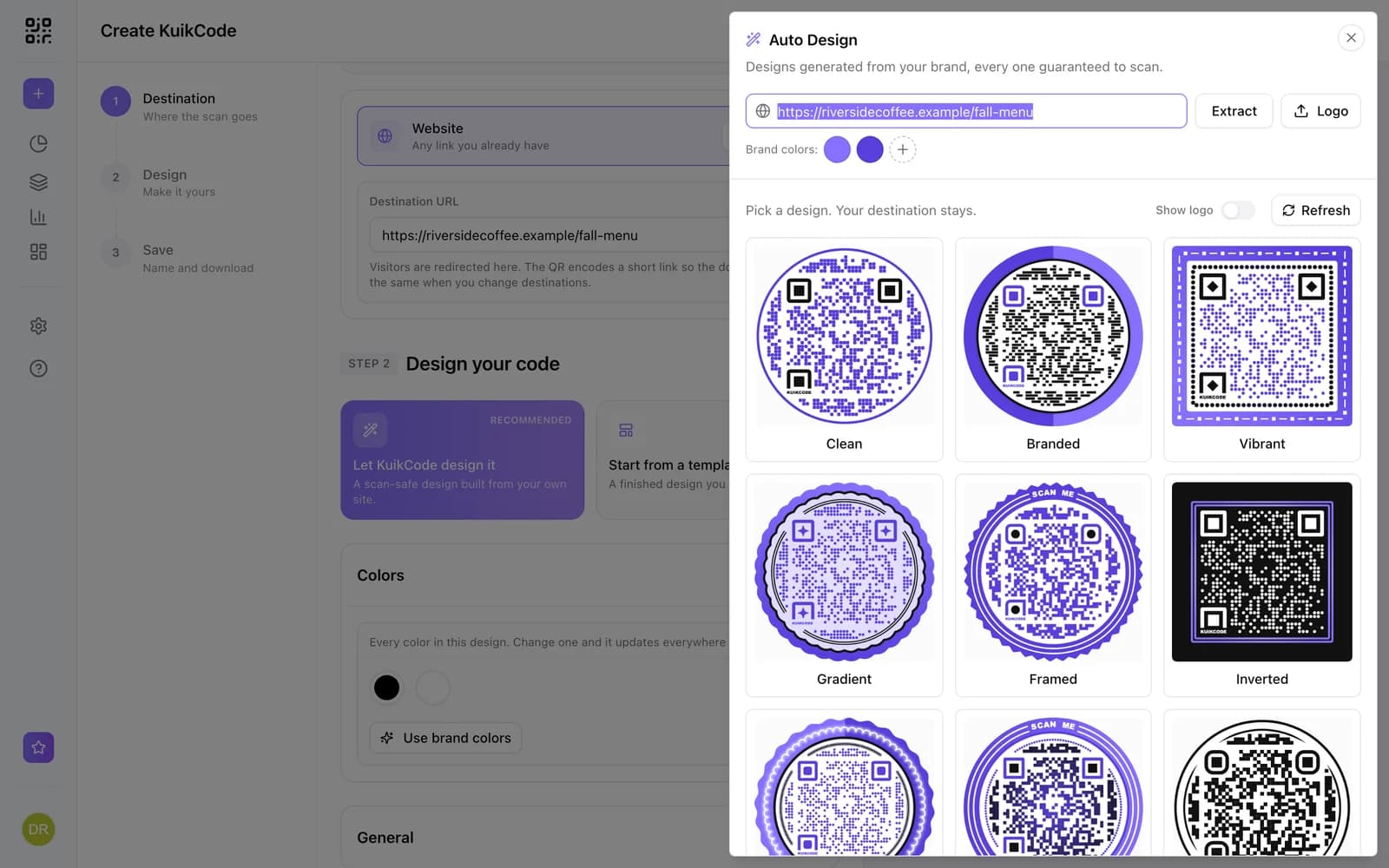
facebook.com/yourpage. - Make the code. Paste the link into the free QR code generator under Link, or into a KuikCode with the Website destination.
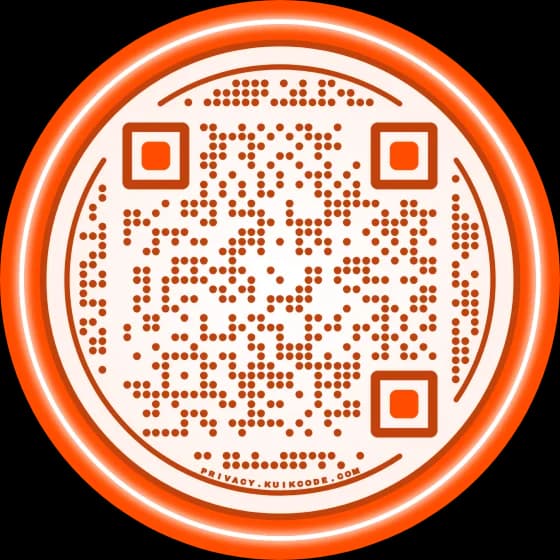
- Design and download. Use your brand colors and add a frame with a line like Find us on Facebook.
Scanning opens the page in the Facebook app if the person has it, or in the browser. The same steps work for an event, a group or a Marketplace listing: copy its link and make the code. More on the Facebook QR code page.
And TikTok: on your profile, tap the share icon and choose the QR code. Or use your profile link, tiktok.com/@yourname. See the TikTok QR code page.
The apps' own codes vs a code you design
The built-in codes are free and quick. For a story or a chat, use them. For anything printed, it's worth knowing what they leave out.
| App's own code | Designed KuikCode | |
|---|---|---|
| Look | The app's style, a few colors | Your colors, dots, corner squares, logo and a frame with words |
| Opens | One profile, forever | Any link, changeable after printing |
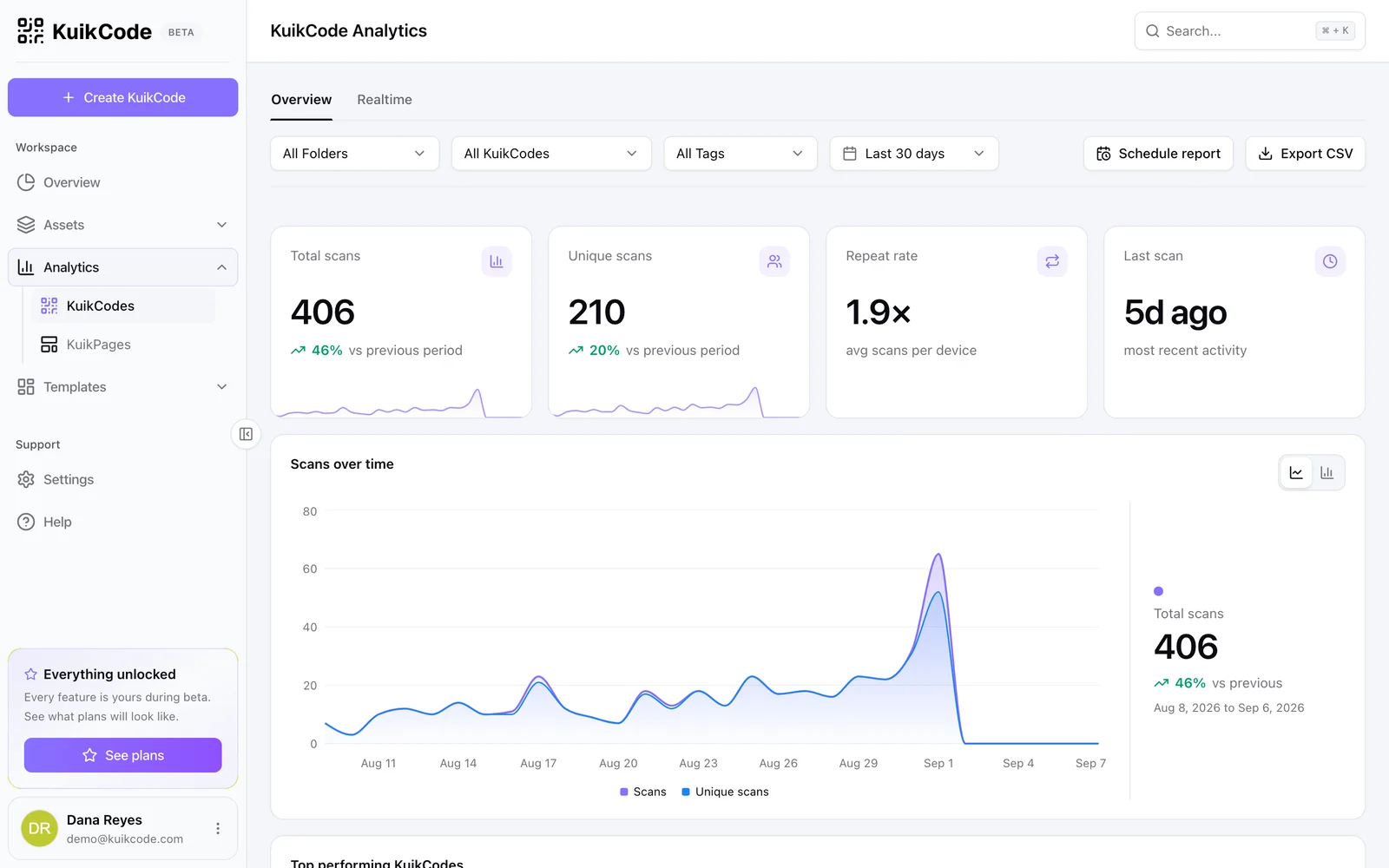
| Scans counted | No | Every scan, with time, city, device and language |
| Covers | One network | One network, or all of them through a link in bio page |
A code in your colors with Follow us next to it tells people what the scan does before they lift their phone, and the count tells you whether it worked. If you rename your account, move to a new page or want the code to open a sale for a week, you change it in your dashboard and every printed copy follows. See how to track QR code scans for what the numbers show.
One code for every network
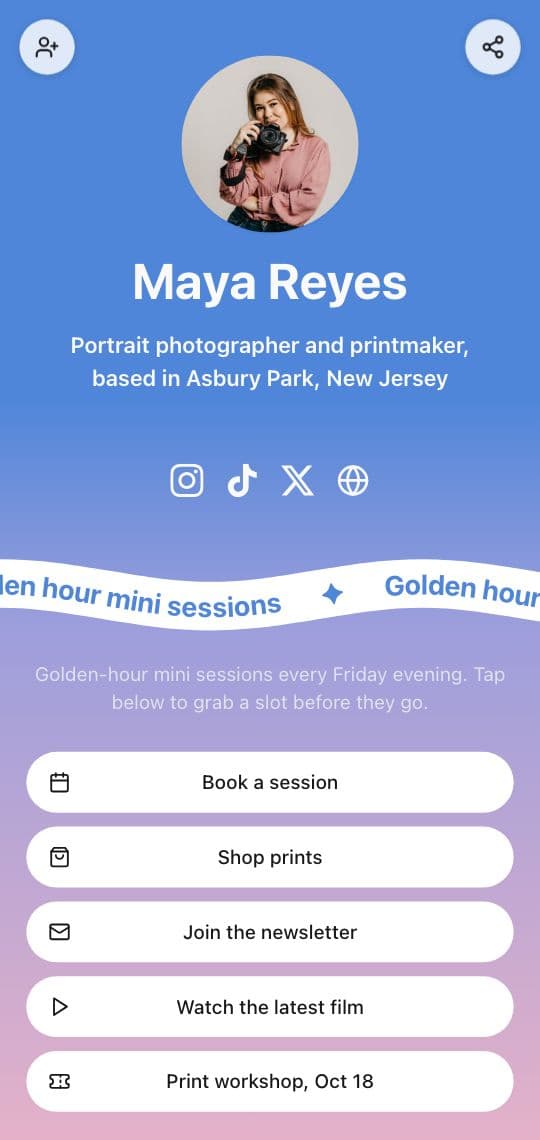
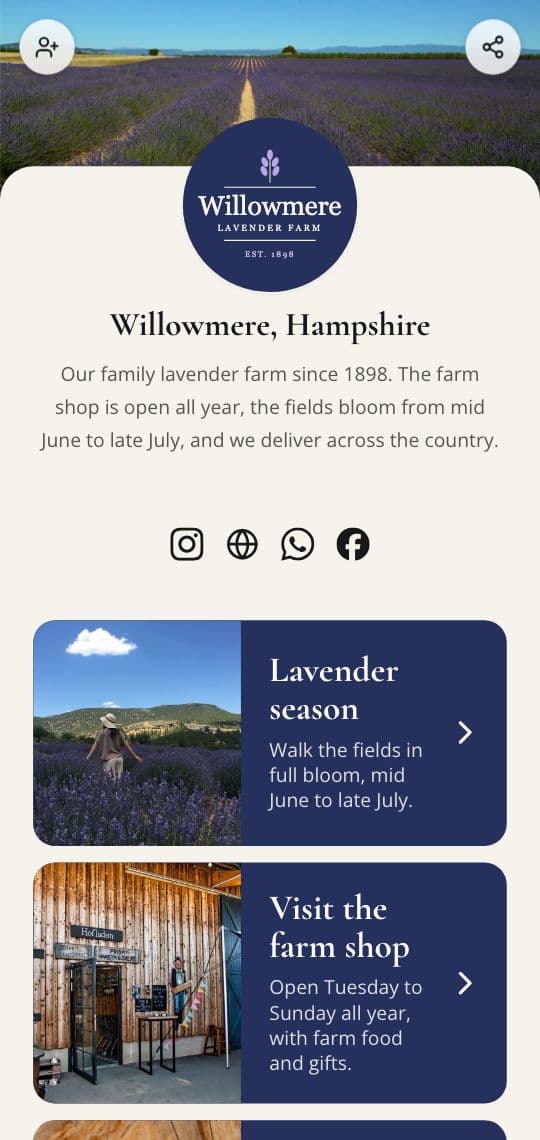
A shop window has room for one code, not four. Point a single code at a link in bio KuikPage, like the Farm Shop Links template on the cover: your name, a line about you, icons for Facebook, Instagram, LinkedIn, TikTok, WhatsApp and your website, and buttons for the things people come for, such as opening hours, the menu or a booking page.
People open the network they actually use, and you can add or remove one without touching the printed code. A link in bio page is included from the Basic plan. If you're new to the idea, start with what link in bio means and the link in bio page.
Where social QR codes work well
- Shop counters and windows: Follow us for this week's specials.
- Business cards and name badges: your LinkedIn, or a page with LinkedIn and your contact card. See QR codes on business cards.
- Trade show booths: the company page, with a scan count per show.
- Packaging and receipts: your Instagram, where customers can tag you.
- Event posters: the Facebook event, then the photo album after it.
Test before you print
Scan the printed proof with two phones, one with the app installed and one without, and check that both land on the right profile. Print it big enough to scan from where people stand: QR code size for print has the numbers. And if it won't scan, check contrast, size and the quiet zone in why a QR code is not scanning.
Frequently asked questions
01How do I get a QR code for my Facebook page?+
Open your page, tap Share and copy the link, or copy the address from the browser. It looks like facebook.com/yourpage. Paste it into a QR code generator as a link, design the code and download it. Scanning opens the page in the Facebook app or the browser.
02Where is my Instagram QR code?+
Open your profile in the Instagram app and tap Share profile. Instagram shows a QR code for your username that you can save or share, and you can change its colors there.
03How do I get my LinkedIn QR code?+
In the LinkedIn app, tap the QR icon in the search bar and open My code. You can share it or save it to your photos. It opens your personal profile. For a company page, copy the page's link and make a code from it.
04Are the apps' own QR codes good enough for print?+
They scan well, but they always look like the app, they open one profile forever and they don't count scans. For a flyer, a window or packaging, a designed code with a line like Follow us fits your brand, shows how many people scanned and can switch to a new page later.
05Can one QR code open Facebook, Instagram and LinkedIn?+
Yes, through a page. Point the code at a link in bio KuikPage with a Socials block, and people pick the network they use. You can add or remove networks later without reprinting the code.
06Can I see how many people scanned my Instagram or Facebook QR code?+
Not with the apps' own codes. A KuikCode counts every scan with its time, city, device and language, so you can compare the code on the counter with the one on the flyer.