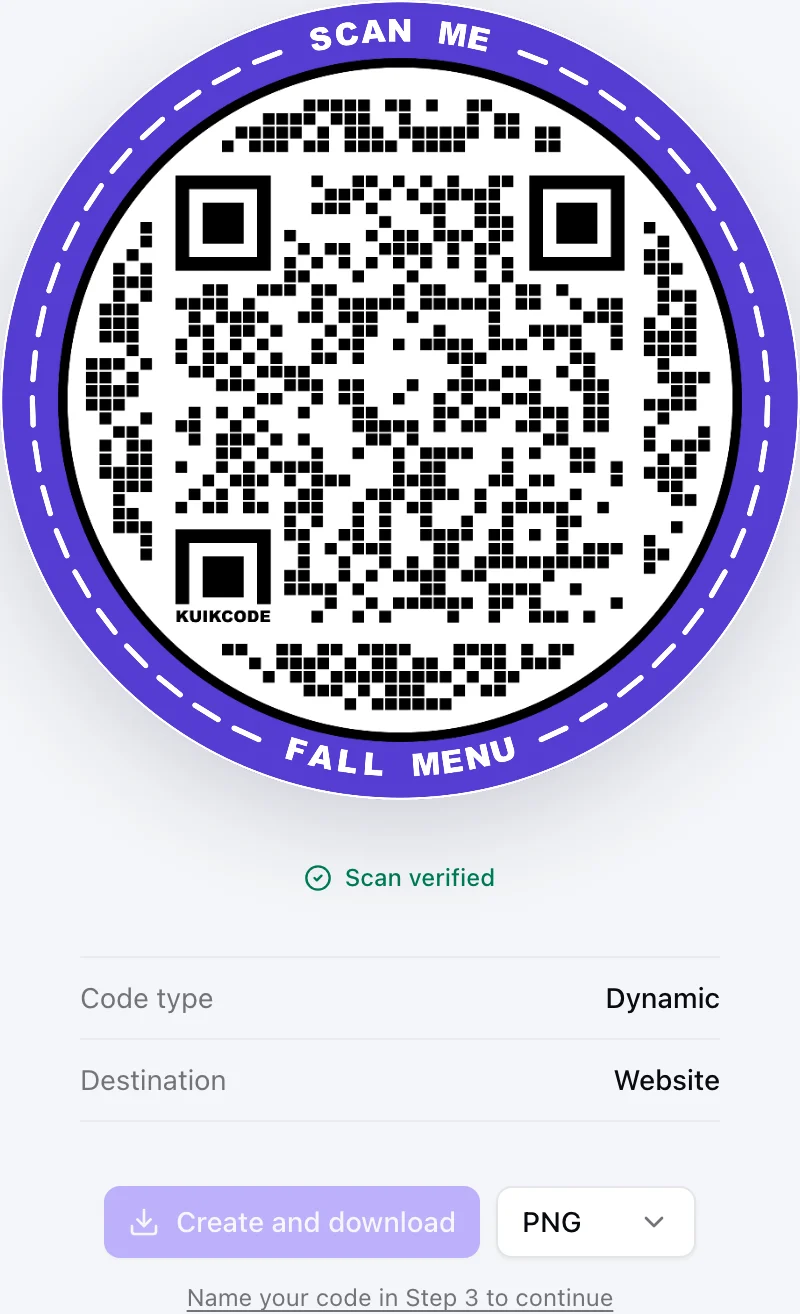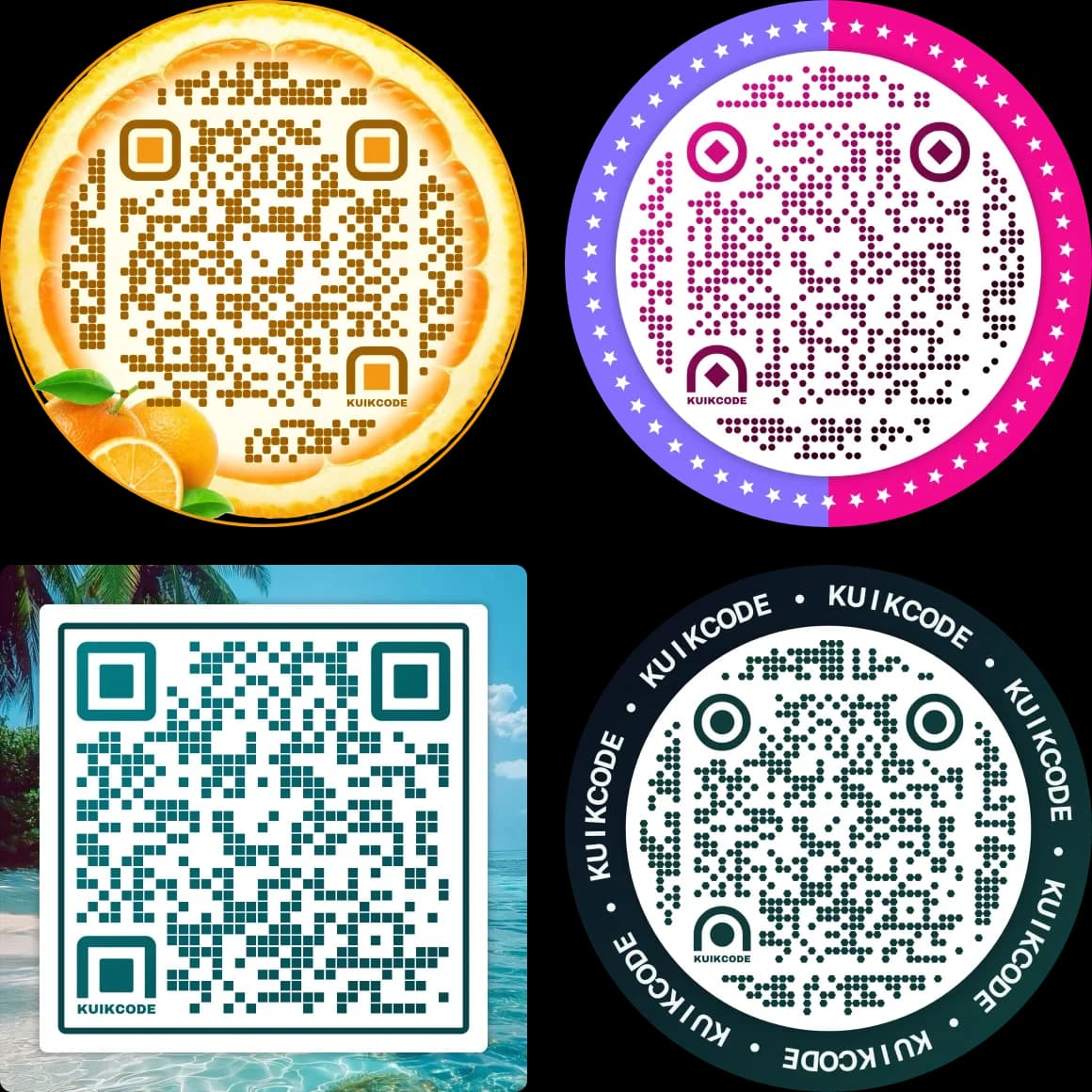
A QR code is cheap to make and expensive to get wrong. Once it is printed on packaging, menus or signs, the generator behind it decides whether you can fix a mistake, how the code looks, what people see when they scan and whether it keeps working next year.
We compared eleven popular generators on the things that matter after printing. We make KuikCode, so it is listed first. For every other tool we describe what it is known for, based on its own pricing, feature and help pages as of September 2026, and link to a detailed side by side comparison.
What to look for in a QR code generator
- Dynamic codes. A dynamic code stores a short link, so you can change where it goes after printing and count every scan. A static code can never change. Read more in static vs dynamic QR codes.
- Design. Colors and a logo are the minimum. A real editor lets you shape the dots, eyes and frame so the code looks like your brand and still scans.
- What people see. Some free plans show an ad or a preview page before your content. That is the first impression of your brand.
- Scan limits and trials. Check what happens when a free plan hits its scan limit, a trial ends or you cancel. Some tools stop printed codes from redirecting.
- Landing pages. Many codes need somewhere to land. A built in page builder saves you from building a website for every menu, event or product.
- Analytics. Scans by time, place, device and language tell you which placements work.
The generators compared
| Generator | Known for | Pages behind the code |
|---|---|---|
| KuikCode | Full design editor, KuikPages, smart routing, live scans | KuikPages, multi page sites, hosted static sites |
| Flowcode | Branded codes with artist templates | Flowpages |
| QR TIGER | A long list of code types | Page builder and link pages |
| Uniqode | Business features for teams | Linkpages |
| Bitly | Short links first, QR codes alongside | Bitly Pages |
| QR Code Generator PRO | Many code types with landing pages | Built in landing pages |
| QRCode Monkey | Free static codes with custom colors and logos | None, static codes only |
| Scanova | Codes with landing pages and no ads | Landing pages, multi page on higher plans |
| QR.io | One plan with dynamic codes and pages | Custom landing pages |
| ME-QR | A large free allowance of dynamic codes | Built in pages |
| Linktree | Link in bio pages | Your Linktree page |
1. KuikCode
KuikCode is built for codes that get printed. Every KuikCode is dynamic, so the destination can change after printing, and every scan shows up in realtime with the time, city, device and language.
- A real design editor. Style the dots, eyes and frame, add words, photos, stickers and your logo, and let Auto Design build options from your website's colors. Every design is checked so it still scans.
- KuikPages. Mobile pages from ready made templates for menus, events, products, listings and creators, including multi page sites, forms and guest photo uploads.
- Hosted sites. Upload a ZIP of a static website and serve it behind a code.
- Smart routing. Send one code to different places by device, country, language or time of day.
- No ads on scans. Never, on any plan, including free.
- For teams and developers. A public API, webhooks, an app inside Canva, an MCP server for AI assistants, and GS1 Digital Link codes for packaging.
2. Flowcode
Flowcode is known for branded codes, with artist designed templates and a brand design studio on its Enterprise plan, plus Flowpages for landing pages. Analytics are capped by plan.
Where KuikCode differs: the full design editor is in your own hands on every plan, with KuikPages, hosted sites, smart routing and an API on PRO, and on paid plans every scan is counted with no analytics cap. KuikCode vs Flowcode
3. QR TIGER
QR TIGER offers a long list of code types, a page builder and link pages.
Where KuikCode differs: a full design editor, KuikPages built from ready made templates, PDF codes that open a branded page, rules by time and language, and no ads on scans on any plan. KuikCode vs QR TIGER
4. Uniqode
Uniqode focuses on business features for teams and has Linkpages for landing pages. Most plans come with yearly scan caps, and dynamic codes go inactive once they pass the cap. Only the top tier is unlimited.
Where KuikCode differs: no yearly scan cap on paid plans, your full scan history, a full design editor and KuikPages with static site hosting. KuikCode vs Uniqode
5. Bitly
Bitly is a link management platform first, with QR codes and Bitly Pages alongside its short links. Links and codes on the free plan can show a preview page before the destination.
Where KuikCode differs: it is built around the printed code, with a full design editor, KuikPages, routing by device, country, language and time, and scan history you keep for the life of the code. KuikCode vs Bitly
6. QR Code Generator PRO
QR Code Generator PRO offers many code types with built in landing pages, including PDF codes that open a landing page. After its trial ends, dynamic codes are deactivated.
Where KuikCode differs: a full design editor, smart rules, precise scan locations with consent and KuikPages, with 150 dynamic codes on PRO. KuikCode vs QR Code Generator PRO
7. QRCode Monkey
QRCode Monkey is a free generator for static codes with custom colors and logos. Static codes never expire, but they cannot be changed or tracked after printing.
Where KuikCode differs: every KuikCode is dynamic, so you can change it after printing and see every scan, with KuikPages and smart rules behind it. KuikCode vs QRCode Monkey
8. Scanova
Scanova pairs codes with landing pages, including multi page pages on higher plans, and shows no ads. Dynamic codes stop when a trial or plan ends.
Where KuikCode differs: the API and precise scan locations on PRO, 150 dynamic codes there, and a full design editor with KuikPages and static site hosting. KuikCode vs Scanova
9. QR.io
QR.io sells a single plan, billed monthly or yearly, with dynamic codes and custom landing pages. When the trial ends, dynamic codes are paused until you subscribe.
Where KuikCode differs: a free plan to start, a full design editor, smart rules, campaign tracking with UTM tags and KuikPages. KuikCode vs QR.io
10. ME-QR
ME-QR is known for a large free allowance of dynamic codes. On its free plan, people who scan see ads before the content.
Where KuikCode differs: no ads on scans on any plan, a full design editor, smart rules by time and language, and KuikPages. KuikCode vs ME-QR
11. Linktree
Linktree makes link in bio pages, and its QR code opens your Linktree page.
Where KuikCode differs: KuikPages plus designed QR codes that can point anywhere, not only at your page, with multi page sites, smart routing and scan analytics. KuikCode vs Linktree
How to choose
- You print codes on packaging, menus, signs or ads. Choose dynamic codes with a real design editor, on a paid plan so printed codes never stop redirecting. That is what KuikCode is built for.
- You need a page behind the code. Look for a built in page builder with templates for your use case, so every campaign does not need a website.
- You need one static code for a link that will never change. A free static generator does the job, as long as you are sure the destination never moves.
- Your team connects codes to other tools. Check for an API, webhooks and integrations with the tools you already use.
See every side by side comparison on our compare page.
All trademarks belong to their owners. Features and plans change often. We checked each vendor's own pages in September 2026, so confirm the current details on their sites before you buy.
Frequently asked questions
01What is the best QR code generator?+
It depends on the job. For designed, dynamic codes with mobile pages and live analytics, KuikCode covers the most in one place. If you only need a single static code for a link that will never change, a free static generator is enough.
02What is the difference between a free and a paid QR code generator?+
Free generators usually make static codes, which cannot be edited or tracked. Paid plans make dynamic codes that point to a short link, so you can change the destination after printing and see every scan.
03Do QR codes expire?+
A static code never expires because its content is in the pattern. A dynamic code works as long as the service behind its short link keeps it active, which is why it matters what a generator does when a trial ends, a scan limit is reached or a plan is cancelled.
04Can I design my own QR code?+
Yes. Most generators let you change colors and add a logo. A few, KuikCode among them, let you style every part of the code, including dot shapes, eyes, frames with words, photos and stickers, and check that each design still scans.
05Which QR code generators show ads when people scan?+
Some free plans put an ad or a preview page between the scan and your content. KuikCode never shows ads to the people who scan, on any plan, including free.
06How did you compare these tools?+
We read each company's own pricing, feature and help pages in September 2026 and noted design options, dynamic codes, landing pages, scan limits, ads on scans and what happens after a trial or cancellation. Features and plans change, so check the vendor's site before you buy.