Yes, a QR code made by hand can scan: drawn on graph paper, cross-stitched, built in Lego, painted on a wall. A phone reads the pattern of dark and light squares, not the way it was made. The one rule is that you copy a QR code, you don't invent one.
Why you copy, not invent
The squares in a QR code aren't a drawing of your link. A generator turns the text into bits, adds error correction, extra data that lets a damaged code still read, and then scrambles the result with a mask so no area is too dark or too light. Doing that on paper takes pages of arithmetic, and one slip makes a code that opens nothing.
So the work splits in two: a generator makes the pattern, and you make the object.
Pick a short link first
The longer the link, the more squares. The smallest QR code is 21 by 21 squares, and each size up adds 4 per side. A short link like https://kuikcode.com makes a 25 by 25 code, 625 squares. A long link with tracking tags can need 41 by 41 or more, nearly three times as many squares to fill.
Two ways to keep it short:
- Trim the link. Drop anything after a
?you don't need, and thewww.if your site opens without it. - Use a dynamic code. A KuikCode always holds the same short link,
kuikco.de/p/and nine characters, whatever the page behind it. The code stays small, and you can change where it opens after the stitching is done.
How to draw a QR code on graph paper
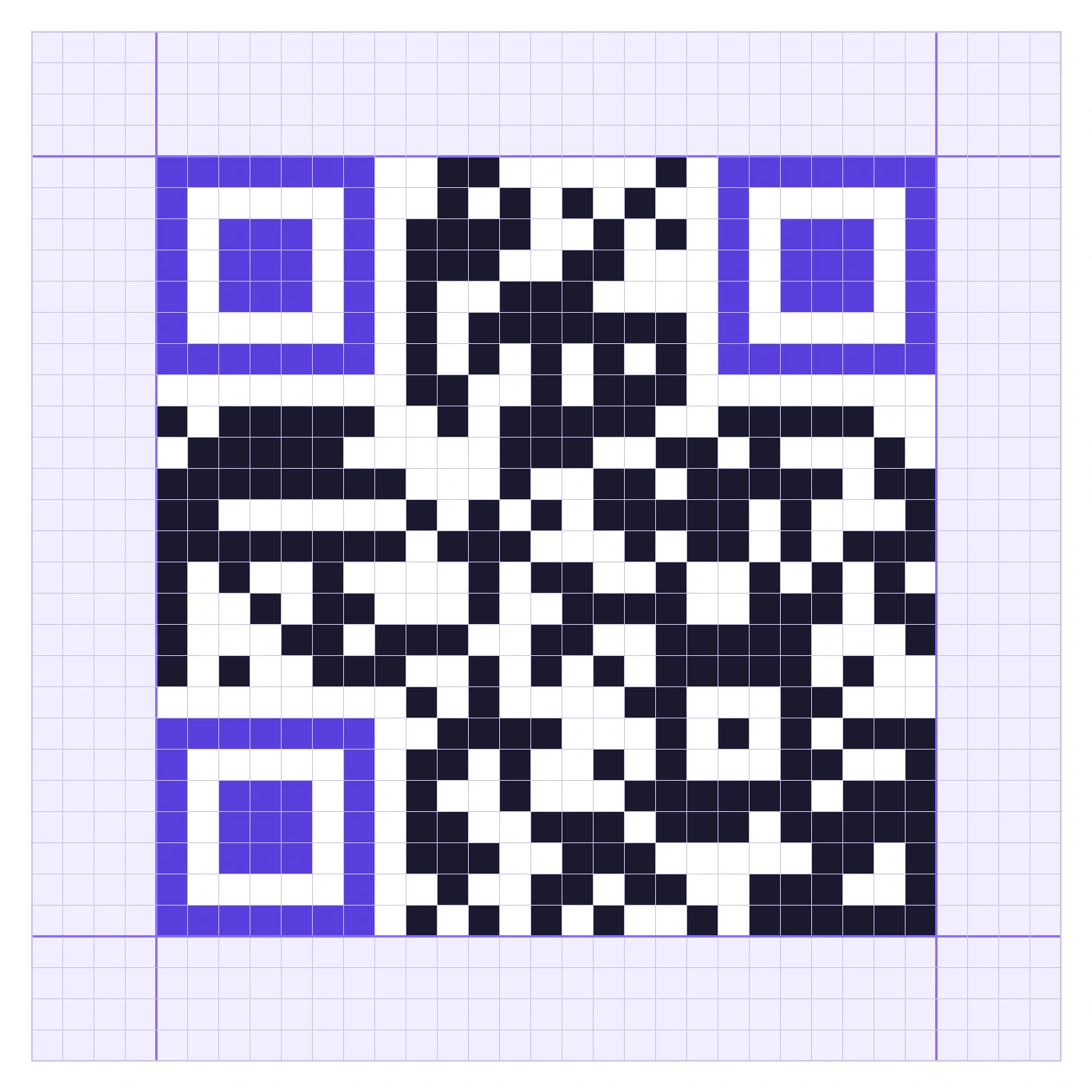
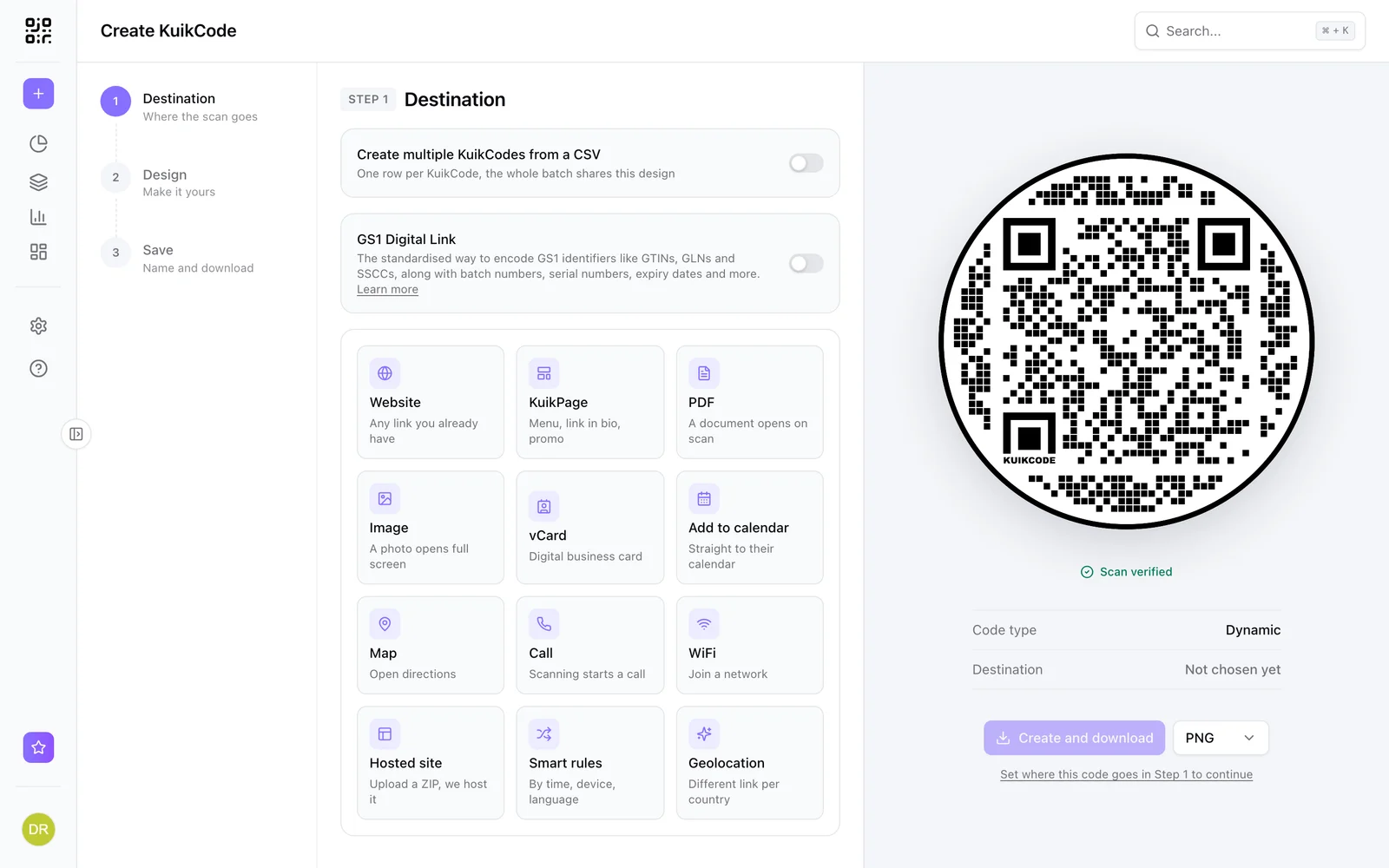
- Make the code. In the free QR code generator, enter your link and pick square dots, square eyes, black on white, no logo and no frame. Download the PNG and open it large, or print it.
- Count the grid. Count the squares along the top edge, 21, 25, 29 or more. Add 4 on each side for the margin and mark that area on the paper.
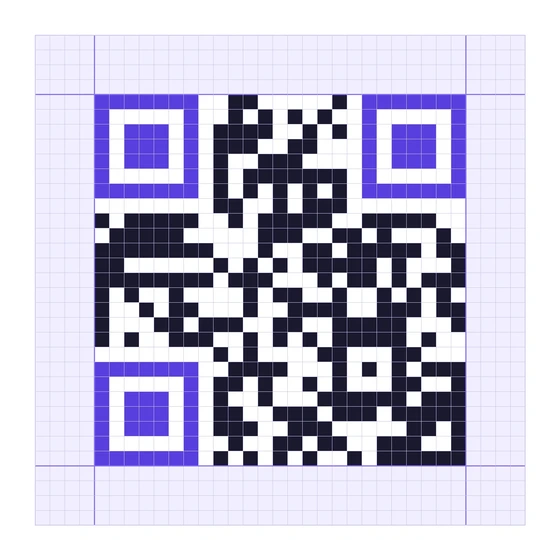
- Draw the three corner squares first. Each one is 7 by 7: a dark ring, a light ring, and a dark 3 by 3 center. They tell the phone where the code is and which way is up.
- Fill row by row. Copy one row at a time from left to right and tick it off in the margin. A ruler under the row you're copying keeps your eye in place.
- Fill each square solid. Use a dark marker or fine liner and fill to the edges. Half filled or outlined squares read as light.
- Leave the margin empty. No doodles, no frame line, no text inside those four squares.
- Scan it. Hold the paper flat in good light. If it doesn't read, compare the corner squares first.
Cross-stitch, Lego, tiles and murals
Every medium works the same way: one square of the code becomes one unit of the material.
- Cross-stitch and embroidery. One stitch per square, dark thread on light fabric. On 14 count Aida, a 29 by 29 code plus margin is 37 stitches, about 6.7 cm (2.6 in). Stretch it flat in a hoop or a frame to scan.
- Knitting and crochet. Stitches aren't square, so a knitted code comes out stretched in one direction. Adjust the chart for your gauge, or use a stitch closer to square, and test before the whole piece.
- Lego and pixel art. One stud or one bead per square. A 29 by 29 code with its margin is 37 studs, which fits on a 48 by 48 baseplate.
- Tiles and mosaics. One tile per square, in two colors with strong contrast. Matte tiles reflect less light than glossy ones.
- Murals and chalk walls. Use the SVG to cut a stencil, or project the code onto the wall and trace it. Big codes can be scanned from far away: about a tenth of the distance is the rule from our QR code size guide.
Mistakes the code forgives, and the ones it doesn't
Because of error correction, a few wrong squares inside the code are usually fine. These aren't:
- A wrong corner square, or one drawn smaller or larger than 7 by 7.
- A margin that isn't empty, or is narrower than four squares.
- Weak contrast, such as pencil on cream paper or grey thread on white fabric. Dark on light, as dark as you can.
- Squares that drift: rows that get wider or narrower across the piece, or a fabric that pulls out of shape.
Once it scans, test it with a second phone, and keep a photo of the original pattern in case you ever need to make another.
Frequently asked questions
01Can you draw a QR code by hand?+
Yes. Make the code with a generator, then copy it square by square onto graph paper, fabric, tiles or a wall. Phones read the pattern, not how it was made, so a careful copy scans like a printed one.
02Can you make a QR code without a generator?+
In theory, yes, but no one does it on paper. The squares come from encoding the text and calculating error correction data, which takes pages of arithmetic. Let a generator do that part and spend your time on the making.
03How many squares does a QR code have?+
The smallest QR code is 21 by 21 squares, and each larger size adds 4. A short link usually needs 25 or 29 squares across, plus an empty margin of 4 on every side.
04Will a hand-drawn QR code still scan with a few mistakes?+
Usually, yes. QR codes carry extra data so they survive damage, and a few wrong squares inside the code are often corrected. The three corner squares and the margin around the code have to be exact.
05How big should a cross-stitched QR code be?+
One stitch per square. A 29 by 29 code plus its margin is 37 stitches, about 6.7 cm (2.6 in) on 14 count Aida. Stretch it flat in a hoop or a frame when you scan it.
06Can I change where a handmade QR code goes?+
Only if it holds a dynamic link. A static code holds the address in its squares, so a new link means making it again. A KuikCode holds a short link you can point anywhere later.