TikTok gives your profile one clickable link, right under your bio. Linktree is the best known way to turn that one link into many: you paste your Linktree address into TikTok, and the page holds everything else. Here is how to add it, what to do when TikTok doesn't show the field, and how to get more out of the page for people who come from your videos.
The steps work the same for any link in bio page, so they also work for a KuikPage.
Before you start: check that you have the Website field
TikTok doesn't give every account a clickable link. It shows the Website field to:
- Business accounts, and
- Personal accounts that have reached its follower minimum, which has been 1,000 followers.
TikTok changes these rules now and then, so check its help center for the current one. Bio links can only be added from the TikTok mobile app, not from a browser on your computer.
How to add a Linktree to your TikTok bio
- Copy your Linktree address. In Linktree, use the Share button to copy it. It looks like
linktr.ee/yourname. - Open the TikTok app and go to your profile.
- Tap Edit profile.
- Tap the Website field, paste the address and tap Save.
The link now shows under your bio, ready to tap. Open your profile from another account, or ask a friend to, and tap it once to check it opens the right page.
No Website field?
If Edit profile has no Website field, your account doesn't qualify yet. Ways forward:
- Switch to a business account in Settings and privacy, then Account, if it fits how you use TikTok. Then check Edit profile again.
- Update the app. An older version may not show the field.
- Grow to the follower minimum, and add the link when the field appears.
Until then, you can type your short address in the bio text. It won't be tappable, but people can copy it. A QR code on your other channels can also lead them to the same page.
Make the page work for people coming from TikTok
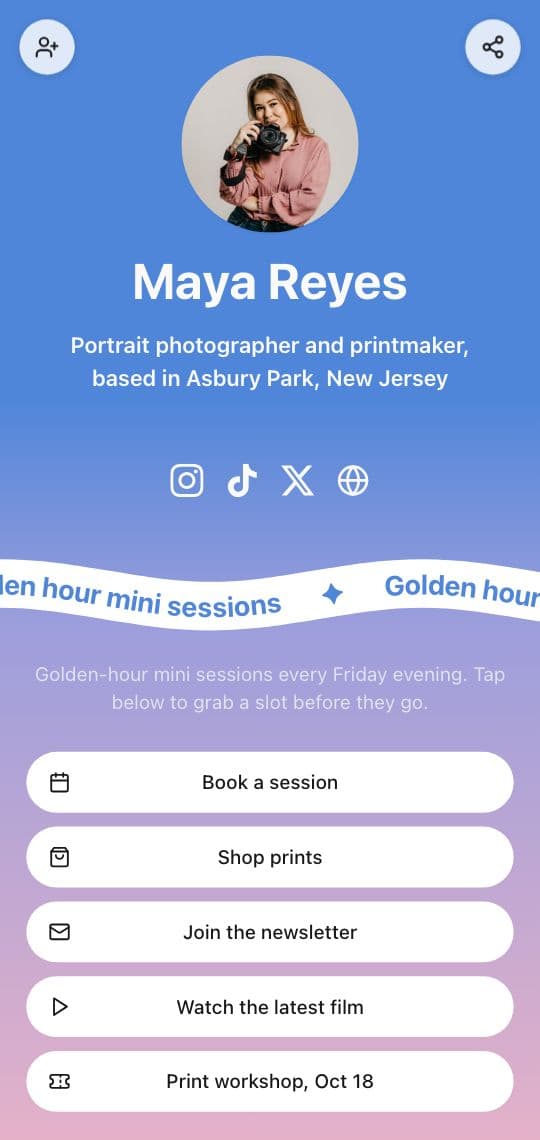
People tap your bio link right after a video, on their phone, with one question in mind. A few habits help:
- Put the latest video's link first. When a video says "link in bio", the first button should be the thing it talked about.
- Keep it short. A handful of buttons beats a long list nobody scrolls.
- Show what they just watched. A page that shows your videos feels like a continuation of your profile, not a detour.
- Remove what's done. Last month's drop shouldn't push today's down.
A link in bio page that shows your TikToks
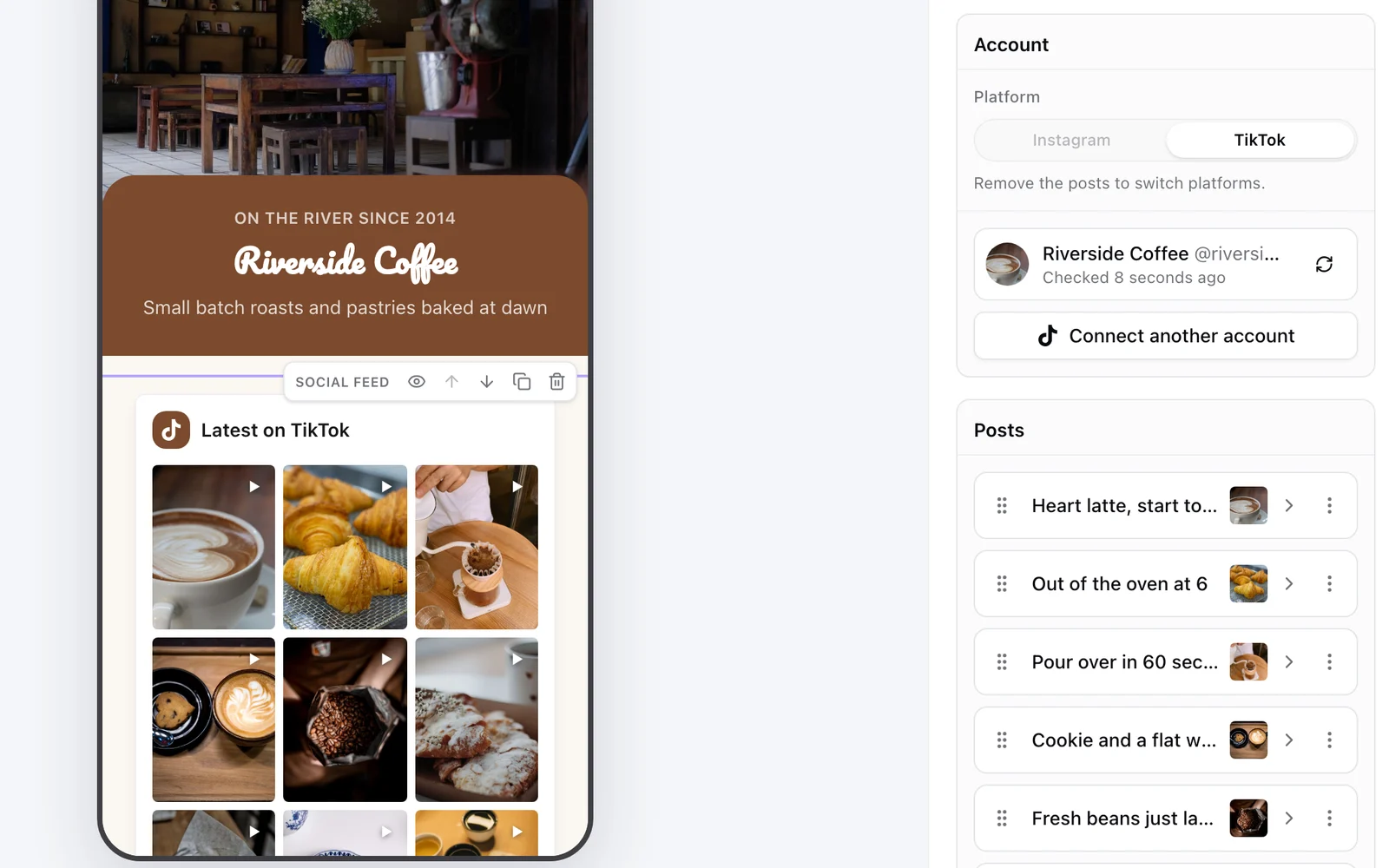
A KuikPage goes in your TikTok bio the same way a Linktree does, and its Social feed block puts your videos on it:
- In KuikCode, open KuikPages and start from the Link in Bio or Creator Link in Bio template.
- Add a Social feed block and connect your TikTok.
- Tap Add posts and pick the videos to show. Each one becomes a tile with its own title and link, so a video about a product can open your shop instead of sending people back to TikTok.
- Turn on Add new posts automatically. Every new video shows up on the page within the hour, with nothing to publish.
- Pick a layout: two or three column grid, list, mosaic, carousel or your newest video large, with your picture and a Follow button underneath.
- Publish, copy your
yourname.kuik.pageaddress and paste it into the TikTok Website field.
The videos play right on the page. TikTok lists your public videos only, so private ones stay private. The same block connects Instagram too, so one page can show both. The Social feed starts on Core.
Take the same page off the screen
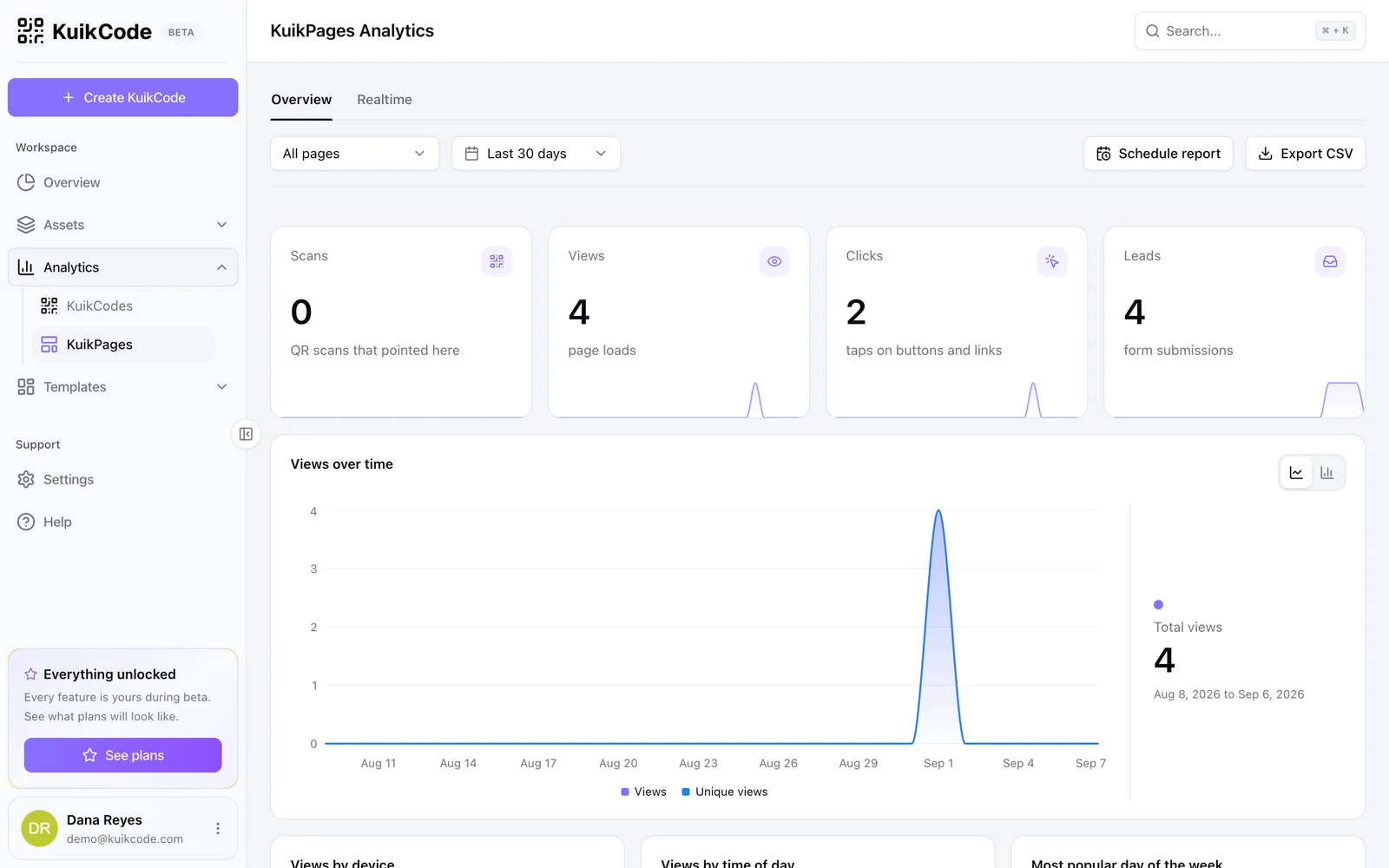
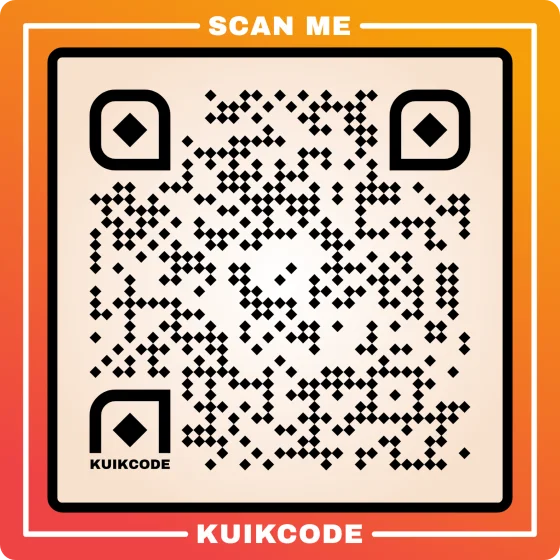
Your bio link isn't the only way in. Merch, stickers, flyers and the screen at a live event can lead to the same page through a QR code. KuikCode gives every page its own designed code with your colors and logo, and counts every scan, so you can see which print brings people in. Our guide to the TikTok QR code shows how to point a code at your profile instead, when that's the better fit.
Comparing tools? See KuikCode vs Linktree side by side, or start with how to add a link in bio on TikTok and Instagram.
Linktree and TikTok are trademarks of their owners. We checked Linktree's and TikTok's steps in November 2026; apps change often, so confirm the details in each app.
Frequently asked questions
01How do I add a Linktree to my TikTok bio?+
Copy your Linktree address, open the TikTok app, go to your profile, tap Edit profile, paste the address into the Website field and save. The link shows under your bio.
02Why can't I add my Linktree to TikTok?+
Your account probably doesn't have the Website field yet. TikTok shows it to business accounts and to personal accounts that have reached its follower minimum, which has been 1,000 followers. Switching to a business account in the settings usually unlocks it.
03Can I add a Linktree to TikTok from my computer?+
No. TikTok only lets you edit the bio link in the mobile app.
04Can I put more than one link in my TikTok bio?+
TikTok gives a profile one clickable website link. That's why people point it at a link in bio page, which holds every other link.
05Can my link in bio page show my TikTok videos?+
Yes. On a KuikPage, the Social feed block shows the public TikTok videos you pick, they play right on the page, each one can link where you want, and new videos can be added on their own within the hour.
06Is there a Linktree alternative for TikTok?+
Yes. A KuikPage works in your TikTok bio the same way, and adds a Social feed with your latest TikToks and Instagram posts, multi page sites and a designed QR code for everything you print.