You can't put a song inside a QR code, but you can make a code that plays one in a second. The code holds a link, and the music plays from wherever it lives. That leaves three good ways to do it, depending on whether your music is on a streaming service and on how many apps your listeners use.
Why the song doesn't fit in the code
A QR code holds at most about 3,000 characters. A three-minute MP3 is around three million bytes, a thousand times more. So every "music QR code" works the same way inside: the code holds a link, and the phone opens it.
That's good news. It means you choose where the song plays, and with the right kind of code you can change it after printing, from this year's single to next year's album.
Option 1: a QR code for a Spotify, Apple Music or YouTube link
The quickest code opens one song, album or playlist in one app.
- Copy the link. In Spotify, Apple Music or YouTube, open the song or playlist, tap Share and copy the link.
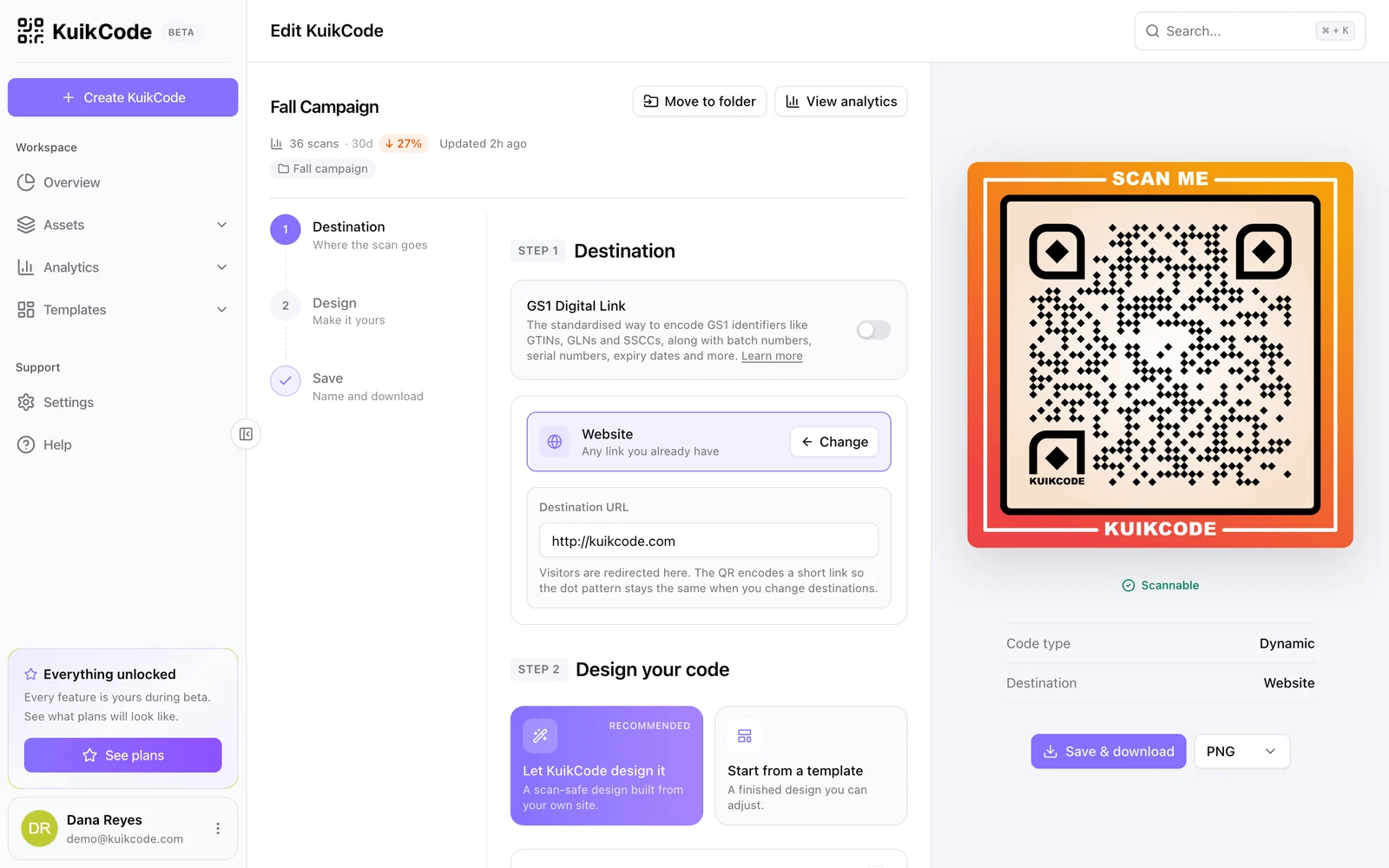
- Make the code. Paste the link into the free QR code generator under Link, or into a KuikCode with the Website destination.
- Design and download. Use your cover art's colors, and for print, add a frame that says what happens: Listen now, Play the playlist.
Scanning opens the song in the app if the person has it, or in the browser if they don't.
What about Spotify Codes? Spotify shows a sound-wave bar code under every song. It looks good on a sleeve, but only the Spotify app can scan it. A phone camera doesn't know what it is, so anyone without Spotify gets nothing. A QR code of the same link opens with any camera.
Option 2: one code for every platform
Here's the catch with Option 1: your listeners don't all use the same app. A Spotify link is a dead end for someone who listens on Apple Music, and the other way around. On a poster or a record sleeve, you only get one code.
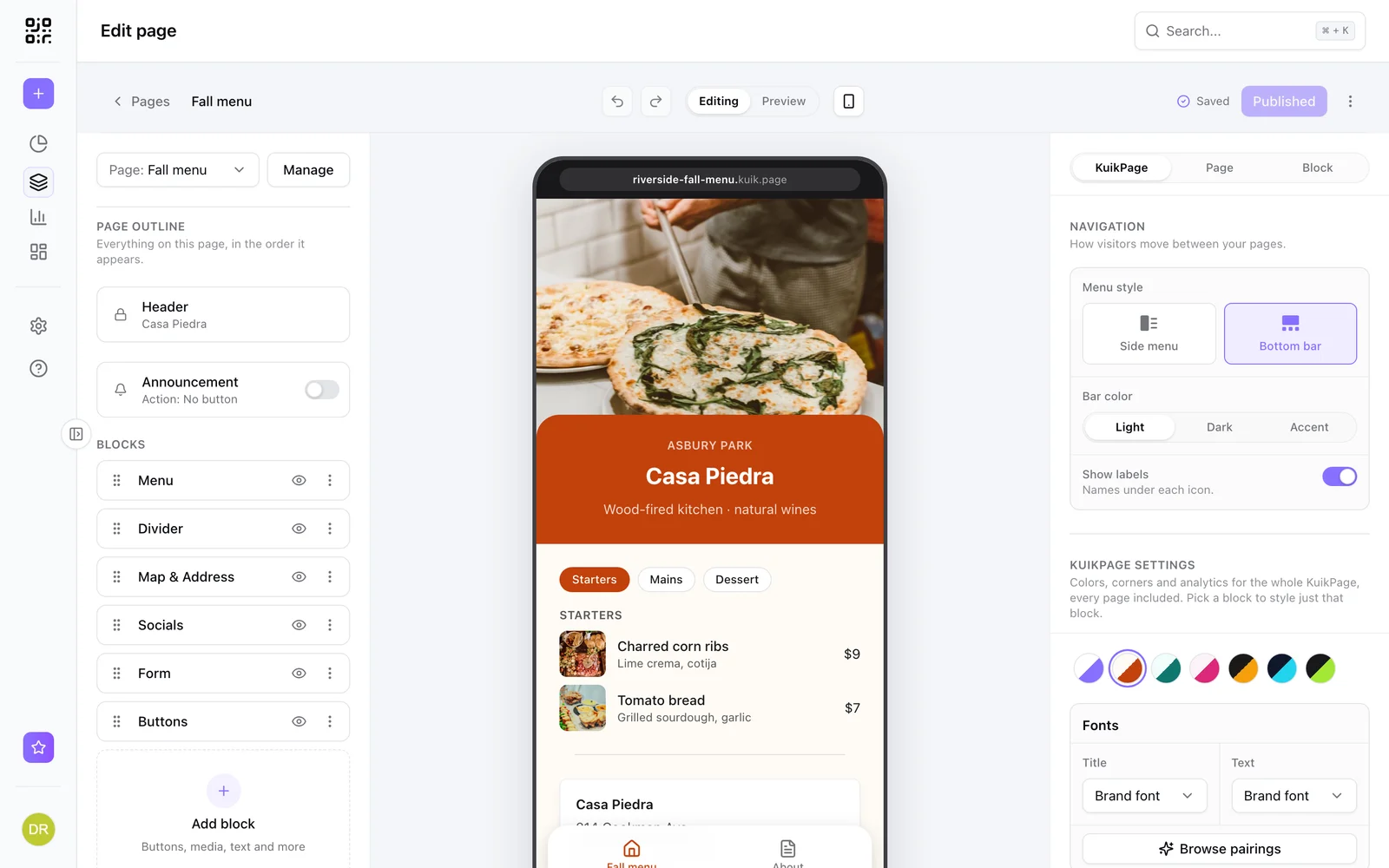
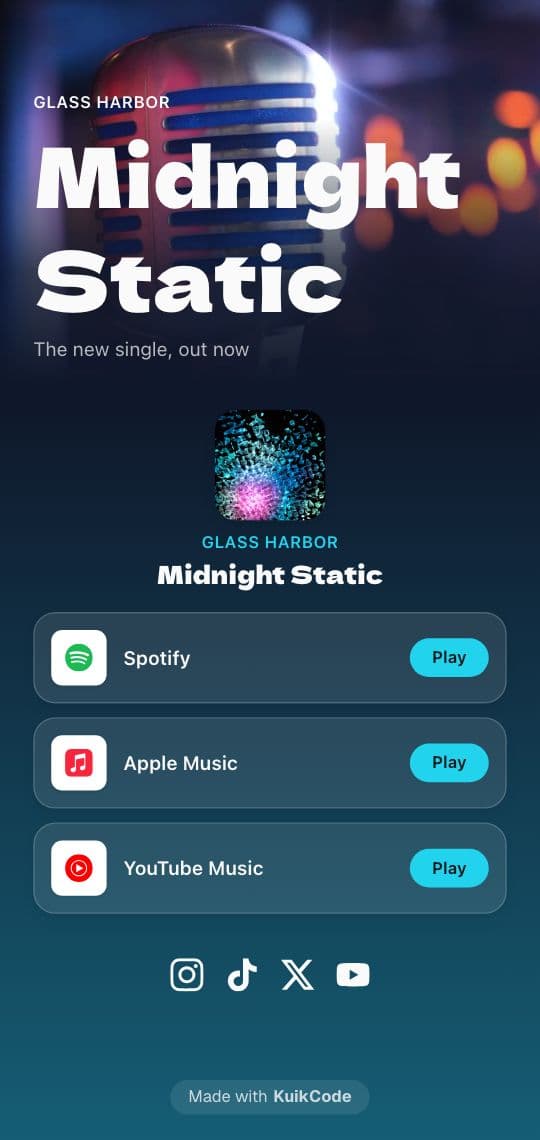
A KuikPage with the Music link block solves that. Paste one link, tap Find on every platform, and it looks for the same song on Spotify, Apple Music, YouTube, YouTube Music, SoundCloud, Amazon Music, Deezer, Tidal and Bandcamp, with a Play button for each one it finds. You can add or fix any link by hand. Keep the ones you want, add your cover art and your socials, and point the code at the page. Every listener opens the song where they already listen.
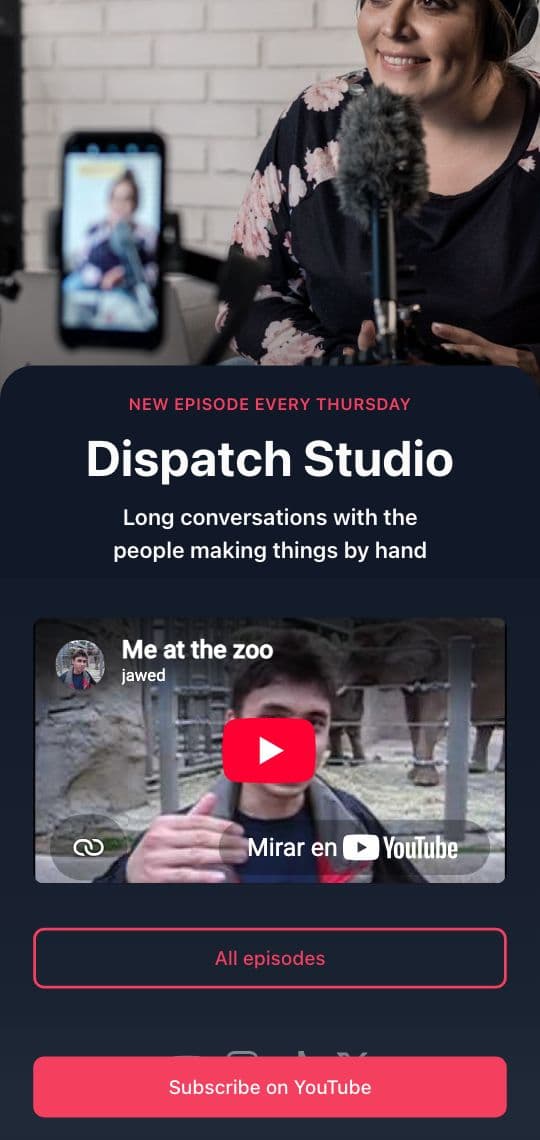
The Music Drop template, on the cover above, is built for exactly this: a new single with its platforms and your socials under it. The Music link block is part of PRO.
Option 3: your own audio file, on a page
Some audio isn't on a streaming service, and shouldn't be: a voice message in a gift, a band's demo for venues, a stop on a museum tour, a podcast episode before it's out, the song you walked down the aisle to.
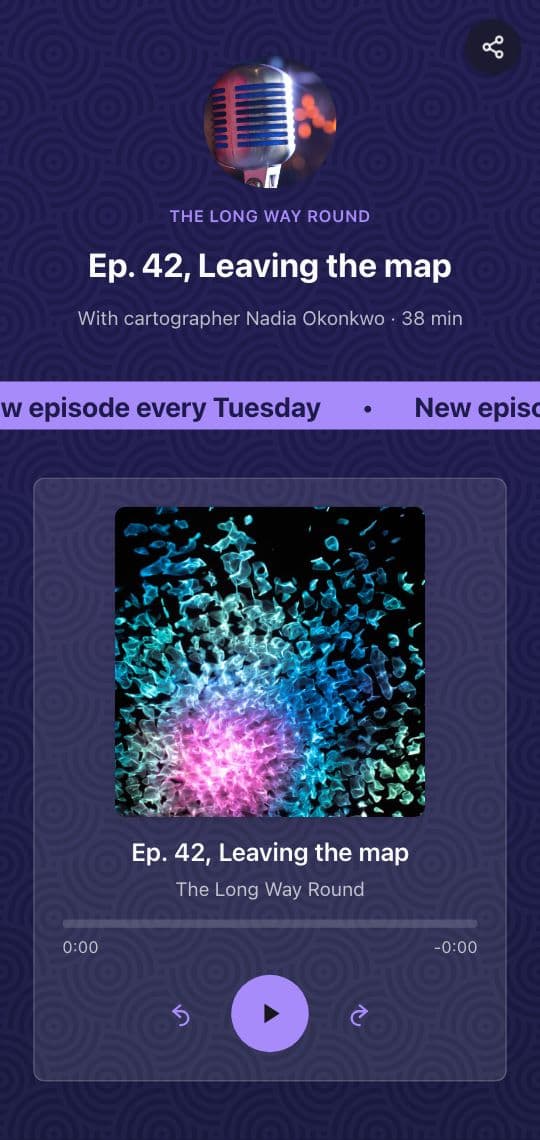
Add the Audio block to a KuikPage and pick an MP3 or M4A file from your library. Visitors get a player with your title, artist and cover art, or a one-line row if the audio is just part of the page. Point a KuikCode at the page and scanning plays the file. The Audio block is on the Core plan and up.
Keep the file small, because people listen on mobile data. Each upload can be up to 5 MB on Core, 10 MB on PRO and 20 MB on Business. At 128 kbps, which is fine for voice and good for music on a phone, 5 MB holds about five minutes.
The Audio Guide and Podcast Episode templates start with the player already in place.
Use a dynamic code on anything printed
Music moves. The single becomes an album, the playlist gets a new name, the band moves its links to a new label. A static code holds the link itself and can never change, so a printed sleeve keeps pointing at last year's release.
A KuikCode stores a short link that you control. Point it at the new song, playlist or page, and every printed copy follows from the next scan. You also see every scan with its time, city and device, which tells a band where the people scanning its posters actually are. Planning a tour? There's also a location-based QR code that opens a different page by city or country.
Where a music QR code works well
- Vinyl, CD sleeves and merch: the album on every platform, from the back cover or a shirt tag.
- Gig posters and flyers: the new single, and later the tour dates, from the same code.
- Wedding programs and favors: the couple's playlist, or the first dance song.
- Gift cards: a playlist or a recorded voice message inside a card.
- Museums and tours: an audio guide stop on the wall label, with the transcript under it.
- Cafés and shops: "What's playing?" on the counter, with your house playlist.
For creators who share more than music, the QR codes for creators page shows a full link in bio page, and how to make a QR code for a video covers YouTube and your own clips.
Test before you print
Scan the printed proof on an iPhone and an Android, ideally one without Spotify installed, and tap play on each. Check that the volume and the length feel right on a phone speaker. Then print it big enough for where people stand: QR code size for print has the numbers.
Frequently asked questions
01Can you put a song in a QR code?+
Not the song itself. A QR code holds at most about 3,000 characters, and a three-minute MP3 is around three million bytes. The code holds a link instead, and the song plays from Spotify, Apple Music, YouTube or a page with the file.
02How do I make a QR code for a Spotify song or playlist?+
In Spotify, open the song or playlist, tap Share and copy the link. Paste it into a QR code generator as a link, design the code and download it. Scanning opens the song in the Spotify app, or in the browser if the app isn't installed.
03What's the difference between a Spotify Code and a QR code?+
A Spotify Code is the sound-wave bar Spotify shows under a song. Only the Spotify app can scan it. A QR code of the Spotify link opens with any phone camera, and you can design it, frame it and, with a dynamic code, change it later.
04How do I make a QR code for an MP3 or audio file?+
Put the file online first, then make a code that opens it. On a KuikPage, the Audio block takes an MP3 or M4A file and shows a player with the title, artist and cover art. Point a KuikCode at the page and scanning plays the file.
05Can one QR code open the song in Spotify and Apple Music?+
Yes, through a page. The KuikPage Music link block takes one link and looks for the same song on Spotify, Apple Music, YouTube, YouTube Music, SoundCloud, Amazon Music, Deezer, Tidal and Bandcamp, with a button for each. It's a PRO block.
06Does the music start playing automatically when someone scans?+
No. The phone opens the song or the page and waits for a tap on play. Phones block audio that starts on its own, and people often scan in quiet places, so a clear Play button works better anyway.