The Instagram feed is the stream of posts you scroll on Instagram's Home tab. People also use "feed" for the grid of posts on a profile, as in "my feed looks great". Both are the same idea: a flow of posts that keeps updating as people share new ones.
What "feed" means
The word comes from news feeds: a stream of updates that keeps being fed new items. Instagram uses it for any place where posts pile up as they're shared, newest or most relevant at the top.
In practice, you'll hear it used two ways:
- The Home feed: what you see when you open the app.
- Your profile feed: what others see when they open your profile.
The Home feed: what you see
When you open Instagram, the Home tab shows posts and reels from the accounts you follow, mixed with suggested posts from accounts you don't follow yet. Instagram ranks them based on your activity, such as what you like, save and watch, so the order isn't strictly by time.
If you want the plain timeline, tap the Instagram logo at the top of the Home tab:
- Following shows only accounts you follow, newest first, with no suggestions.
- Favorites shows the latest from accounts you pick, like close friends or favorite creators, and those accounts also show up higher in your main feed.
Your profile feed: what others see
Your profile shows everything you post to your feed as a grid: photos, carousels and reels. It's the first impression for anyone who taps your name, which is why people care about how it looks. A few things shape it:
- The grid crop. Since 2025, the profile grid shows posts as taller rectangles instead of squares, so the edges of a photo can be cut off in the preview.
- Pinned posts. You can pin a few posts to the top of your grid, so your best or most current posts are seen first.
- Reel covers. A reel shows in the grid with its cover, so pick or design one that reads well at that size.
Feed, stories and reels
| Feed posts | Stories | Reels | |
|---|---|---|---|
| Where they show | Your profile grid and your followers' Home feed | The circles at the top of the Home tab | The Reels tab, the Home feed and your profile |
| How long they last | Until you delete or archive them | 24 hours, unless saved to a highlight | Until you delete or archive them |
| Best for | What you want people to find on your profile | Quick, everyday updates | Short videos to reach new people |
How to make a feed that looks good
- Keep one look. Use the same few colors and the same editing style, so your grid reads as one brand.
- Think in rows of three. Each row is seen together, so alternate close ups, wide shots and text posts.
- Mix formats. Photos, carousels and reels together keep the grid interesting.
- Plan reel covers. A cover made for the grid crop keeps your profile tidy.
- Post regularly. A grid with a recent post tells visitors the account is active.
Show your feed outside Instagram
Your feed doesn't have to stay in the app. People who scan a QR code on your table, tap your link in bio or visit your website can see your latest posts there too.
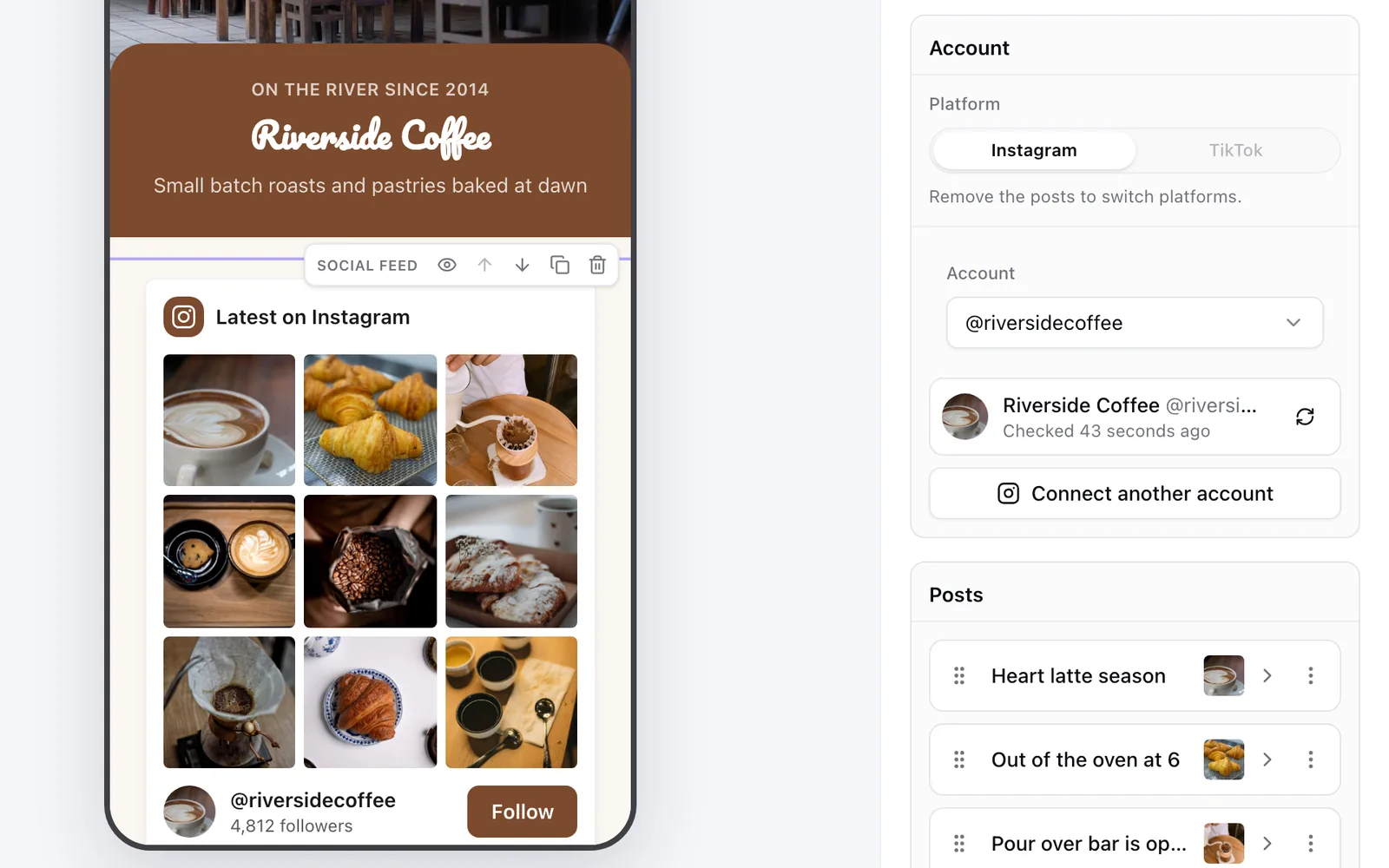
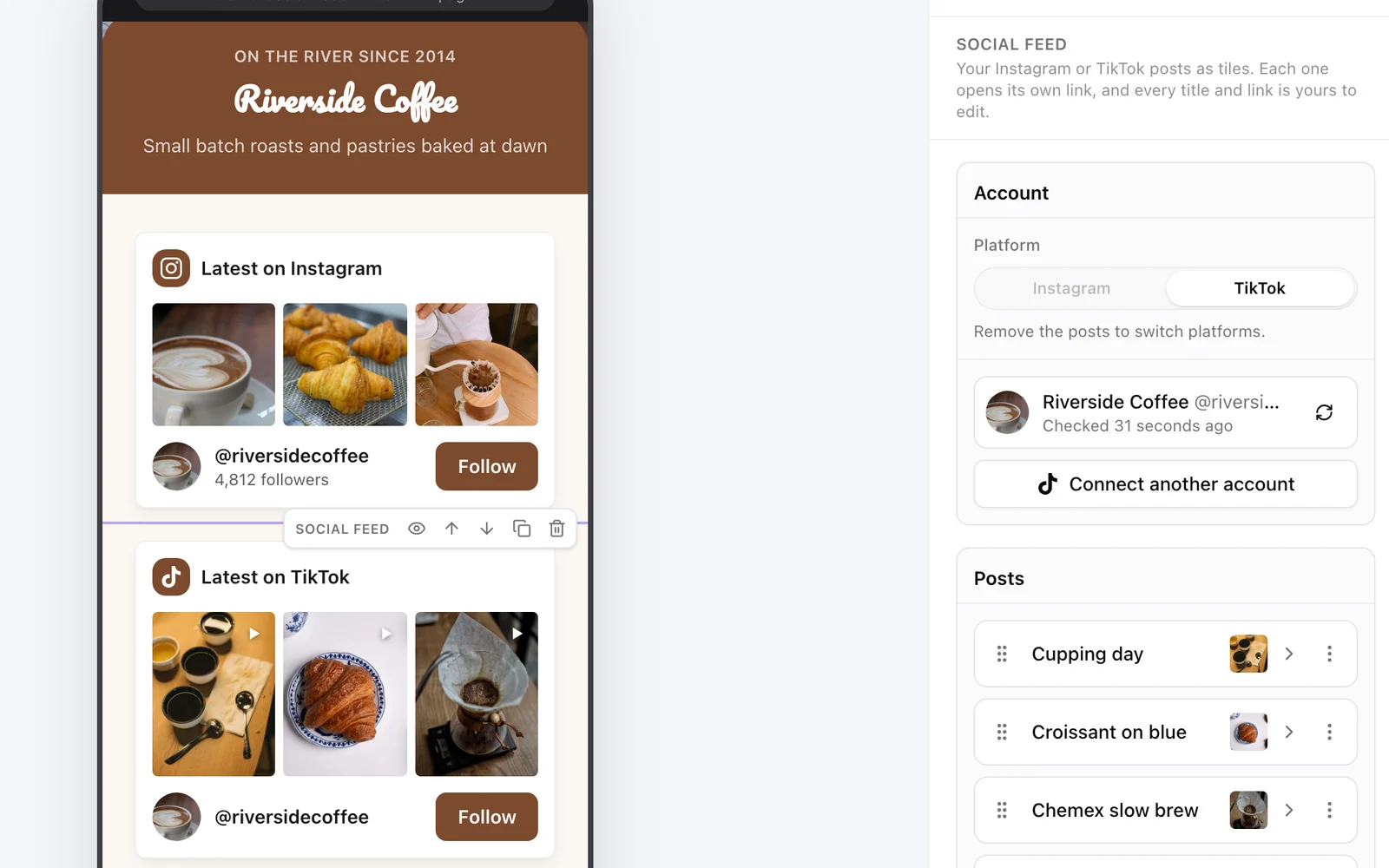
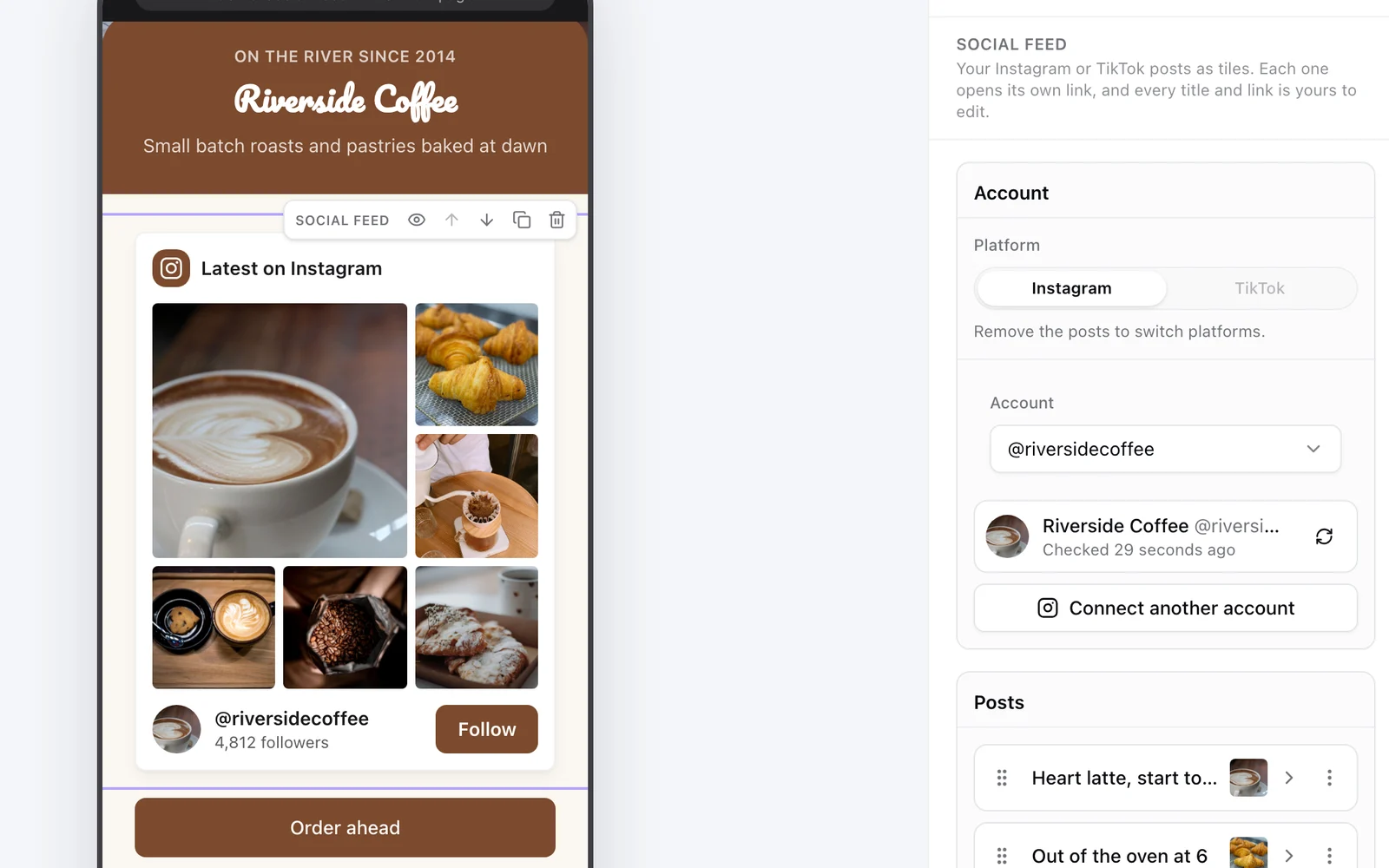
A KuikPage can show your feed with a Social feed block: connect your Instagram, pick the posts to show and turn on Add new posts automatically, so every new post shows up on the page within the hour. Each post becomes a tile with its own link, so a photo of a dish can open your menu, and reels play right on the page. It works with Business and Creator accounts, which are free to switch to in the app, and starts on Core. More options in how to add your Instagram feed to your website.
Instagram is a trademark of its owner. We checked Instagram's own announcements on Following and Favorites in November 2026; the app changes often, so menu names may differ.
Frequently asked questions
01What does feed mean on Instagram?+
It's the stream of posts you scroll on the Home tab, and also the grid of posts on a profile. A feed post is a photo, carousel or reel that stays on your profile, unlike a story.
02What is the difference between the feed and stories?+
Feed posts stay on your profile until you delete or archive them. Stories show at the top of the Home tab and disappear after 24 hours, unless you save them to a highlight.
03Can I see my Instagram feed in chronological order?+
Yes. Tap the Instagram logo at the top of the Home tab and choose Following, which shows posts from accounts you follow, newest first, without suggestions. Favorites does the same for accounts you pick.
04Why does my feed show accounts I don't follow?+
The Home feed mixes in suggested posts that Instagram thinks you'll like, based on your activity. The Following view leaves them out.
05What is a feed post?+
A photo, a carousel of photos and videos, or a reel that you share to your profile, where it shows in your grid and in your followers' Home feeds.
06Can I show my Instagram feed on my website?+
Yes. Instagram's embed code shows one post at a time, feed plugins show a grid on sites like WordPress or Shopify, and a KuikPage can show your posts with a Social feed block that adds new ones on its own.