To add a link to an Instagram story, use the Link sticker. Start a story, tap the sticker icon at the top, choose Link, paste the address and place the sticker on your photo or video. People tap it to open the page. Every account has it, and it takes about thirty seconds.
How to add a link to your story
- Start a story. Swipe right from your feed, or tap + and choose Story.
- Add a photo or a video. Take one or pick one from your gallery.
- Tap the sticker icon at the top of the screen. It's the square smiley face.
- Tap Link. If you don't see it, type link in the sticker search.
- Paste the address of the page you want to share.
- Tap Customize sticker text (optional) and write what people get, like Get the recipe or Book a table. Without it, the sticker shows the site's address.
- Tap Done, then drag the sticker into place and pinch to resize it. Tap it to cycle through its colors.
- Share the story.
Viewers see the sticker and tap it to open the link in Instagram's browser.
Who can add links, and for how long
- Every account. In 2021 Instagram replaced the swipe up link, which needed 10,000 followers, with the Link sticker, and opened it to everyone. There's no follower minimum.
- 24 hours. The link goes away with the story. To keep it, add the story to a Highlight on your profile, where it stays until you take it down.
- One link per slide. Plan on one Link sticker per story slide. For several links, use several slides, or one link to a page that holds them all (more below).
Make people actually tap it
A sticker people don't notice gets no taps. A few things help:
- Say what's behind it. Shop the look beats a bare web address. Use the sticker's custom text, or a line of text above it.
- Keep it clear of the edges. The reply bar covers the bottom of the screen and your name covers the top. Put the sticker in the middle third.
- Point at it. An arrow, a GIF or a short tap here draws the eye.
- Give a reason to tap now. A deadline, a limited batch or the second half of the story on the other side.
What happens after the tap
On a professional account, a story's insights show how many times the sticker was tapped. That's all: Instagram doesn't show who tapped, or whether they bought, booked or signed up. See does Instagram show who clicks your link for what each kind of account sees.
Two ways to see the rest:
- UTM tags. Add
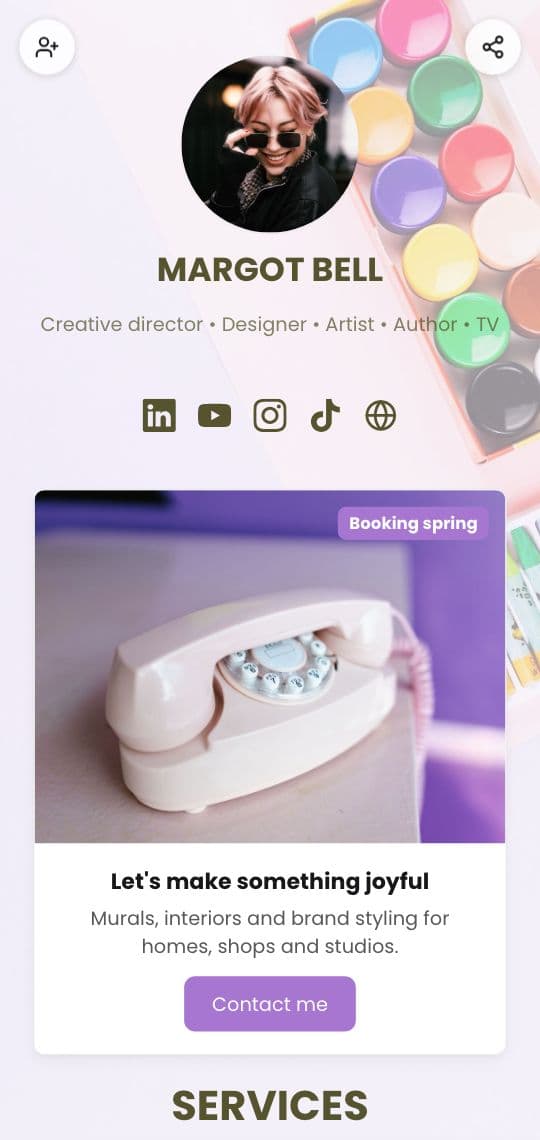
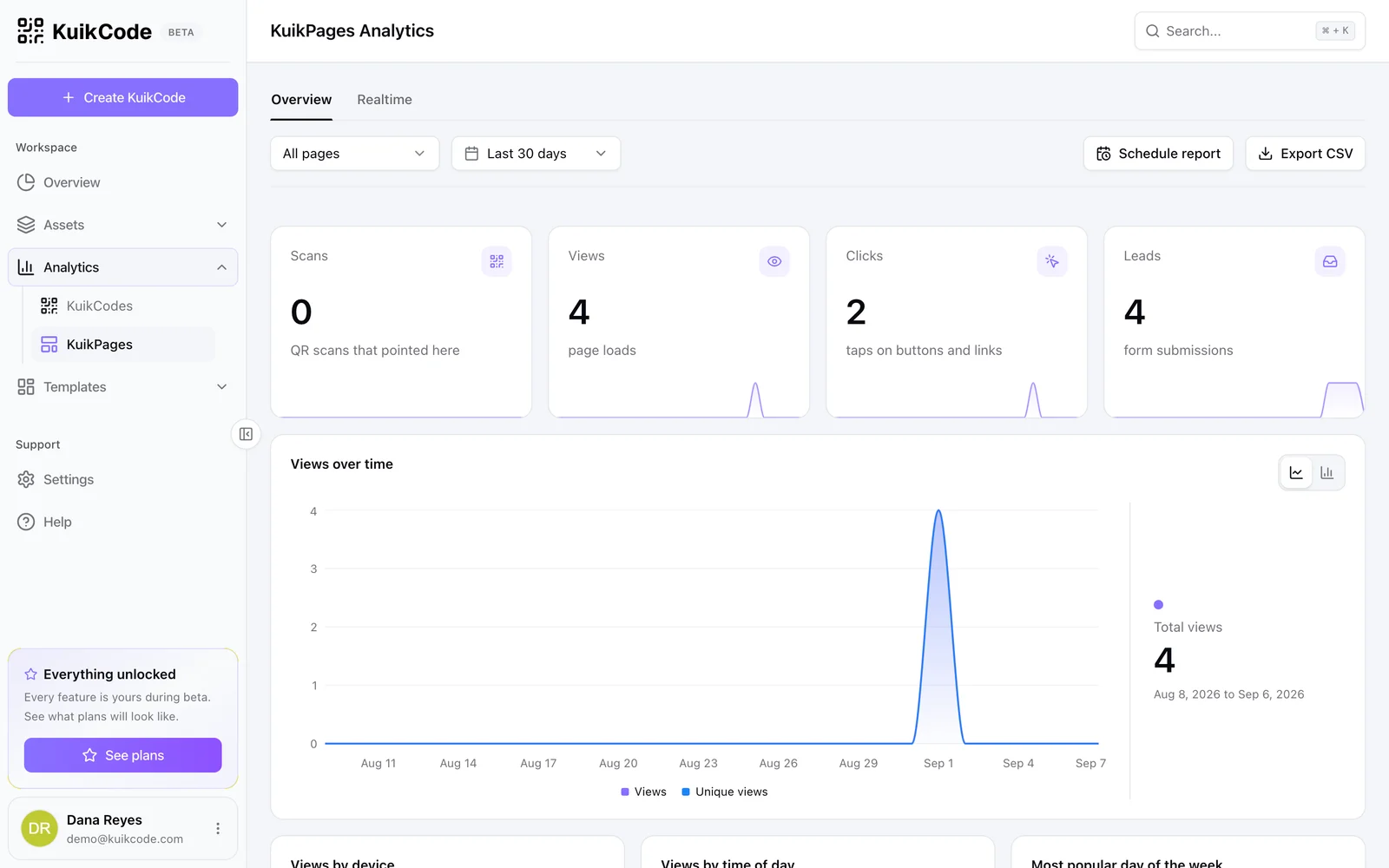
utm_source=instagram&utm_medium=storyto the link, and your website analytics credit the visits to the story. Our UTM guide shows how to build the link. - A page you own. Point the sticker at a KuikPage. It counts views and taps on every button, so you see which link people chose after they arrived.
One link that holds everything
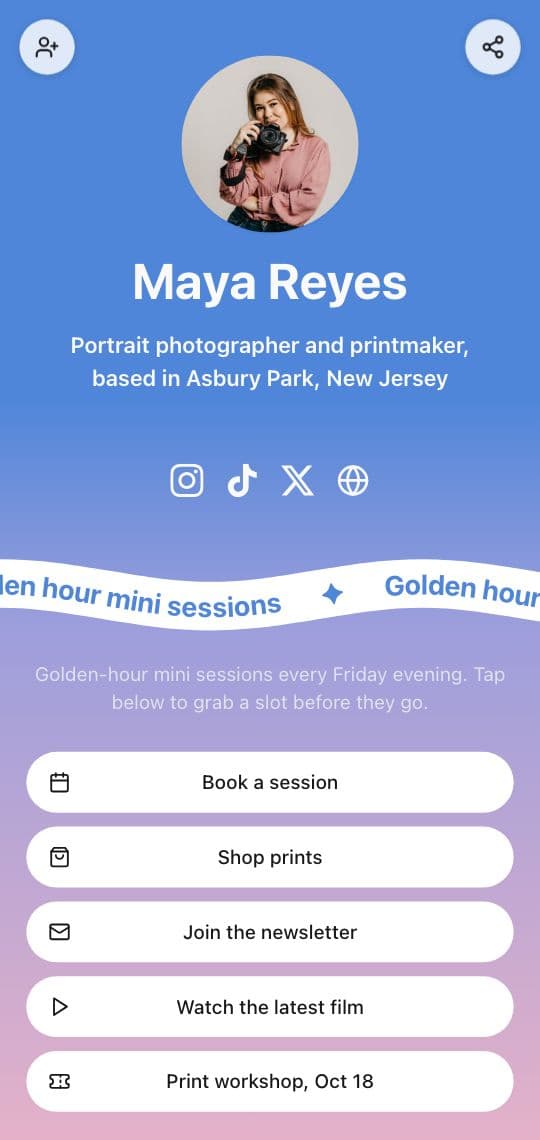
When a story is about one thing, link straight to it. When it isn't, or when you post stories every day, link to a link in bio page: your shop, your latest video, the booking page and your socials, all in one place.
Then the same address works in your bio, every story and every post. Change what's on the page and every old Highlight still opens the latest version. A link in bio KuikPage is included from the Basic plan; how to add a link in bio covers the profile side, and the link in bio page shows the templates.
And for the people you meet offline, print the same page as a QR code on your counter, your packaging or your event poster. Online they tap, in person they scan, and they all land on one page.
When the Link sticker is missing
- Update the app. Stickers arrive with app updates, and an old version may not show Link.
- Search the tray. Type link in the sticker search instead of scrolling.
- Check Account Status. Instagram can limit features on accounts that broke its rules. The Account Status screen in settings says if anything is restricted.
Frequently asked questions
01How do I add a link to my Instagram story?+
Start a story and add a photo or video. Tap the sticker icon at the top of the screen, choose Link, paste the address and tap Done. Drag the sticker where you want it, tap it to change its color, and share the story.
02Why can't I add a link to my Instagram story?+
The Link sticker is open to every account, so first update the Instagram app and search the sticker tray for link. If it still doesn't appear, Instagram may have limited features on the account, which its Account Status screen explains.
03How many followers do you need to add a link to a story?+
None. Instagram replaced the swipe up link, which needed 10,000 followers, with the Link sticker in 2021 and opened it to every account.
04How long does a link in an Instagram story last?+
As long as the story: 24 hours. If you save the story to a Highlight on your profile, the link keeps working there until you remove it.
05Can I change the words on the link sticker?+
Yes. When you add the link, tap Customize sticker text and type a short call to action, like Get the recipe or Book a table. Without it, the sticker shows the website's address.
06Can I see who tapped the link in my story?+
No. Professional accounts see how many times the sticker was tapped in the story's insights, never who. To see what happened next, point the sticker at a page that counts views and taps, or add UTM tags so your website analytics credit the story.