Yes, if people will read your resume on paper. A QR code earns its spot when a recruiter holds a printed resume at a career fair or in an interview and wants to see more: your portfolio, a project, a short video. On a resume that only lives online, a clickable link does the same job better. The best resumes do both: a small code, with the link printed next to it.
Below: when a code helps and when it gets ignored, what it should open, where to put it, and how to make one that keeps working after you send the resume out.
When a QR code helps a resume
A code solves one problem: getting someone from paper to your work in a second. That happens more often than you'd think.
- Career fairs. Recruiters collect a stack of printed resumes and remember the ones they can check on the spot.
- Interviews. Interviewers often print the resume and bring it to the room. A code next to a project lets them open it while you talk about it.
- Portfolio work. Designers, photographers, architects, video editors and developers have work that a page of text can't show.
- Printed handouts. Leave-behind sheets, one-page bios for events and printed cover letters.
It helps less when the resume never leaves a screen. Online applications are read on laptops, where people click instead of reaching for a phone, and most of them pass through an applicant tracking system first.
Applicant tracking systems ignore the code
Applicant tracking systems (ATS) read a resume's text to fill a profile and match keywords. A QR code is an image, so they skip it. Nothing breaks, but anything you only put behind the code is invisible to the system and to the recruiter reading the profile it built.
So follow one rule: the link is always printed as text too. Put it next to the code, or under it, as a short readable address. In a PDF, make that text a real link so it can be clicked. The code is for paper, the text is for screens and systems.
What should a resume QR code link to?
Pick one destination that shows your best work in under a minute. Recruiters spend seconds on a first look, so the page has to load fast on a phone and make sense without scrolling.
| Link to | Works best for | Watch out for |
|---|---|---|
| A portfolio page | Designers, photographers, writers, architects | Pages that are slow or built for desktop |
| A short video introduction | Sales, teaching, customer facing roles | Keep it under 90 seconds and captioned |
| A project or case study | Developers, engineers, marketers | Explain the result, not just the process |
| Your LinkedIn profile | Anyone with a complete, up to date profile | Adds little if it repeats the resume |
| One page with all your links | People with a portfolio, a profile and a project | Keep it to three or four buttons |
| A PDF of your full portfolio | Work that is easiest to show as pages | Large files, a download prompt on phones |
Avoid links that ask for a login, a file in a private drive folder, or anything that might be gone by the time the resume is read. A broken link on a resume does more harm than no link at all.
A single mobile page with three or four buttons (portfolio, LinkedIn, a video, your email) is often the best answer, because it fits everyone and you can update it whenever you finish a new project. That is what a link in bio page is for, and what is a mobile landing page covers what to put on one.
Where to put the code, and how big
- Place it in the header, next to your name and contact details, or in the top right corner. It should not interrupt the experience section.
- Make it about 2 cm (0.8 in) wide. Smaller codes scan poorly from a printed page, and bigger ones look like an ad. Our guide on QR code size for print has the numbers for other distances.
- Say what it opens. A short line, such as Scan for my portfolio, tells people why they should take out their phone.
- Keep it calm. Your colors are fine, but dark dots on a light background scan best, and a code in the same accent color as your headings looks deliberate.
- Test the printed page with two phones before you send it.
Free static code or dynamic code?
A static code stores the link itself. It's free, it works forever and it needs no account. The free QR code generator makes one in a minute: choose Link, paste the address, pick colors and download the SVG, which stays sharp at any print size.
The catch: a static code can never change. If your portfolio moves, every resume you already sent opens the old address.
A dynamic code stores a short link that you can point anywhere, any time. That matters for a job search, which can last months:
- Change what it opens after the resume is out: a new portfolio, a better project, a page for a specific role.
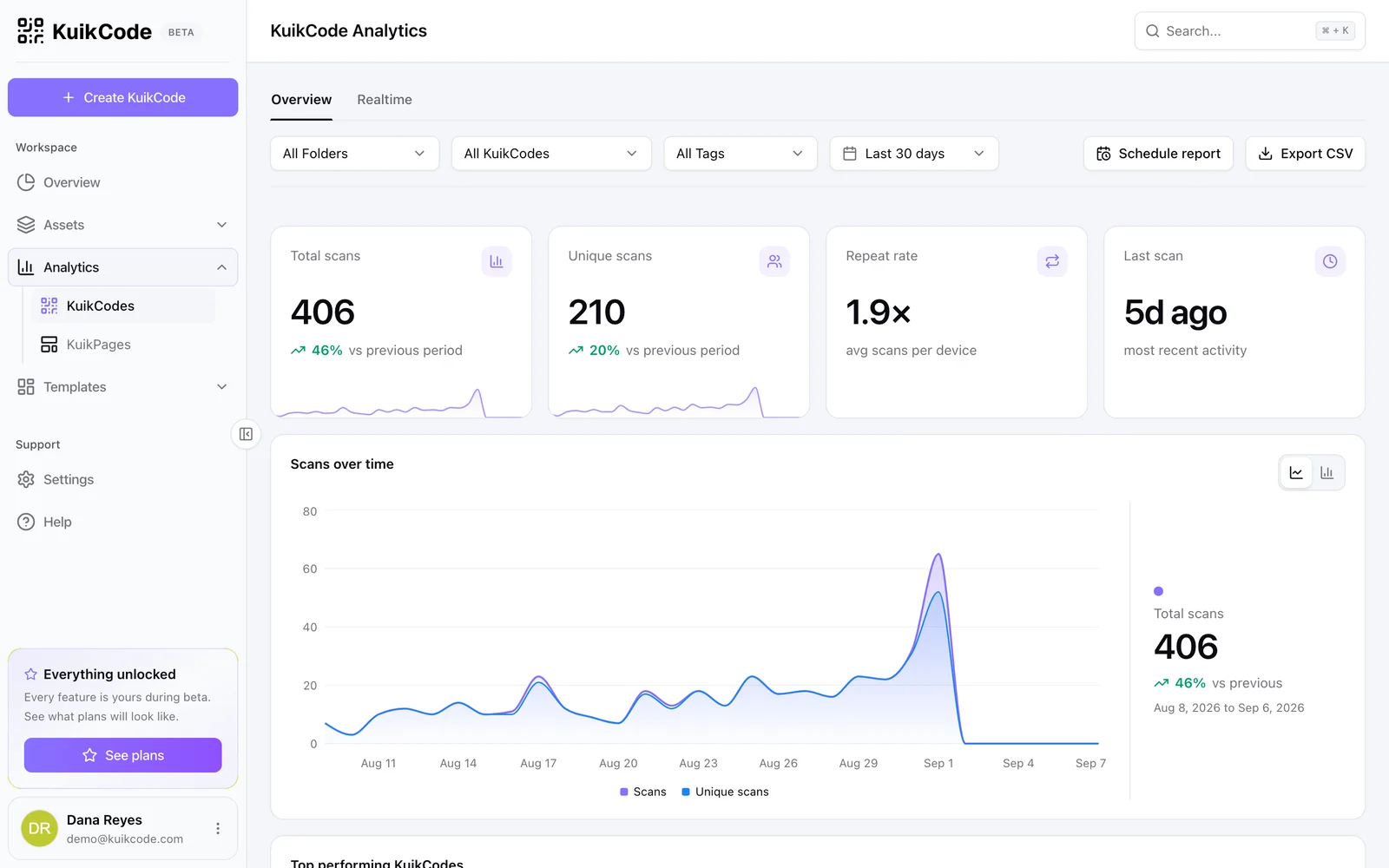
- See whether it was scanned. Each scan is counted with the time, city and device, so you know if a resume you sent on Monday was opened on Tuesday. You never see who scanned it, and nobody is identified. More in how to track QR code scans.
- One code per application. Give each company its own code to compare which resumes got a look.
The difference is explained in full in static vs dynamic QR codes.
How to make a resume QR code with KuikCode
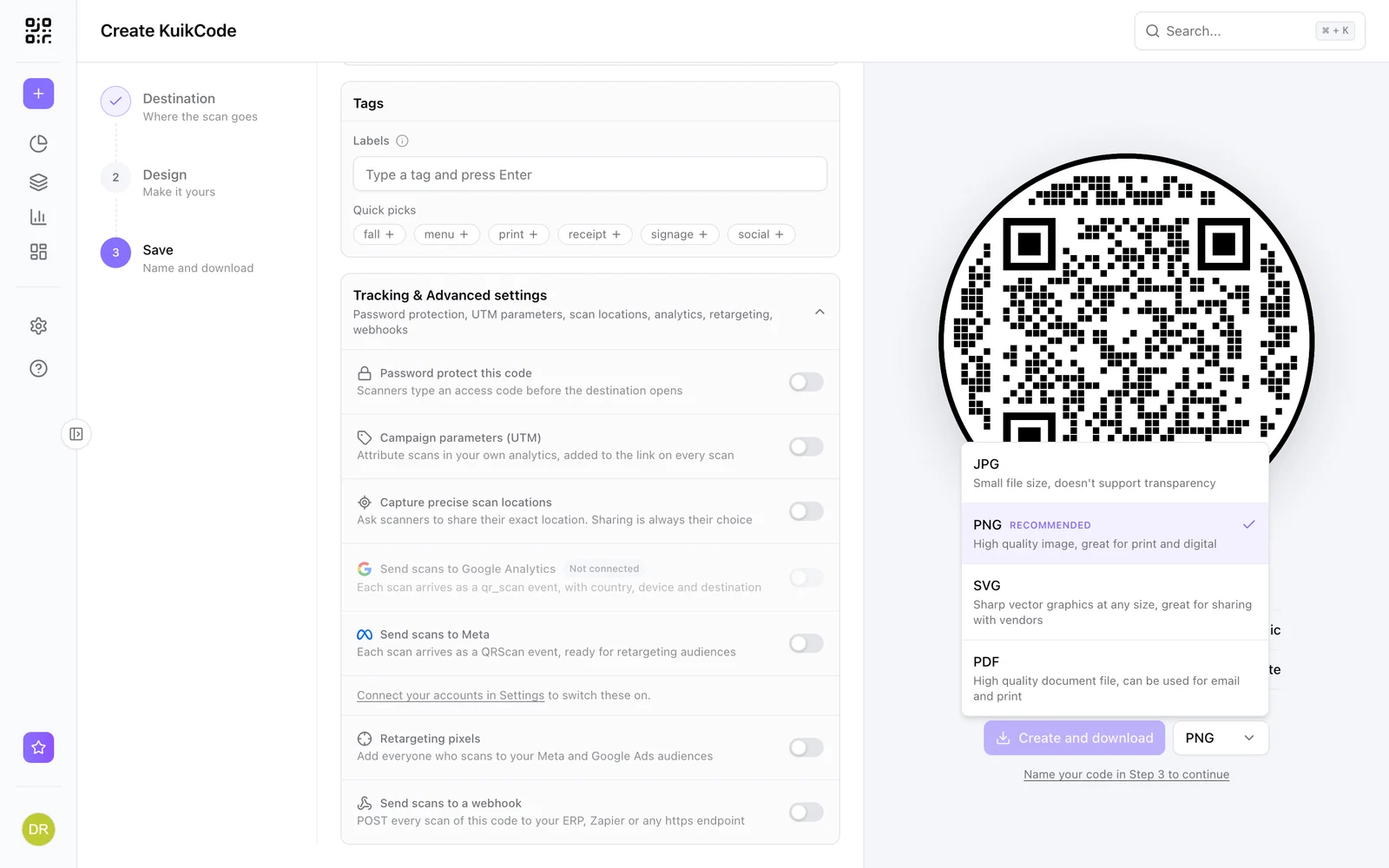
- Create a code and choose where it goes: Website for a portfolio or LinkedIn, Show a PDF to upload a portfolio file, or a KuikPage for one page with all your links.
- Design it to match your resume: dot style, corner squares and one accent color. Skip the frame if space is tight.
- Download the SVG and place it in your resume's header, with the link printed as text next to it.
- Scan the printed page, then send it.
A PDF destination opens your file on a clean page with a preview and a download button, so a recruiter never lands on a raw file. Basic covers a job search: $5 a month billed yearly for 3 dynamic codes and a link in bio KuikPage, with every scan counted. Every workspace starts with a 14-day free trial, no card.
Mistakes that cost you the scan
- No link as text. Recruiters on laptops and tracking systems both miss it.
- A code to your email or phone number. Those are already printed on the page.
- A link that needs a login or opens a download. Most people close it.
- A code printed too small, or in a light color on white.
- A static code to a page you might move. The resume keeps circulating long after you send it.
- A cluttered destination. One clear page beats a full website menu on a phone.
Done right, a resume code is a small detail that shows you thought about the person reading it. Done wrong, it's an empty square. Keep it small, give it a clear purpose and make sure it still works three months from now.
Frequently asked questions
01Is it a good idea to put a QR code on a resume?+
It is a good idea when people will read the resume on paper, like at a career fair, an interview or a portfolio review, and when the code opens something worth seeing, such as a portfolio or a short video. For online applications, add a clickable link instead, or next to the code.
02What should a QR code on a resume link to?+
One thing that proves your work: a portfolio, a project page, a short video introduction, your LinkedIn profile or one mobile page with all of those. Avoid files that ask for a login or a download.
03Where should the QR code go on a resume?+
In the header, next to your contact details, about 2 cm (0.8 in) wide. Add a short line such as Scan for my portfolio and print the link as text under or beside it.
04Can applicant tracking systems read QR codes?+
No. Applicant tracking systems read the text of a resume, so they skip the code. Print the link as text too, so the system and the recruiter both get it.
05Can I see if a recruiter scanned my resume QR code?+
With a dynamic code, you see that a scan happened, with the time, city and device. You do not see who scanned it, and nobody is identified.
06How do I make a resume QR code for free?+
Open the free KuikCode QR code generator, choose Link, paste your portfolio or LinkedIn link, pick your colors and download the SVG for print. It is a static code: free forever, but it cannot change after you print it.