On this page
- 1. Quizzes, polls and exit tickets
- 2. Video lessons and flipped classrooms
- 3. Readings, worksheets and slides
- 4. Scavenger hunts and learning stations
- 5. Self checking answers
- 6. A class page for parents
- 7. Student work on display
- 8. Library and resource links
- What a QR code can't do: take attendance
- Free or dynamic?
- Tips for codes that work in a real classroom
A QR code turns a long link into one scan. No more spelling out docs.google.com/forms/d/1FAIpQ... to a room of eleven year olds. Put a code on the worksheet, the door or the projector, and students land on the quiz, the video or the reading in seconds. Some codes even work without WiFi.
Here are eight ways teachers use QR codes, what to make each one with, and the one thing a QR code can't do.
1. Quizzes, polls and exit tickets
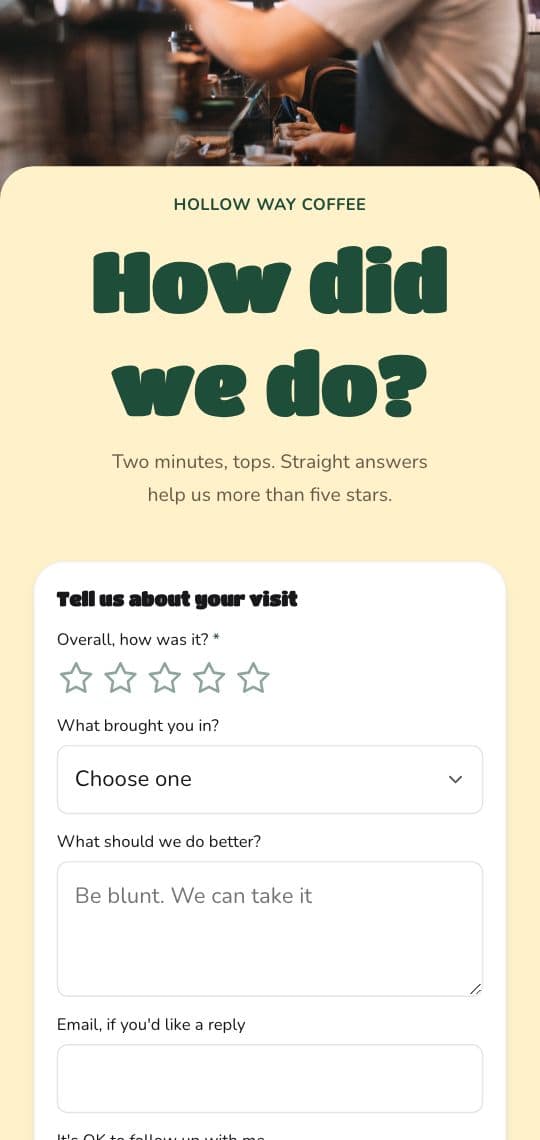
A code at the end of the lesson opens a short form: three questions on what they learned, how sure they feel, what's still confusing. In Google Forms, click Share (or Published), then Copy responder link, and turn that link into a code. Answers land in the form's responses, ready to sort by name. Step by step in how to make a QR code for a Google Form.
2. Video lessons and flipped classrooms
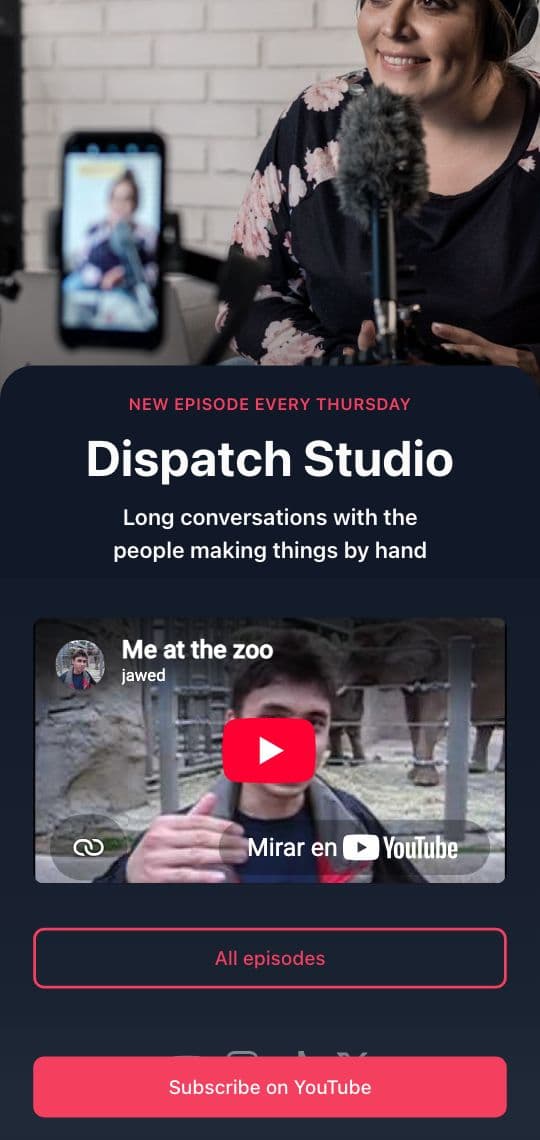
Print a code on the homework sheet that opens the video for tonight: your own recording or a YouTube lesson. Students who missed class scan the code on the board and catch up. See how to turn a video into a QR code.
3. Readings, worksheets and slides
A code can open a PDF, a Google Doc or a slide deck, so the reading for next week is one scan from the syllabus. With a KuikCode PDF QR code you upload the file itself, and when you fix a typo or swap the reading, you upload the new file behind the same printed code.
4. Scavenger hunts and learning stations
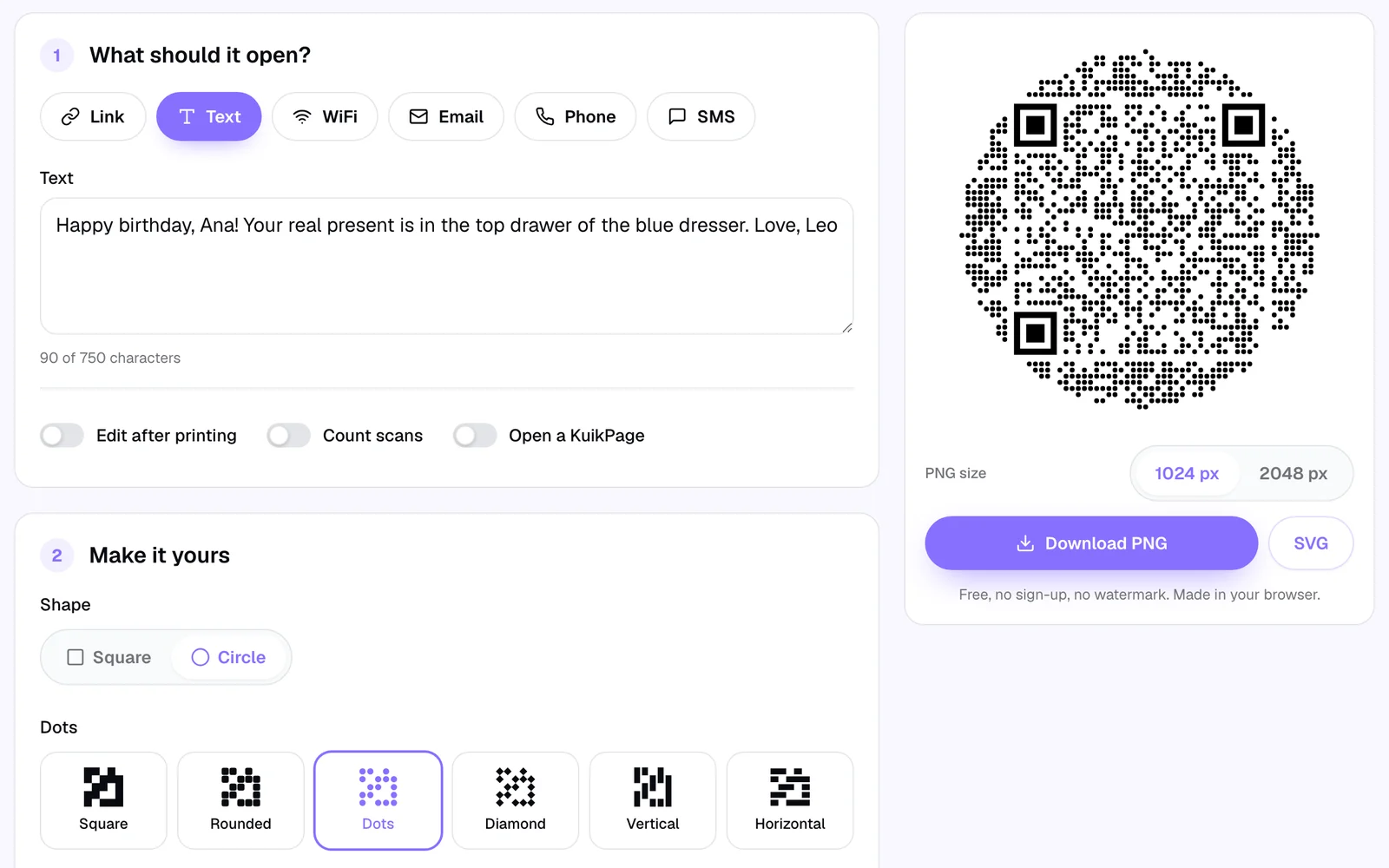
Hide codes around the room or the school. Each one holds a clue, a question or a fact, and the answer leads to the next code. Make them Text codes in the free QR code generator: the words live inside the pattern, up to 750 characters, so the hunt works with no WiFi and no accounts. The same trick runs learning stations: one code per table with the task for that station.
5. Self checking answers
Put a small text code at the bottom of a worksheet with the answers, or with a hint for each question. Students check their own work when they finish, and you're free to help the ones who are stuck. More on text codes in how to make a QR code that shows a message.
6. A class page for parents
Parents lose letters. A code on the welcome letter, the classroom door and the back to school night slides can open one page with everything: the weekly schedule, the supply list, how to reach you, the parents group and the link to sign up for conferences. Build it as a KuikPage from the Link in Bio template, and update it all year without sending a new letter.
7. Student work on display
Hang a code next to each art project, poster or science fair board. Scanning it opens the student's video explaining their work, a slideshow of the process or a recording of them reading their story. A hallway display becomes something parents can listen to.
8. Library and resource links
A code on a bookshelf can open the audiobook, a review written by a classmate or a read alike list. In a computer lab, a code on each desk opens the tools for the day, so nobody types a URL wrong.
What a QR code can't do: take attendance
A QR code doesn't know who scanned it. KuikCode counts each scan with its time, city and device type, which tells you how many students opened the reading, not which ones. Scans aren't names.
For attendance or a sign in, point the code at a form that asks for the name: a Google Form, or a Form block on a KuikPage. The responses are your list, with the time each one came in.
Free or dynamic?
- Free static codes are enough for most classroom uses: a worksheet, a one off quiz, a scavenger hunt. They never expire, and the free QR code generator needs no account. The link is fixed inside the pattern, so a new link means a new code.
- Dynamic codes make sense for things that stay up: the door sign, the syllabus, the poster you reuse every year. You change where the code goes each term and the print stays. They also count scans, so you can see whether the reading actually got opened. Dynamic codes are a subscription: on KuikCode, Basic starts at $5 a month billed yearly for 3 codes and a link in bio page.
Tips for codes that work in a real classroom
- Test from the back row. A code projected on the board or taped to the wall has to scan from a desk. Bigger is better: at least 2 cm (0.8 in) on paper, much more on a poster. See QR code size for print.
- Say what it opens. A frame with a few words, like Exit ticket or Clue 3, saves questions.
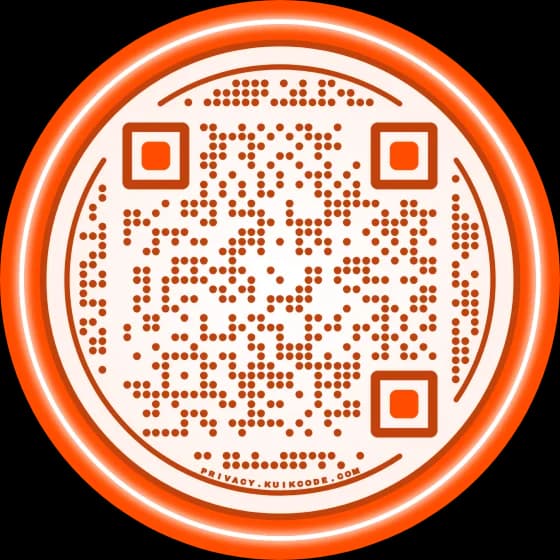
- Keep dark dots on a light background. Colored codes are fine when the contrast is strong.
- Don't put personal details in a code. Anyone who scans a text code can read it.
- Check the devices first. Most phone and tablet cameras read QR codes; on Chromebooks, try the camera app or Google Lens before the lesson.
Frequently asked questions
01How do teachers use QR codes in the classroom?+
To open quizzes and exit tickets, video lessons, readings and worksheets, to run scavenger hunts and learning stations, to let students check their answers, and to give parents a class page with the schedule and contacts.
02Is there a free QR code generator for teachers?+
Yes. The KuikCode free QR code generator makes static codes for links, text, WiFi, email, phone and SMS, with colors and shapes, no sign up and no watermark. Static codes never expire.
03Can students scan QR codes without an app?+
Yes. The camera app on iPhones and most Android phones reads QR codes. School tablets and Chromebooks can scan with the camera too, or with Google Lens.
04Can I take attendance with a QR code?+
Not with the code alone: scan counts show when and where a code was scanned, not who scanned it. Point the code at a Google Form or a KuikPage form that asks for the student's name, and the form is your attendance list.
05Do QR codes in the classroom need internet?+
Codes that open a link, like a form or a video, need a connection. Text codes, often used for scavenger hunts and answer keys, show their words with no internet at all.
06How big should a QR code be on a worksheet or a poster?+
At least 2 cm (0.8 in) on a worksheet held in hand. On a classroom poster scanned from a desk, make it much bigger, and test it from the back row before you print copies.