Linktree made the link in bio page famous, and its free plan does the job. People still go looking for an alternative, usually for one of four reasons: to remove the Linktree branding for less, to use their own domain, to keep more of each sale, or to get a page that also works on print with a QR code that looks like their brand.
We compared six alternatives on those points. We make KuikCode, so it's listed first. Every other tool's facts come from its own pricing and feature pages, checked November 2026, in US dollars.
Linktree alternatives at a glance
| Tool | Free plan | Paid plans start at | Known for |
|---|---|---|---|
| KuikCode | No, a 14-day free trial | $5 a month, billed yearly | Link in bio pages with designed QR codes and a Social feed |
| Beacons | Yes, with a 9% seller fee | $30 a month (Creator Plus) | A store, media kit and email for creators |
| Stan | No, a 14-day free trial | $29 a month, or $300 a year | Selling courses, digital products and bookings |
| Later | Yes, a free link in bio | $18.75 a month billed yearly, with scheduling | A link in bio built from your posts, inside a scheduler |
| Carrd | Yes, with Carrd branding | $9 a year | Simple one page websites |
| Lnk.Bio | Yes | $0.99 a month | A low cost page with many options |
For reference, Linktree's own pricing page lists a Free plan, Starter at $7 a month billed yearly ($9 monthly), Pro at $14 a month billed yearly ($17 monthly), which removes the Linktree branding, and Premium at $30 a month billed yearly ($35 monthly). Linktree says its prices vary by region.
Why people look for a Linktree alternative
- The branding. Linktree's footer stays on Free and Starter pages. Some alternatives remove their branding for less, or never add it.
- Your own domain. A page on
yourname.comlooks like your brand and stays yours if you ever switch tools. - Selling. If you sell, compare the fee per sale with the monthly price. A percentage can cost more than a plan.
- Print. A link in bio page often ends up on a flyer, a business card, a table sign or merch. That needs a QR code you can design and point somewhere else later.
- Your posts on the page. Some tools show your latest Instagram or TikTok posts, so the page never looks stale.
1. KuikCode
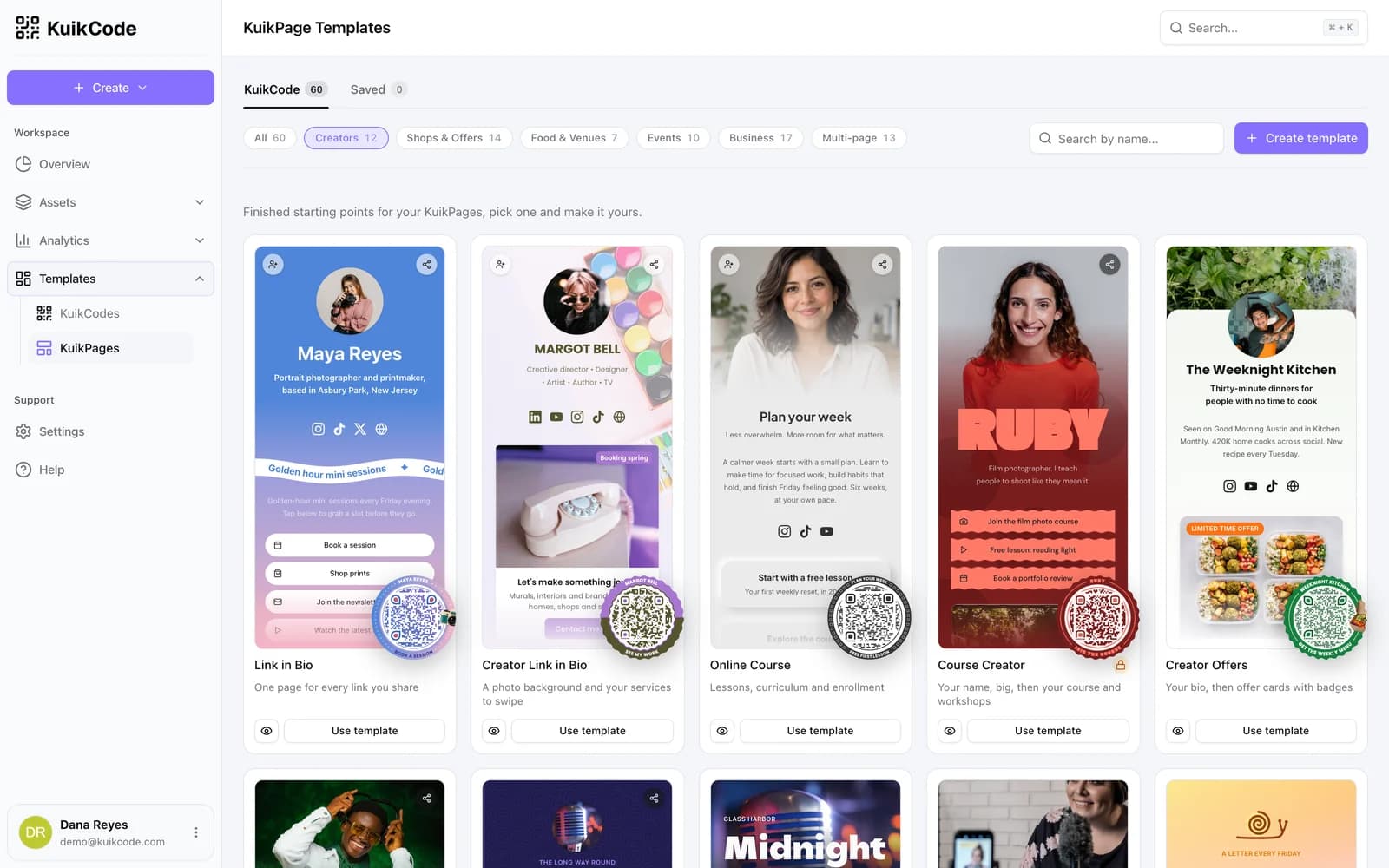
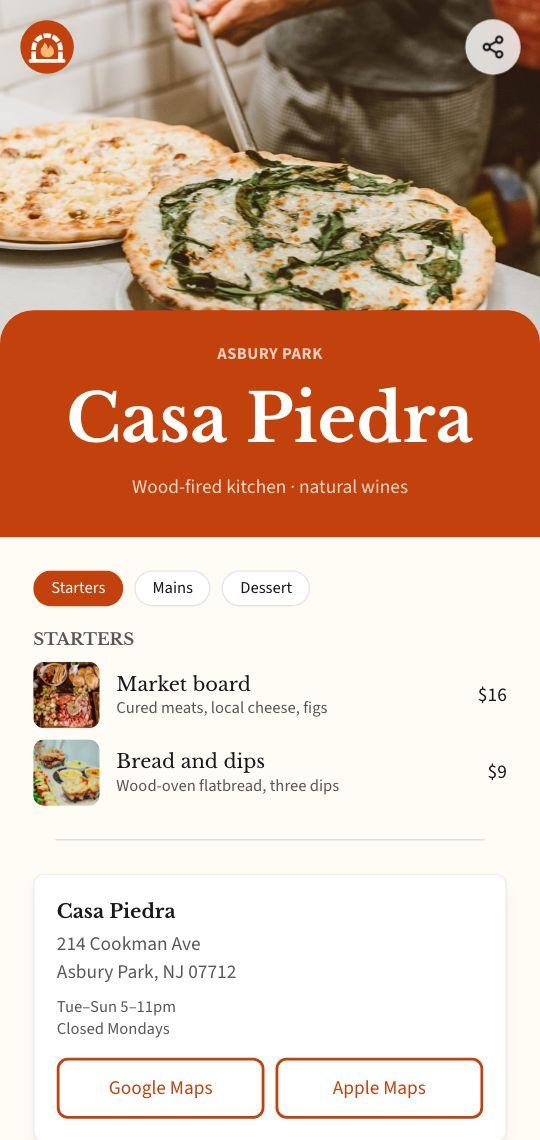
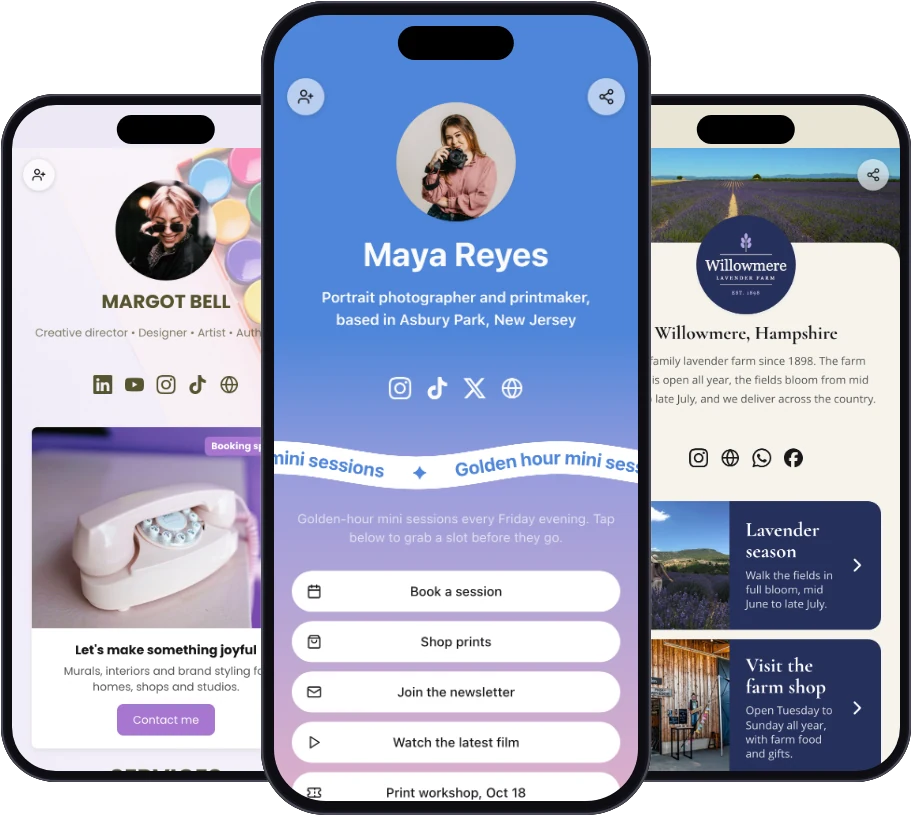
KuikCode makes KuikPages, mobile pages built from templates, and designed QR codes that you can point at a page or anywhere else. A link in bio is one of the KuikPage templates, so the page, its code and its numbers live in one place.
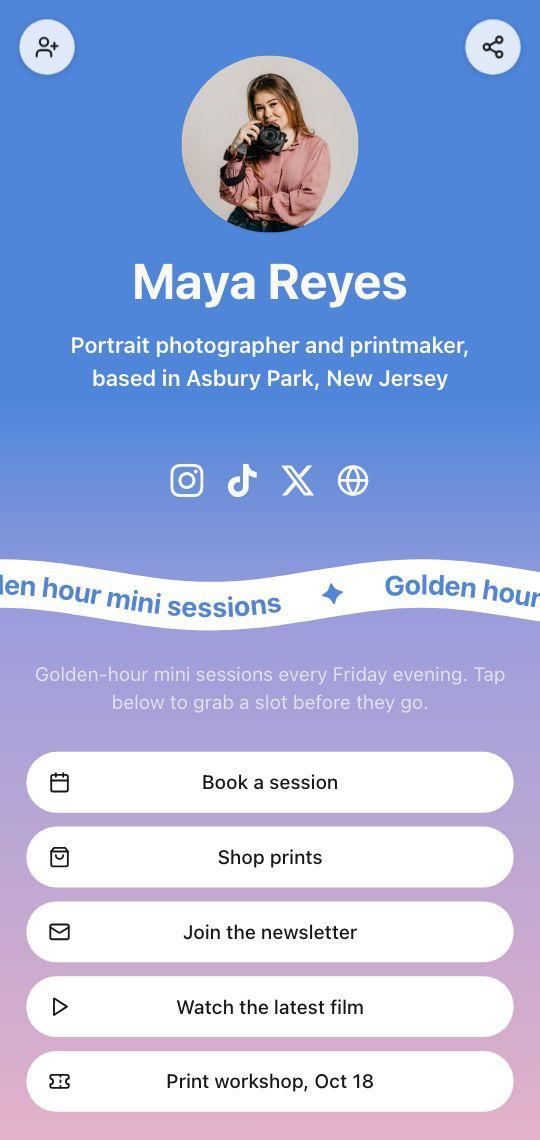
- Link in bio templates. Link in Bio and Creator Link in Bio to start from, with a Socials block for Instagram, TikTok, X, YouTube, Facebook, LinkedIn and WhatsApp.
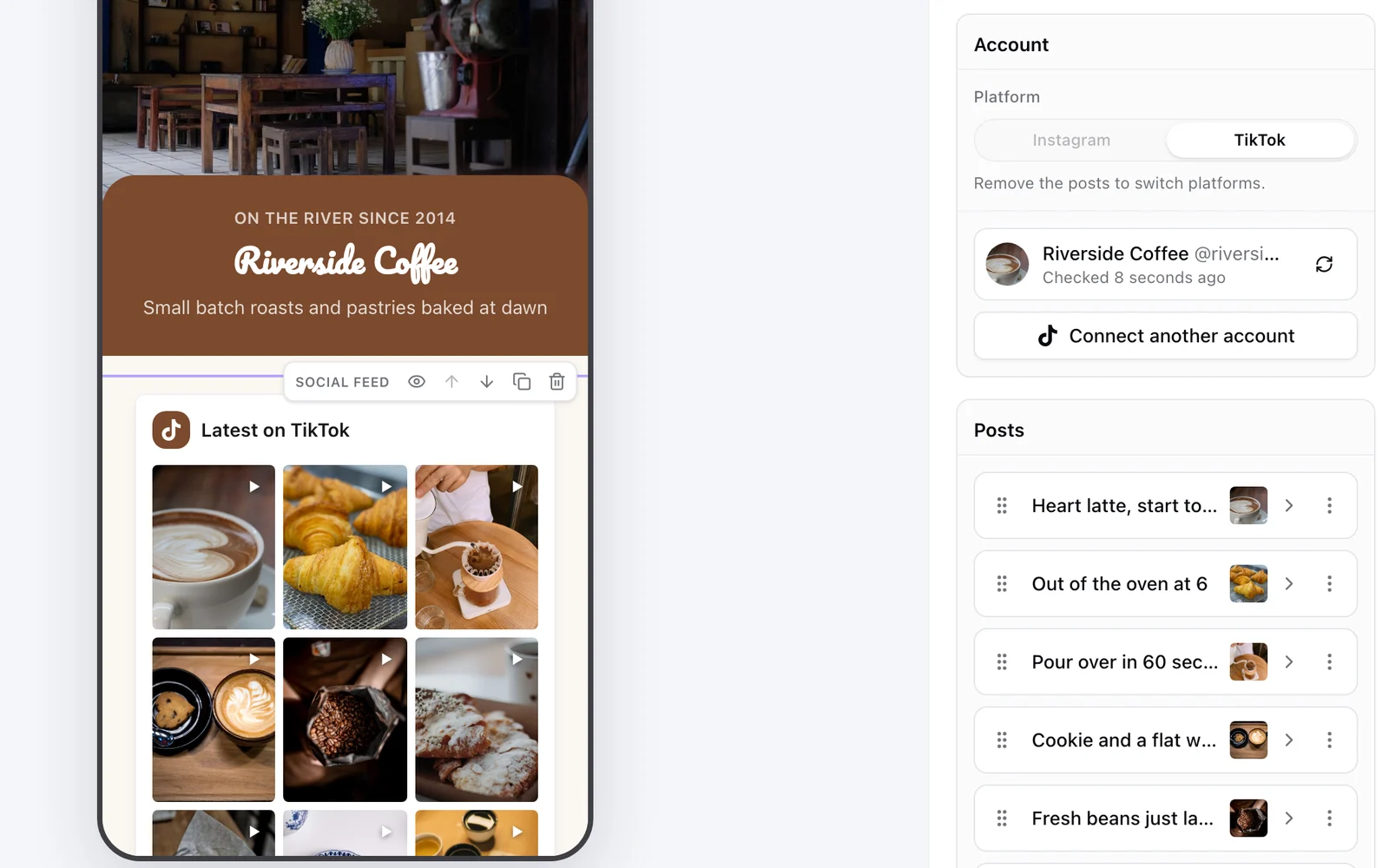
- A Social feed. Show your latest Instagram or TikTok posts on the page, with new ones added on their own, from Core.
- A designed QR code for print. Dots, eyes, frames with words, stickers and your logo, checked so it scans, and dynamic, so you can change where it opens after printing.
- Short links. Share the page on
kuik.sh, on a branded address or on your own domain, and send people by device, place or time with Smart Rules from PRO. - Every scan and click counted with the time, city, device and language.
- Your own domain from PRO, where the KuikCode badge also comes off the page.
KuikCode has no free plan; every workspace starts with a 14-day trial with no card. Basic is $5 a month billed yearly. Core is $12 a month, or $9 billed yearly, and adds the Social feed. PRO is $39 a month, or $29 billed yearly, and adds your own domain and removes the badge.
2. Beacons
Beacons is a set of creator business tools around a link in bio page: a store, auto updating media kits, courses and email. It's the alternative people reach for when the page has to sell.
- Free forever, with a customizable link in bio and selling at a 9% seller fee.
- Creator Plus, $30 a month, with 0% seller fees, unlimited email sends and a free custom domain.
3. Stan
Stan is a store that lives in your link in bio, for courses, digital products and bookings. It has no free plan and starts with a 14-day free trial.
- Creator, $29 a month or $300 a year.
- Creator Pro, $99 a month or $948 a year.
Stan charges 0% transaction fees on both plans.
4. Later
Later is a social media scheduler with a link in bio built from your posts: each Instagram, TikTok or Snap post on the page can link to up to five places.
- A free link in bio is offered on its own.
- Paid plans start with Starter at $18.75 a month billed yearly, which adds scheduling, with a 14-day free trial.
5. Carrd
Carrd builds simple one page websites, and many people use one as a link in bio.
- Free, with "Made with Carrd" branding.
- Pro Lite, $9 a year, removes the branding.
- Pro Standard, $19 a year, adds custom domains, forms and embeds.
- Pro Plus, $49 a year, for more sites.
6. Lnk.Bio
Lnk.Bio has a free plan and several low cost upgrades:
- Free, with unlimited links, embeds and a QR code.
- Mini, $0.99 a month, adds Instagram and TikTok sync and advanced analytics.
- Unique, $24.99 one time, removes the Lnk.Bio logo and adds a shop.
- Ultra, $89.99 a year, connects your own domain.
Free Linktree alternatives
If free matters most, four of the tools above had a free link in bio in November 2026: Beacons, Carrd, Lnk.Bio and Later. Expect the tool's branding on the page, and on Beacons a 9% fee on each sale. Free plans are a good way to try a layout; when the page carries your brand on print or in a campaign, removing the branding and using your own domain is usually the first upgrade worth paying for.
How to switch without losing visitors
- Build the new page first, with the same links in the same order, so returning visitors find what they came for.
- Change the link in every profile at once: Instagram, TikTok, X, YouTube, LinkedIn and your email signature.
- Check what's printed. A code or address printed on a flyer or card still opens the old page. A dynamic QR code avoids that next time, because you can change where it opens without reprinting.
- Keep the old page up for a while, with one link pointing to the new one, for anyone who saved it.
All trademarks belong to their owners. Plans change often, so check each vendor's own pricing page before you buy. For more tools side by side, see the best link in bio tools in 2026.