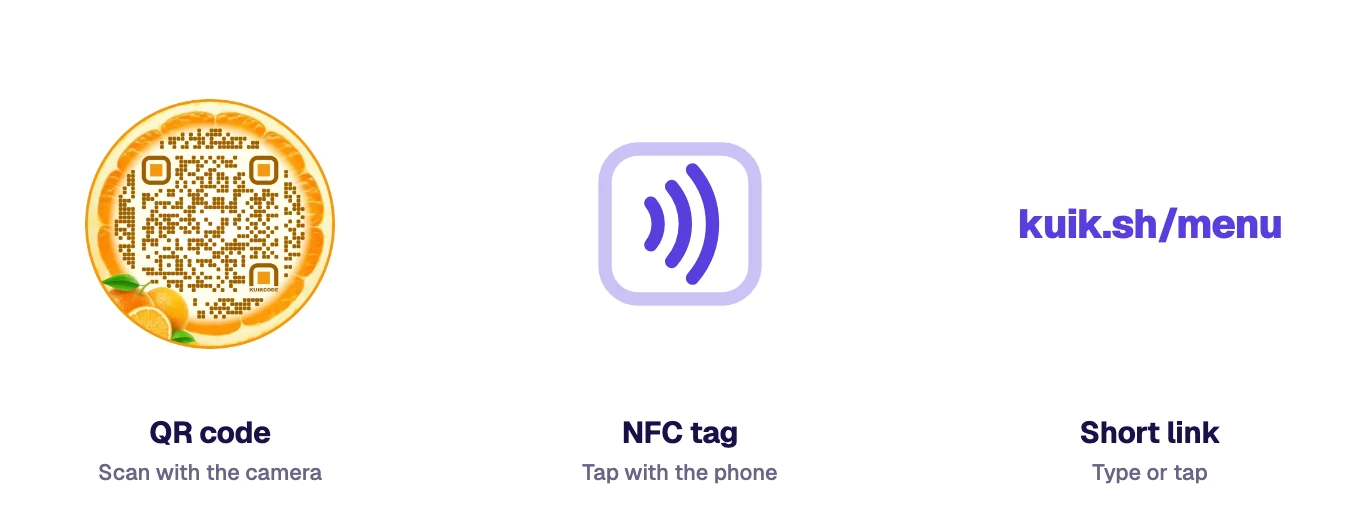
QR codes are everywhere because nearly every phone camera reads one. Still, a QR code isn't always the right tool: it needs light, a camera and a moment of aiming, it takes up space on a design, and some people simply prefer to tap or type.
Here are six alternatives, what each one is good at, and when a QR code still wins.
QR code alternatives at a glance
| Alternative | How people use it | Best for | What it needs |
|---|---|---|---|
| NFC tag | Tap the phone on it | Tables, counters, cards, products people pick up | A tag on the object, within a few centimeters |
| Short link | Type it or tap it | Screens, chats, email, audio, slides | Nothing, but it's slow to type from print |
| Barcode | Scanned at checkout | Prices and stock in stores | A store scanner; it holds only a number |
| GS1 Data Matrix or QR code | Scanned at checkout or by a phone | Products that carry batch and expiry data | Store systems that read 2D codes |
| Image recognition | Point a visual search app at a picture | Art, packaging, landmarks | An app, and you don't control the result |
| Bluetooth beacon | A nearby app shows a message | Stores and venues with their own app | The venue's app, installed, with Bluetooth on |
1. NFC tags
An NFC tag is a small chip in a sticker, a card or a product. When a phone touches it, the phone opens whatever the tag holds, usually a web address. iPhones since the XS read NFC tags without an app, and so do most Android phones with NFC turned on.
Good at: a quick tap with no aiming, at a table, a counter, a business card or a product people already hold. Limits: it works only within a few centimeters, each tag costs more than printing, and nothing on the tag tells people it's there unless you print a sign.
Tip: write a short link onto the tag rather than the final address. You can then change where it goes without rewriting the tag, and count taps like clicks.
2. Short links
A short link like kuik.sh/menu is the oldest alternative: a web address short enough to read out, type or tap. Read more in QR code or short link?
Good at: screens, chats, email, podcasts, slides and anywhere people can tap rather than scan.
Limits: typing it from a poster is slower than scanning, and a random ending like kuik.sh/Ab3dE9 is hard to remember. A readable ending or your own domain helps, see branded short links.
3. Barcodes
A classic barcode (UPC or EAN) holds a product number, usually 12 or 13 digits, and the store's system looks up the price. It doesn't open a web page, and a phone camera won't do anything with one. Read more in QR code vs barcode.
Good at: checkout and stock in stores. Limits: only a number, no link, and the store's scanner is the only reader that matters.
4. GS1 Data Matrix and GS1 QR codes
Retail is moving from 1D barcodes to 2D codes that carry the product number plus data such as batch and expiry. A GS1 Digital Link QR code goes one step further: the checkout reads the product number and a phone opens a web page, from the same code. Read more about GS1 Digital Link.
Good at: products that need to work at the till and for shoppers. Limits: it follows the GS1 rules, so it isn't a general replacement for a QR code on a flyer.
5. Image recognition
Visual search apps can recognize a picture, a product or a landmark and show results about it. Some brands use this on packaging or artwork instead of a code.
Good at: keeping a design clean, with nothing printed on it. Limits: people need to know to use it, and the app decides what they see, not you. There's nothing to count and no page you control.
6. Bluetooth beacons
A beacon is a small transmitter that a nearby app can detect, to show a message or an offer in a store or a venue.
Good at: venues with their own app that people already use. Limits: it only works inside that app, with Bluetooth and permissions on, so it reaches few people compared with a code anyone's camera can read.
When a QR code still wins
- Anyone can scan it. No app, no tag, no permission, just the camera.
- It works at a distance. A QR code on a poster or a screen can be scanned from across a room. Make it big enough, see what size a QR code should be.
- It costs nothing to print, on paper, packaging, fabric or a screen, at any size.
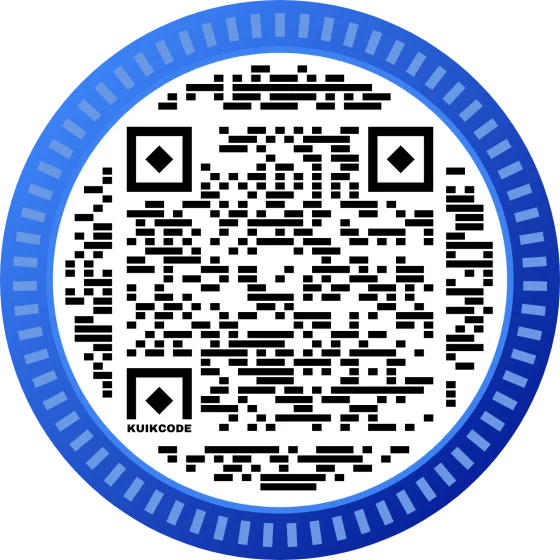
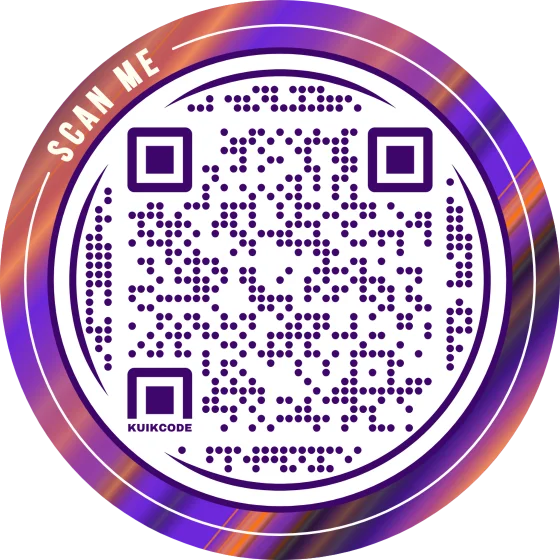
- It can look like your brand. A designed code with your colors, shapes and a frame with words gets noticed and still scans.
The best answer: a QR code and an alternative, one link
You don't have to choose. Print the QR code, add a readable short link under it for anyone who can't scan, and if the object is something people touch, an NFC tag with the same short link. When all three point at one dynamic link, you can change where they go after printing, and every scan, tap and click counts in one place.
In KuikCode, every KuikLink can have a designed KuikCode of its own, so the short link, the QR code and their numbers stay together.